
1. Konec produktuview
The Portronics Ignis 65 is a high-capacity 20000mAh power bank designed for portable charging of various electronic devices. It features 65W Power Delivery (PD) for fast charging laptops, tablets, and smartphones. The power bank includes an integrated Type-C cable and an LED digital display for monitoring battery status.
1.1 Obsah balení
- Portronics Ignis 65 Power Bank (1N)
- Uživatelská příručka (1N)
1.2 Klíčové vlastnosti
- 65W super rychlé nabíjení: Delivers high-speed charging for compatible laptops, tablets, and smartphones.
- 20000mAh High-Capacity: Provides extended power backup for multiple device charges.
- Type-C PD Input & Output Port: Supports 65W output and fast input for quick power bank recharging.
- Built-In Type-C Braided Cable: Integrated cable supports up to 65W charging and functions as a lanyard.
- Inteligentní LED displej: Zobrazuje procenta baterie v reálném časetage a stav nabíjení.
- Univerzální kompatibilita: Charges a wide range of devices including Android smartphones, iPhones, iPads, tablets, MacBooks, smartwatches, earphones, and other Type-C PD-enabled devices.
- Pokročilé bezpečnostní funkce: Includes protection against over-charging, overheating, over-current, and short circuits.
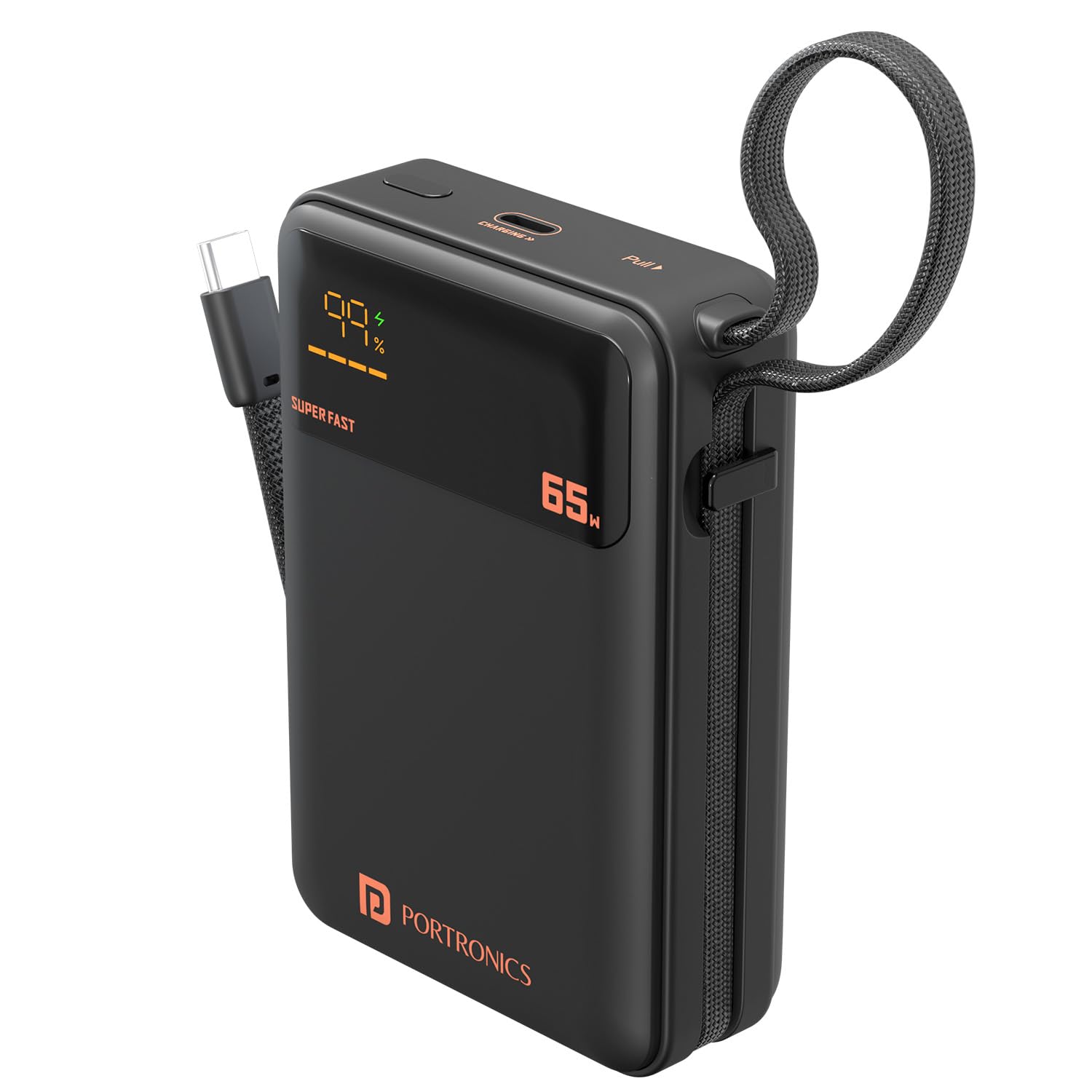
Image: The Portronics Ignis 65 Power Bank, showcasing its 20000mAh capacity while charging a smartphone via its integrated Type-C cable.
2. Bezpečnostní informace
To ensure safe operation and prolong the lifespan of your Portronics Ignis 65 Power Bank, please adhere to the following safety guidelines:
- Nevystavujte powerbanku extrémním teplotám (nad 60 °C nebo pod 0 °C), přímému slunečnímu záření ani ohni.
- Avoid dropping, puncturing, or subjecting the power bank to strong impacts.
- Keep the power bank away from water, moisture, and corrosive liquids.
- Do not attempt to disassemble, repair, or modify the power bank. This will void the warranty and may cause safety hazards.
- Používejte pouze certifikované a kompatibilní nabíjecí kabely a adaptéry.
- Uchovávejte mimo dosah dětí.
- Powerbanku zlikvidujte zodpovědně v souladu s místními předpisy.

Image: The Portronics Ignis 65 Power Bank with icons illustrating its built-in safety protections: overcharge protection, short circuit protection, fireproof casing, and advanced temperature control.
3. Počáteční nastavení
Before using your Portronics Ignis 65 Power Bank for the first time, it is recommended to fully charge it.
3.1 Nabíjení powerbanky
- Connect a compatible USB Type-C charging cable to the power bank's Type-C PD input/output port.
- Connect the other end of the cable to a power adapter (preferably a 65W PD adapter for fastest charging) and plug it into a wall outlet.
- The LED digital display will show the charging status and current battery percentage. The display will indicate "SUPER FAST" if a high-wattage PD charger is used.
- Powerbanka je plně nabitá, když LED displej ukazuje 100 %.

Image: The Portronics Ignis 65 Power Bank highlighting its 65W maximum output and the dual functionality of its Type-C port and integrated Type-C cable for both input and output.
4. Návod k obsluze
4.1 Nabíjení vašich zařízení
The Portronics Ignis 65 offers two methods for charging your devices:
- Using the Built-In Type-C Cable:
- Unfold the integrated flat braided Type-C cable from its storage slot.
- Connect the Type-C end of the cable directly to your compatible device's charging port.
- Powerbanka automaticky začne nabíjet vaše zařízení. LED displej zobrazí zbývající úroveň nabití powerbanky.
- Using the Type-C PD Port:
- Connect a compatible USB Type-C charging cable to the power bank's Type-C PD input/output port.
- Připojte druhý konec kabelu k zařízení.
- Powerbanka automaticky začne nabíjet vaše zařízení.
Poznámka: For optimal fast charging, ensure your device and cable support Power Delivery (PD) protocols. The power bank's LED display will show "SUPER FAST" when delivering high-wattage nabíjení.
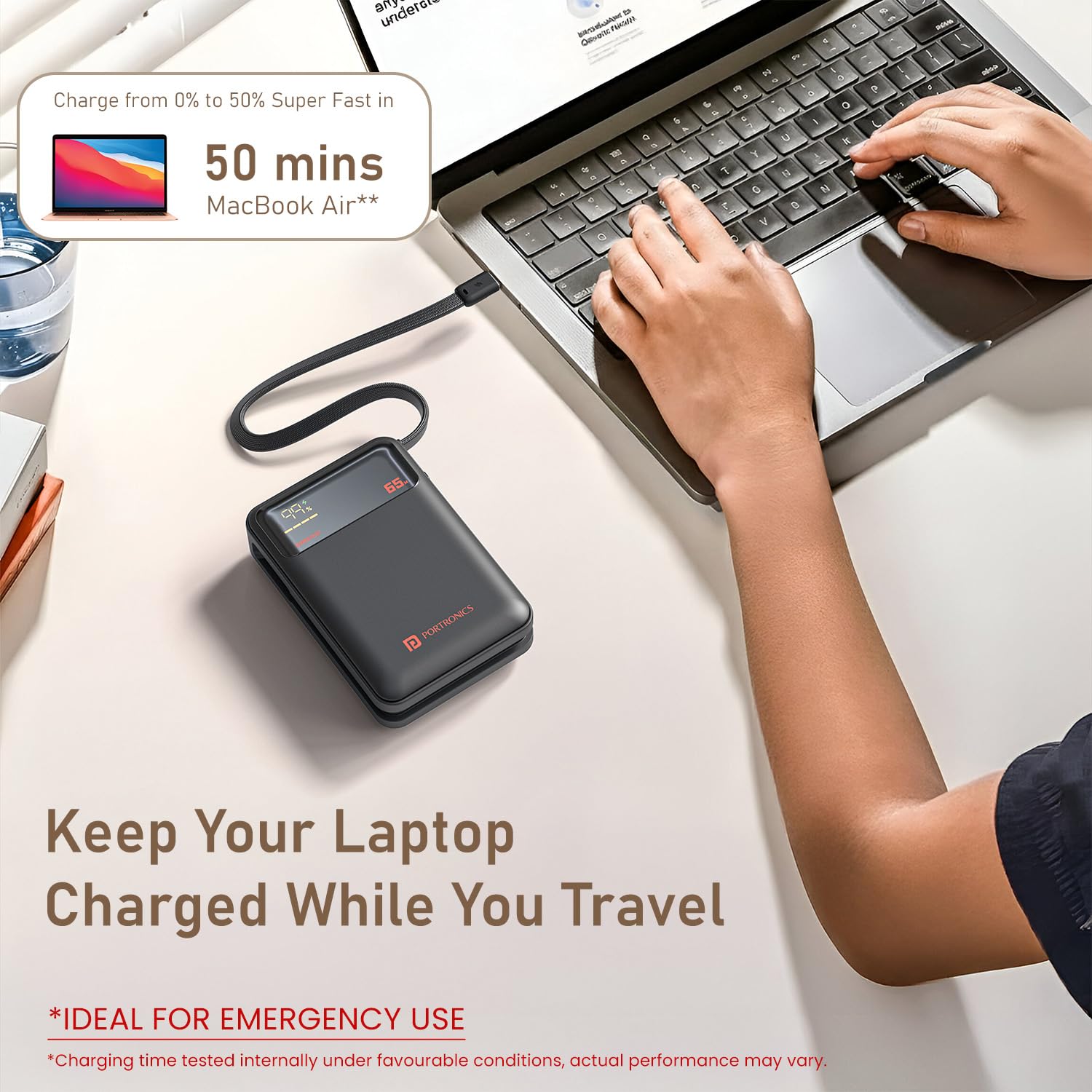
Image: The Portronics Ignis 65 Power Bank connected and charging a MacBook Air, demonstrating its capability to charge laptops.

Image: The Portronics Ignis 65 Power Bank illustrating its universal compatibility with Android smartphones, iPhones, tablets, iPads, MacBooks, smartwatches, earphones, and other laptops.
4.2 LED digitální displej
Integrovaný LED displej poskytuje informace v reálném čase:
- Procenta baterietage: Shows the remaining charge level of the power bank (0-100%).
- Stav nabíjení: Indicates when the power bank is being charged or is charging a device.
- "SUPER FAST" Indicator: Lights up when the power bank is engaged in high-speed 65W Power Delivery charging.
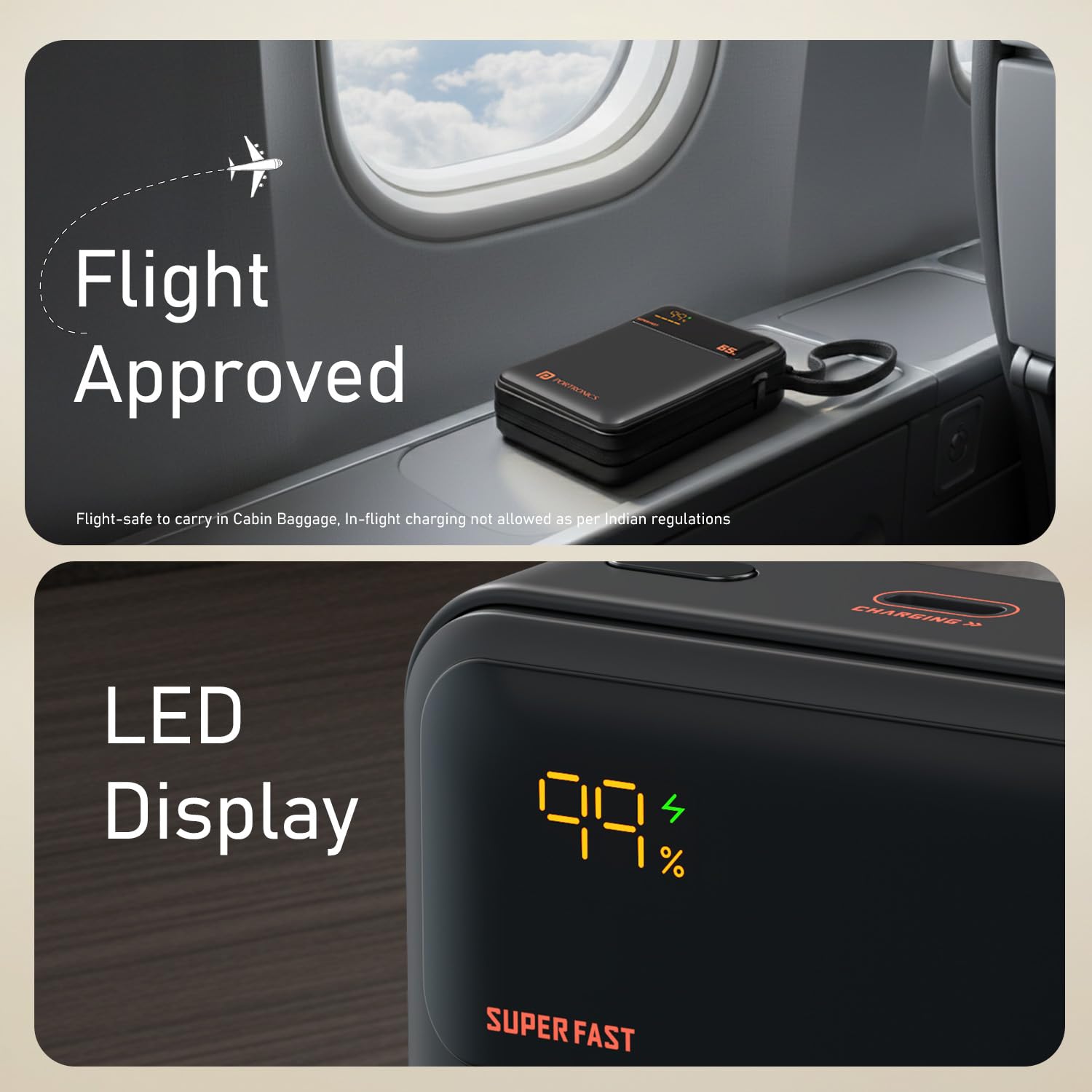
Image: A close-up of the Portronics Ignis 65 Power Bank's LED display, showing a 99% charge level and the 'SUPER FAST' indicator, alongside a 'Flight Approved' graphic.
5. Údržba
Proper care and maintenance will help ensure the longevity and optimal performance of your power bank.
- Čištění: K čištění vnější strany powerbanky používejte měkký, suchý hadřík. Nepoužívejte agresivní chemikálie ani abrazivní materiály.
- Skladování: Powerbanku skladujte na chladném a suchém místě mimo dosah přímého slunečního záření a extrémních teplot. Pokud ji skladujete delší dobu, nabijte ji každé 3–6 měsíců přibližně na 50–75 %, aby se zachovala její životnost.
- Péče o baterie: Avoid fully discharging the power bank frequently, as this can reduce battery lifespan.
6. Řešení problémů
If you encounter issues with your Portronics Ignis 65 Power Bank, refer to the following common solutions:
| Problém | Možná příčina | Řešení |
|---|---|---|
| Powerbanka se nenabíjí | Loose cable connection, faulty adapter/cable, power outlet issue. | Ensure cables are securely connected. Try a different Type-C cable or power adapter. Test the power outlet with another device. |
| Zařízení se nenabíjí z powerbanky | Power bank is discharged, loose cable, incompatible device, faulty cable/port. | Check power bank's charge level on the LED display. Ensure cable is securely connected to both devices. Try a different cable or the other Type-C port/cable. Ensure your device is compatible. |
| Slow charging or not reaching 65W | Device/cable not PD compatible, power bank charge level low, multiple devices charging, thermal throttling. | Ensure your device and cable support 65W PD. Fully charge the power bank. Avoid charging multiple devices simultaneously if high power is needed for one. Allow the power bank to cool if it feels warm. |
| LED displej nefunguje | Vnitřní porucha. | Požádejte o pomoc zákaznickou podporu. |
7. Specifikace produktu
| Funkce | Detail |
|---|---|
| Název modelu | Ignis |
| Číslo modelu | POR-3019 |
| Kapacita baterie | 20000 miliamp Hodiny (mAh) |
| Typ baterie | Lithium Polymer |
| Maximální výstupní výkon | 65W |
| Typ konektoru | USB typu C (vestavěný kabel a port) |
| Počet portů | 1 (Type-C PD input/output) + 1 (Built-in Type-C cable output) |
| Kompatibilní zařízení | Smartphones, Tablets, Laptops (Type-C PD enabled) |
| Barva | Černý |
| Hmotnost položky | 380 gramů |
| Rozměry položky (D x Š x Tloušťka) | 13.2D x 10.7Š x 3.6 centimetrů |
| Zdroj napájení | Napájení z baterie |
| Země původu | Indie |
8. Záruka a podpora
8.1 Informace o záruce
The Portronics Ignis 65 Power Bank comes with a 1-letá záruka from the date of purchase. This warranty covers manufacturing defects. Please retain your purchase receipt for warranty claims.
8.2 Zákaznická podpora
For any assistance, technical support, or warranty-related queries, please contact Portronics customer service:
- Telefon/WhatsApp: +91 9555-245-245
- E-mailová podpora: help@portronics.com
- Online portál podpory: https://support.portronics.com
- Provozní doba: 10am - 6pm (IST)
Manufacturer Contact Information: Portronics Digital Pvt. Ltd., First Floor Property No D 8 Upper Basement Sector 8 Noida Uttar Pradesh 201301