
Zavedení
The ATTACK SHARK X8 Ultimate is a high-performance wireless gaming mouse designed for precision and responsiveness. It features a lightweight design, tri-mode connectivity, an advanced PixArt PAW3950MAX sensor, and an 8K polling rate for an optimal gaming experience.

Obrázek: Overview of the ATTACK SHARK X8 Ultimate Wireless Gaming Mouse highlighting its key features.
Klíčové vlastnosti:
- Ultralehký design: Weighing only 55g, with a Nano-ice coating for comfortable grip during extended use.
- Rychlost dotazování 8K: Supports up to 8KHz polling rate in both wireless and wired modes for low latency and fast response.
- Třírežimové připojení: Seamlessly switch between Bluetooth, 2.4GHz wireless, and wired USB connections.
- PixArt PAW3950MAX Sensor: Advanced gaming sensor with up to 42,000 DPI sensitivity, 700 IPS accuracy, and 60G acceleration.
- Durable Switches & Long Battery Life: Equipped with Omron micro switches rated for over 100 million clicks and an 800mAh battery providing up to 800 hours of intermittent use at 1000Hz polling rate.
- Ovladač cloudu: Inovační web-based driver for DPI adjustment, polling rate settings, competitive mode, customized buttons, macro recording, and personalized key mapping.
Obsah balení
Zkontrolujte prosím balení, zda neobsahuje následující položky:
- ATTACK SHARK X8 Ultimate Wireless Gaming Mouse
- USB přijímač (2.4 GHz)
- Nabíjecí/datový kabel USB-C
- Uživatelská příručka (tento dokument)
Průvodce nastavením
1. Nabíjení myši
Before first use, it is recommended to fully charge the mouse. Connect the provided USB-C cable to the mouse's charging port and the other end to a USB power source (e.g., computer USB port, USB wall adapter).

Image: The ATTACK SHARK X8 Ultimate mouse connected via its USB-C charging cable, illustrating the 800mAh battery capacity.
The LED indicator on the mouse will show charging status. A full charge provides up to 800 hours of intermittent use at a 1000Hz polling rate.
2. Connecting the Mouse (Tri-mode Connectivity)
The X8 Ultimate mouse offers three connection modes: 2.4GHz Wireless, Bluetooth, and Wired USB.

Image: The ATTACK SHARK X8 Ultimate mouse illustrating its three connection modes: Type-C wired, 2.4GHz wireless, and Bluetooth wireless.
2.1. Bezdrátové připojení 2.4 GHz
- Vyhledejte USB přijímač (dongle), který je součástí balení.
- Zapojte USB přijímač do volného USB portu na vašem počítači.
- Turn on the mouse using the power switch located on the bottom. Ensure it is set to 2.4GHz mode (usually indicated by a specific switch position or LED color).
- Myš by se měla automaticky připojit k počítači.
2.2. Připojení Bluetooth
- Turn on the mouse and set it to Bluetooth mode (usually indicated by a specific switch position or LED color).
- V počítači nebo zařízení přejděte do nastavení Bluetooth a povolte Bluetooth.
- Hledat new devices. The mouse should appear as "ATTACK SHARK X8 Ultimate" or similar.
- Vyberte myš pro spárování.
2.3. Drátové USB připojení
- Připojte dodaný kabel USB-C k přednímu portu myši.
- Připojte druhý konec kabelu USB-C k volnému portu USB v počítači.
- Myš se automaticky přepne do kabelového režimu a začne se nabíjet.
Návod k obsluze
1. Základní funkce myši
- Levé kliknutí: Primární akce.
- Klikněte pravým tlačítkem myši: Sekundární akce/kontextová nabídka.
- Rolovací kolečko: Posun nahoru/dolů, kliknutí prostředním tlačítkem myši.
- Boční tlačítka: Typicky pro navigaci vpřed/vzad v web prohlížeče. Ty lze přizpůsobit.
2. Nastavení DPI
The X8 Ultimate features an adjustable DPI range from 50 to 42,000. DPI settings can be changed using the dedicated DPI button (if present) or through the Cloud Driver software. Refer to the Cloud Driver section for detailed customization.

Image: The ATTACK SHARK X8 Ultimate mouse highlighting the PixArt PAW3950MAX sensor and its capabilities (750 IPS, 60G, 8000Hz wireless polling rate, 50-42000 DPI).
3. Polling Rate Settings
The mouse supports an 8KHz polling rate for both wireless (2.4GHz) and wired modes, reducing operation latency to 0.163ms. The polling rate can be configured via the Cloud Driver software.
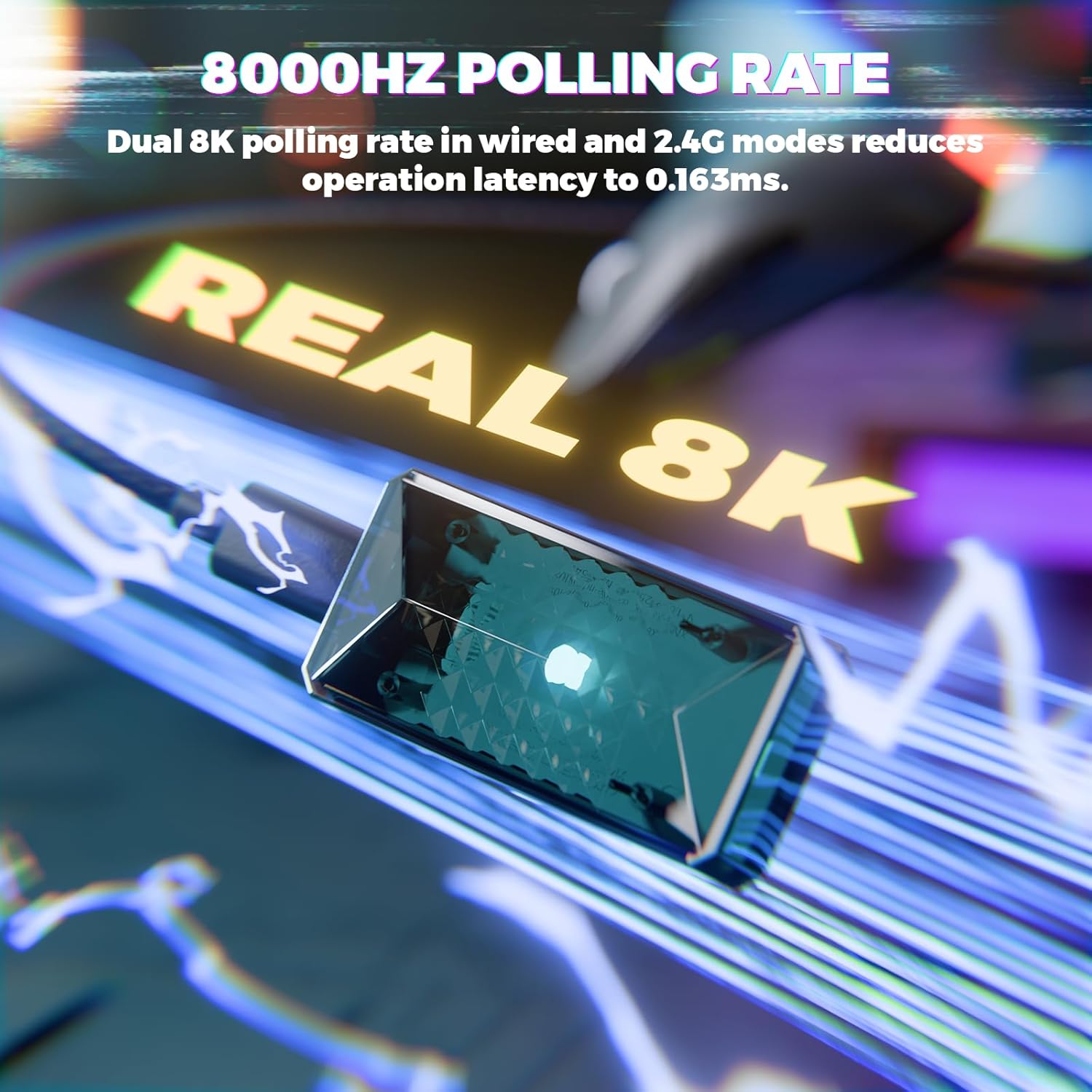
Image: Visual representation of the 8000Hz polling rate feature of the ATTACK SHARK X8 Ultimate mouse.
4. Cloud Driver Software
The X8 Ultimate utilizes an innovative cloud-driven webpage for customization. This eliminates the need for traditional software installation.
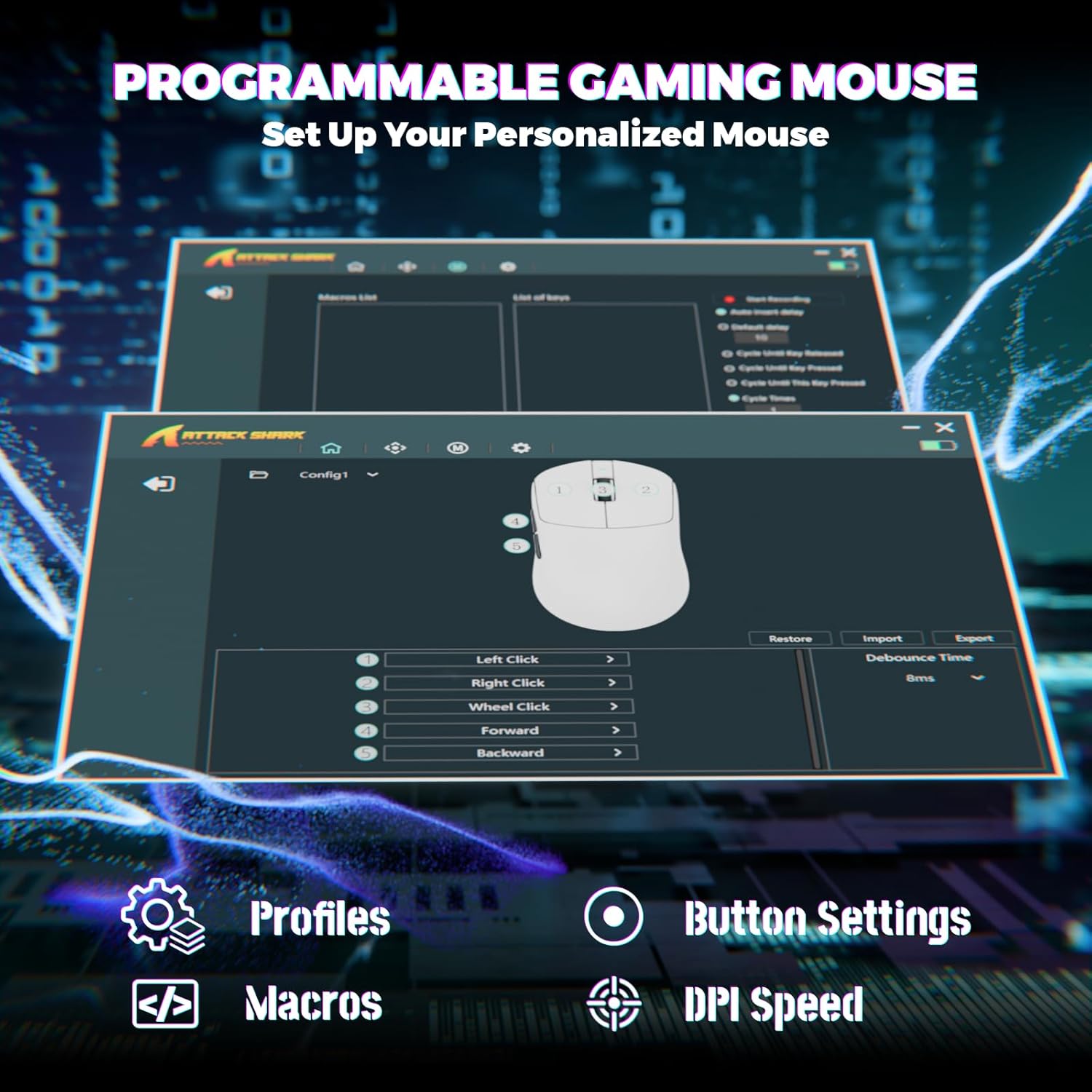
Image: Screenshot of the Cloud Driver interface for the ATTACK SHARK X8 Ultimate mouse, showing options for profiles, button settings, macros, and DPI speed.
To access the Cloud Driver:
- Ensure your mouse is connected to your computer.
- Otevřete a web browser and navigate to the official ATTACK SHARK support page or the specific Cloud Driver URL (refer to packaging or official website for the exact link).
- The open-source driver will automatically identify your computer system.
- From the Cloud Driver interface, you can:
- Adjust DPI sensitivity.
- Set polling rate.
- Configure competitive modes.
- Přizpůsobte si přiřazení tlačítek.
- Record and assign macros.
- Personalize key mapping and other advanced functions.
Údržba
1. Čištění
Pro udržení optimálního výkonu a vzhledu myš pravidelně čistěte:
- Použijte měkký hadřík, který nepouští vlákna dampvodou nebo jemným čisticím roztokem.
- Avoid harsh chemicals, solvents, or abrasive materials.
- Clean the optical sensor on the bottom of the mouse gently with a cotton swab to ensure accurate tracking.
2. Péče o baterie
Chcete -li prodloužit životnost baterie:
- Avoid exposing the mouse to extreme temperatures (hot or cold).
- Do not fully discharge the battery frequently. Charge it when the battery indicator is low.
- Pokud myš skladujete delší dobu, nabijte ji před uskladněním přibližně na 50 %.
Odstraňování problémů
If you encounter issues with your ATTACK SHARK X8 Ultimate mouse, try the following solutions:
- Myš nereaguje:
- Ujistěte se, že je myš zapnutá.
- Zkontrolujte úroveň nabití baterie a v případě potřeby ji dobijte.
- Verify the connection mode (2.4GHz, Bluetooth, or Wired) is correctly selected and established.
- Pro frekvenci 2.4 GHz se ujistěte, že je USB přijímač bezpečně zapojený.
- V případě Bluetooth se ujistěte, že je na vašem zařízení povoleno připojení Bluetooth a myš je spárovaná.
- Try connecting the mouse via the wired USB cable.
- Přerušované připojení nebo zpoždění:
- Ensure the USB receiver is not obstructed and is close to the mouse.
- Avoid using the mouse near other wireless devices that may cause interference.
- Aktualizujte ovladače USB nebo Bluetooth v počítači.
- DPI or button settings not working:
- Access the Cloud Driver software to verify and reconfigure your settings.
- Ensure the mouse firmware is up to date (check via Cloud Driver).
- Mouse tracking issues:
- Vyčistěte optický senzor na spodní straně myši.
- Používejte myš na čistém, rovnoměrném povrchu nebo na kvalitní podložce pod myš.
Specifikace
| Funkce | Popis |
|---|---|
| Značka | ÚTOČNÉHO ŽRALOKA |
| Model | X8 Ultimate |
| Technologie připojení | 2.4Ghz Wireless, Bluetooth, USB (Tri-mode) |
| Technologie detekce pohybu | Optical (PixArt PAW3950MAX Sensor) |
| Citlivost DPI | 50–16 000 DPI (nastavitelné) |
| Míra hlasování | Až 8000 Hz (bezdrátové/kabelové) |
| Akcelerace | 60G |
| Sledovací sazba | 700 IPS |
| Hmotnost | 55 g (ultra lehký) |
| Kapacita baterie | 800 XNUMX mAh |
| Typ přepínače | Omron Micro Switches (100 Million Clicks lifespan) |
| Množství tlačítek | 5 (programovatelných) |
| Orientace rukou | Obouruký |
| Kompatibilní zařízení | Gaming Console, Personal Computer, Tablet |
| Hardwarová platforma | PC |
| UPC | 752010401109 |

Image: The ATTACK SHARK X8 Ultimate mouse emphasizing its 59g ultra-light design and smooth-gliding double-layer feet.

Obrázek: Podrobný view of the optical micro switches inside the ATTACK SHARK X8 Ultimate mouse, highlighting their instant click and zero rebound lag features, and 100 million click lifespan.
Záruka a podpora
The ATTACK SHARK X8 Ultimate Wireless Gaming Mouse comes with a 1-letá záruka od data nákupu.
For technical support, warranty claims, or further assistance, please contact ATTACK SHARK customer service through their official website or the retailer where the product was purchased. Please have your proof of purchase and product model information ready.
Official ATTACK SHARK Store: Obchod ATTACK SHARK na Amazonu