
1. Konec produktuview
The VEIKK VK640 is a compact digital graphic tablet designed for drawing, design, online teaching, and other creative applications. It features a 6x4 inch active area, 6 customizable shortcut keys, and a battery-free stylus with 8192 pressure levels and 60-degree tilt support.

Obrázek: Overview of VEIKK VK640 Graphic Tablet features.

Image: The compact size of the VK640 drawing tablet, ideal for beginners.
2. Obsah balení
Before setup, please verify that all items are present in the package:
- VEIKK VK640 Pen Tablet
- P05 Battery-Free Pen
- Držák pera
- 28 náhradních hrotů pera
- Kapsa na pero
- OTG Adapter (USB-C)
- Nib Remover Tool
- Umělcova rukavice
- Rychlý průvodce

Image: All items included in the VK640 product box.
3. Pokyny k nastavení
3.1 Instalace ovladače
- Uninstall Previous Drivers: If you have other tablet drivers installed, uninstall them completely before installing the VEIKK driver to avoid conflicts.
- Stáhnout ovladač: Visit the official VEIKK webweb (www.veikk.com) and download the latest driver for your operating system (Windows, macOS, or Linux).
- Nainstalujte ovladač: Spusťte stažený instalační program a postupujte podle pokynů na obrazovce.
- Restartujte počítač: After installation, restart your computer to ensure the driver is properly loaded.
3.2 Připojení tabletu
Connect the VK640 tablet to your computer using the provided USB cable. For mobile devices, use the included OTG adapter if necessary.

Image: Connecting the VK640 tablet to a mobile device.

Image: The VK640 tablet connected and in use with a laptop.
4. Ovládání tabletu
4.1 Using the Battery-Free Pen
The P05 pen is battery-free, eliminating the need for charging. It features 8192 levels of pressure sensitivity and supports 60-degree tilt function, allowing for natural and precise drawing strokes. Adjust the pressure in your software settings for desired line thickness and opacity.

Image: Features of the battery-free stylus, including pressure sensitivity and tilt function.
4.2 Přizpůsobitelné klávesové zkratky
The VK640 tablet is equipped with 6 customizable shortcut keys. These keys can be programmed through the VEIKK driver software to perform various functions, such as undo, redo, zoom in/out, brush size adjustment, or switching tools. Refer to the driver software interface for detailed customization options.

Image: The 6 customizable shortcut keys on the VK640 tablet.
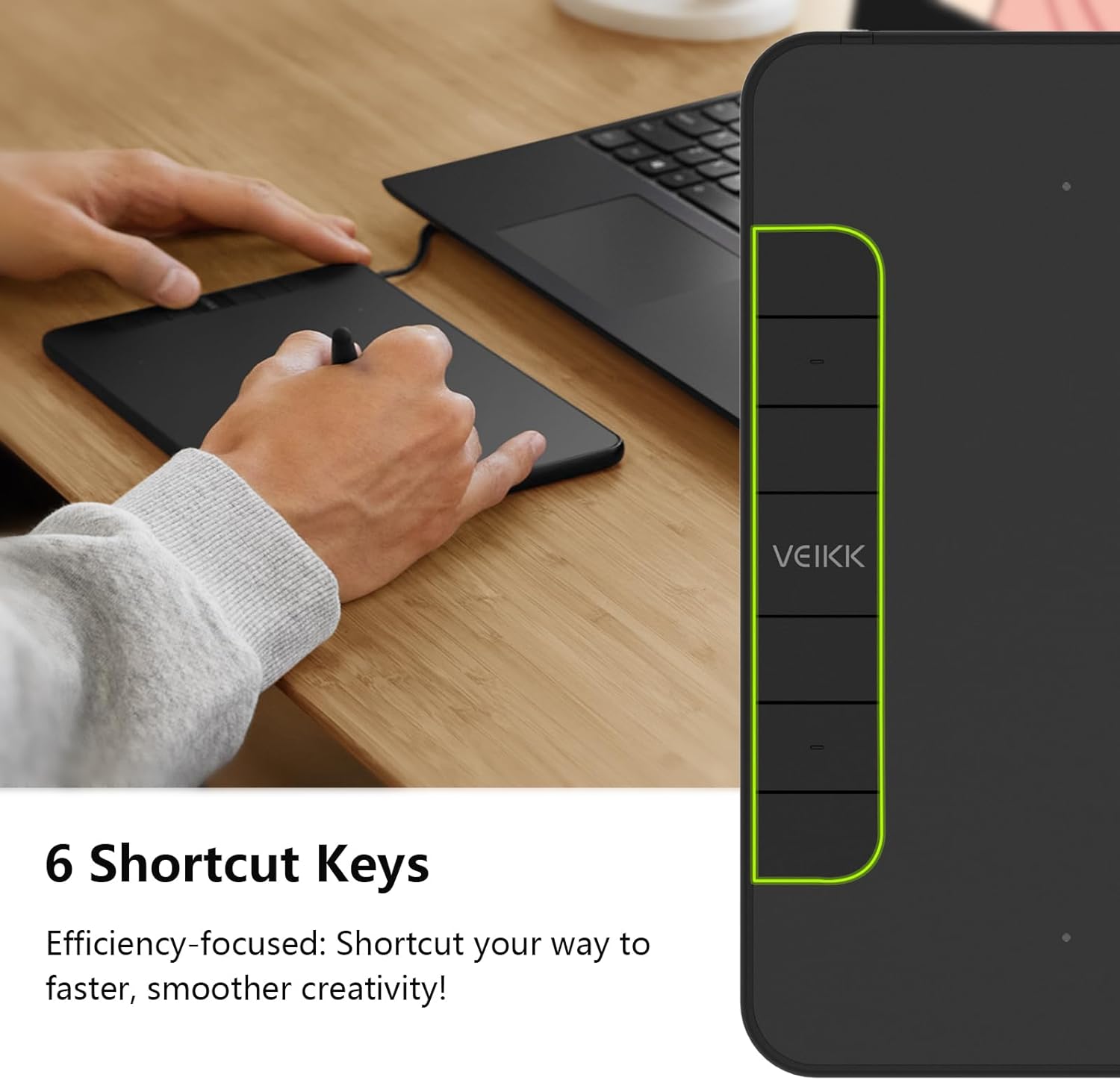
Obrázek: Přample functions for the 6 customizable press keys.
4.3 Kompatibilita softwaru
The VK640 is compatible with a wide range of creative software, including but not limited to:
- Adobe Photoshop
- Krita
- Adobe Illustrator
- SAI
- SketchBookPro
- OheňAlpaka
- OpenCanvas
- Manga Studio

Image: Broad compatibility of the VK640 with different operating systems and creative applications.
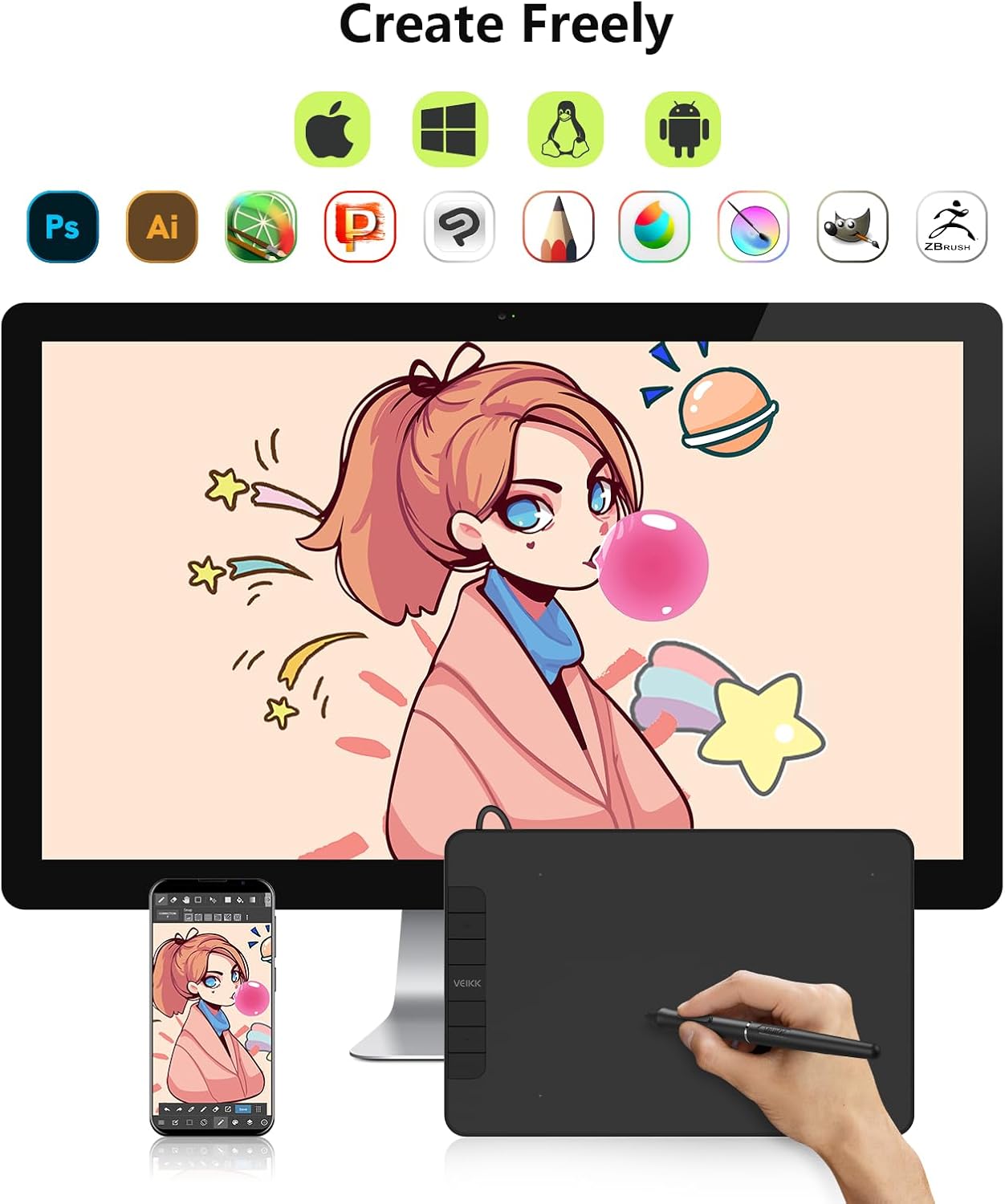
Image: Broad compatibility of the VK640 with different operating systems and creative applications.
5. Údržba
5.1 Čištění tabletu
To clean the tablet surface, use a soft, dry cloth. For stubborn smudges, a slightly damp cloth with a mild, non-abrasive cleaner can be used. Avoid excessive moisture and harsh chemicals.
5.2 Výměna hrotů pera
The pen nibs will wear down with use. When a nib becomes too short or sharp, replace it using the included nib remover tool. Gently pull out the old nib and insert a new one until it is secure.
The package includes 28 replacement pen nibs to ensure long-term use.
6. Řešení problémů
6.1 Pero nereaguje
- Ujistěte se, že je tablet správně připojen k počítači.
- Verify that the VEIKK driver is installed correctly and running.
- Zkuste restartovat počítač.
- Check if the pen nib is securely inserted or needs replacement.
- Test the tablet on a different USB port or computer if possible.
6.2 Citlivost na tlak nefunguje
- Confirm that the VEIKK driver is installed and updated.
- Check the pressure settings within your drawing software and the VEIKK driver panel.
- Ensure no other tablet drivers are conflicting with the VEIKK driver. Uninstall any old drivers.
6.3 Klávesové zkratky nefungují
- Open the VEIKK driver software and verify that the shortcut keys are correctly assigned.
- Ensure the driver is active and not conflicting with other software.
7. Specifikace
| Značka | VEIKK |
| Název modelu | VK640 |
| Technologie připojení | USB |
| Aktivní oblast | 6 x 4 inches (24 square inches) |
| Citlivost na tlak | 8192 úrovní |
| Podpora naklonění | 60° |
| Klávesové zkratky | 6 Přizpůsobitelné klávesy |
| Kompatibilita operačního systému | Windows 7 or later, macOS 10.12 or later, Android 6.0 or later, Linux |
| Hmotnost položky | 279 gramů |
| Tloušťka | Přibližně 8 mm (0.3 palce) |

Image: Physical dimensions and weight of the VK640 tablet.

Image: Physical dimensions and weight of the VK640 tablet.
8. Záruka a podpora
The VEIKK VK640 Digital Graphic Tablet comes with a jednoletá záruka from the date of purchase. VEIKK also provides doživotní technickou podporu pro tento produkt.
For warranty claims, technical assistance, or further inquiries, please contact VEIKK customer support through their official webwebu nebo kontaktních informací uvedených v Stručné úvodní příručce.