1. Getting Started: Unboxing and Components
This section details the contents of your TABWEE T80 package and provides an overview of the tablet's physical features.
1.1 Obsah balení
Ověřte, zda jsou v balení přítomny všechny níže uvedené položky:
- TABWEE T80 Android Tablet
- Bluetooth klávesnice
- Bezdrátová myš
- Stylus Pen
- Ochranné pouzdro
- Ochranná fólie na displej (předem nalepená nebo samostatná)
- Stojan na tablet
- Charger and USB-C Cable

1.2 Konec produktuview
Familiarize yourself with the tablet's buttons, ports, and camera locations.
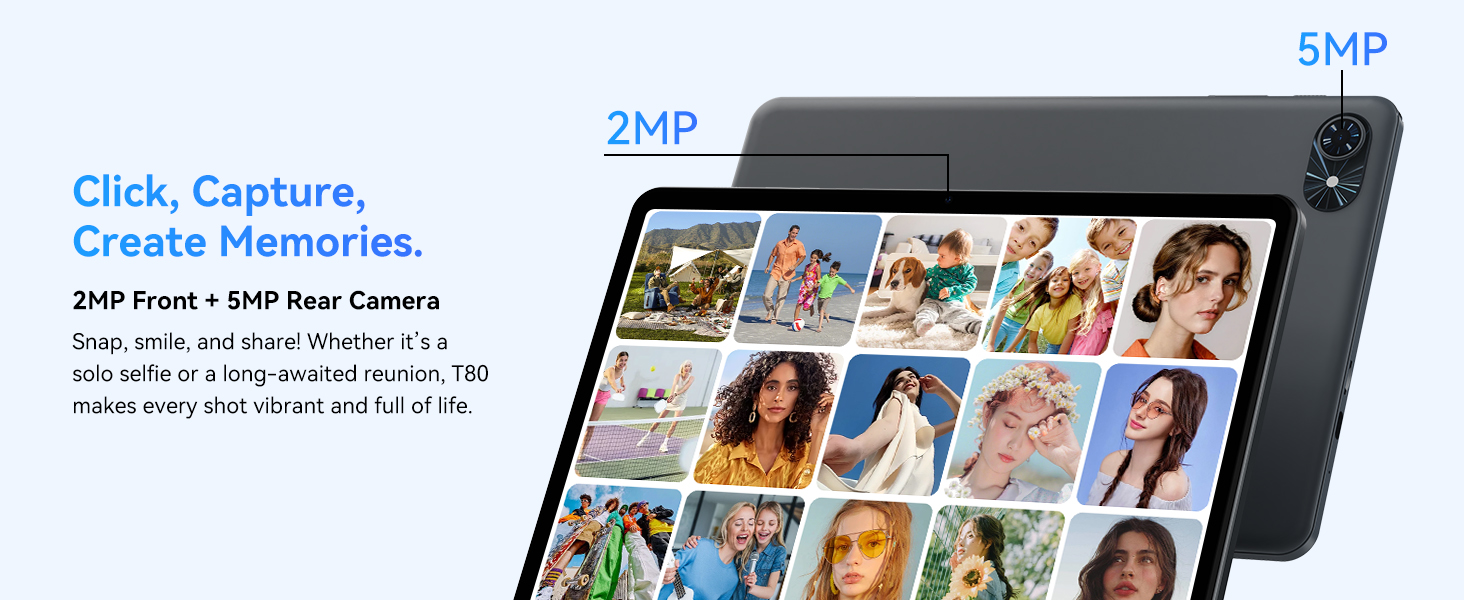
- Přední kamera: Located at the top center when held in landscape orientation. (2MP)
- Zadní kamera: Located on the back panel, typically in the upper left corner. (5MP)
- Vypínač: Slouží k zapnutí/vypnutí tabletu nebo k probuzení/uspání obrazovky.
- Tlačítka hlasitosti: Upravte úroveň zvukového výstupu.
- Port USB-C: Pro nabíjení a přenos dat.
- Slot pro microSD kartu: Pro rozšíření úložiště až na 2 TB.
- Řečníci: Dva reproduktory pro zvukový výstup.
2. Pokyny k nastavení
Follow these steps to set up your TABWEE T80 tablet for first-time use.
2.1 Počáteční zapnutí a základní konfigurace
- Nabijte tablet: Connect the provided USB-C cable and charger to the tablet and a power outlet. Allow the tablet to charge for at least 30 minutes before first use.
- Zapnutí: Press and hold the Power button until the TABWEE logo appears on the screen.
- Jazyk a region: Postupujte podle pokynů na obrazovce a vyberte preferovaný jazyk a region.
- Připojení k Wi-Fi: Select your Wi-Fi network from the list and enter the password. A stable internet connection is required for initial setup and updates.
- Účet Google: Přihlaste se pomocí svého účtu Google nebo si vytvořte nový. To je nutné pro stahování aplikací z Obchodu Google Play.
- Datum a čas: Confirm the date and time settings.
- Zabezpečení: Pro zabezpečení si nastavte zámek obrazovky (PIN, vzorec nebo heslo).
2.2 Připojení příslušenství
The TABWEE T80 comes with several accessories to enhance its functionality.
- Bluetooth klávesnice a myš:
- Ujistěte se, že klávesnice a myš jsou nabité a zapnuté.
- Na tabletu přejděte na Nastavení > Připojená zařízení > Bluetooth.
- Enable Bluetooth and scan for new devices.
- Vyberte klávesnici a myš ze seznamu pro jejich spárování. Postupujte podle pokynů na obrazovce.
- Stylus Pen: The stylus pen can be used directly on the screen for navigation, drawing, or writing. No pairing is typically required for basic capacitive styluses.
- Ochranné pouzdro a stojan: Attach the protective case to the tablet. The case often includes a foldable stand for hands-free viewIng.
3. Návod k obsluze
This section covers the daily operation of your TABWEE T80 tablet.
3.1 Základní navigace a funkce systému Android 15
- Domovská obrazovka: Swipe left or right to access different home screens. Tap and hold an empty space to customize widgets, wallpaper, and settings.
- Oznámení a rychlá nastavení: Přejeďte prstem dolů z horní části obrazovky na view oznámení a přístup k rychlým nastavením, jako je Wi-Fi, Bluetooth a jas.
- Zásuvka aplikace: Přejetím prstem od spodní části obrazovky nahoru zobrazíte všechny nainstalované aplikace.
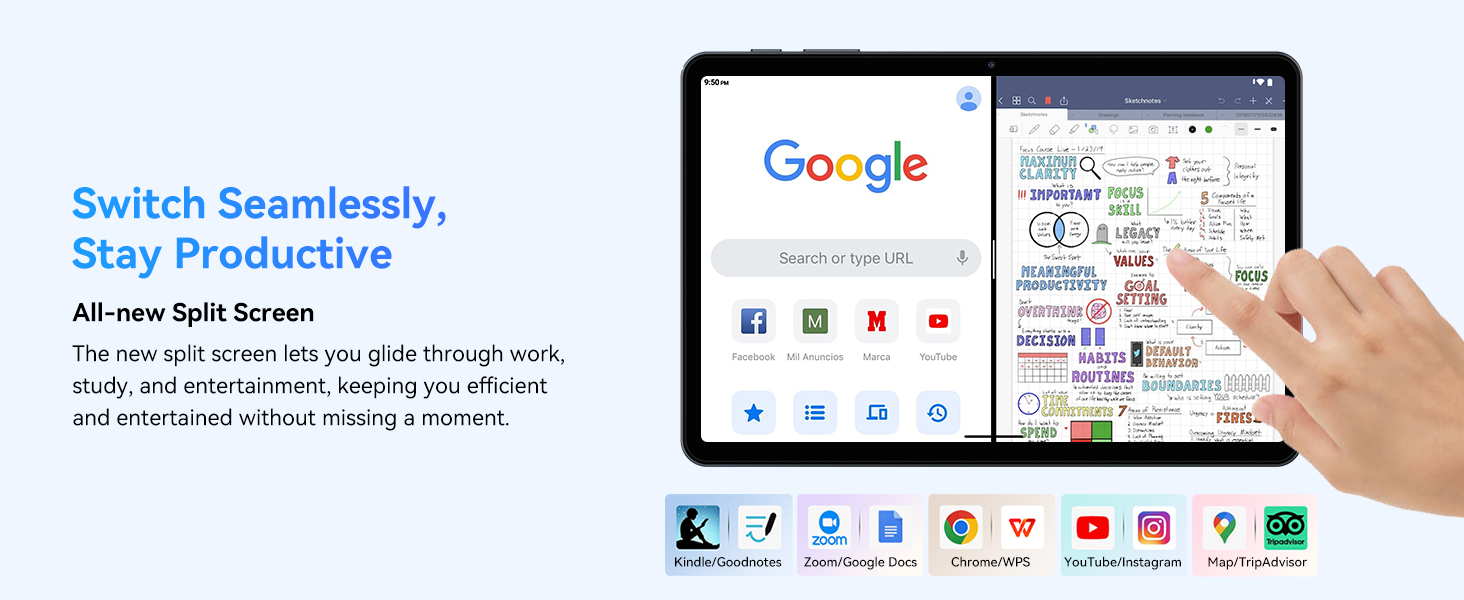
- Multitasking (Split Screen): Android 15 supports enhanced split-screen functionality. To use, open an app, then swipe up from the bottom, hold, and drag another app icon to either side of the screen.
- Umělá inteligence Gemini 2.0: Your tablet integrates Gemini AI 2.0 for enhanced task management, smart chats, text-to-image generation, voice-enabled Q&A, and real-time conversations. Access AI features through compatible apps or dedicated AI interfaces.
- Ochrana osobních údajů a zabezpečení: Android 15 offers improved privacy controls. Review and adjust app permissions in Nastavení > Soukromí.
3.2 Konektivita
- Wi-Fi: Supports 802.11a/b/g/n/ac for fast 5G Wi-Fi connectivity. Manage Wi-Fi connections in Nastavení > Síť a internet > Wi-Fi.
- Bluetooth 5.0: For connecting wireless headphones, speakers, keyboards, and mice. Manage Bluetooth devices in Nastavení > Připojená zařízení > Bluetooth.
- GPS: The tablet includes GPS functionality for location services and navigation apps.
- OTG (Na cesty): Supports OTG, allowing you to connect USB devices like flash drives or external hard drives using an appropriate adapter.
3.3 Použití kamery
The TABWEE T80 features a 2MP front camera and a 5MP rear camera.
- Otevřete aplikaci Fotoaparát z domovské obrazovky nebo ze zásuvky aplikací.
- Klepnutím na tlačítko spouště pořídíte fotografie.
- Přepínejte mezi předním a zadním fotoaparátem pomocí ikony přepínače fotoaparátu.
- Explore different modes such as video recording or panorama if available.

3.4 Úložiště a výkon
- BERAN: The tablet comes with 6GB of physical RAM, expandable virtually to 18GB for smooth multitasking. Adjust RAM settings in Nastavení v případě potřeby.
- Interní úložiště: 128GB ROM is provided for apps and files.
- Rozšiřitelné úložiště: A MicroSD card slot allows for storage expansion up to 2TB. Insert a compatible MicroSD card into the designated slot.
- Procesor: Powered by a Quad-Core Unisoc T310 processor (1x A75 2.0GHz, 3x A55 1.8GHz) and GE8300 GPU for efficient performance.
3.5 Baterie a nabíjení
- Kapacita baterie: Equipped with a 6000mAh battery, providing over 10 hours of typical usage.
- Nabíjení: Use the provided 10W fast charger and USB-C cable. Connect the cable to the tablet's USB-C port and the charger to a power outlet.
- Optimalizace baterie: Android 15 includes AI Super Power Saving Algorithms to extend battery life. Monitor battery usage in Nastavení > Baterie.

3.6 Display and Entertainment
- Zobrazit: 10-inch IPS display with a resolution of 1280 x 800 pixels.
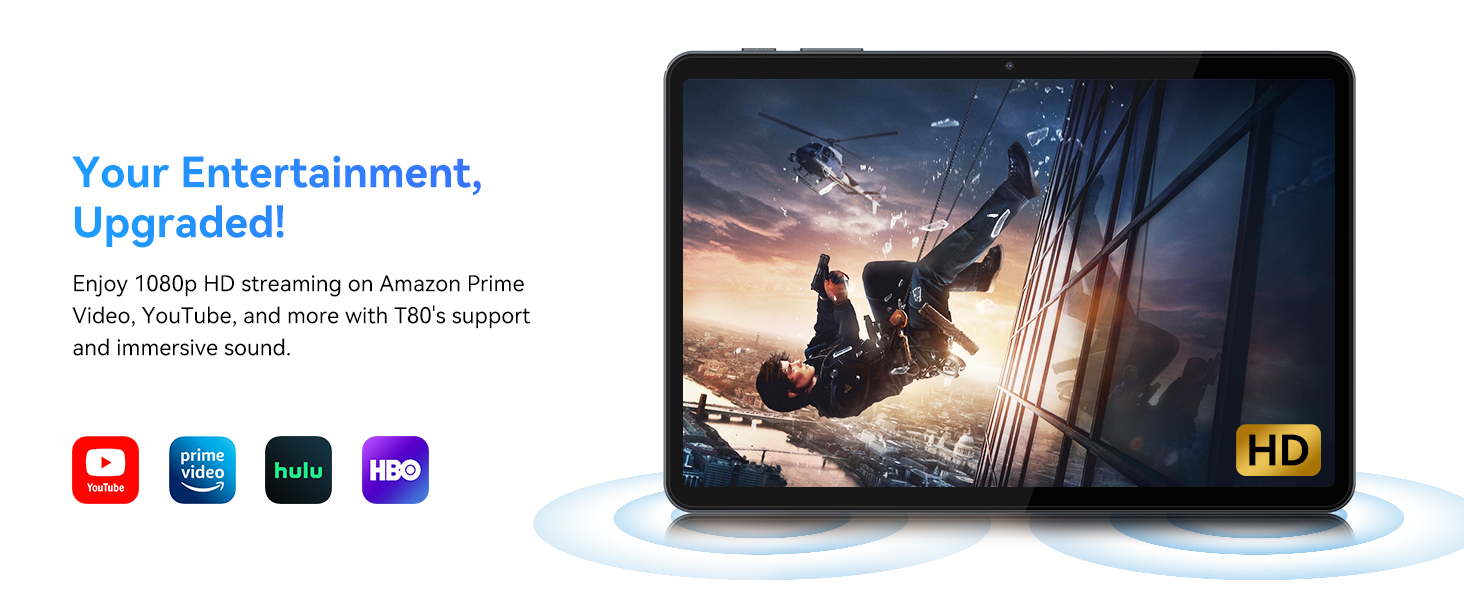
- Přehrávání videa: Supports 1080P video playback for streaming services like Amazon Prime Video, YouTube, Hulu, and HBO.
- Zvuk: Dual speakers provide clear audio for media consumption.
4. Údržba
Správná údržba zajistí dlouhou životnost a optimální výkon vašeho tabletu.
4.1 Péče o baterii
- Vyhněte se extrémním teplotám, protože mohou snížit životnost baterie.
- Nenechávejte baterii často úplně vybíjet. Nabijte ji dříve, než dosáhne 0 %.
- Používejte pouze dodanou nabíječku a kabel, abyste předešli poškození.
4.2 Čištění
- K čištění obrazovky a těla tabletu použijte měkký hadřík, který nepouští vlákna.
- Na odolné šmouhy lehce otřeteampOpláchněte hadřík vodou nebo roztokem na čištění obrazovky. Vyhněte se agresivním chemikáliím.
- Ujistěte se, že všechny porty jsou bez prachu a nečistot.
4.3 Aktualizace softwaru
- Regularly check for and install system updates. These updates often include performance improvements, security patches, and new features.
- Přejít na Nastavení > Systém > Aktualizace systému pro kontrolu dostupných aktualizací.
5. Řešení problémů
This section addresses common issues you might encounter with your TABWEE T80 tablet.
5.1 Tablet se nezapíná
- Ujistěte se, že je tablet dostatečně nabitý. Připojte jej k nabíječce a před opětovným zapnutím počkejte několik minut.
- Zkuste podržet tlačítko napájení po dobu 10–15 sekund, abyste vynutili restart.
5.2 Problémy s připojením k Wi-Fi
- Wi-Fi můžete vypnout a zapnout v Rychlém nastavení.
- Restartujte Wi-Fi router.
- Zapomeňte na síť Nastavení > Síť a internet > Wi-Fi a znovu se připojte.
5.3 Pomalý výkon
- Zavřete nepotřebné aplikace na pozadí.
- Vymazat mezipaměť často používaných aplikací v Nastavení > Aplikace > [Název aplikace] > Úložiště a mezipaměť > Vymazat mezipaměť.
- Ensure you have sufficient free storage space. Delete old files or move them to expandable storage.
- Tablet pravidelně restartujte.
5.4 Příslušenství se nepřipojuje
- For Bluetooth accessories, ensure they are charged, powered on, and in pairing mode.
- Verify Bluetooth is enabled on the tablet and try re-pairing the device.
- Check the battery level of the accessories.
6. Specifikace
Detailed technical specifications for the TABWEE T80 Android 15 Tablet.
| Funkce | Specifikace |
|---|---|
| Název modelu | T80(6+128) |
| Operační systém | Android 15 |
| Velikost obrazovky | 10 palce |
| Maximální rozlišení obrazovky | 1280 x 800 pixelů |
| Procesor | Unisoc T310 Quad-Core (1x A75 2.0GHz, 3x A55 1.8GHz) |
| BERAN | 18 GB (6 GB fyzické + 12 GB virtuální) |
| Velikost flash paměti (ROM) | 128 GB |
| Rozšiřitelné úložiště | Až 2 TB přes kartu MicroSD |
| Bezdrátový typ | 802.11a, 802.11ac, 802.11b, 802.11g, 802.11n (5G WiFi) |
| Bluetooth | Bluetooth 5.0 |
| Kapacita baterie | 6000 XNUMX mAh |
| Průměrná životnost baterie | 480 Hours (Standby) / 10+ Hours (Usage) |
| Přední kamera | 2 MP |
| Zadní kamera | 5 MP |
| Hmotnost položky | 1.1 libry |
| Rozměry produktu | 9.5 x 6.3 x 0.3 palce |
| Barva | Stříbrně šedá |
7. Záruka a podpora
Information regarding your product warranty and how to obtain customer support.
7.1 Záruka na produkt
The TABWEE T80 tablet comes with a 2-letá záruka, covering manufacturing defects and ensuring product reliability. This warranty provides peace of mind and support for your device.
7.2 Zákaznická podpora
For any technical assistance, inquiries, or warranty claims, please contact TABWEE customer support:
- E-mail: serviceplus.linda@gmail.com
- Telefon (USA): +1 (717) 896-6060
- Telefon (Velká Británie): +44 7700 156388
- Phone (CA): +1 (587) 841-0500
- Telefon (DE): +49 157 3598 0115
TABWEE offers 24/7 customer support and lifetime technical assistance to ensure you have the best experience with your product.