
1. Úvod
This manual provides essential information for setting up, operating, and maintaining your Samsung QN50Q8FAAFXZA 50-inch QLED Q8F 4K Vision AI Smart TV. Please read it thoroughly to ensure proper use and to maximize your viewzkušenosti.
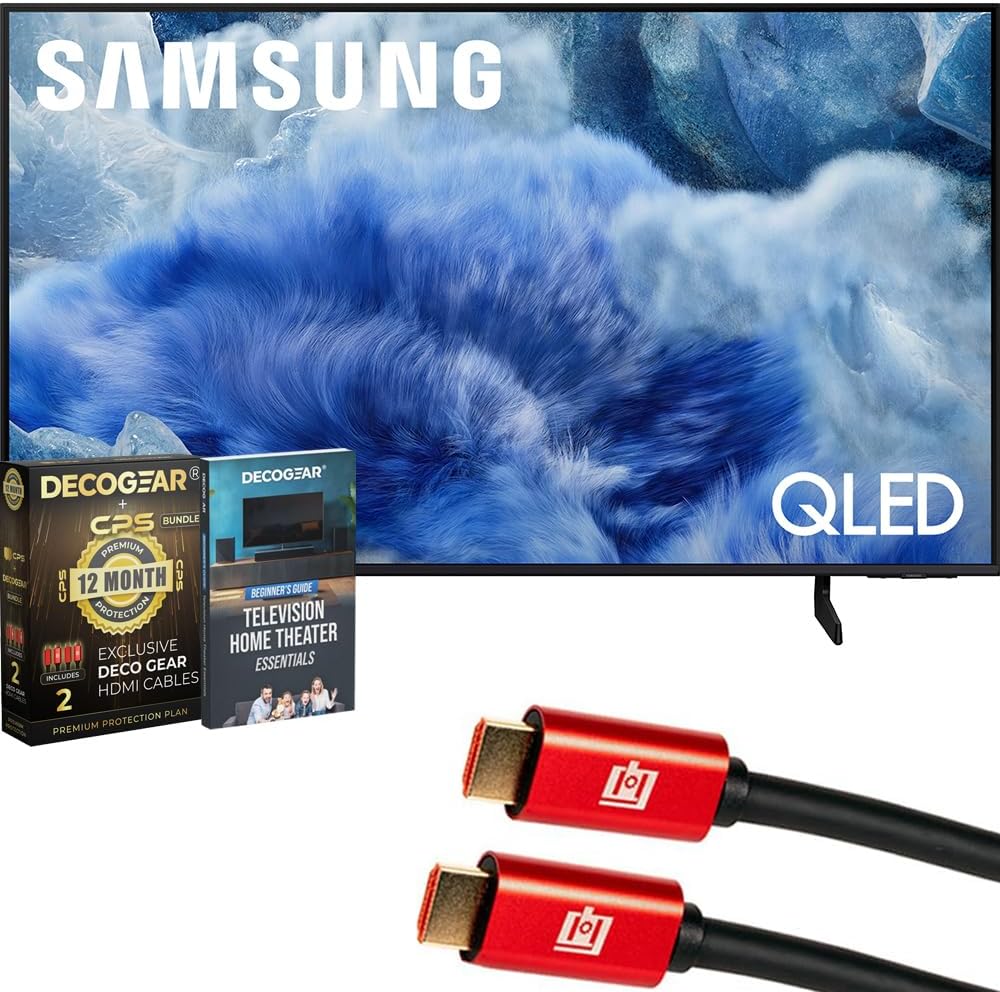
Image: The Samsung QN50Q8FAAFXZA 50-inch QLED Q8F 4K Vision AI Smart TV, shown with its stand and bundled accessories including HDMI cables and a guidebook.

Image: A close-up of the Samsung QLED TV screen displaying various technology logos such as 4K UHD, HDR+, Tizen, and Samsung Vision AI, highlighting its advanced features.
2. Bezpečnostní informace
Observe the following safety precautions to prevent damage to your TV and ensure personal safety.
- Elektrická bezpečnost: Do not overload wall outlets. Use only the provided power cord. Ensure the power plug is fully inserted into the outlet.
- Umístění: Place the TV on a stable, level surface or securely mount it to a wall. Ensure adequate ventilation around the TV to prevent overheating. Keep the TV away from direct sunlight, heat sources, and moisture.
- Čištění: Před čištěním odpojte napájecí kabel. Použijte měkký, suchý hadřík. Nepoužívejte tekuté ani aerosolové čisticí prostředky.
- Zacházení: Handle the TV with care. Avoid impacts to the screen. Do not insert objects into the TV's openings.
3. Co je v krabici
Po vybalení ověřte, zda jsou přítomny všechny komponenty:
- Samsung Q8F 4K HDR Smart QLED TV
- Dálkové ovládání SolarCell
- Napájecí kabel
- Limited 1-Year Manufacturer Protection documentation
- 2x Deco Gear 6FT Universal 4K HDMI 2.0 Cables
- Deco Gear Complete Home Theater Beginner's Guidebook

Image: The Deco Gear bundle box, indicating 12-month protection and the inclusion of two HDMI cables, which are part of the product package.
4. Nastavení
4.1 Vybalení
Carefully remove the TV and all accessories from the packaging. It is recommended to retain the packaging for future transport or service needs.
4.2 Instalace stojanu nebo montáž na zeď
If using the included stand, attach it securely according to the instructions provided in the separate stand assembly guide. If wall-mounting, ensure you use a compatible VESA mount and follow the mount manufacturer's instructions, ensuring the TV is securely fastened.

Obrázek: Vedlejší profesionálfile view of the Samsung QLED TV, illustrating its slim design and the attached stand, which supports the display.
4.3 Připojení externích zařízení
Připojte externí zařízení (např. kabelový přijímač, přehrávač Blu-ray, herní konzoli) k příslušným portům na zadní straně televizoru.
- HDMI: Use HDMI cables for high-definition video and audio. The TV features multiple HDMI ports, including one with eARC for enhanced audio return channel functionality.
- USB: Připojte paměťová zařízení USB pro přehrávání médií nebo aktualizace softwaru.
- LAN: Pro kabelové připojení k internetu připojte ethernetový kabel k portu LAN.
- Anténa: Connect an antenna or cable TV signal to the ANT In port.

Obrázek: Podrobný view of the TV's back panel, showing the arrangement of various input ports including USB, HDMI (with eARC), LAN, and ANT In for connecting external devices.
4.4 Připojení napájení
After connecting all necessary devices, plug the power cable into the TV's power input and then into a wall outlet.
4.5 Průvodce počátečním nastavením
Upon first power-on, the TV will guide you through an initial setup process. This includes selecting your language, connecting to a Wi-Fi network (or using a wired connection), scanning for channels, and agreeing to terms and conditions.
5. Provoz
5.1 Dálkové ovládání
Your TV comes with a SolarCell Remote Control. Familiarize yourself with its buttons for power, volume, channel, navigation, and Smart Hub access.
5.2 Základní funkce televizoru
- Zapnutí/vypnutí: Stiskněte tlačítko napájení na dálkovém ovládání.
- Ovládání hlasitosti: Use the volume buttons to adjust audio levels.
- Výběr kanálu: Pro změnu kanálů použijte tlačítka kanálů.
- Vstupní zdroj: Access the input menu to switch between connected devices (HDMI 1, HDMI 2, etc.).
5.3 Smart Features and Vision AI
Your Samsung QLED TV integrates advanced smart features and Vision AI for an enhanced viewzkušenosti.

Image: The Samsung QLED TV screen showcasing a vivid image, accompanied by the 'Samsung Vision AI' logo, indicating the TV's intelligent processing capabilities.
- Procesor s umělou inteligencí Q4: This processor upscales content to stunning 4K quality, even from lower-resolution sources. It optimizes picture and audio quality based on content type, ensuring an improved viewing experience for movies, sports, and more.
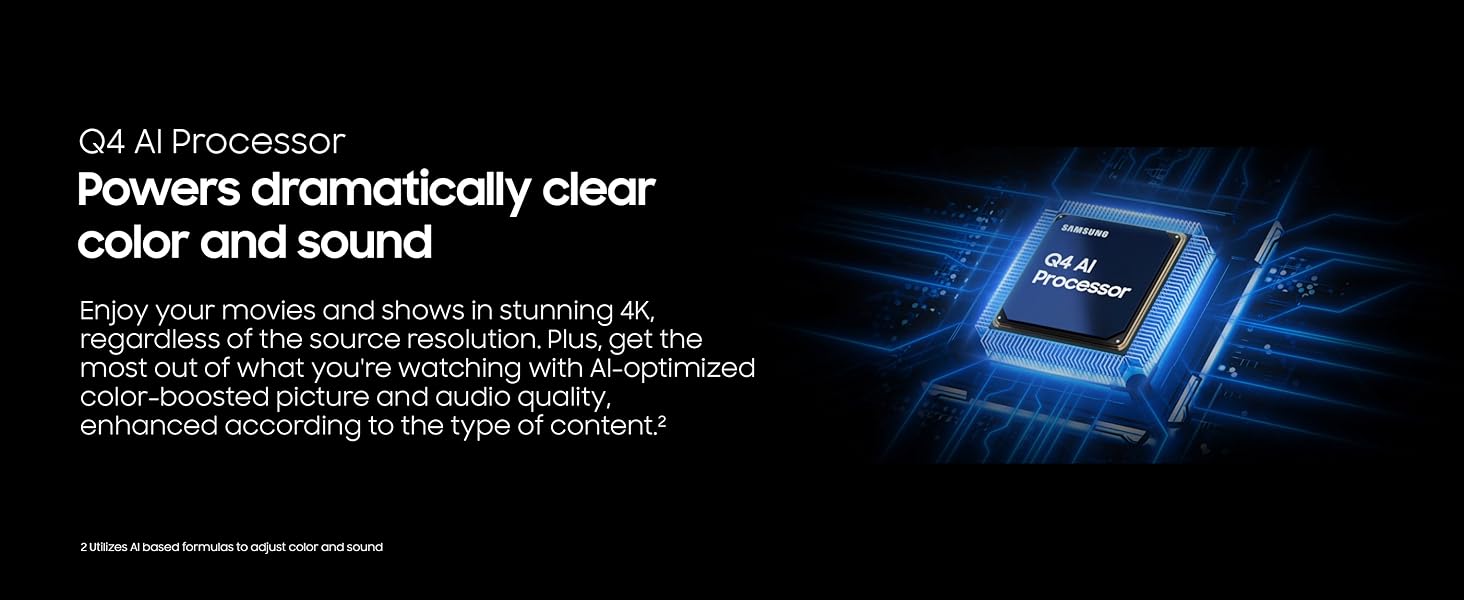
Image: A graphic representation of the Q4 AI Processor, highlighting its role in delivering dramatically clear color and sound by optimizing content.
- 100% barevný objem s kvantovými tečkami: Experience over a billion shades of color with remarkable precision. Quantum Dots ensure that colors remain vibrant and true, regardless of scene brightness.

Image: A vibrant scene featuring a person in a swimming pool, illustrating the wide color spectrum and precision achieved with 100% Color Volume and Quantum Dot technology.
- Motion Xcelerator 144Hz: Enjoy smooth visuals and minimal blur during fast-paced scenes, ideal for gaming and sports. This technology supports VRR games at up to 4K 144Hz.

Image: A dynamic image of a motorcycle racer on a dirt track, demonstrating the smooth motion and tear-free gaming experience provided by Motion Xcelerator 144Hz.
- Režim přizpůsobení umělé inteligence: The AI processor automatically detects content and optimizes picture settings to match your preferences, whether you prefer bold colors for sports or a moodier picture for films.
- Zabezpečení Samsung Knox: Your TV is secured with triple-layer protection. Samsung Knox defends against harmful apps and phishing sites, safeguarding sensitive data and connected IoT devices.

Image: A graphic showing a shield icon superimposed on a TV screen, representing Samsung Knox Security's triple-layer protection for personal data.
- Nekonečný bezplatný obsah: Access over 2,700 free channels, including Samsung TV Plus premium channels and free streaming apps, without a subscription.
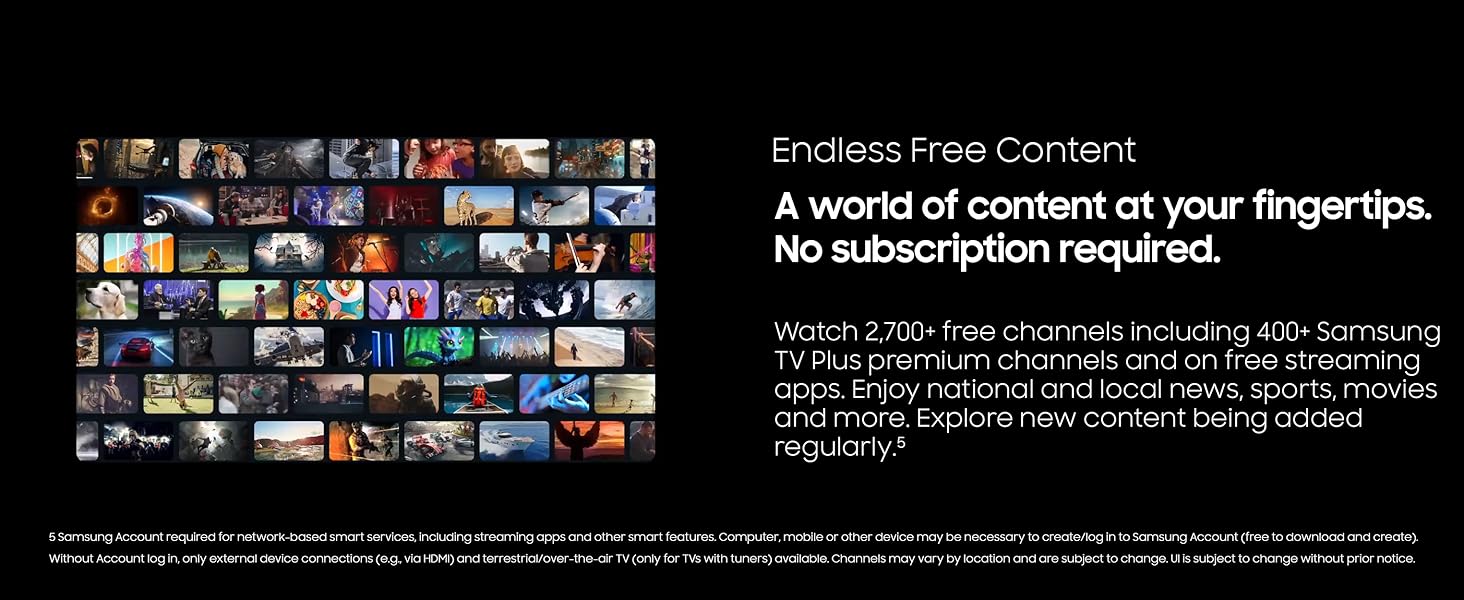
Image: A collage of diverse TV shows and movies, illustrating the vast array of endless free content available through the TV's smart features.
- Kvantové HDR+: Experience a wide range of contrast for detailed, cinematic visuals. HDR+ dynamically analyzes each scene to deliver enhanced brightness and contrast.

Image: A split-screen comparison demonstrating the difference between SDR (Standard Dynamic Range) and Quantum HDR+, showcasing the significantly enhanced detail and contrast provided by HDR+.
- Zesilovač barev Pro: AI analyzes each scene to enhance hues, providing a more vibrant and dynamic color experience.

Image: A side-by-side comparison of a scene with Color Booster Pro off and on, clearly demonstrating the AI-enhanced vibrant colors when the feature is active.
- Aktivní hlas Amplifier and Adaptive Sound: Adaptive Sound optimizes audio scene-by-scene for balanced sound. Active Voice Amplifier boosts dialogue clarity, even in noisy environments.

Image: A visual representation of sound waves originating from a TV screen, depicting how Active Voice Amplifier and Adaptive Sound optimize audio and clarify dialogue.
6. Údržba
6.1 Čištění televizoru
- Obrazovka: Jemně otřete obrazovku měkkým hadříkem, který nepouští vlákna. V případě odolných skvrn lehceampen the cloth with distilled water. Avoid harsh chemicals.
- Tělo: Rám a stojan televizoru otřete měkkým, suchým hadříkem.
6.2 Aktualizace softwaru
Pravidelně kontrolujte a instalujte aktualizace softwaru, abyste zajistili optimální výkon a přístup k nejnovějším funkcím. Tuto možnost obvykle najdete v nabídce nastavení televizoru v části „Podpora“ nebo „Aktualizace softwaru“.
7. Řešení problémů
Pokud narazíte na problémy s televizorem, postupujte podle následujících běžných kroků pro řešení problémů:
- Bez napájení: Ujistěte se, že je napájecí kabel bezpečně připojen k televizoru i k elektrické zásuvce. Vyzkoušejte zásuvku s jiným zařízením.
- Bez obrázku: Check that the correct input source is selected. Verify all HDMI or other video cables are securely connected. Try restarting the TV and any connected devices.
- Žádný zvuk: Check the volume level and ensure the TV is not muted. Verify audio cables for external sound systems.
- Dálkové ovládání nefunguje: Vyměňte baterie v dálkovém ovladači. Ujistěte se, že mezi dálkovým ovladačem a senzorem televizoru nejsou žádné překážky.
- Problémy s připojením k síti: Restartujte router a modem. Znovu zadejte heslo k Wi-Fi v nastavení sítě televizoru. V případě kabelového připojení zkontrolujte ethernetový kabel.
If problems persist, consult the Samsung support webnebo kontaktujte zákaznický servis.
8. Specifikace
| Funkce | Specifikace |
|---|---|
| Název značky | Samsung |
| Číslo modelu položky | E1SAMQN50Q8F |
| Velikost obrazovky | 49.5 palců (úhlopříčka viditelné obrazovky: 50" / 126 cm) |
| Technologie displeje | QLED |
| Rezoluce | 4K |
| Obnovovací frekvence | 60 Hz (Motion Xcelerator 144Hz for VRR gaming) |
| Poměr stran | 16:9 |
| Rozměry produktu | 9.4"H x 44"Š x 27.6"V (9.4 x 44 x 27.6 palců) |
| Hmotnost položky | 32.1 libry |
| Název barvy | Černý |
| Spotřeba energie v zapnutém režimu | 105 wattů |
| Speciální funkce | 100% Color Volume with Quantum Dot, Endless Free Content, Eye Comfort Mode, Q4 AI Processor, Samsung Knox Security |
| Technologie připojení | Bluetooth, WiFi |
9. Záruka a podpora
Your Samsung QN50Q8FAAFXZA QLED Smart TV is covered by a Limited 1-Year Manufacturer Protection. For detailed warranty terms and conditions, please refer to the documentation included with your product.
For technical support, product registration, or additional information, please visit the official Samsung support webnebo kontaktujte jejich zákaznický servis.