
Zavedení
This user manual provides essential information for the safe and effective use of your CJP-Geek UL 12V Power Adapter, model PSCJQ918WPR-248. This adapter is designed to provide a stable 12V power supply for compatible mini PCs and desk computers, including AWOW AK-41, AK34-J, NYi3, and Beelink T4 models. Please read this manual thoroughly before use and retain it for future reference.
Bezpečnostní informace
Pro zajištění bezpečného provozu a prevenci poškození dodržujte prosím následující bezpečnostní opatření:
- Vstupní objemtage: Ujistěte se, že je zásuvkatage is within the specified range of 100-240V AC.
- Ochranné vlastnosti: The adapter includes built-in Over Voltage Protection, Over Current Protection, Short Circuit Protection, and Input Protection to safeguard your devices.
- Podmínky prostředí: Use the adapter in a dry environment. Avoid exposure to water, moisture, or high humidity.
- Větrání: Během používání adaptér nezakrývejte, mohlo by dojít k jeho přehřátí.
- Fyzické poškození: Do not drop, disassemble, or attempt to repair the adapter. If damaged, discontinue use immediately.
- Péče o kabely: Do not place heavy objects on the power cord or subject it to excessive bending or pulling.
- Děti: Udržujte adaptér mimo dosah dětí.
Obsah balení
Po otevření balení ověřte, zda jsou všechny položky přítomny:
- CJP-Geek UL 12V Power Adapter (Model: PSCJQ918WPR-248)
Konec produktuview
Familiarize yourself with the components and features of your power adapter.

Obrázek 1: Hlavní view of the CJP-Geek 12V Power Adapter, showing the adapter block with a 2-prong plug and the attached DC output cable with a round tip connector.
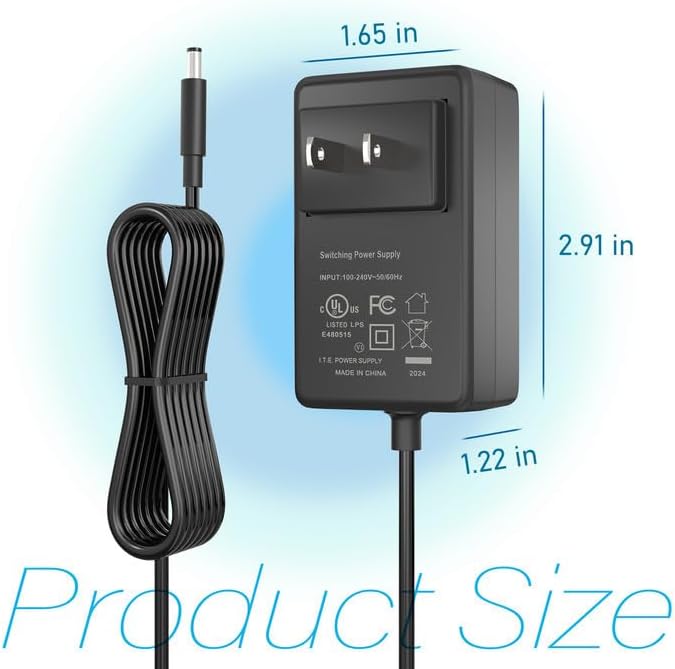
Obrázek 2: Product dimensions of the CJP-Geek 12V Power Adapter. The adapter block measures approximately 1.65 inches in width, 2.91 inches in height, and 1.22 inches in depth.

Obrázek 3: Diagram illustrating the multi-certification security features of the CJP-Geek 12V Power Adapter, including Over Temperature Protection, Overcharge Protection, Short Circuit Protection, Overvoltage Protection, Overcurrent Protection, and Overpower Protection.
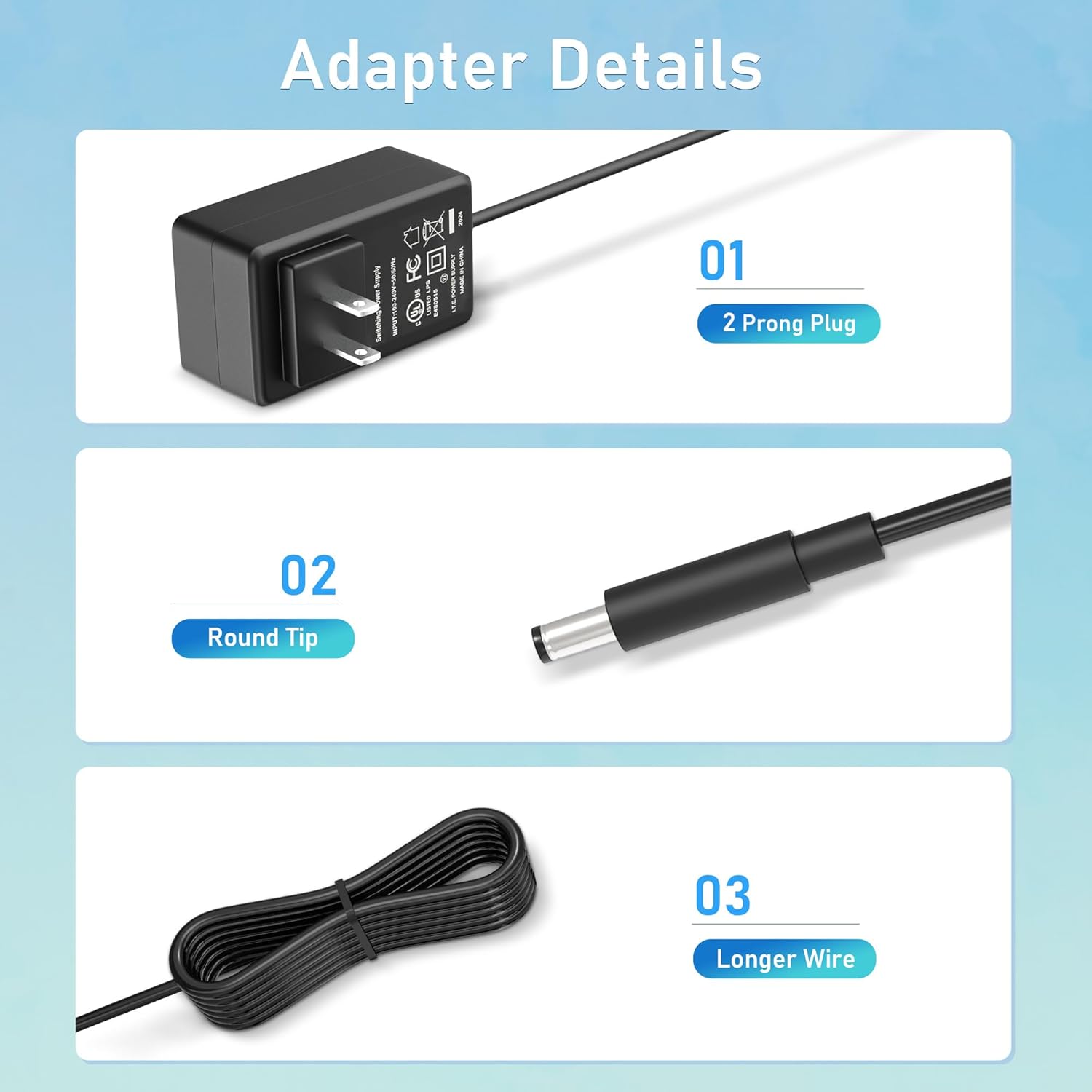
Obrázek 4: Detailní view of the adapter's key components: (01) a standard 2-prong plug for wall outlets, (02) a round tip DC connector for device input, and (03) a longer wire for extended reach.
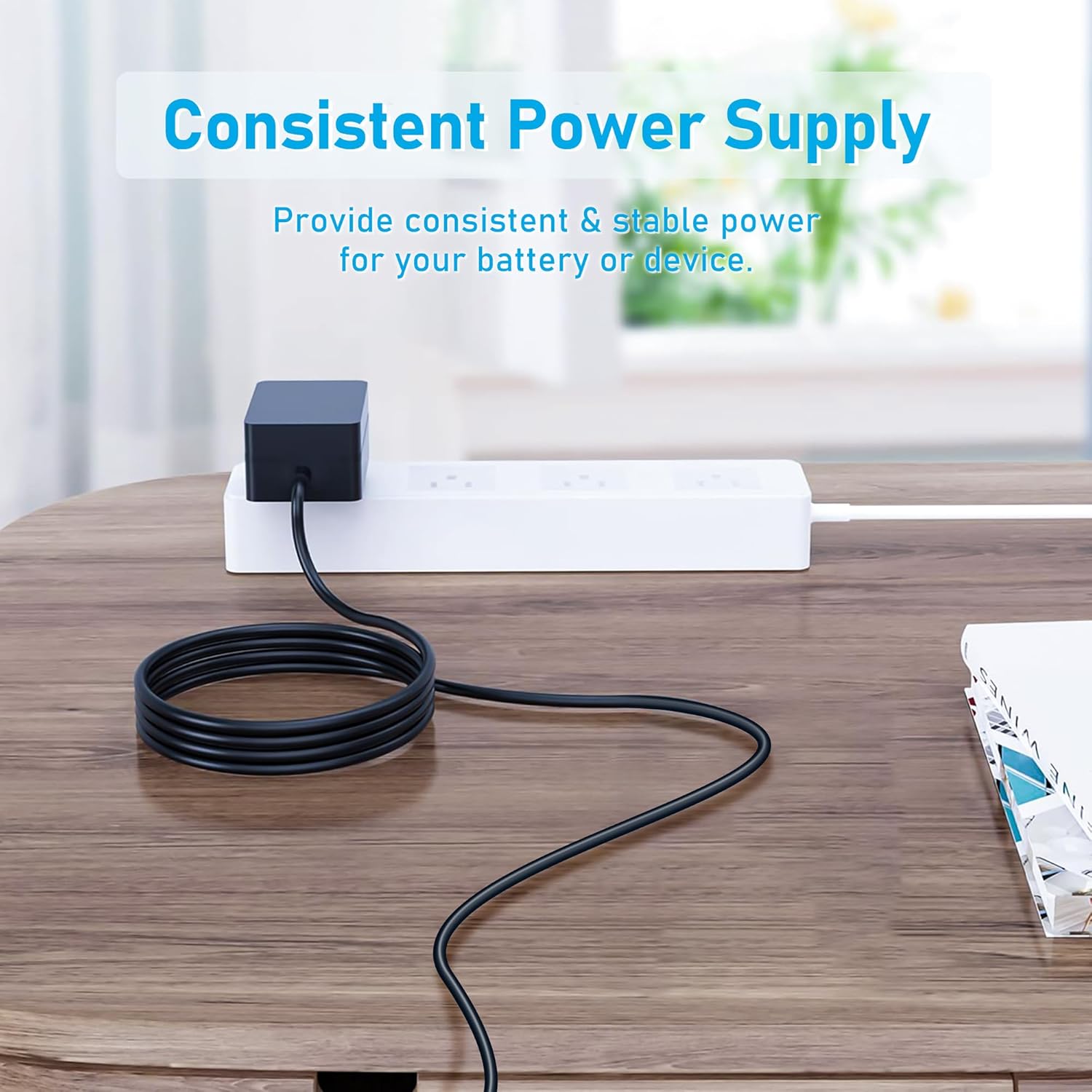
Obrázek 5: The CJP-Geek 12V Power Adapter connected to a power strip, demonstrating its ability to provide consistent and stable power to a device (not shown) on a desk.
Pokyny pro nastavení
- Ověřte kompatibilitu: Ensure your device requires a 12V DC input and has a compatible round tip power port. Refer to your device's manual for power specifications.
- Připojit k zařízení: Insert the round tip DC connector of the CJP-Geek power adapter firmly into the power input port of your mini PC or compatible device.
- Připojte k elektrické zásuvce: Plug the 2-prong AC plug of the power adapter into a standard 100-240V AC wall outlet or power strip.
- Zapnutí: Once connected, your device should receive power. Follow your device's instructions to power it on.
Návod k obsluze
The CJP-Geek 12V Power Adapter operates automatically once connected to a power source and a compatible device. It provides a continuous and stable power supply. No user intervention is required for its basic operation.
- Ujistěte se, že je adaptér umístěn v dobře větraném prostoru, aby se zabránilo přehřátí.
- Pokud adaptér delší dobu nepoužíváte, odpojte jej ze zásuvky.
Údržba
Proper maintenance ensures the longevity and reliable performance of your power adapter:
- Čištění: Disconnect the adapter from all power sources before cleaning. Use a soft, dry cloth to wipe the exterior. Do not use liquid cleaners or abrasive materials.
- Skladování: Pokud adaptér nepoužíváte, skladujte jej na chladném a suchém místě mimo dosah přímého slunečního záření a extrémních teplot.
- Kontrola kabelů: Periodically inspect the power cord and connectors for any signs of damage, fraying, or loose connections. If damage is found, discontinue use.
Odstraňování problémů
If you encounter issues with your power adapter, refer to the following common solutions:
- Zařízení není napájeno:
- Ensure the adapter is securely plugged into a working wall outlet.
- Verify that the DC connector is fully inserted into your device's power port.
- Otestujte zásuvku ve zdi pomocí jiného zařízení, abyste se ujistili, že je funkční.
- Check for any visible damage to the adapter or cable.
- Přehřátí adaptéru:
- Ujistěte se, že adaptér je v dobře větraném prostoru a není zakrytý.
- Confirm that your device's power requirements do not exceed the adapter's specifications.
- Device Not Charging/Powering On:
- Confirm that the adapter's output voltage (12V) and connector type are compatible with your device.
- If the issue persists, consult your device's manual or contact customer support.
Specifikace
| Funkce | Specifikace |
|---|---|
| Číslo modelu | PSCJQ918WPR-248 |
| Vstupní objemtage | 100-240V AC |
| Vstupní frekvence | 50/60 Hz |
| Výstupní objemtage | 12V DC |
| Typ konektoru | Kulatý hrot |
| Typ zástrčky | 2-Prong US Standard |
| Barva | Černý |
| Hmotnost položky | 3 unce (cca 85 gramů) |
| Bezpečnostní funkce | Přes Voltage Protection, Over Current Protection, Short Circuit Protection, Input Protection, Over Temperature Protection, Overcharge Protection, Overpower Protection |
| Kompatibilní zařízení | AWOW AK-41, AK34-J, NYi3, Beelink T4 Mini PC Desk Computer, and other devices requiring 12V DC with a compatible round tip connector. |
Záruka a podpora
For warranty information or technical support, please refer to the product packaging or contact CJP-Geek customer service through their official channels. Keep your purchase receipt as proof of purchase.