
Zavedení
Thank you for choosing the VECHTEL 2 Din Car Stereo. This device features a 7-inch touchscreen with wireless CarPlay and Android Auto, Bluetooth 5.1, FM radio, Mirror Link functionality, and support for a rear view camera. This manual provides essential information for installation, operation, maintenance, and troubleshooting to ensure optimal performance and user safety.
Bezpečnostní informace
- Před instalací a použitím si pečlivě přečtěte všechny pokyny.
- Professional installation is recommended to prevent damage to the unit or vehicle.
- Neovládejte zařízení způsobem, který by vás rozptyloval od řízení. Vždy upřednostňujte bezpečnost silničního provozu.
- Ensure all wiring is correctly connected to avoid short circuits or electrical hazards.
- Chraňte jednotku před vodou a nadměrnou vlhkostí.
- Nepokoušejte se jednotku rozebírat ani upravovat. Ztratíte tak záruku.
Obsah balení
Ověřte, zda jsou v balení přítomny všechny položky:
- 1 x VECHTEL 2 Din Car Stereo
- 1x zadní View Fotoaparát
- 1 x napájecí kabel
- 1 x kabel reproduktoru
- 1 x Dálkové ovládání
- 1 x externí mikrofon
- 1 x Uživatelská příručka

Image: VECHTEL 2 Din Car Stereo with included accessories.
Konec produktuview
The VECHTEL car stereo features a 7-inch HD touchscreen for intuitive control and a clear display. Physical buttons and a rotary volume knob provide convenient access to essential functions while driving.

Image: 7-inch HD Touch Screen display comparison.

Image: Car stereo interface and port overview.
Nastavení
Instalace
This unit is a standard 2 DIN size. Ensure your vehicle's dashboard opening is compatible. It is highly recommended to have the unit installed by a qualified professional to ensure correct wiring and secure mounting.
Připojení vodičů
Connect the power cable, speaker cables, external microphone, and rear view camera according to the provided wiring diagram in the included user manual. Pay close attention to positive and negative terminals to avoid damage.
- Moc: Připojte k napájení vozidla (ACC, B+, uzemnění).
- Řečníci: Connect to your vehicle's speakers (Front Left, Front Right, Rear Left, Rear Right).
- Zadní kamera: Connect the video input (CVBS) and power for the camera. The unit will automatically display the camera feed when reversing.
- Externí mikrofon: Plug into the designated microphone input for improved call clarity.
- USB/AUX: Connect USB devices for media playback or charging, and AUX for external audio sources.
Návod k obsluze
Bezdrátové CarPlay a Android Auto
Connect your smartphone wirelessly via Bluetooth to access CarPlay or Android Auto. This allows safe use of navigation, music, and messaging apps through the car stereo's display. Voice control via Siri or Google Assistant is supported for hands-free operation.
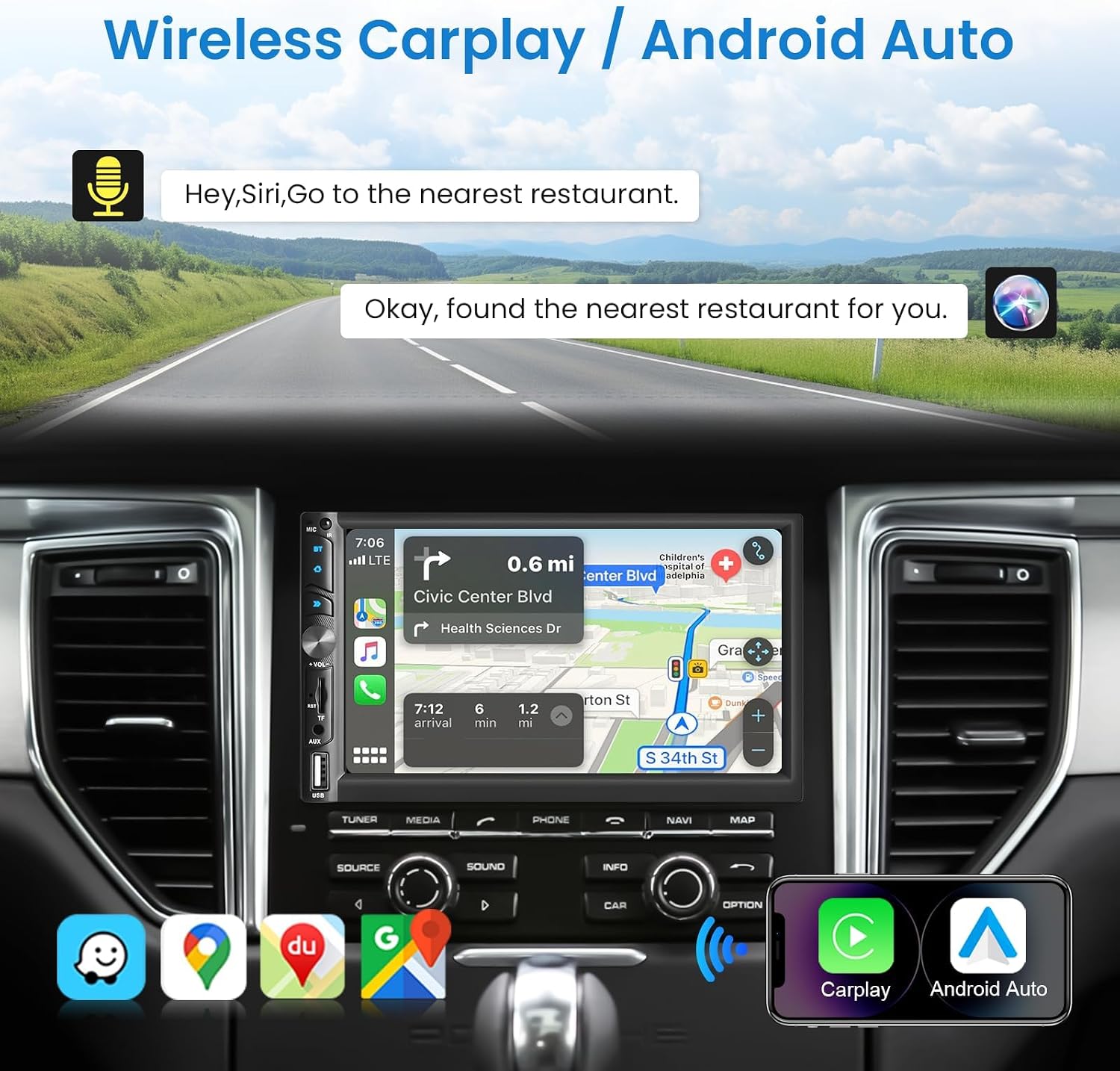
Image: Wireless CarPlay / Android Auto in use.
Konektivita Bluetooth 5.1
The unit features Bluetooth 5.1 for stable and fast wireless connections. Pair your phone to make hands-free calls and stream audio. The dual microphone system (built-in and external) ensures clear communication.

Image: Upgraded Bluetooth 5.1 features.
Funkce zrcadlového propojení
Connect your iOS or Android smartphone via USB to use the Mirror Link function. This allows you to display your phone's screen content, such as navigation apps, Spotify, or YouTube, directly on the car stereo's display.

Image: iOS / Android Mirror Link in action.
FM rádio
Nalaďte si své oblíbené FM rádiové stanice. Přístroj podporuje 18 přednastavených stanic pro rychlý přístup.
Zadní View Fotoaparát
When the vehicle is shifted into reverse, the car stereo automatically displays the feed from the included 12-LED night vision rear camera. This feature provides a wide-angle view pro pomoc s parkováním a manévrováním.

Obrázek: Zadní View Camera display and features.
Nastavení zvuku
Adjust the audio output to your preference using the built-in 10-band equalizer. The unit also supports woofer output for enhanced bass performance.

Image: Excellent Sound Quality settings and connections.
USB/TF/AUX Playback
Insert a USB drive or TF card into the respective ports for media playback. Connect external audio devices via the AUX input.
Údržba
- Čištění: K čištění obrazovky a zařízení používejte měkký, suchý hadřík. Nepoužívejte abrazivní čisticí prostředky ani rozpouštědla.
- Aktualizace softwaru: Check the VECHTEL website or contact support for any available software updates to ensure optimal performance and new features.
- Podmínky prostředí: Nevystavujte jednotku extrémním teplotám nebo přímému slunečnímu záření po delší dobu.
Odstraňování problémů
| Problém | Možná příčina | Řešení |
|---|---|---|
| Žádná síla | Nesprávné zapojení; Spálená pojistka; Problém s baterií vozidla. | Check power connections (ACC, B+, Ground). Inspect vehicle fuses. Consult a professional if necessary. |
| Žádný zvuk | Incorrect speaker wiring; Volume too low; Mute function active; Audio source issue. | Verify speaker connections. Increase volume. Disable mute. Check selected audio source. |
| Nestabilní připojení Bluetooth | Interference; Device too far; Phone Bluetooth issue. | Ensure phone is close to the unit. Restart phone and car stereo. Re-pair the device. |
| Zadní kamera se nezobrazuje | Incorrect camera wiring; Camera power issue; Reverse trigger not connected. | Check camera video input and power connections. Ensure the reverse trigger wire is correctly connected to the vehicle's reverse light circuit. |
| Dotykový displej nereaguje | Zamrznutí systému; Nečistoty na obrazovce. | Restartujte zařízení. Otřete obrazovku měkkým hadříkem. |
Specifikace
| Funkce | Detail |
|---|---|
| Číslo modelu | 113266 |
| Velikost obrazovky | 7.0 palců |
| Rozlišení obrazovky | 1024*600 |
| svtage | 12V |
| Verze Bluetooth | 5.1 |
| Výstupní výkon | 4*45W (180 Watts total) |
| Rozhraní USB | USB 2.0 |
| Reverzní vstup | CVBS |
| Rozsah FM rádia | 87.5-108.0 MHz |
| Podpora DVR | Ano |
| Woofer Output | Ano |
| Zvukové formáty | MP3 / WMA / WAV / APE / FLAC |
| Video formáty | MKV/AVI/TS/TP/MP4/M4V (Max bitrate 50-80Mbps) |
| Rozměry (D x Š x V) | 9.2 x 17.8 x 9.8 cm |
Informace o záruce
This VECHTEL car stereo is covered by a tříletá záruka from the date of purchase. This warranty covers manufacturing defects and malfunctions under normal use. Please retain your proof of purchase for warranty claims. The warranty does not cover damage caused by improper installation, misuse, accidents, or unauthorized modifications.
Podpora
VECHTEL specializes in automotive electronics and provides dedicated customer support. If you encounter any issues with compatibility, installation, or operation, please do not hesitate to contact us. Our professional team is available to provide assistance.
For technical support, please follow these steps:
- Krok 1: Locate your order on the platform where you purchased the product.
- Krok 2: Click on the seller's name (VECHTEL) and select the option to 'Ask a question' or 'Contact seller'.
We offer 24/7 technical support to ensure your satisfaction.