
Zavedení
The Samsung Jet™ 75 Pet Cordless Stick Vacuum is designed for efficient cleaning across various surfaces. It features a lightweight design, powerful suction, and a removable battery for extended operation. This manual provides essential information for the proper setup, operation, and maintenance of your vacuum cleaner.

Image: The Samsung Jet 75 Pet Cordless Vacuum, showcasing its sleek, lightweight design in silver.
Co je v krabici
Your SAMSUNG Jet 75 Pet Cordless Vacuum package includes the following components:
- Jet 75 Pet Vacuum: The main unit for cordless cleaning.
- Turbo Action Brush: Designed for multi-surface cleaning, effective on carpets and hardwood floors.
- Nástroj pro domácí mazlíčky: A compact, powered tool specifically optimized for picking up pet hair.
- Kombinační nástroj: A versatile attachment for various cleaning tasks.
- Štěrbinový nástroj: Pro dosažení úzkých prostor a rohů.
- Baterie: A removable, rechargeable Lithium-Ion battery providing up to 60 minutes of run time.
- 2-in-1 Charger: For convenient charging of the battery.
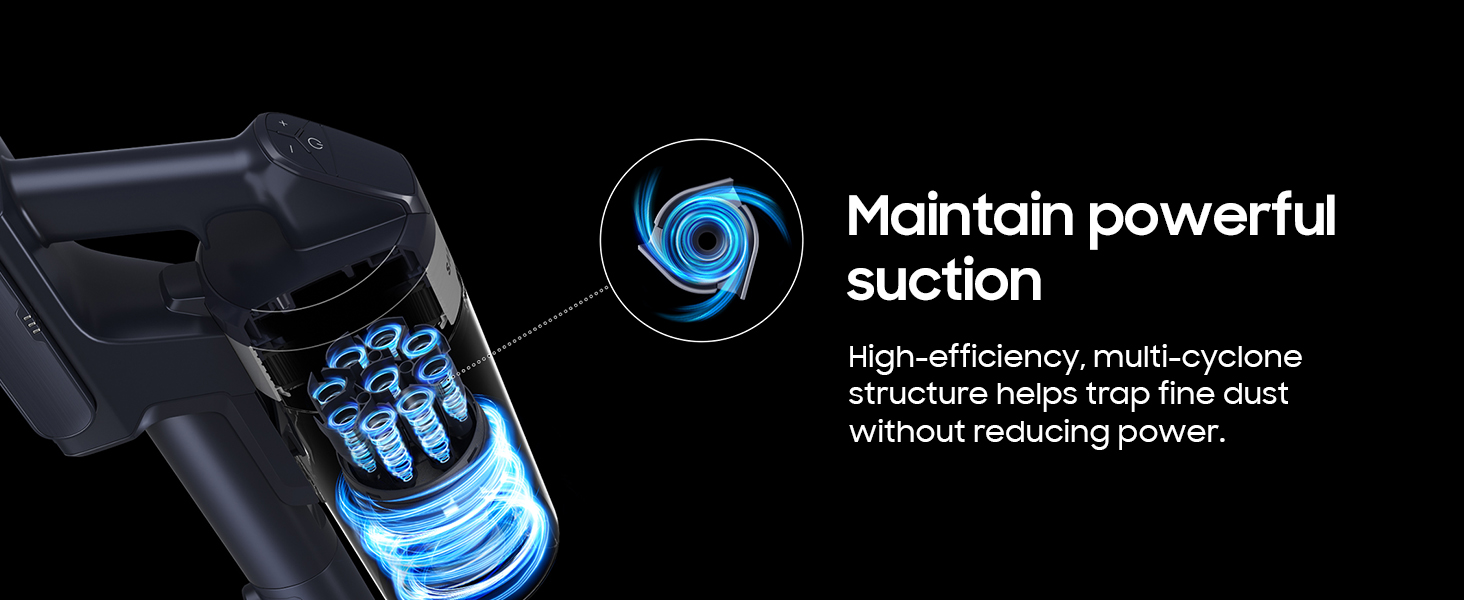
Image: An illustration detailing all components included in the SAMSUNG Jet 75 Pet Cordless Vacuum package.
Nastavení
- Shromáždění: Connect the main vacuum body to the extension pipe, and then attach the desired cleaning head (e.g., Turbo Action Brush) to the other end of the pipe.
- Instalace baterie: Insert the removable battery into the designated slot on the main vacuum body until it clicks securely into place.
- Počáteční nabíjení: Before first use, fully charge the battery using the provided 2-in-1 charger. The charger can be mounted on a wall or used as a standalone unit.

Image: The SAMSUNG Jet 75 Pet Cordless Vacuum fully assembled and ready for operation.
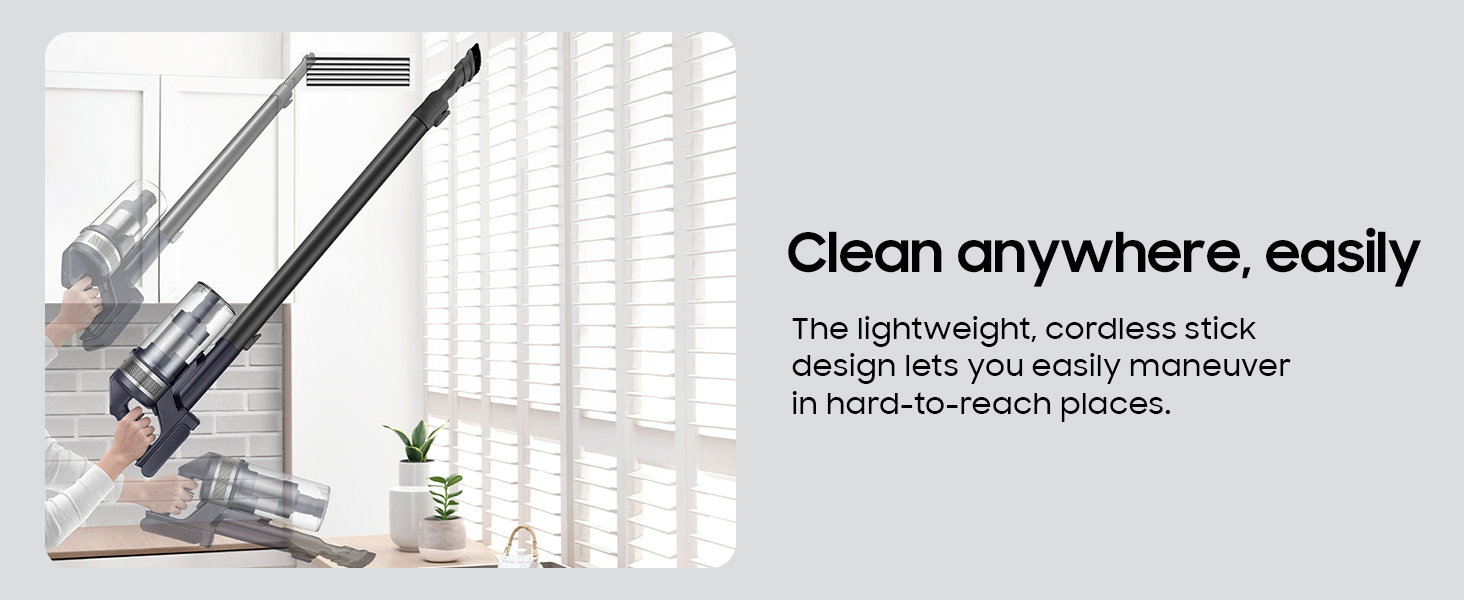
Image: Flexible charging options for the removable battery, including wall-mounted and standalone configurations.
Návod k obsluze
The SAMSUNG Jet 75 offers multiple power levels and specialized tools for effective cleaning.
- Zapnutí/vypnutí: Stisknutím tlačítka napájení umístěného na rukojeti vysavač zapnete nebo vypnete.
- Nastavení sacího výkonu: Use the '+' and '-' buttons on the digital display to cycle through different suction modes (Min, Mid, Max, Jet). The display provides real-time status updates on power levels and battery life.
- Čištění více povrchů: The Turbo Action Brush is suitable for both carpets and hardwood floors. For pet hair, attach the specialized Pet Tool.
- Lehký design: The vacuum's lightweight construction (5.7 pounds) and 180-degree swivel head allow for easy maneuverability around furniture and into hard-to-reach areas.
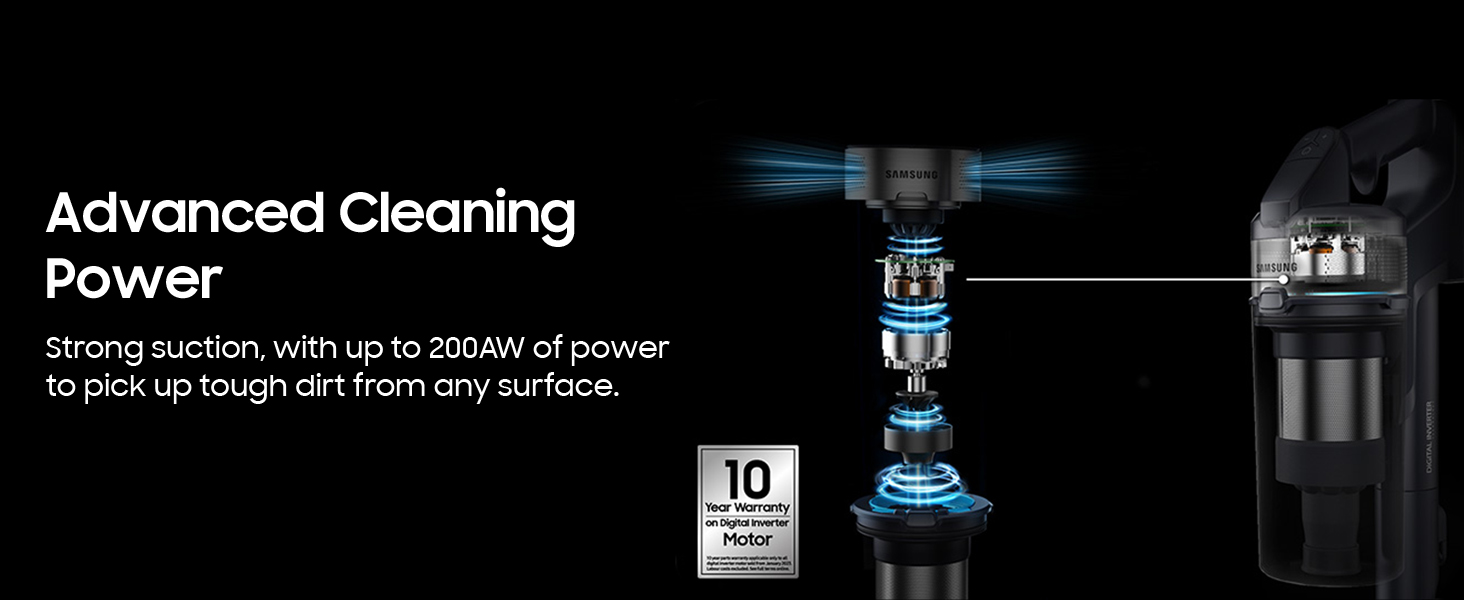
Image: The digital display on the vacuum's handle, showing power levels and battery status.
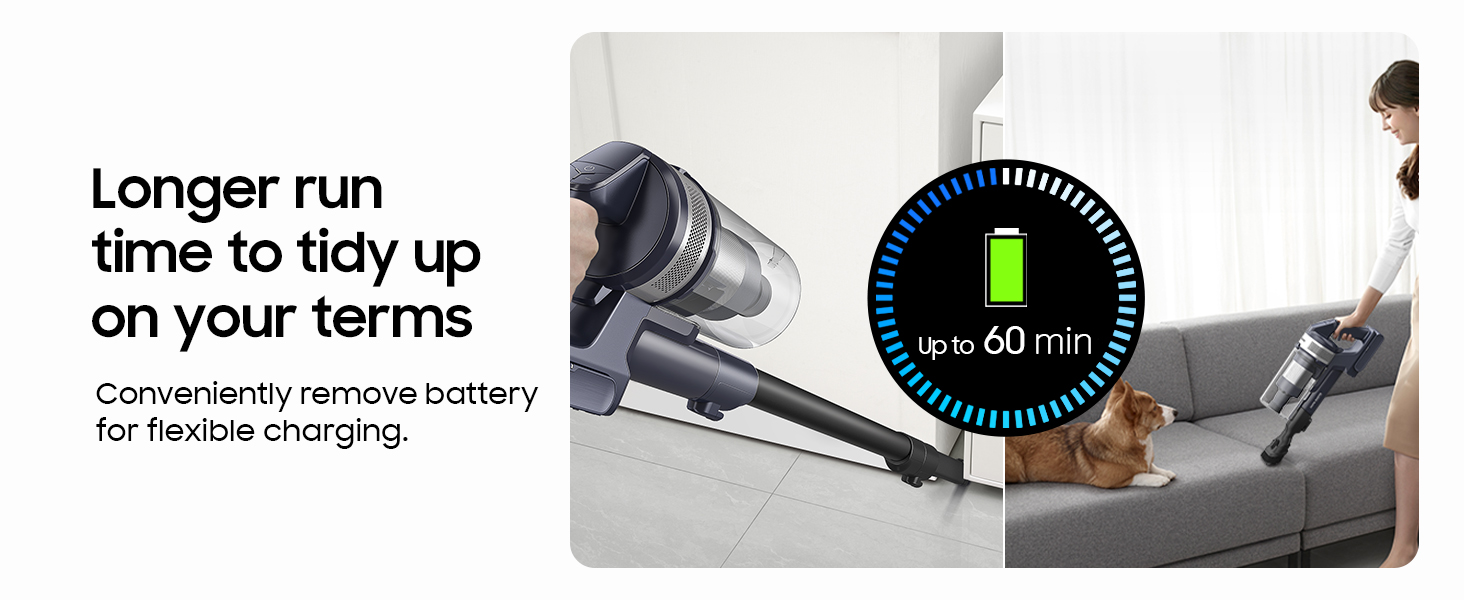
Image: The Turbo Action Brush effectively cleaning both carpeted and hard floor surfaces.
Video: A user demonstrating the Samsung Jet 75 vacuum's maneuverability and cleaning performance on various surfaces.
Údržba
Pravidelná údržba zajistí optimální výkon a dlouhou životnost vašeho vysavače.
- Vyprázdnění popelnice: The dustbin can be easily detached and emptied. For hands-free emptying, use the optional Clean Station (if purchased separately) which automatically empties the dustbin and cleans the filter.
- Čištění filtru: The HEPA filter and multi-cyclone system are designed to trap fine dust. Filters are washable; refer to the full user manual for detailed cleaning instructions.
- Údržba kartáčového válce: Periodically check the Turbo Action Brush and Pet Tool for tangled hair or debris. The brush rolls can be easily removed for cleaning.
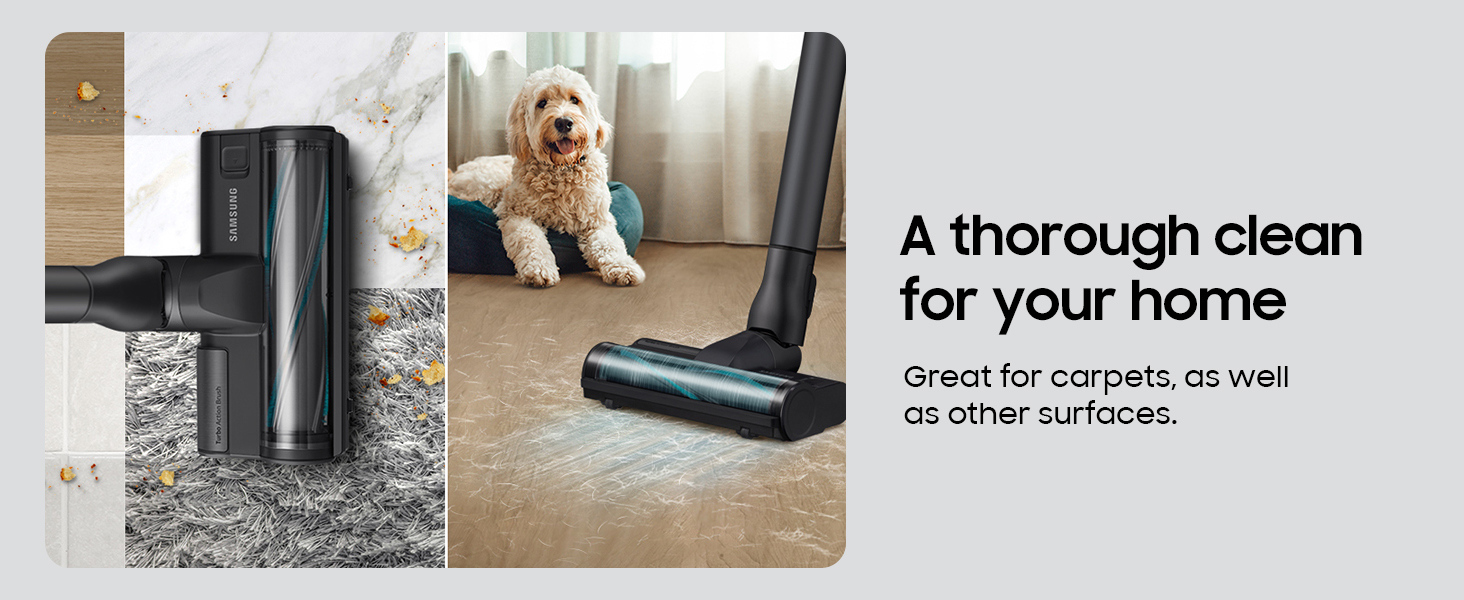
Image: The washable dustbin and filters, highlighting ease of cleaning for optimal performance.
Video: Demonstration of the self-empty feature of the Samsung Jet 75, showing the dustbin being automatically emptied into the Clean Station.
Odstraňování problémů
If you encounter issues with your SAMSUNG Jet 75, try the following common troubleshooting steps:
- Snížené sání: Check if the dustbin is full and needs emptying. Ensure all filters are clean and properly installed. Inspect the brush roll and nozzle for any blockages.
- Baterie se nenabíjí: Verify that the charger is correctly plugged into a working power outlet and the battery is securely seated in the charger.
- Kartáčový válec se netočí: Check for tangled hair or debris obstructing the brush roll. Ensure the cleaning head is properly attached to the extension pipe.
- Neobvyklé zvuky: Turn off the vacuum and inspect all parts for any foreign objects or damage.
For more detailed troubleshooting, refer to the complete user manual or contact Samsung customer support.
Specifikace
| Značka | Samsung |
| Název modelu | Jet 75 Pet Cordless Vacuum |
| Číslo modelu položky | VS20B75AGR5/AA |
| Speciální funkce | Bezdrátový |
| Typ filtru | HEPA filtr |
| Maximální sání | 200 AW |
| Životnost baterie | Up to 60 minutes (minimum power level with non-motorized tool) |
| Typ baterie | Lithium-Ion |
| Kapacita popelnice | 0.8 litrů |
| Hmotnost položky | 5.7 libry |
| Rozměry produktu | 8.5 cm D x 9.8 cm Š x 44.5 cm V |

Image: Dimensions of the SAMSUNG Jet 75 Pet Cordless Vacuum.
Záruka a podpora
Your SAMSUNG Jet 75 Pet Cordless Vacuum is covered by a manufacturer's warranty. Please refer to the warranty card included in your package for specific terms and conditions.
For technical assistance, service, or to purchase replacement parts, please contact Samsung customer support through their official webwebu nebo kontaktních informací uvedených v dokumentaci k produktu.
Online zdroje a často kladené otázky mohou být k dispozici také na Obchod Samsung.