
1. Úvod
Thank you for choosing the MageGee G6 Wired Gaming Mouse. This ergonomic USB optical mouse is designed to enhance your gaming and work experience with its high precision sensor, adjustable speed levels, and vibrant LED backlighting. Please read this manual thoroughly to ensure proper setup and optimal performance.
2. Nastavení
2.1 Obsah balení
- Drátová herní myš MageGee G6
- Návod k použití
2.2 Systémové požadavky
- Operating System: Windows 10, Windows 8, Windows 7, Windows XP, WinME, Vista, Linux, etc.
- K dispozici port USB
2.3 Připojení myši
- Vyhledejte volný USB port na vašem počítači (PC, notebooku nebo stolním počítači).
- Plug the USB connector of the MageGee G6 mouse into the USB port.
- The mouse is plug-and-play; no additional drivers or software are required for basic functionality.
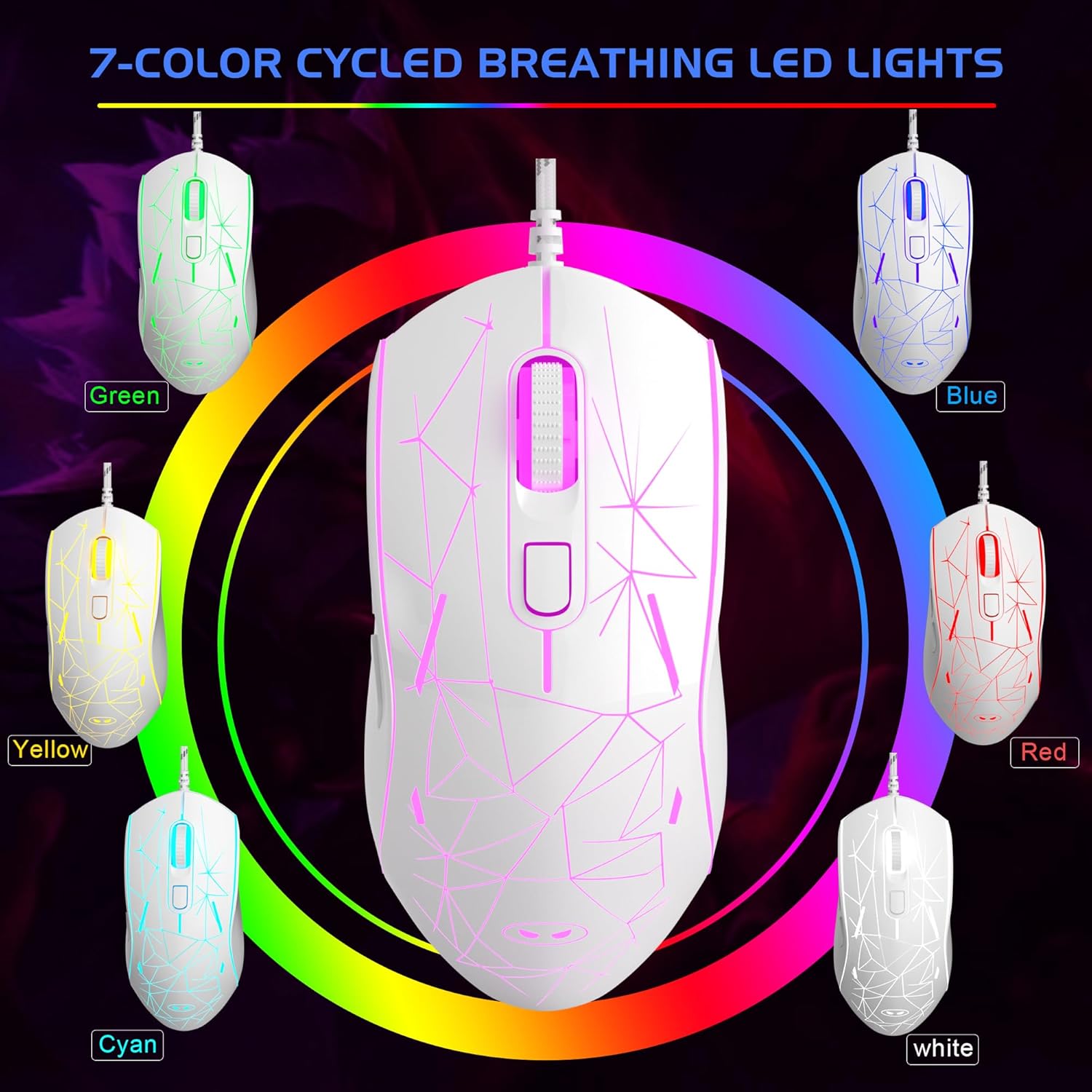
Image: The MageGee G6 Wired Gaming Mouse with its USB cable connected to a computer.
3. Návod k obsluze
3.1 Funkce tlačítek
The MageGee G6 offers 6 flexible buttons for versatile control:
- Levé tlačítko: Standardní funkce levého kliknutí.
- Pravé tlačítko: Standardní funkce kliknutí pravým tlačítkem myši.
- Rolovací kolečko: Posouvá se nahoru/dolů a funguje jako tlačítko pro kliknutí prostředním tlačítkem myši.
- Tlačítko rychlosti (tlačítko DPI): Adjusts the DPI (Dots Per Inch) sensitivity.
- Tlačítko vpřed: Naviguje vpřed web prohlížeče nebo aplikace.
- Tlačítko Zpět: Naviguje zpět web prohlížeče nebo aplikace.
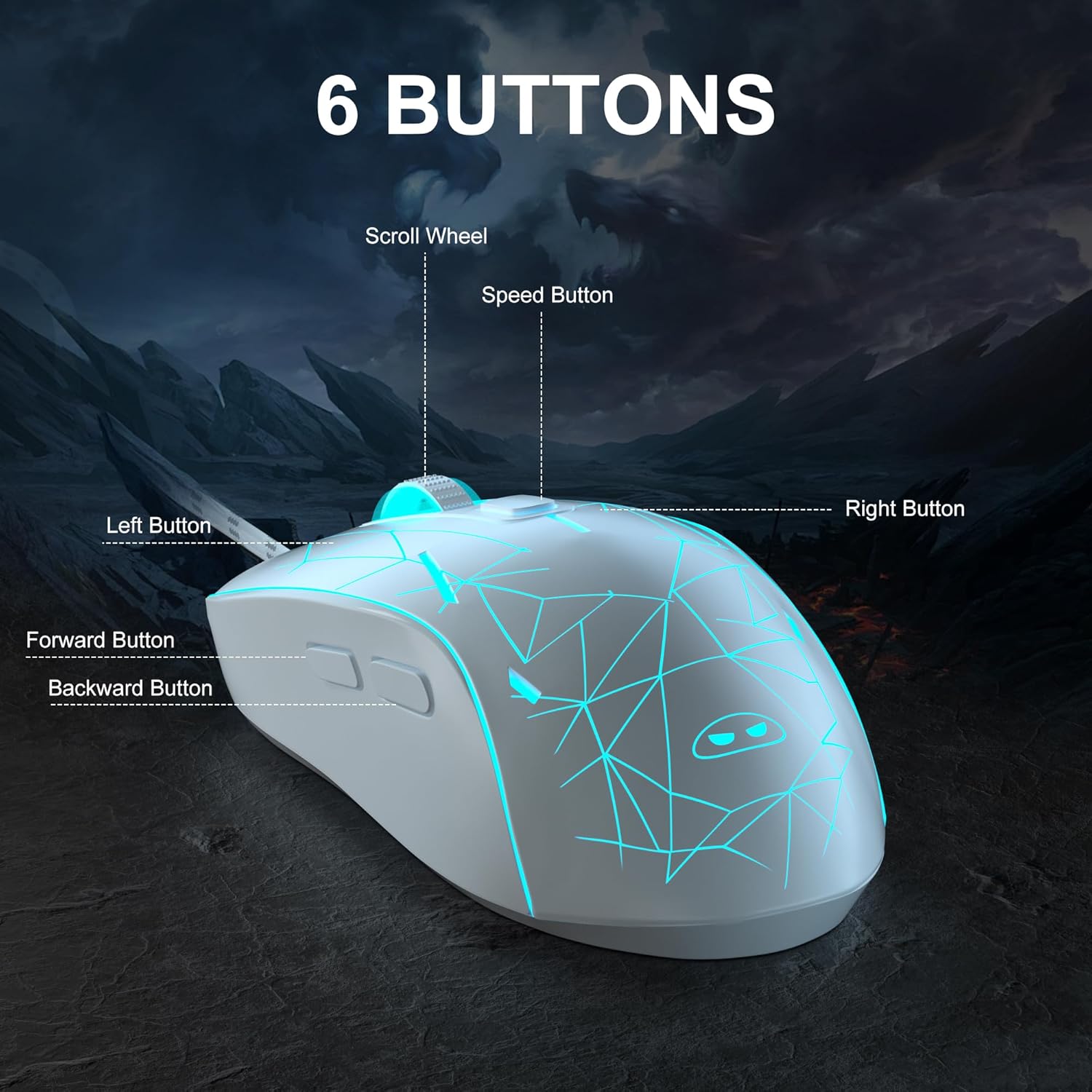
Obrázek: Podrobný view of the MageGee G6 mouse highlighting the Left, Right, Scroll Wheel, Speed, Forward, and Back buttons.
3.2 Adjusting DPI Speed Levels
The MageGee G6 offers 6 adjustable DPI speed levels for precise cursor control:
- 600 DPI
- 800 DPI
- 1200 DPI
- 1600 DPI
- 2400 DPI
- 3200 DPI
Stiskněte tlačítko Tlačítko rychlosti (located below the scroll wheel) to cycle through the different DPI settings. Each press will change the sensitivity, allowing you to find the optimal speed for your tasks or games.
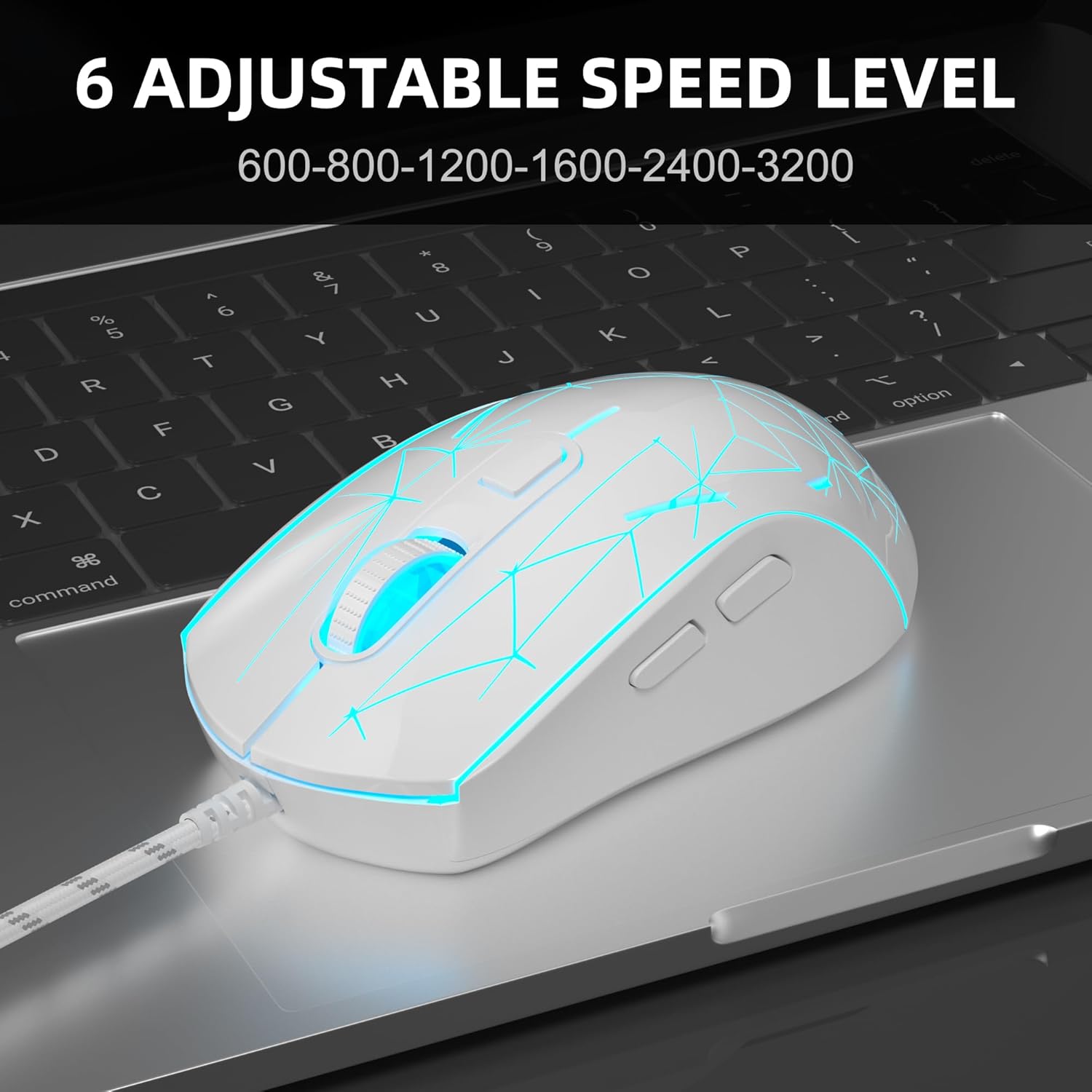
Image: The MageGee G6 mouse in use, demonstrating the adjustable DPI settings from 600 to 3200.
3.3 Ovládání podsvícení LED
The MageGee G6 features 7-color breathing LED backlighting. You can control the lighting as follows:
- Změnit barvu: Stiskněte tlačítko Tlačítko rychlosti a Tlačítko vpřed simultaneously to cycle through and lock a specific color.
- Zapnout/vypnout světla: Stiskněte a podržte Tlačítko rychlosti for 3 seconds to toggle the LED lights on or off.
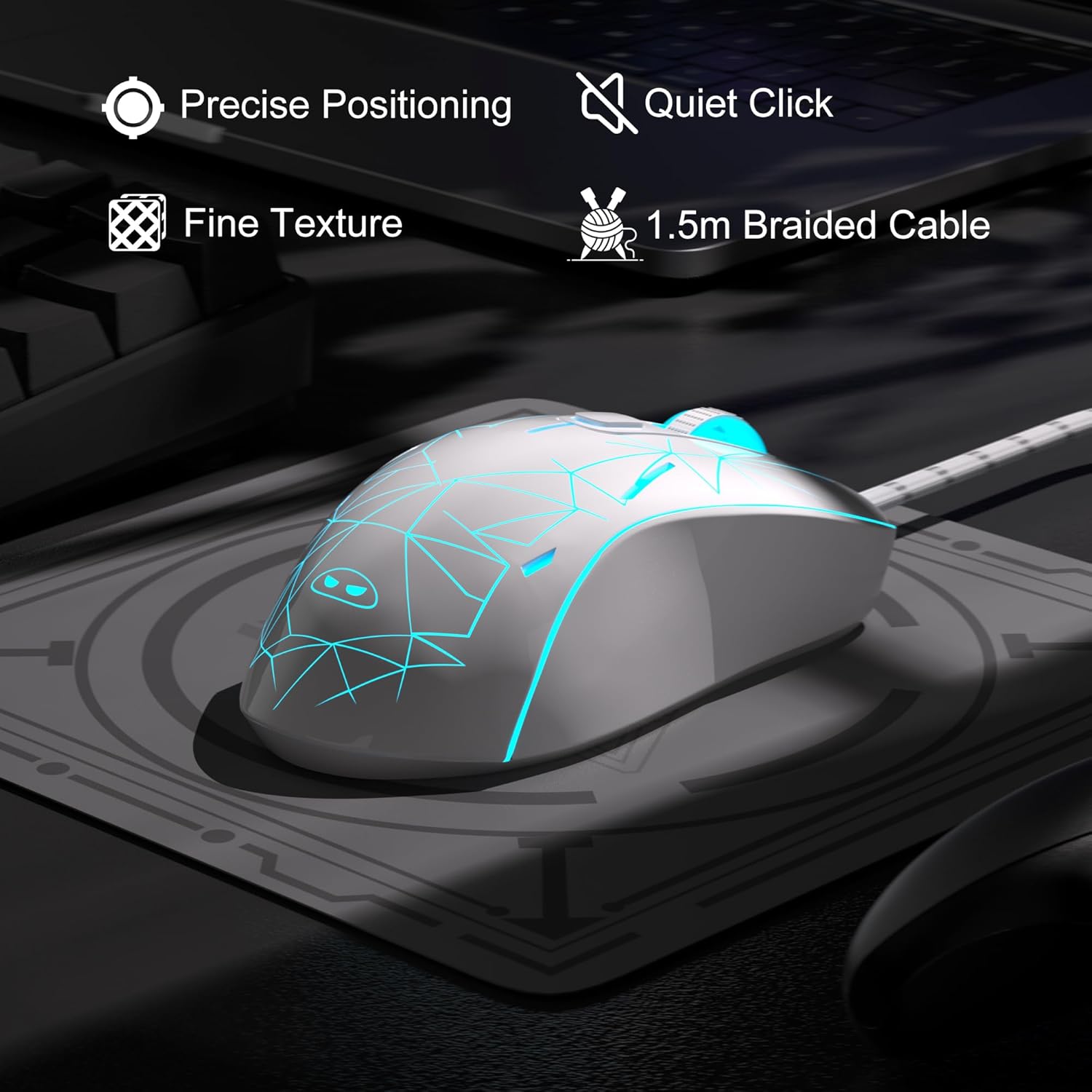
Image: The MageGee G6 mouse showcasing its 7-color breathing LED lights, including green, yellow, cyan, blue, red, and white.
4. Údržba
- Čištění: K čištění myši používejte měkký, suchý hadřík. Nepoužívejte agresivní chemikálie ani abrazivní materiály.
- Péče o kabely: Do not pull or twist the braided USB cable excessively to prevent damage.
- Skladování: Store the mouse in a dry place away from extreme temperatures.
5. Řešení problémů
5.1 Myš nereaguje
- Ujistěte se, že je kabel USB bezpečně zapojený do funkčního portu USB v počítači.
- Zkuste zapojit myš do jiného USB portu.
- Restartujte počítač.
5.2 LED světla nefungují
- Ujistěte se, že je myš správně připojena k počítači.
- Stiskněte a podržte Tlačítko rychlosti for 3 seconds to toggle the LED lights on or off.
5.3 Pohyb kurzoru je nepravidelný
- Optický senzor na spodní straně myši očistěte měkkým hadříkem.
- Ujistěte se, že myš používáte na vhodném povrchu (např. podložce pod myš).
- Upravte citlivost DPI pomocí Tlačítko rychlosti.
6. Specifikace
| Funkce | Detail |
|---|---|
| Značka | MageGee |
| Model | G6 |
| Technologie připojení | USB, kabelové |
| Technologie detekce pohybu | Optický |
| Úrovně DPI | 600/800/1200/1600/2400/3200 (Adjustable) |
| Tlačítka | 6 (Vlevo, Vpravo, Kolečko, Rychlost, Vpřed, Zpět) |
| LED podsvícení | 7 barev dýchání LED (modrá, červená, zelená, fialová, azurová, žlutá, bílá) |
| Délka kabelu | 1.5 meters (Durable Braided Cable) |
| Ergonomie | Ergonomic Design with Comfortable Grip |
| Kompatibilita | Windows 10, 8, 7, XP, WinME, Vista, Linux, PC, Laptop, Desktop |
| Hmotnost položky | 5.6 unce |
| Rozměry balení | 5.31 x 3.62 x 1.65 palce |
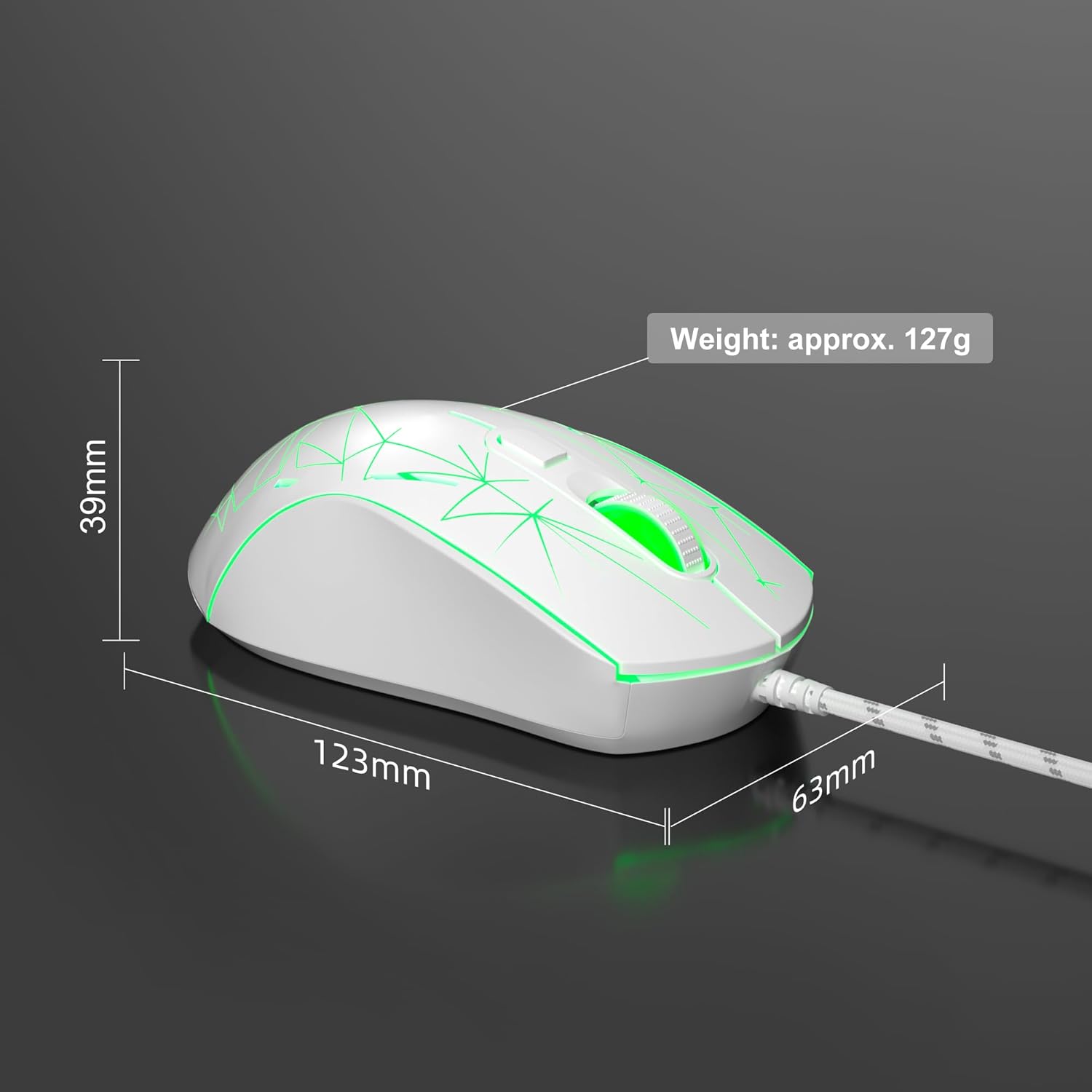
Image: Diagram illustrating the dimensions of the MageGee G6 Wired Gaming Mouse (123mm length, 63mm width, 39mm height, approx. 127g weight).
7. Záruka a podpora
For warranty information and customer support, please refer to the official MageGee webnebo se obraťte na prodejce. Uschovejte si doklad o koupi pro případ reklamace.
MageGee is committed to technological and product innovation, providing quality computer peripherals. Our after-sales team is available to promptly respond and solve your problems.
Navštivte Obchod MageGee pro více produktů a informací.
