
Zavedení
The Nikon COOLPIX W150 is a durable and user-friendly compact digital camera designed for various environments, including underwater use. This manual provides essential information for setting up, operating, and maintaining your camera to capture high-quality photos and Full HD videos.
Konec produktuview
Komponenty fotoaparátu

Přímá přední strana view of the white Nikon Coolpix W150 digital camera, showing the lens and flash.
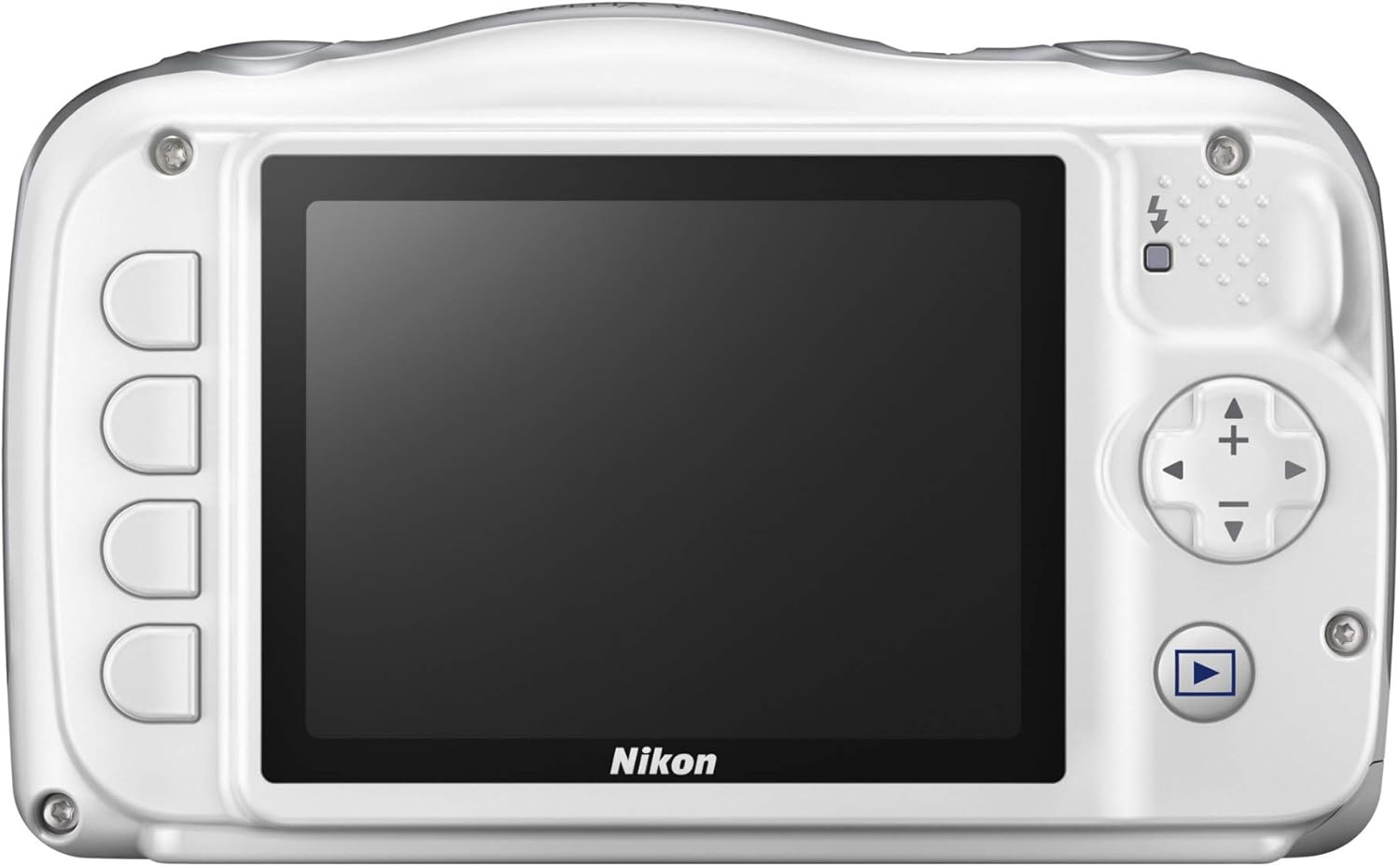
Zadní view of the white Nikon Coolpix W150 digital camera, displaying the LCD screen and control buttons.
Klíčové vlastnosti
- Waterproof down to 33 feet
- Full HD video with stereo sound—even underwater
- 18 convenient shooting modes
- Built-in Wi-Fi and Bluetooth for easy Snap Bridge sharing
- Viewfinder Type: Electronic Viewnálezce
- Lens Type: Telephoto
Co je v krabici

Nikon Coolpix W150 camera and various accessories, including a tripod, cleaning kit, memory card, and battery.
- Nikon Coolpix W150 Camera
- Dobíjecí lithium-iontová baterie EN-EL19
- Nabíjecí napájecí adaptér EH-73P
- Kabel USB UC-E21
- Popruh AN-CP19
- BU-1 O Ring Cleaning Brush
Nastavení
Vložení baterie
Insert the EN-EL19 Rechargeable Li-ion Battery into the battery compartment. Ensure it clicks into place securely. Refer to the diagram inside the battery cover for correct orientation.

Vivitar VIV-NB-EL19 rechargeable battery pack, compatible with the Nikon Coolpix W150.
Nabíjení baterie
Connect the EH-73P Charging AC Adapter to the camera and a power outlet. The charging indicator will illuminate. Charging is complete when the indicator turns off. It is recommended to fully charge the battery before first use.
Vložení paměťové karty
Open the memory card slot cover. Insert a compatible SD, SDHC, or SDXC memory card with the contacts facing the correct direction until it clicks. Close the cover securely.

A SanDisk Ultra 32GB SDHC memory card, suitable for storing photos and videos on the Nikon Coolpix W150.
Počáteční zapnutí
Press the power button to turn on the camera. Follow any on-screen prompts to set the date, time, and language.
Návod k obsluze
Fotografování
- Zapněte fotoaparát.
- Kompozice snímku se provede pomocí LCD displeje.
- Namáčkněte tlačítko spouště do poloviny pro zaostření a poté jej stiskněte úplně pro pořízení snímku.
- Utilize the 3x optical zoom for closer subjects.
Nahrávání videí
- Press the dedicated movie-record button to start recording Full HD 1080p video.
- Dalším stisknutím tlačítka nahrávání zastavíte.
Používání režimů fotografování
The camera offers 18 convenient shooting modes. Access these modes through the menu to select the best settings for different scenes, such as underwater, portrait, or night scenes.
Connecting to Smart Devices (SnapBridge)
The Nikon Coolpix W150 features built-in Wi-Fi and Bluetooth for seamless connection to compatible smartphones or tablets via the SnapBridge app. This allows for automatic image transfer and remote camera control.
Údržba
Voděodolná péče
To maintain the camera's waterproof integrity (down to 33 feet), ensure all covers (battery, memory card, USB port) are securely closed before exposing the camera to water. After use in saltwater, rinse the camera with fresh water and dry thoroughly. Use the provided BU-1 O Ring Cleaning Brush to keep the seals free of debris.
Čištění fotoaparátu
Wipe the camera body with a soft, dry cloth. For the lens and LCD screen, use a lens cleaning cloth and specialized cleaning solution if necessary. Avoid abrasive materials.
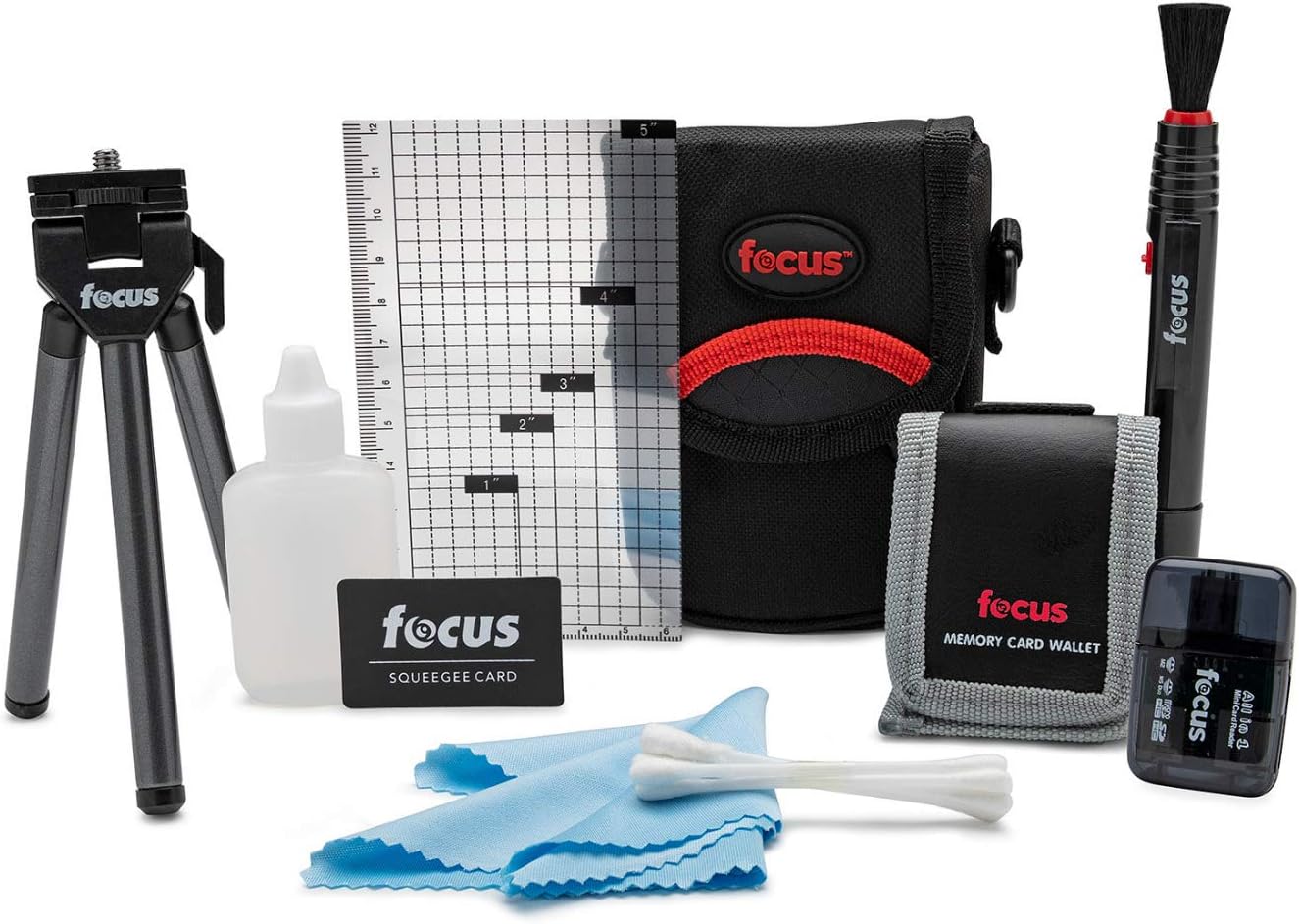
A camera cleaning kit, useful for maintaining the Nikon Coolpix W150.
Odstraňování problémů
- Fotoaparát se nezapne: Zkontrolujte, zda je baterie nabitá a správně vložená.
- Nelze fotografovat: Ensure a memory card is inserted and has sufficient free space. Check battery level.
- Obrázky jsou rozmazané: Clean the lens. Ensure proper focus before pressing the shutter button fully.
- Únik vody: Immediately power off the camera. Ensure all compartment covers were properly sealed before water exposure. Contact customer support if leakage occurs.
Specifikace
| Funkce | Specifikace |
|---|---|
| Název modelu | Coolpix W150 |
| Efektivní rozlišení | 13.2 MP |
| Velikost foto senzoru | 1/2.3 palce |
| Optický zoom | 3x |
| Digitální zoom | 4x |
| Rozlišení videa | FHD 1080p |
| Úroveň odolnosti proti vodě | Waterproof (down to 33 feet) |
| Velikost obrazovky | 2.7 palce |
| Technologie připojení | Bluetooth, WiFi |
| Kompatibilní paměťové karty | SD, SDHC, SDXC |
| Typ baterie | 1 x EN-EL19 Rechargeable Lithium-Ion |
| Hmotnost položky | 0.39 uncí |
| Barva | Bílý |
Záruka a podpora
The Nikon Coolpix W150 comes with a 1-year manufacturer's warranty. For technical support, service, or warranty claims, please refer to the official Nikon support webnebo se obraťte na jejich zákaznický servis. Uschovejte si doklad o koupi pro ověření záruky.
For further assistance, visit the official Nikon webmísto: www.nikonusa.com