Zavedení
This instruction manual provides detailed information on the features, setup, operation, and maintenance of your Nikon D70s Digital SLR camera. Please read this manual thoroughly before using the camera to ensure correct operation and to maximize its performance and lifespan. Keep this manual in a safe place for future reference.
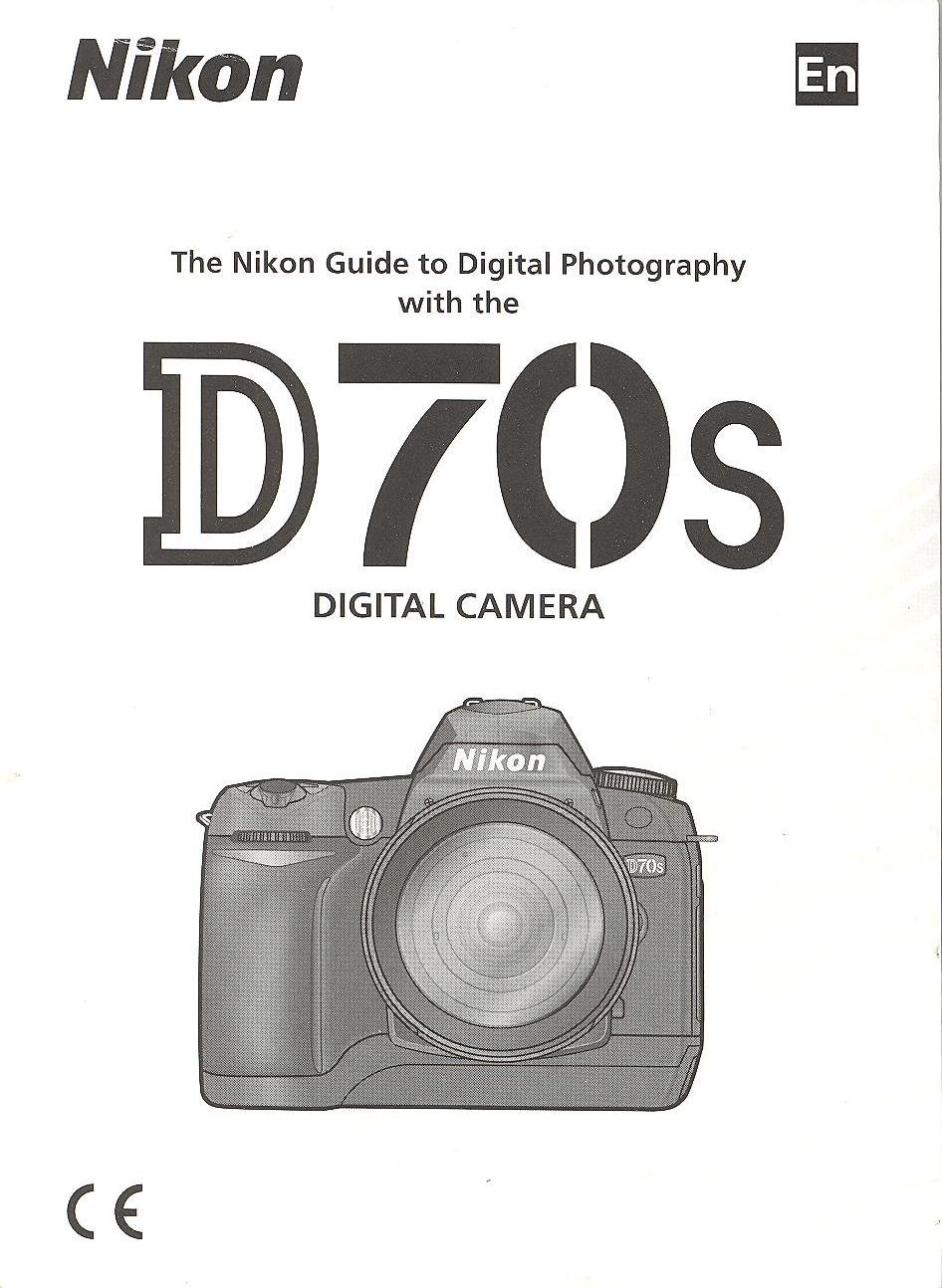
Image: Cover of the Nikon D70s Instruction Manual. This image displays the front cover of the official instruction manual for the Nikon D70s camera, featuring the Nikon logo and model name.
1. Nastavení a příprava
1.1 Vybalení a kontrola obsahu
Before proceeding, ensure all components are present in the package. The standard package for the Nikon D70s typically includes:
- Nikon D70s Digital SLR Camera Body
- AF-S DX Zoom-Nikkor 18-70mm f/3.5-4.5G IF-ED Lens (kit dependent)
- Rechargeable Li-ion Battery EN-EL3a
- Quick Charger MH-18a
- USB kabel UC-E4
- Video Cable EG-D100
- Camera Strap AN-D70s
- Body Cap BF-1A
- Eyepiece Cap DK-5
- Rubber Eyecup DK-21
- LCD Monitor Cover BM-5
- CD-ROM se softwarem
- Návod k použití (tento dokument)
- Záruční list
1.2 Nabíjení baterie
The supplied EN-EL3a battery must be charged before first use. Follow these steps:
- Insert the EN-EL3a battery into the MH-18a Quick Charger. Ensure the battery is correctly oriented.
- Plug the charger into a power outlet. The CHARGE lamp will blink to indicate charging is in progress.
- Nabíjení je dokončeno, když se rozsvítí indikátor CHARGE l.amp stops blinking and glows steadily. This typically takes about 2 hours.
- Vyjměte baterii z nabíječky.
Poznámka: Use only genuine Nikon EN-EL3a batteries and MH-18a chargers to prevent damage and ensure safety.
1.3 Vložení baterie a paměťové karty
After charging, insert the battery and a CompactFlash (CF) memory card into the camera.
- Otevřete kryt prostoru pro baterii na spodní straně fotoaparátu.
- Insert the charged EN-EL3a battery with the orange lock facing up, pushing it in until it clicks into place. Close the battery chamber cover.
- Otevřete kryt slotu paměťové karty na boku fotoaparátu.
- Insert a CompactFlash card into the slot with the correct orientation (usually label facing the front of the camera) until it clicks.
- Zavřete kryt slotu paměťové karty.
Důležité: Před vložením nebo vyjmutím baterie či paměťové karty se ujistěte, že je fotoaparát vypnutý.
1.4 Nasazení objektivu
To attach a Nikon F-mount lens:
- Sejměte krytku těla fotoaparátu a zadní krytku objektivu z objektivu.
- Align the mounting mark (white dot) on the lens with the mounting mark on the camera body.
- Mount the lens on the camera body and rotate it counter-clockwise until it clicks into place.
To remove a lens, press the lens release button on the camera body and rotate the lens clockwise until it detaches.
2. Základní obsluha
2.1 Zapnutí/vypnutí fotoaparátu
The power switch is located around the shutter release button. Rotate it to the "ON" position to power on the camera and to "OFF" to power it off.
2.2 Základní režimy snímání
Volič režimů na horní straně fotoaparátu umožňuje výběr různých režimů snímání:
- P (Programová automatika): Fotoaparát nastaví rychlost závěrky i clonu pro optimální expozici.
- S (Clonová automatika): User sets shutter speed, camera sets aperture. Ideal for controlling motion blur.
- A (Automatický časový režim): User sets aperture, camera sets shutter speed. Ideal for controlling depth of field.
- M (Manuální): User sets both shutter speed and aperture.
- AUTO: Plně automatický režim pro snadné namíření a stisknutí.
- Scene Modes (Portrait, Landscape, Close Up, Sports, Night Portrait): Optimized settings for specific shooting situations.
2.3 Zaostřování
The D70s offers both autofocus and manual focus options.
- Automatické ostření (AF): Set the focus mode selector on the camera body to "AF". Press the shutter release button halfway to activate autofocus. The camera will focus on the subject in the selected focus area.
- Manual Focus (M): Set the focus mode selector on the camera body to "M" and the lens focus mode switch to "M". Rotate the focus ring on the lens until the subject appears sharp in the viewnálezce.
2.4 Fotografování
- Zapněte fotoaparát.
- Vyberte požadovaný režim snímání pomocí voliče režimů.
- Podívejte se skrz viewhledáček a komponujte snímek.
- Press the shutter release button halfway to focus.
- Stiskněte tlačítko spouště až na doraz pro pořízení snímku.
3. Údržba a péče
3.1 Čištění fotoaparátu
- Tělo fotoaparátu: K otření těla fotoaparátu použijte měkký, suchý hadřík. V případě odolných nečistot lehceampen the cloth with distilled water or a specialized camera cleaner.
- Čočka: Use a lens brush or blower to remove dust. For smudges, use a lens cleaning solution and a microfiber cloth, wiping gently in a circular motion from the center outwards.
- Obrazový snímač: Cleaning the image sensor should be done with extreme caution. It is recommended to have this service performed by a qualified Nikon service center.
- Lcd monitor: Používejte měkký, suchý hadřík. Netlačte na obrazovku silně.
3.2 Skladování
When not in use, store the camera in a cool, dry, well-ventilated area, away from direct sunlight, high temperatures, and humidity. Remove the battery if the camera will not be used for an extended period to prevent leakage.
4. Řešení problémů
This section addresses common issues you might encounter with your Nikon D70s camera.
| Problém | Možná příčina | Řešení |
|---|---|---|
| Fotoaparát se nezapne. | Baterie je vybitá nebo nesprávně vložená. | Plně nabijte baterii. Vložte baterii zpět správně. |
| Nelze fotografovat. | Memory card is full, not inserted, or locked. Lens not attached correctly. | Insert a formatted memory card with free space. Unlock the memory card. Reattach the lens securely. |
| Obrázky jsou rozmazané. | Nesprávné zaostření, chvění fotoaparátu nebo znečištěný objektiv. | Zajistěte správné zaostření. Použijte kratší čas závěrky nebo stativ. Vyčistěte objektiv. |
| Blesk se nespouští. | Flash mode is off, or subject is too far. | Check flash settings. Ensure subject is within flash range. |
5. Specifikace
Key technical specifications for the Nikon D70s Digital SLR Camera:
- Senzor: 6.1 effective megapixels DX-format CCD
- Velikost obrázku: 3,008 x 2,000 (Large), 2,240 x 1,488 (Medium), 1,504 x 1,000 (Small)
- Držák objektivu: Nikon F mount (with AF coupling and AF contacts)
- Kompatibilní objektivy: Nikon AF Nikkor lenses (excluding IX Nikkor lenses)
- Rychlost závěrky: 30 to 1/4,000 sec. in steps of 1/3 EV, Bulb
- Citlivost ISO: ISO 200 to 1600 in steps of 1/3 EV
- Paměťová média: CompactFlash (CF) Type I/II, Microdrive
- Monitor: 2.0-inch, 130,000-dot low-temperature polysilicon TFT LCD
- Baterie: One Rechargeable Li-ion Battery EN-EL3a
- Rozměry (Š x V x H): Cca. 140 x 111 x 78 mm (5.5 x 4.4 x 3.1 palce)
- Hmotnost: Approx. 600 g (1 lb. 5.2 oz.) without battery, memory card, or body cap
6. Záruka a podpora
6.1 Informace o záruce
Warranty terms and conditions for the Nikon D70s camera are typically provided in a separate warranty card included with your product. Please refer to that document for details regarding coverage, duration, and claims procedures. You may also find detailed warranty information on the official Nikon webstránky pro váš region.
6.2 Zákaznická podpora
For technical assistance, service, or further inquiries regarding your Nikon D70s camera, please contact Nikon customer support. Contact information, including phone numbers and online support resources, can usually be found on the official Nikon webna webu nebo v záruční dokumentaci.
You can visit the official Nikon support website for your region for the most up-to-date information and resources.