
APC BR900GI
Uživatelská příručka k APC Back-UPS Pro 900
Model: BR900GI
Důležité bezpečnostní pokyny
Read these instructions carefully before installing, operating, servicing, or maintaining the unit. Failure to observe these instructions can result in death, serious injury, or equipment damage.
- Tato UPS je určena pouze pro vnitřní použití.
- Nepoužívejte toto zařízení na přímém slunečním světle, v kontaktu s tekutinami nebo tam, kde je nadměrný prach nebo vlhkost.
- Připojte napájecí kabel UPS přímo do elektrické zásuvky. Nepoužívejte přepěťové ochrany ani prodlužovací kabely.
- The battery is heavy. Seek assistance when replacing the battery.
- Servis baterií by měl provádět nebo na něj dohlížet personál znalý baterií a požadovaných opatření.
- Nevhazujte baterie do ohně. Baterie mohou explodovat.
- Baterie neotevírejte ani nepoškozujte. Uvolněný elektrolyt je škodlivý pro kůži a oči. Může být toxický.
Obsah balení
Verify that all contents are present upon receipt. Notify the carrier and dealer if there is any damage.
- APC Back-UPS Pro 900 Unit
- USB komunikační kabel
- Uživatelská příručka a bezpečnostní informace
- CD se softwarem PowerChute Personal Edition (nebo pokyny ke stažení)
Nastavení
Umístění
Place the Back-UPS to protect connected equipment. The unit should be placed on a flat, stable surface, away from direct sunlight, excessive heat, or moisture. Ensure adequate airflow around the unit.

Obrázek: Přední strana view of the APC Back-UPS Pro 900, showing the display and power buttons.
Připojování k napájení
- Connect the UPS power cable directly to a properly grounded 230V AC wall outlet.
- Allow the Back-UPS to charge for at least 24 hours to ensure sufficient runtime capacity. The unit charges whenever it is connected to AC power, whether it is turned on or off.
Spojovací zařízení
Connect your computer, monitor, and other critical devices to the 'Battery Backup' outlets. Connect non-critical devices (e.g., printer, scanner) to the 'Surge Only' outlets.

Obrázek: Zadní view of the APC Back-UPS Pro 900, highlighting the battery backup outlets, surge-only outlets, network ports, and USB/Serial data ports.
- Zásuvky pro záložní baterie: Provide power to connected equipment during power outaga chrání před přepětím.
- Přepěťové zásuvky: Provide surge protection only. These outlets do not provide power during a power outage.
- USB/Serial Port: Connect the provided USB cable from the UPS to your computer for automatic shutdown and advanced power management features using PowerChute Personal Edition software.
- Network Protection Ports (RJ-45): Protect an Ethernet line from surges. Connect your network cable through these ports.
Obsluha UPS
Displej na předním panelu
The front panel display provides real-time information about the UPS status and power conditions. Press the DISPLAY button to cycle through various display options.
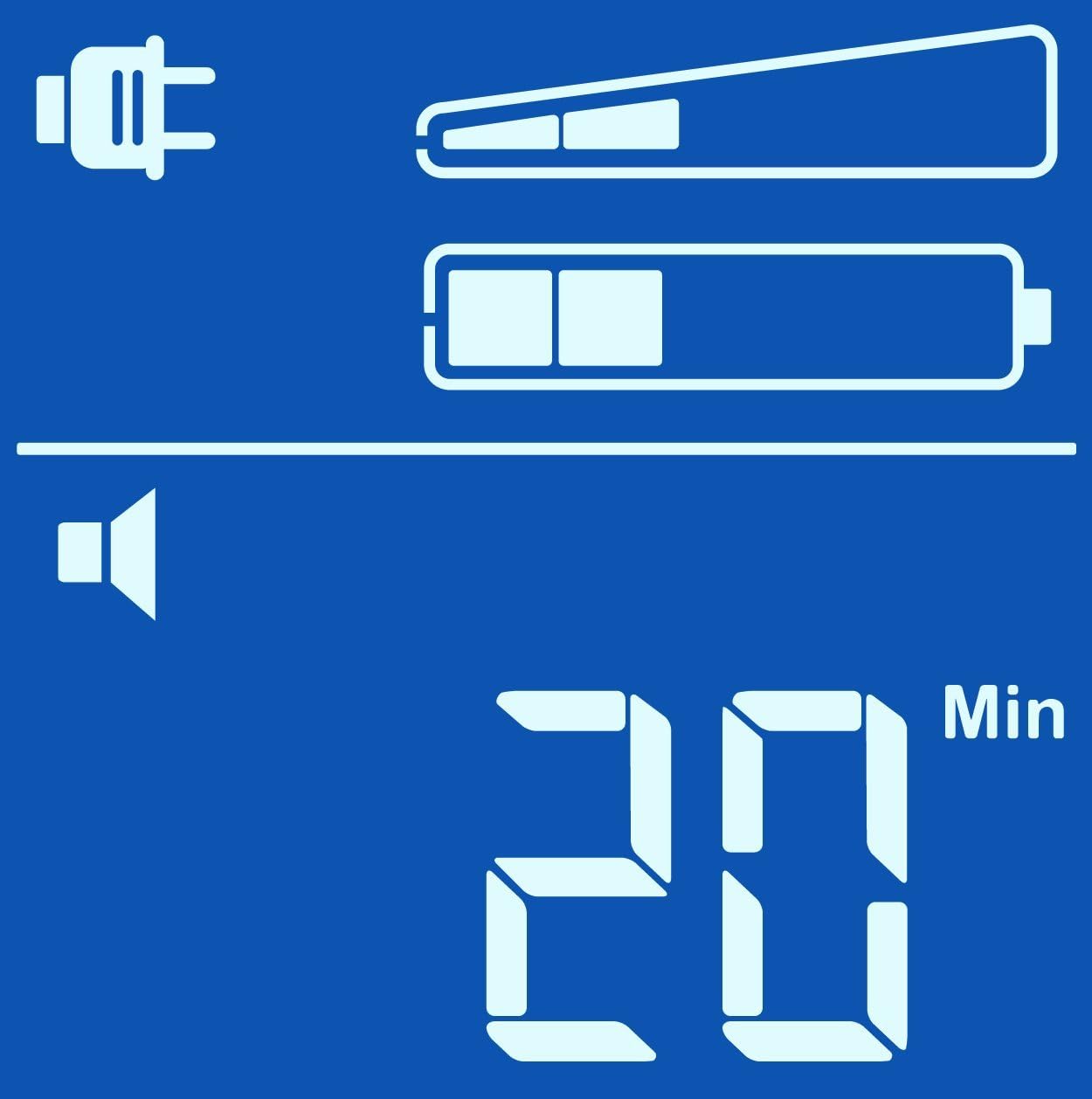
Estimated Runtime (Min)

Výstupní objemtage (V)
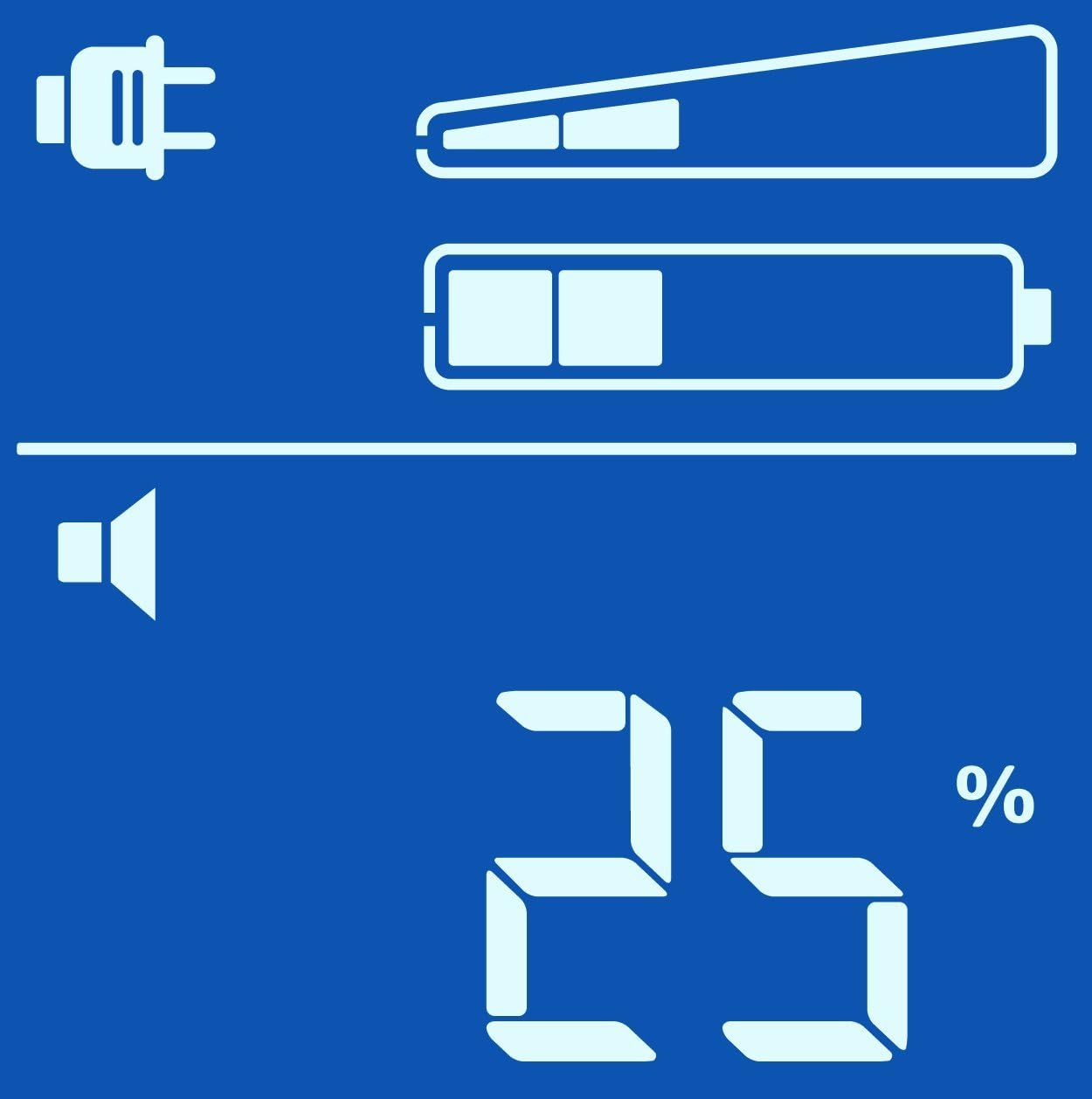
Načíst procentotage (%)

Load in Watts (W)
Zapnutí/vypnutí
- Zapnout: Press the POWER button once. The display will illuminate.
- Vypnout: Press and hold the POWER button until a beep is heard and the display turns off.
Záložní provoz na baterie
Během výkonu outage, the Back-UPS will automatically switch to battery power. An audible alarm will sound, and the display will show the estimated runtime. The alarm will sound more frequently as the battery charge depletes.
Pokud je výkon outage is prolonged, the Back-UPS will automatically shut down connected equipment to prevent data loss and preserve battery life. Ensure PowerChute Personal Edition software is installed and configured on your computer for this feature to work correctly.
Údržba
Výměna baterie
The battery in your Back-UPS Pro 900 is a user-replaceable, hot-swappable battery. The typical battery life is 3-5 years, depending on usage and environmental conditions. Replace the battery when the 'Replace Battery' indicator illuminates on the display.
Use only APC approved replacement batteries (APCRBC123). Refer to the detailed battery replacement instructions provided with the replacement battery kit or on the APC webmísto.
Čištění
Clean the exterior of the UPS with a soft, dry cloth. Do not use liquid or aerosol cleaners. Ensure the unit is unplugged from the wall outlet before cleaning.
Odstraňování problémů
Use the table below to solve minor installation and operation problems. Refer to the APC website or contact customer support for more complex issues.
| Problém | Možná příčina | Řešení |
|---|---|---|
| UPS se nezapne | Not connected to AC power; Low battery charge | Ensure power cable is securely plugged into a wall outlet; Allow battery to charge for 24 hours. |
| UPS nepřetržitě pípá | On battery power; Overload condition | Check AC power supply; Reduce connected load by unplugging non-essential equipment. |
| Replace Battery indicator is lit | Baterie vyžaduje výměnu | Order and install a new APC replacement battery (APCRBC123). |
| Žádné napájení připojeného zařízení | UPS is off; Circuit breaker tripped | Turn on the UPS; Press the circuit breaker reset button on the back of the unit. |
Specifikace
| Funkce | Detail |
|---|---|
| Model | BR900GI |
| Kapacita | 900 VA / 540 W |
| Vstupní objemtage | 230 V AC |
| Výstupní objemtage | 230 V AC |
| Typ baterie | Maintenance-free sealed Lead-Acid battery |
| Typická doba nabíjení | 8 hodiny na 90 % |
| Rozměry (V x Š x H) | 9.8 x 3.9 x 15.0 palce (24.9 x 9.9 x 38.1 cm) |
| Hmotnost | 25.79 lb (11.7 kg) |
| Provozní teplota | 0 až 40 °C (32 až 104 °F) |
Informace o záruce
APC by Schneider Electric provides a standard warranty for this product. The warranty period typically covers defects in materials and workmanship under normal use. Please refer to the warranty card included with your product or visit the official APC website for the most current and detailed warranty terms and conditions applicable to your region.
Uschovejte si doklad o koupi (účtenku), bude potřebný pro případné reklamace.
Zákaznická podpora
For technical assistance, troubleshooting, or product information, please visit the official APC by Schneider Electric support website or contact your local APC customer support center.
Webmísto: www.apc.com/support
When contacting support, please have your product model (BR900GI) and serial number ready. The serial number is typically located on a sticker on the back or bottom of the unit.