
Product Overview
The CMARS Active Stylus Pen is a versatile and rechargeable stylus designed for a wide range of touch screen devices, including iPads, iPhones, Android tablets, and smartphones. It features a dual-ended design with a precise copper fine point tip and a magnetic mesh tip, offering flexibility for various tasks from detailed drawing to general navigation. This stylus is engineered for high accuracy and smooth, continuous writing without lag.

Image: The CMARS Active Stylus Pen, showcasing its sleek white design and dual tips. The pen is positioned vertically against a vibrant blue and pink watercolor splash background.
Package Contents
Please ensure all items are present in the package:
- CMARS Active Stylus Pen (White-mesh tip)
- Micro USB Charging Cable
- User Manual (This document, also available as a PDF download)
Product Features
- Dual-ended Design: Features a 1.45mm accurate copper fine point tip for precise input and a magnetic mesh tip for broader strokes or general navigation. Both tips are functional. The mesh tip does not require charging.
- Wide Compatibility: Compatible with most touch screen devices including iPad Air/2/3/4, iPad Pro, iPad Mini/2/3/4, iPhone XS/MAX/XR/X/11/12/13, Android phones and tablets, and other popular smartphones. Note: This stylus does not support palm rejection and is not compatible with Chromebook or Microsoft Windows System devices.
- Easy Operation: One-key switch for instant use. No Bluetooth connection or app pairing required.
- Intelligent Power Saving: Automatically enters "Sleep Mode" after 5 minutes of inactivity to conserve battery life.
- Rechargeable Battery: Built-in battery provides 8-10 hours of continuous use on a full charge.

Image: A hand holding the CMARS Active Stylus Pen, using it on a tablet screen to illustrate its high accuracy for drawing, writing, and taking notes. Icons for "Drawing & Writing", "Office Notes", and "Record Inspiration" are shown above the tablet.
Setup and First Use
- Charging the Stylus:
Before first use, fully charge the stylus. Connect the Micro USB charging cable to the stylus's charging port (located under the magnetic cap) and to a USB power source. The indicator light will show the charging status:
- Red Light: Charging
- Green Light: Fully charged
- Blue Light: Working
A full charge typically takes 60-80 minutes and provides 8-10 hours of use.

Image: Close-up of the CMARS Active Stylus Pen illustrating the magnetic cap, the Micro USB charging port, and the different colored indicator lights for charging (red), working (blue), and fully charged (green).
- Powering On/Off:
Press the button on the stylus once to turn it on. The indicator light will turn blue, indicating it is ready for use. Press the button again to turn it off.

Image: A hand holding the CMARS Active Stylus Pen, pointing to the button switch on its side. Text indicates "One key switch, just pressing the button once (Blue light on) and you can draw or write on your touch screen devices." A "No Bluetooth connection required" icon is also visible.
- Initial Device Settings (for iPad/iOS users):
If you experience issues with writing or drawing on your iPad/iOS device (e.g., only swiping and tapping work), adjust the following settings:
- Go to Settings > Apple Pencil > Turn off Only Draw with Apple Pencil.
- Alternatively, go to Settings > Notes > Turn off Only Draw with Apple Pencil.
These settings ensure compatibility with third-party styluses. Other applications may also require similar adjustments.
Operating Instructions
Once powered on and configured, the CMARS Active Stylus Pen functions like a natural writing or drawing tool on your compatible touch screen device.
- Using the Fine Point Tip: Ideal for precise writing, detailed drawing, and accurate selection. Apply light pressure for optimal performance.
- Using the Mesh Tip: Suitable for general navigation, tapping, swiping, and drawing larger areas. This tip works without power, serving as a convenient backup.
- Automatic Sleep Mode: The stylus will automatically enter sleep mode after 5 minutes of inactivity to save battery. Press the button once to wake it up.

Image: The CMARS Active Stylus Pen displayed above a collection of compatible devices, including various models of iPads, iPhones, Android smartphones, and a Nintendo Switch, emphasizing its wide compatibility across different operating systems (Android and Apple iOS logos are shown).
Maintenance
- Cleaning: Wipe the stylus body and tips with a soft, dry cloth. Do not use abrasive cleaners or immerse the stylus in water.
- Storage: Store the stylus in a cool, dry place away from direct sunlight and extreme temperatures.
- Battery Care: To prolong battery life, avoid fully discharging the stylus frequently. Charge it when the low battery indicator flashes.
Troubleshooting
- Stylus not writing/drawing on iPad/iOS (only swiping/tapping):
Refer to the "Initial Device Settings" in the Setup section. Ensure "Only Draw with Apple Pencil" is turned off in iPad/iOS Settings > Apple Pencil or Settings > Notes.
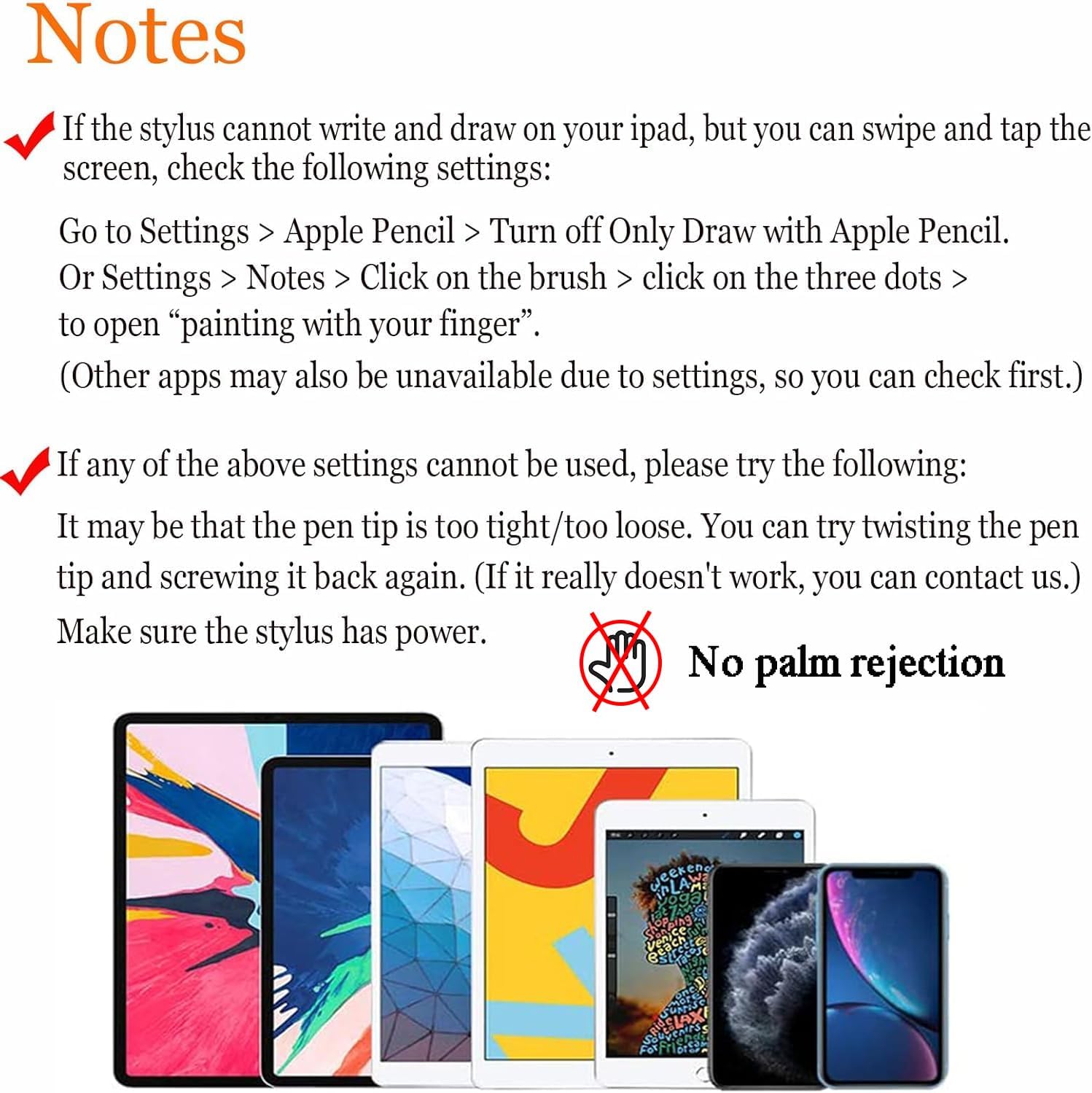
Image: A visual guide titled "Notes" providing troubleshooting steps for when the stylus cannot write or draw on an iPad. It instructs users to check iPad settings to turn off "Only Draw with Apple Pencil" and suggests checking pen tip tightness and power. A "No palm rejection" icon is also present.
- Stylus unresponsive or inconsistent:
- Check Power: Ensure the stylus is charged. If the battery is low, the pen will not function correctly.
- Check Pen Tip: The pen tip might be too tight or too loose. Try gently twisting the pen tip to ensure it is securely seated.
- Screen Protector Interference: If you are using a protective glass film on your device, it might affect the stylus's responsiveness due to thickness. We recommend a protective film of 3mm or less.
- No Palm Rejection:
This stylus does not support palm rejection. When using the stylus, avoid resting your palm on the screen to prevent unintended input.
- Not working with Chromebook/Windows:
This stylus is not compatible with Chromebook or Microsoft Windows System devices.
Specifications
| Feature | Detail |
|---|---|
| Model Number | CMARS |
| Color | White-mesh tip |
| Material | Aluminum |
| Item Weight | 0.593 ounces (16.8 Grams) |
| Package Dimensions | 7.72 x 1.77 x 0.79 inches |
| Battery Type | 1 Lithium Polymer battery (included) |
| Charging Time | Approximately 1 hour (60-80 minutes) |
| Battery Life (Active Use) | 8-10 hours |
| Compatible Devices | Android, Smartphone, Tablet, iPhone, iPad (Capacitive Touch Screens) |
Support and Contact Information
For further assistance, technical support, or if you encounter issues not covered in this manual, please contact CMARS customer service.
You can visit the official CMARS store on Amazon for more information and contact options: CMARS Amazon Store.
If troubleshooting steps do not resolve your issue, please reach out to our support team for further guidance.