
Producte acabatview
The Avantalk Lingo N21 is an open-ear Bluetooth headset designed for clear communication and all-day comfort. It features a noise-cancelling microphone, Bluetooth 5.3 connectivity, and comes with a convenient charging dock that also functions as a phone stand. This headset is ideal for professionals, remote workers, and anyone needing reliable audio for calls and online meetings while remaining aware of their surroundings.
Què hi ha a la caixa
- Lingo N21 Headset
- Base de càrrega
- USB C Power Cable for Dock
- Contact Charging Cable for Headset
Guia de configuració
1. Càrrega inicial
Before first use, fully charge your Lingo N21 headset. Place the headset onto the charging dock or connect it directly using the contact charging cable. The indicator light on the headset will show charging status.
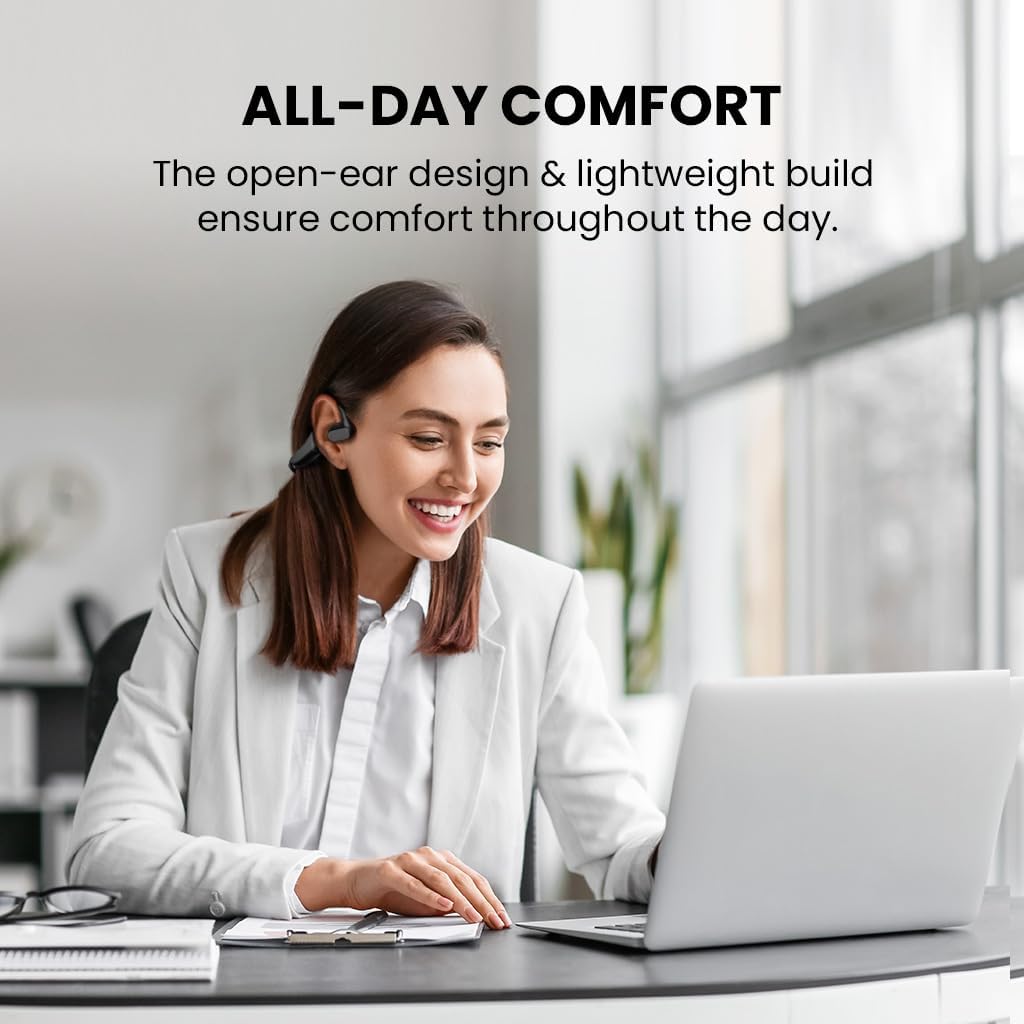
Image: The Avantalk Lingo N21 headset resting securely in its charging dock. The dock also features a slot for propping up a smartphone.

Image: The Lingo N21 headset charging dock, highlighting its dual function as a phone stand. A smartphone is shown propped up in the dock, displaying a video call.
2. Emparellament amb el dispositiu
- Assegureu-vos que els auriculars estiguin carregats i apagats.
- Press and hold the Multi-function button on the headset until the LED indicator flashes blue and red alternately. This indicates pairing mode.
- On your device (smartphone, laptop, PC, tablet), go to Bluetooth settings and enable Bluetooth.
- Cerca "Avantalk Lingo N21" in the list of available devices and select it to connect.
- Un cop connectat, l'indicador LED dels auriculars parpellejarà lentament en blau.
Interactive Setup Guide Video
Video: An interactive setup guide for the Avantalk Lingo N21 headset. This video demonstrates the step-by-step process of setting up and connecting your headset to various devices, including scanning a QR code for an interactive portal.
Instruccions de funcionament
Portant els auriculars
The Lingo N21 features an open-ear hook design for comfortable, all-day wear. Position the ear hooks over your ears so the speakers rest gently outside your ear canal. Adjust the boom microphone for optimal voice pickup, ensuring it is close to your mouth.

Image: A woman wearing the Avantalk Lingo N21 headset, demonstrating its comfortable open-ear design during work at a laptop.

Image: A close-up of the Avantalk Lingo N21 headset, illustrating the 240-degree rotatable boom microphone for flexible positioning.
Controls i indicadors
The headset features intuitive buttons for managing calls and media playback. Refer to the diagram below for button locations and functions.
- Botó multifunció: Power On/Off, Play/Pause, Answer/End Call, Voice Assistant.
- Botons de pujar / baixar de volum: Ajusta el volum de l'àudio.
- Botó de silenci: Silencia/activa el micròfon durant les trucades.
- Indicador LED: Mostra l'estat d'energia, emparellament i càrrega.

Imatge: Una imatge detallada view of the Avantalk Lingo N21 headset, highlighting the easily accessible mute button on the microphone boom.
Gestió de trucades
- Respondre/Finalitzar la trucada: Premeu el botó multifunció una vegada.
- Rebutja la trucada: Manteniu premut el botó multifunció durant 2 segons.
- Silenciar el micròfon: Press the dedicated Mute button on the microphone boom.
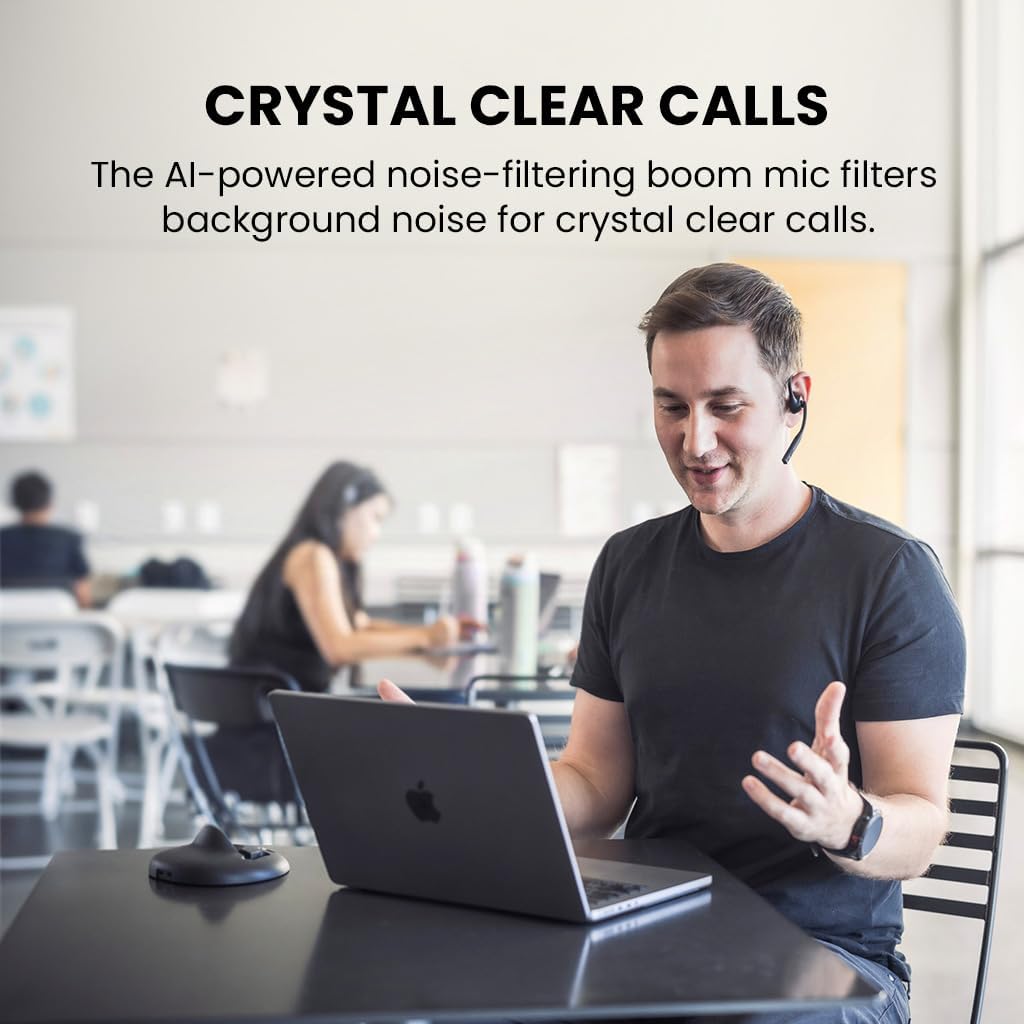
Image: A man engaged in a clear conversation using the Avantalk Lingo N21 headset with its boom mic, demonstrating its effectiveness for calls in an office setting.
Manteniment
Neteja
Wipe the headset and charging dock with a soft, dry, lint-free cloth. Avoid using harsh chemicals, cleaning solvents, or strong detergents. Do not immerse the headset or dock in water.
Cura de la bateria
- To prolong battery life, fully charge the headset before first use.
- Recharge the headset when the battery is low. A full charge takes approximately 2 hours.
- The headset provides up to 15 hours of average use per charge.
- Guardeu els auriculars en un lloc fresc i sec quan no els feu servir.

Image: The Avantalk Lingo N21 headset on its charging dock, with an overlay indicating "15 hours per charge" for extended playtime.
Resolució de problemes
Headset Not Powering On
- Ensure the headset is fully charged. Connect it to the charging dock or cable and check the LED indicator.
- Premeu i manteniu premut el botó multifunció durant uns segons per engegar-lo.
No es pot vincular amb el dispositiu
- Make sure the headset is in pairing mode (LED flashing blue and red alternately).
- Assegureu-vos que el Bluetooth estigui activat al dispositiu i que es trobi a menys de 10 metres dels auriculars.
- Forget/remove "Avantalk Lingo N21" from your device's Bluetooth list and try pairing again.
- Reinicieu els auriculars i el dispositiu.
No Audio or Poor Audio Quality
- Comproveu els nivells de volum tant dels auriculars com del dispositiu connectat.
- Ensure the headset is selected as the audio output device in your device's sound settings.
- Move closer to your device to avoid interference or range issues.
- If using for calls, ensure the microphone is not muted.
Especificacions tècniques
| Nom del model | Lingo N21 |
| Número de model | ATBH-NB21M |
| Marca | Avantalk |
| Tecnologia de connectivitat | Bluetooth 5.3 |
| Interval Bluetooth | 10 metres |
| Col·locació de l'orella | Orella oberta |
| Micròfon | Noise-reducing boom mic |
| Durada de la bateria (mitjana) | 15 hores |
| Temps de càrrega de la bateria | 2 hores |
| Mètode de control | Botó, toc |
| Pes | 175 grams |
| Material | Acrilonitril butadiè estirè (ABS) |
| Dispositius compatibles | Cellphones, Laptops, PC, Computer, Desktops, Tablets |
Garantia i Suport
Informació de la garantia
The Avantalk Lingo N21 comes with a 24 mesos de garantia. Product registration may cover the first 12 months of return shipment costs. Please refer to the official Avantalk weblloc per conèixer els termes i condicions de la garantia completa.
Atenció al client
For extensive support, including chat, email, phone, online clinic, video tutorials, and FAQs, please visit the Avantalk support portal:
You can also email support at support@avantalk.com.