
IPRO IP-P-A21M-K
Manual d'usuari del telèfon mòbil IPRO A21 Mini
Model: IP-P-A21M-K | Brand: IPRO
1. Introducció
This user manual provides comprehensive instructions for the IPRO A21 Mini mobile phone. It covers setup, operation, maintenance, and troubleshooting to ensure you get the most out of your device. Designed for ease of use, this phone is ideal for seniors and anyone seeking a straightforward mobile communication experience.
2. Contingut del paquet
Marqueu la casella per als elements següents:
- 1 x IPRO A21 Mini Mobile Phone
- 1 x Carregador Micro USB
- 1 x bateria
- 1 x Manual d'usuari
3. Producte acabatview

Figura 3.1: Davant i darrere view of the IPRO A21 Mini mobile phone, showcasinel seu disseny compacte i el seu teclat físic.
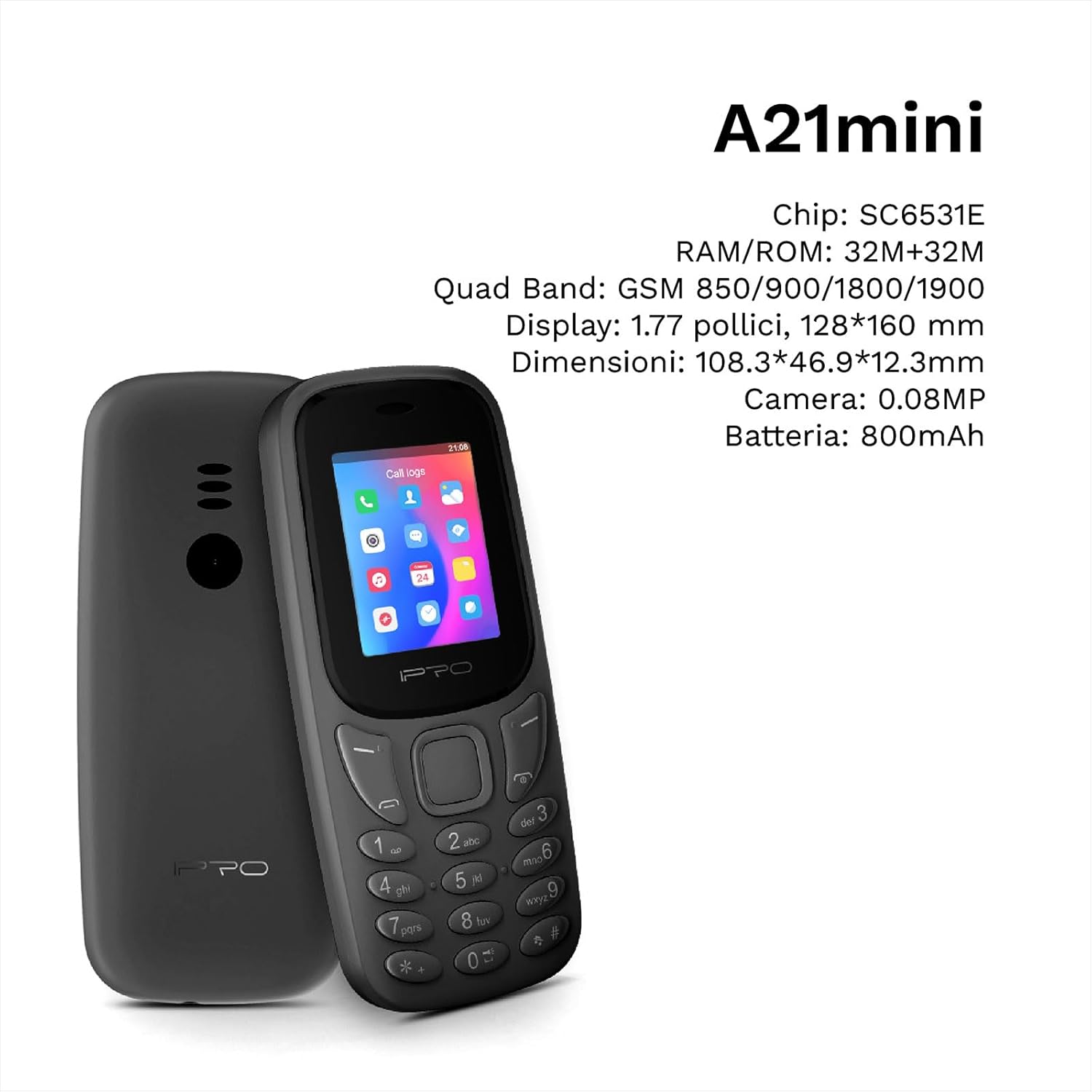
Figure 3.2: The IPRO A21 Mini highlighting its core specifications including the SC6531E chip, 32MB RAM/ROM, 1.77-inch display, and 800mAh battery.
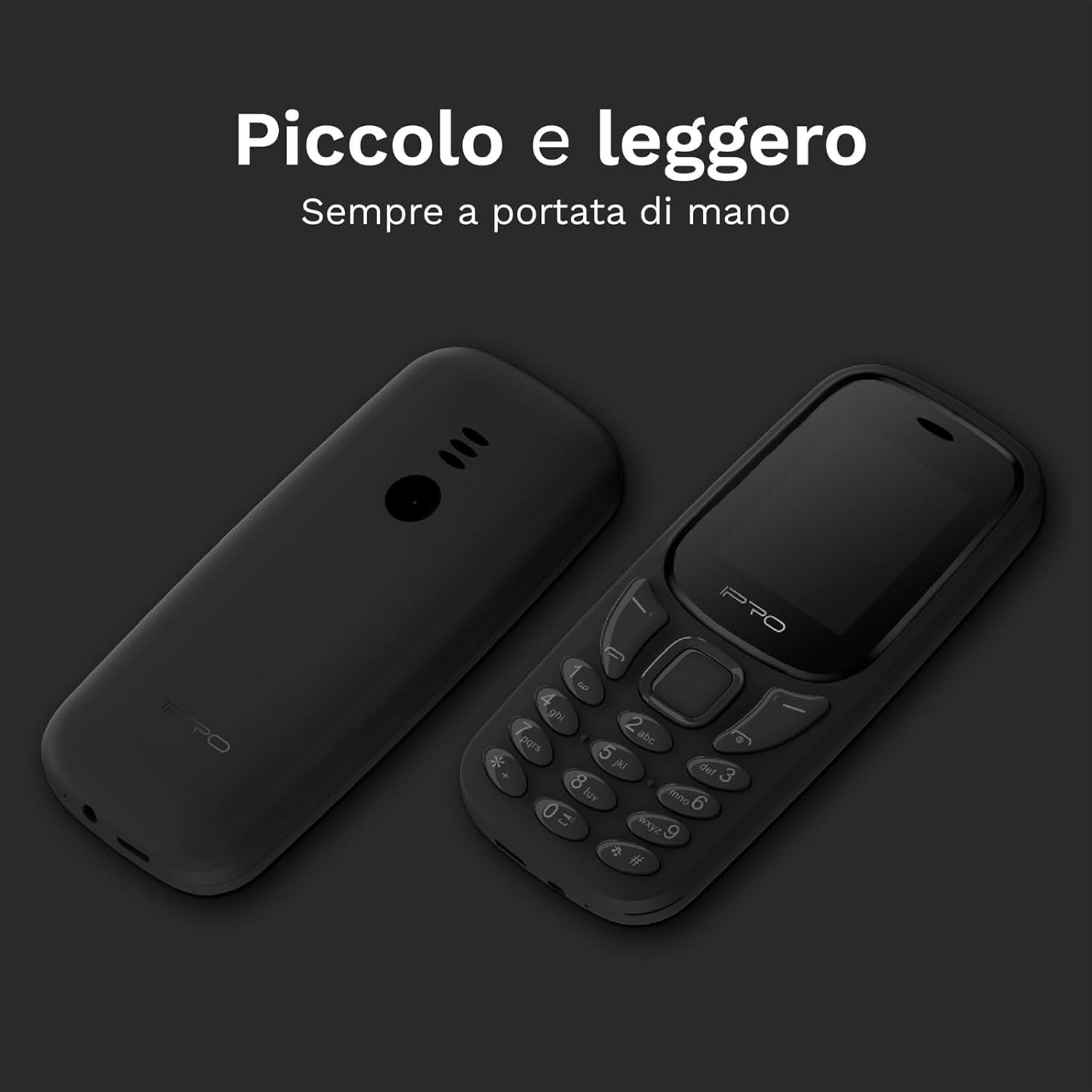
Figure 3.3: Two IPRO A21 Mini phones demonstrating their small and lightweight form factor, designed for easy portability.

Figure 3.4: The IPRO A21 Mini's 1.77-inch color screen, providing clear visibility for daily use.
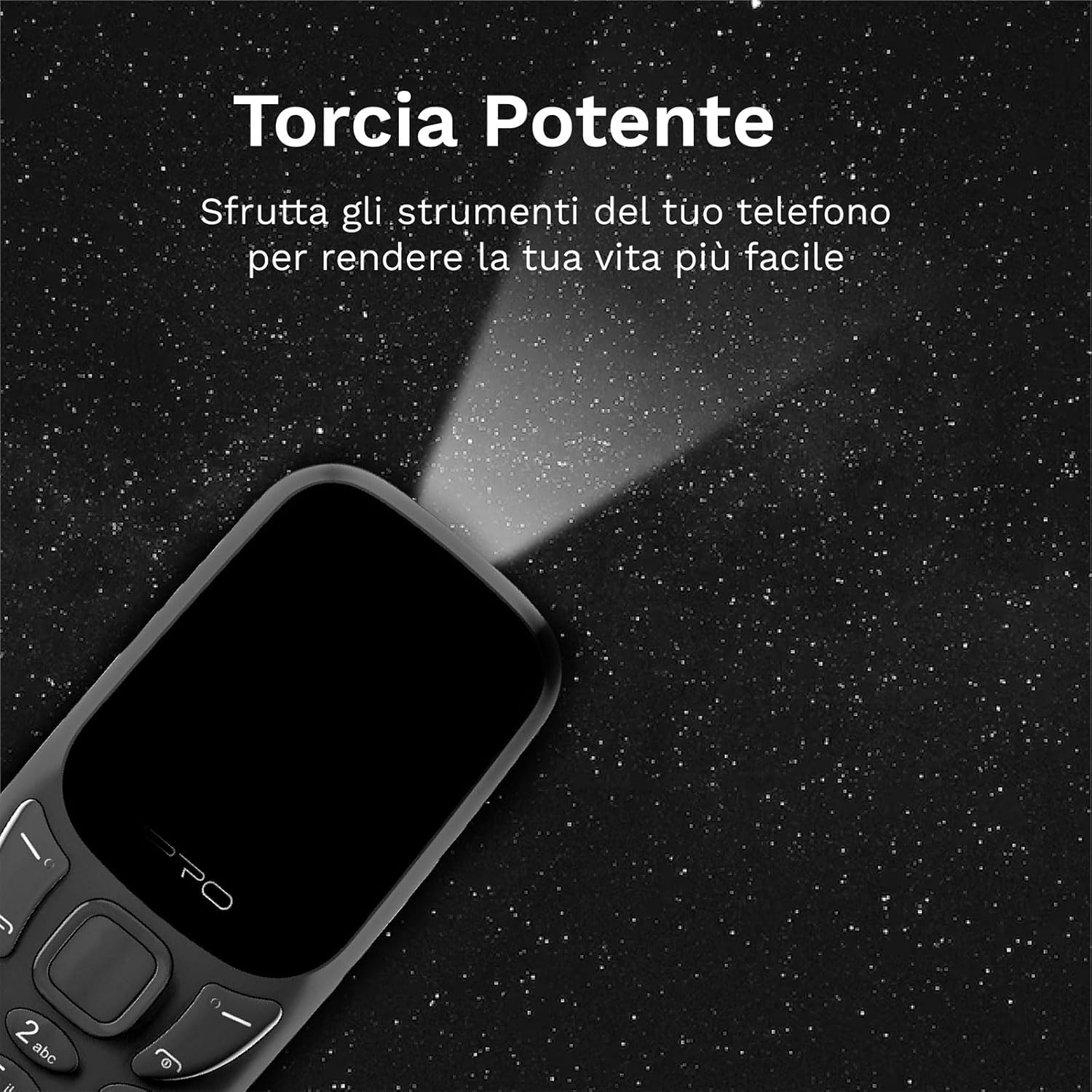
Figure 3.5: The IPRO A21 Mini's integrated powerful LED flashlight, useful for various situations.
The IPRO A21 Mini features a compact design with a 1.77-inch color display and large, easy-to-press buttons. It includes essential functions such as a camera, Bluetooth, FM radio, alarm clock, and a powerful LED flashlight.
4. Configuració
4.1. Instal·lació de la targeta SIM i la bateria
- Traieu la tapa posterior del telèfon fent palanca suaument per obrir-la des de l'osca.
- Si n'hi ha, retireu la bateria.
- Insert the SIM card(s) into the designated slot(s) with the gold contacts facing down. This phone supports Dual SIM.
- Inseriu la bateria, assegurant-vos que els contactes estiguin correctament alineats.
- Torneu a col·locar la coberta posterior fins que encaixi al seu lloc.
4.2. Carregant el telèfon
- Connect the micro USB charger to the charging port on the phone.
- Connecteu el carregador a una presa de corrent.
- Deixeu que el telèfon es carregui completament abans del primer ús. L'indicador de bateria a la pantalla mostrarà l'estat de càrrega.
5. Instruccions de funcionament
5.1. Encendre/apagar
- Per engegar: manteniu premut el botó d'engegada/finalització de trucada fins que la pantalla s'il·lumini.
- To power off: Press and hold the Power/End Call button, then select "Power off" from the options.
5.2. Fer i rebre trucades
- To make a call: Enter the phone number using the keypad and press the Call button (green).
- To receive a call: Press the Call button (green) when the phone rings.
- To end a call: Press the End Call button (red).
5.3. Enviament i recepció de SMS
- Navegueu fins al menú "Missatges".
- Select "Write message" to compose a new SMS.
- Enter the recipient's number and your message, then send.
5.4. Ús de la ràdio FM
- Access the "FM Radio" application from the main menu.
- Ensure headphones are connected as they act as an antenna.
- Feu servir les tecles de navegació per cercar emissores o sintonitzar-les manualment.
5.5. Activating the LED Flashlight
The IPRO A21 Mini features a dedicated LED flashlight. Refer to your phone's specific key mapping for direct activation, or access it via the tools menu.
6. Manteniment
- Cura de la bateria: To prolong battery life, avoid extreme temperatures and do not leave the phone charging for extended periods after it is fully charged.
- Neteja: Feu servir un drap suau i sec per netejar la pantalla i la carcassa del telèfon. Eviteu utilitzar netejadors líquids o materials abrasius.
- Emmagatzematge: Store the phone in a cool, dry place when not in use for long periods.
7. Solució De Problemes
| Problema | Causa possible | Solució |
|---|---|---|
| El telèfon no s'encén | Low battery; Battery not installed correctly | Charge the phone; Reinstall the battery |
| No puc fer/rebre trucades | No SIM card; SIM card not activated; Out of network coverage | Insert SIM card; Contact your service provider; Move to an area with better signal |
| Mala qualitat d'àudio | Low signal; Speaker/microphone obstructed | Move to an area with better signal; Clean speaker/microphone openings |
| La bateria s'esgota ràpidament | Excessive usage; Old battery | Reduce usage; Replace battery if necessary |
8. Especificacions
| Característica | Detall |
|---|---|
| Marca | IPRO |
| Model | IP-P-A21M-K |
| Tecnologia de xarxes | 2G GSM Quad Band (850/900/1800/1900MHz) |
| Chipset | SC6531E |
| Mostra | Pantalla a color de 1.77 polzades |
| RAM | 4 MB |
| ROM | 4 MB |
| Memòria ampliable | Fins a 16 GB (MicroSD) |
| Suport SIM | Doble SIM |
| Connectivitat | Bluetooth |
| Càmera | 2 MP |
| Formats d'àudio | MP3, MP4 |
| Bateria | 800 mAh d'ions de liti |
| Temps de conversa | Fins a 240 minuts |
| Temps d'espera | Fins a 150 hores |
| Dimensions (L x A x A) | 11.18 x 4.9 x 1.39 cm |
| Pes | 200 g |
| Idiomes | Anglès, espanyol, francès, italià, portuguès |
| Característiques addicionals | FM Radio, Alarm Clock, Calendar, Calculator, LED Flashlight, Games |
9. Garantia i Suport
IPRO offers comprehensive technical and customer service support for two years from the date of purchase. Please note that this warranty does not cover artificial damage.
For any inquiries or support needs, please refer to the contact information provided with your purchase documentation or visit the official IPRO weblloc.
Ask a question about this manual
Ask about setup, troubleshooting, compatibility, parts, safety, or missing instructions. Manuals+ will review the question and use this page’s manual context to help answer it.