Introducció
This manual provides instructions for the Matias Wired USB-C Keyboard for Mac with Numeric Keypad, Model FK316CS. It covers setup, operation, maintenance, troubleshooting, and product specifications to ensure optimal use of your keyboard.
Contingut del paquet
- Matias Wired USB-C Keyboard
Configuració
The Matias Wired USB-C Keyboard is designed for simple plug-and-play functionality with compatible Mac devices. No additional drivers or software installation is required.
- Locate an available USB-C port on your Mac computer (e.g., MacBook Pro, MacBook Air, iMac).
- Insert the USB-C connector of the keyboard into the USB-C port on your Mac.
- El sistema operatiu hauria de reconèixer el teclat automàticament.
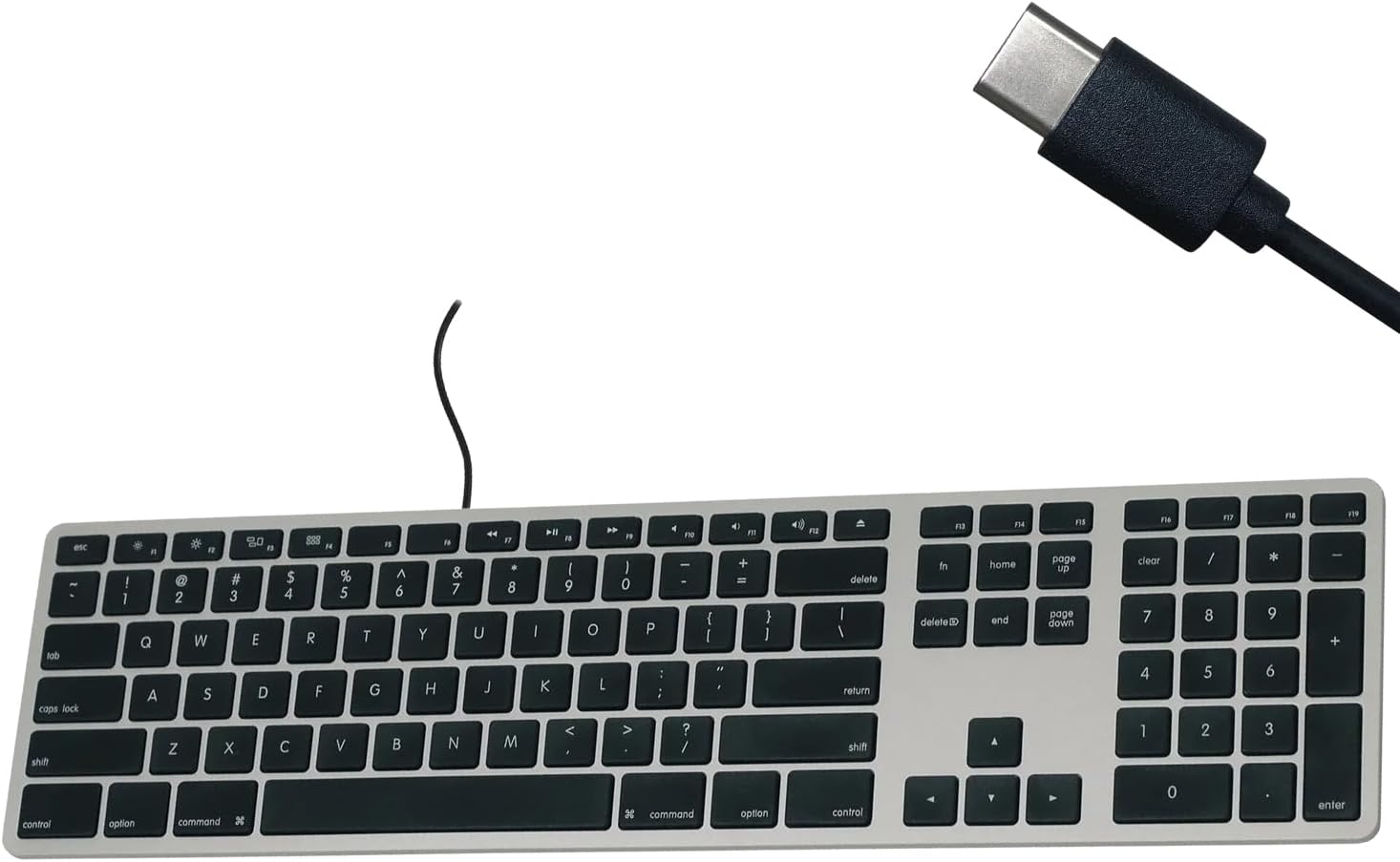
Figure 1: Matias USB-C Keyboard with its USB-C connector, ready for connection.

Figure 2: The keyboard connected to a Mac computer, demonstrating a typical setup.
Instruccions de funcionament
Mecanografia bàsica
The keyboard features a standard QWERTY layout with a full numeric keypad. Simply begin typing after connecting the keyboard to your Mac.
Teclat numèric
The integrated numeric keypad allows for efficient data entry and calculations. Ensure the 'Num Lock' function is active if numbers are not registering (though typically not required on Mac keyboards for the numeric pad).
Tecles de funció de Mac
The top row of keys (F1-F12) provides dedicated Mac-specific functions. These keys allow for quick access to controls such as screen brightness, volume adjustment, media playback, and Mission Control.

Figura 3: Primer pla view of the Mac-specific function keys (F1-F12) on the keyboard.
Manteniment
To maintain the performance and appearance of your Matias keyboard, follow these guidelines:
- Neteja: Utilitzeu un drap suau i sense pelusa lleugerament dampened with water or a mild, non-abrasive cleaner to wipe the surface of the keyboard. Avoid spraying liquids directly onto the keyboard.
- Eliminació de pols: Feu servir aire comprimit per eliminar la pols i les restes que hi ha entre les tecles.
- Emmagatzematge: Store the keyboard in a clean, dry environment when not in use.
Resolució de problemes
If you encounter issues with your Matias Wired USB-C Keyboard, consider the following steps:
- El teclat no respon:
- Ensure the USB-C cable is securely connected to both the keyboard and your Mac.
- Try connecting the keyboard to a different USB-C port on your Mac.
- Restart your Mac computer.
- Test the keyboard on another compatible Mac computer, if available, to determine if the issue is with the keyboard or the computer.
- Les tecles no funcionen correctament:
- Comproveu si hi ha obstruccions físiques o restes sota les tecles afectades.
- Assegura't que el sistema operatiu del teu Mac estigui actualitzat.
Si aquests passos no resolen el problema, consulteu la secció d'assistència per obtenir més ajuda.
Especificacions
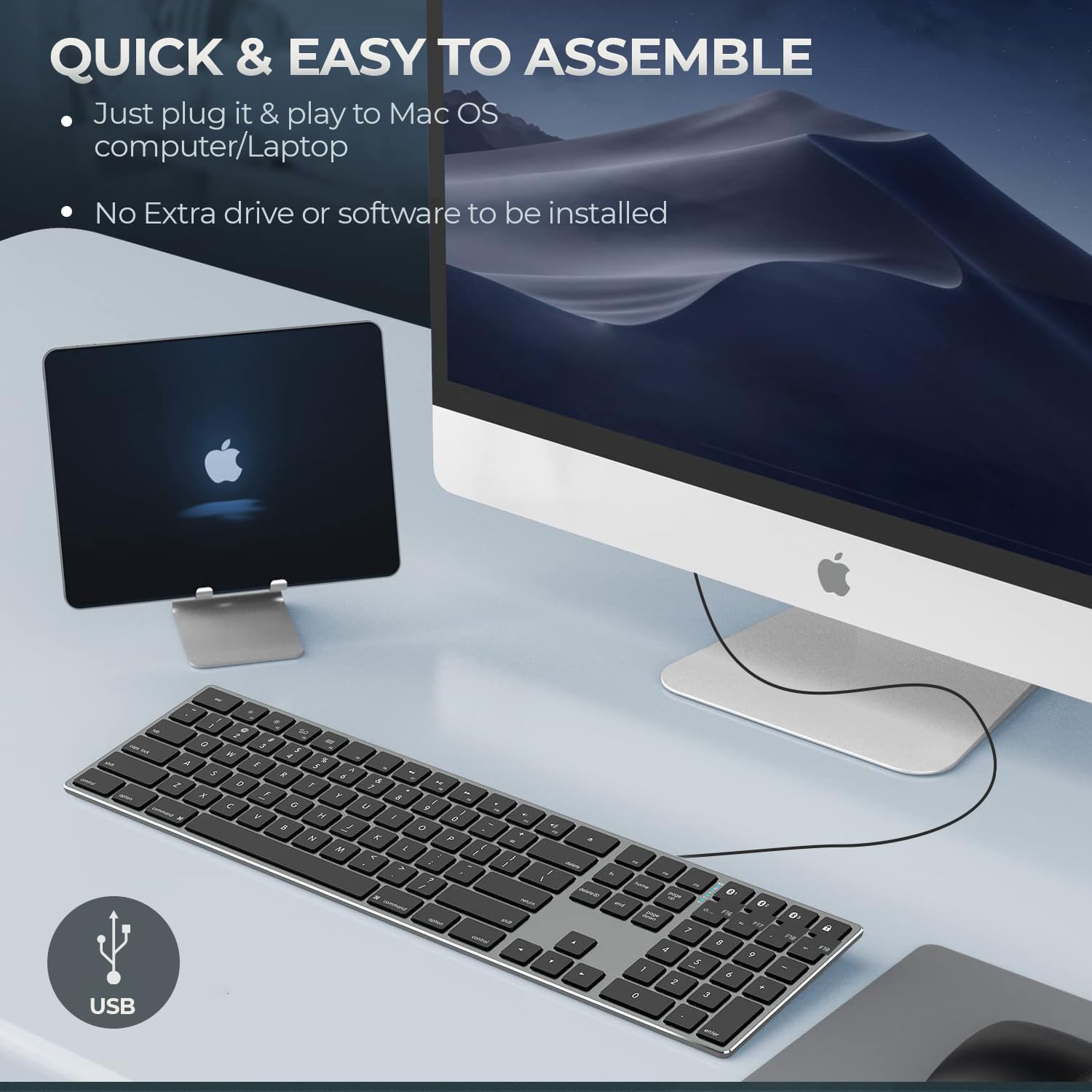
Figure 4: Key specifications of the Matias USB-C Keyboard.
| Característica | Detall |
|---|---|
| Número de model | FK316CS |
| Tecnologia de connectivitat | USB-C (amb cable) |
| Dispositius compatibles | MacBook Pro, MacBook Air, iMac, Mac OS X v.10.6.8 and later |
| Dimensions del producte | 17.35 x 4.58 x 0.75 polzades (44.07 x 11.63 x 1.91 cm) |
| Pes de l'article | 1.35 lliures (612 grams) |
| Longitud del cable | 5 peus (1.5 metres) |
| Material | Plastic keyframe |
| Color | Gris espacial |

Figure 5: Keyboard dimensions and ergonomic tilt angle.
Informació de la garantia
Matias products are covered by a manufacturer's warranty. For specific details regarding the warranty period and terms, please refer to the warranty card included with your product or visit the official Matias weblloc.
Suport
For further assistance, technical support, or to inquire about replacement parts, please contact Matias customer service through their official weblloc:
- Matias Official Weblloc: www.matias.ca
Please have your product model number (FK316CS) and purchase information ready when contacting support.