
Introducció
This manual provides instructions for the Flutesan Portable Bluetooth Item Finder. Please read this manual carefully before using the device to ensure proper operation and to maximize its functionality. This device utilizes Bluetooth technology for proximity tracking, not satellite-based GPS.
Producte acabatview
The Flutesan Portable Bluetooth Item Finder is a compact device designed to help locate misplaced items such as keys, wallets, pets, and luggage. It connects to your smartphone via Bluetooth, allowing you to track items within a certain range and trigger an alarm.
Característiques principals:
- Connectivitat Bluetooth: Connects wirelessly to your smartphone for proximity tracking.
- Disseny compacte: Small size (approximately 1.5 x 1.5 x 0.3 inches) with an integrated keychain loop for easy attachment.
- Funció d'alarma: Triggers an audible alarm on the device to help locate items.
- Obturador remot de la càmera: Can function as a remote button for your smartphone camera.

Image: A collection of eight Flutesan Bluetooth item finders, black in color, with one attached to a gold keychain. These devices are designed to be compact and easily attachable to various items.
Contingut del paquet
- Flutesan Portable Bluetooth Item Finder (8 units)
- Manual d'usuari (aquest document)
Especificacions
| Característica | Detall |
|---|---|
| Dimensions | Aproximadament 1.5 x 1.5 x 0.3 polzades (3.8 x 3.8 x 0.76 cm) |
| Pes | Approximately 2.89 ounces (82 grams) per unit |
| Connectivitat | Bluetooth |
| Dispositius compatibles | Smartphones (iOS and Android) |
| Material | Cautxú |
| Font d'alimentació | Button Cell Battery (CR2032, not included) |

Image: A diagram illustrating the dimensions of the item finder (5.2 cm length, 3.1 cm width, 1.1 cm thickness) and a visual guide on how to open the case to replace the CR2032 battery.
Instruccions de configuració
- Instal·la la bateria: Obriu el dispositiu casing (refer to the diagram in the Specifications section) and insert a CR2032 button cell battery. Ensure correct polarity. Close the casing de manera segura.
- Descarrega l'aplicació: Cerca the recommended companion application on your smartphone's app store (e.g., "iSearching" or similar, as implied by common Bluetooth trackers). Follow the on-screen instructions to download and install the app.
- Activa el Bluetooth: Assegureu-vos que el Bluetooth estigui habilitat al vostre telèfon intel·ligent.
- Vincular el dispositiu: Open the installed app. Follow the in-app instructions to add a new device. Typically, you will need to press and hold the button on the item finder until it beeps or a light flashes, indicating it's in pairing mode. Select the device from the list in the app to complete pairing.
- Personalitza la configuració: Within the app, you can rename your device (e.g., "Keys," "Wallet," "Pet Collar") and adjust alert settings.

Image: A visual guide showing the six main steps for using the item finder: downloading the app, ensuring Bluetooth compatibility, binding the device, clicking the alarm in the app, the device beeping, and finally locating the item.
Instruccions de funcionament
Locating an Item:
- Ensure your smartphone's Bluetooth is active and the item finder is within range.
- Obriu l'aplicació complementària al vostre telèfon intel·ligent.
- Select the desired item finder from your list of paired devices.
- Tap the "Alarm" or "Find" button within the app. The item finder will emit an audible beep, helping you pinpoint its location.
- To stop the alarm, tap the "Stop" button in the app or press the button on the item finder.
Anti-Loss Alert:
The app can be configured to alert you if the item finder moves out of Bluetooth range from your smartphone. This feature helps prevent items from being left behind.
- Enable the "Anti-Loss" or "Disconnection Alert" feature in the app settings for each device.
- If the connection is lost, both your phone and the item finder may emit an alert.

Image: A small dog with a Flutesan item finder attached to its collar, demonstrating a common use case for pet tracking. The device is discreetly placed on the collar.
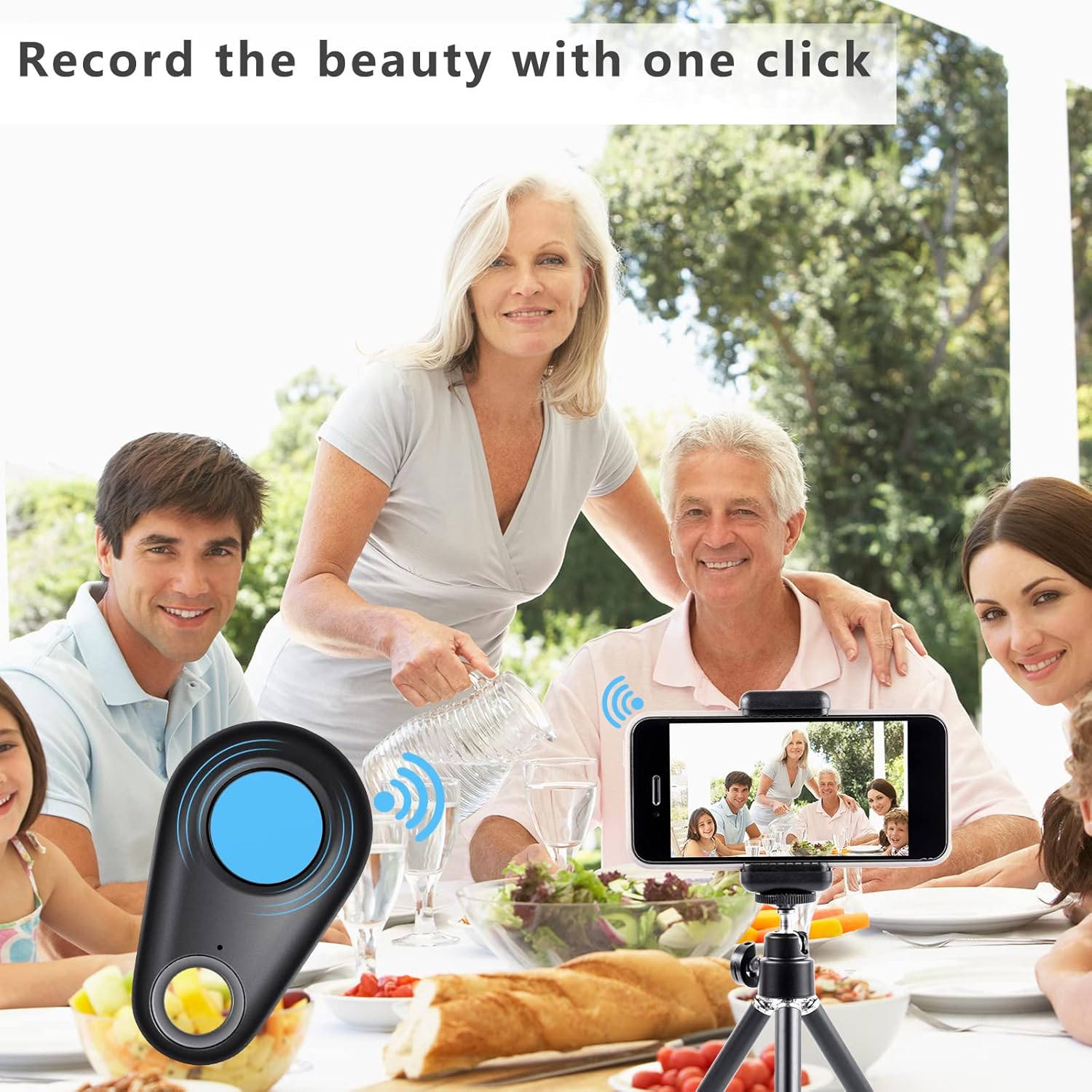
Image: A collage showing multiple applications of the item finder: placed inside a wallet, attached to a set of keys, hanging from a handbag, and positioned near a camera, illustrating its versatility.
Funció de càmera remota
The item finder can also serve as a remote shutter button for your smartphone's camera.
- Open your smartphone's camera app.
- Ensure the item finder is connected via Bluetooth.
- Press the button on the item finder. This will trigger your phone's camera to take a photo.
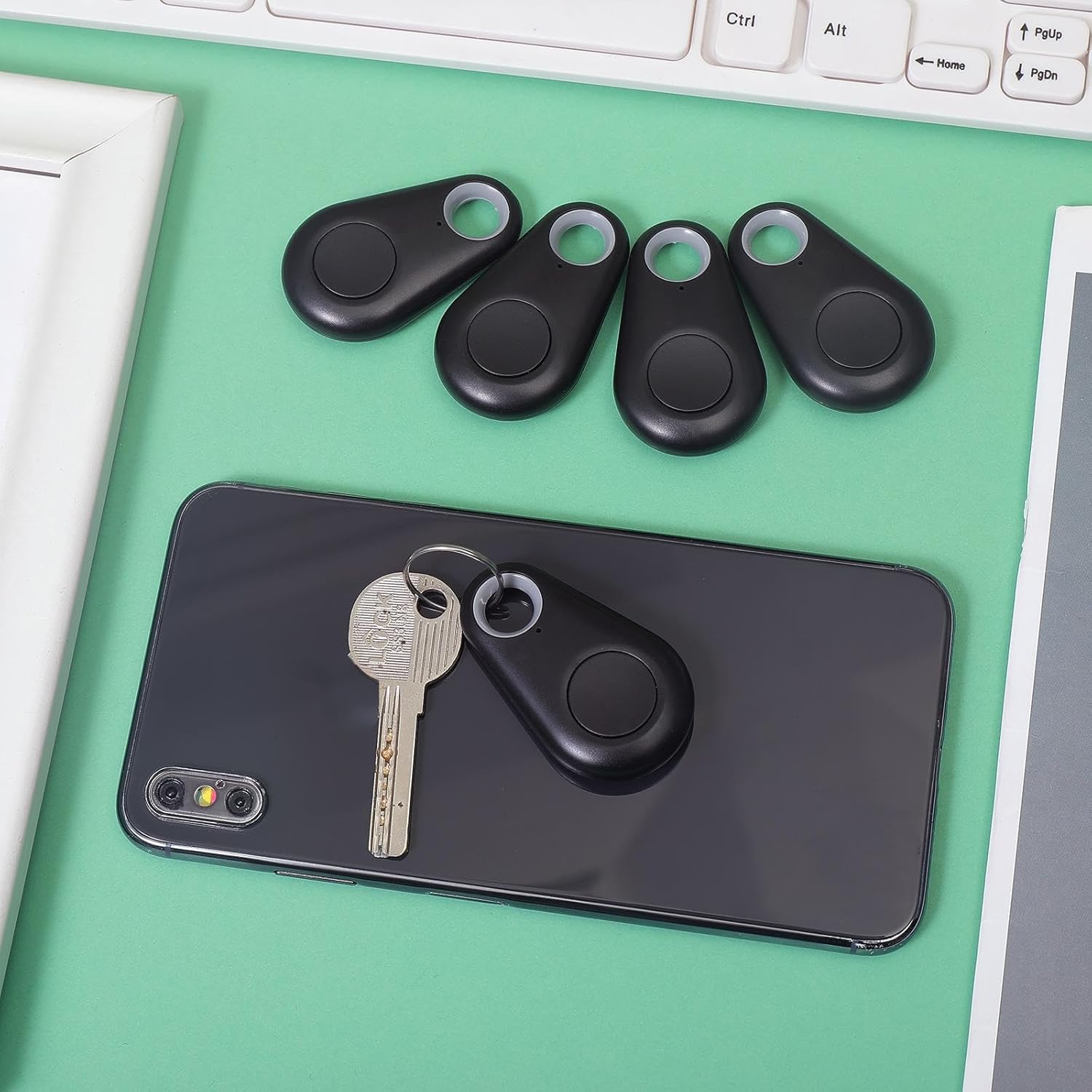
Image: A family enjoying a meal, with a smartphone set up on a tripod, capturing a group photo using the item finder as a remote shutter, highlighting its convenience for selfies and group shots.
Manteniment
Substitució de la bateria:
The device uses a CR2032 button cell battery. When the alarm sound becomes weak or the device fails to connect, it's time to replace the battery.
- Obriu amb cura el dispositiu casing. Refer to the diagram in the Specifications section for guidance.
- Traieu la bateria CR2032 antiga.
- Insert a new CR2032 battery, ensuring the positive (+) side faces up.
- Tanca el casing de manera segura.
Neteja:
Netegeu el dispositiu amb un drap suau i sec. Eviteu utilitzar productes químics agressius o netejadors abrasius.
Emmagatzematge:
Store the device in a cool, dry place when not in use. Remove batteries if storing for extended periods to prevent leakage.
Resolució de problemes
- Device not connecting to smartphone:
- Assegureu-vos que el Bluetooth estigui habilitat al vostre telèfon intel·ligent.
- Make sure the item finder has a fresh battery and is powered on.
- Bring the item finder closer to your smartphone.
- Reinicia l'aplicació i intenta emparellar-ho de nou.
- Si els problemes persisteixen, prova de reiniciar el telèfon intel·ligent.
- Alarm is too quiet or not sounding:
- Replace the battery in the item finder.
- Check the volume settings within the companion app.
- Device frequently disconnects:
- Ensure the device is within the effective Bluetooth range (typically up to 75 feet/23 meters in open areas, less indoors).
- Minimize obstructions between the device and your smartphone.
- Comproveu si hi ha interferències d'altres dispositius sense fil.
- Ensure your smartphone's operating system and the companion app are up to date.
- Remote camera function not working:
- Ensure the item finder is connected via Bluetooth.
- Some camera apps may not fully support external Bluetooth shutters. Try using your phone's default camera app.
Garantia i Suport
For warranty information or technical support, please refer to the contact details provided with your purchase or visit the official Flutesan weblloc web. Conserveu el comprovant de compra per a reclamacions de garantia.