
Introducció
Gràcies per la compraasing the AZATOM A2 Portable DAB/DAB+ Digital Radio. This compact and versatile device is designed to provide high-quality digital and FM radio reception, offering a superior listening experience on the go. Please read this manual carefully to understand the features and operation of your new radio.

The AZATOM A2 radio, showcasing its stylish and compact design, perfect for portability.
Què hi ha a la caixa
- AZATOM A2 Portable DAB/DAB+ Digital Radio
- Cable USB-C
- Auriculars esportius
- Manual d'usuari (aquest document)
- Targeta de garantia
Producte acabatview
Familiarize yourself with the buttons and ports on your AZATOM A2 radio:

Davant view of the AZATOM A2 radio, highlighting the display and control buttons.
- Botó d'encendre: Encén/apaga la ràdio.
- Botó MENÚ: Accedeix a les opcions del menú.
- Botons VOL+ / VOL-: Ajusta el nivell de volum.
- ENTER/SCAN Button: Confirms selections or initiates station scanning.
- PRESET Buttons (1/2, 3/4): Recalls stored preset stations.
- Botó MODE: Canvia entre els modes DAB/DAB+ i FM.
- Presa per a auriculars: Connects the included earphones, which also function as the antenna.
- Port USB-C: Per carregar el dispositiu.
Configuració
1. Carregant la bateria
Before first use, fully charge the radio. Connect the supplied USB-C cable to the radio's USB-C port and the other end to a USB power adapter (not included) or a computer's USB port. The display will indicate charging status. A full charge provides up to 24 hours of playtime.

The AZATOM A2 features a long-lasting rechargeable battery for extended use.
2. Connecting Earphones (Antenna)
The included earphones serve as the radio's antenna for both DAB/DAB+ and FM reception. It is essential to connect the earphones to the 3.5mm jack before operating the radio to ensure proper signal reception.
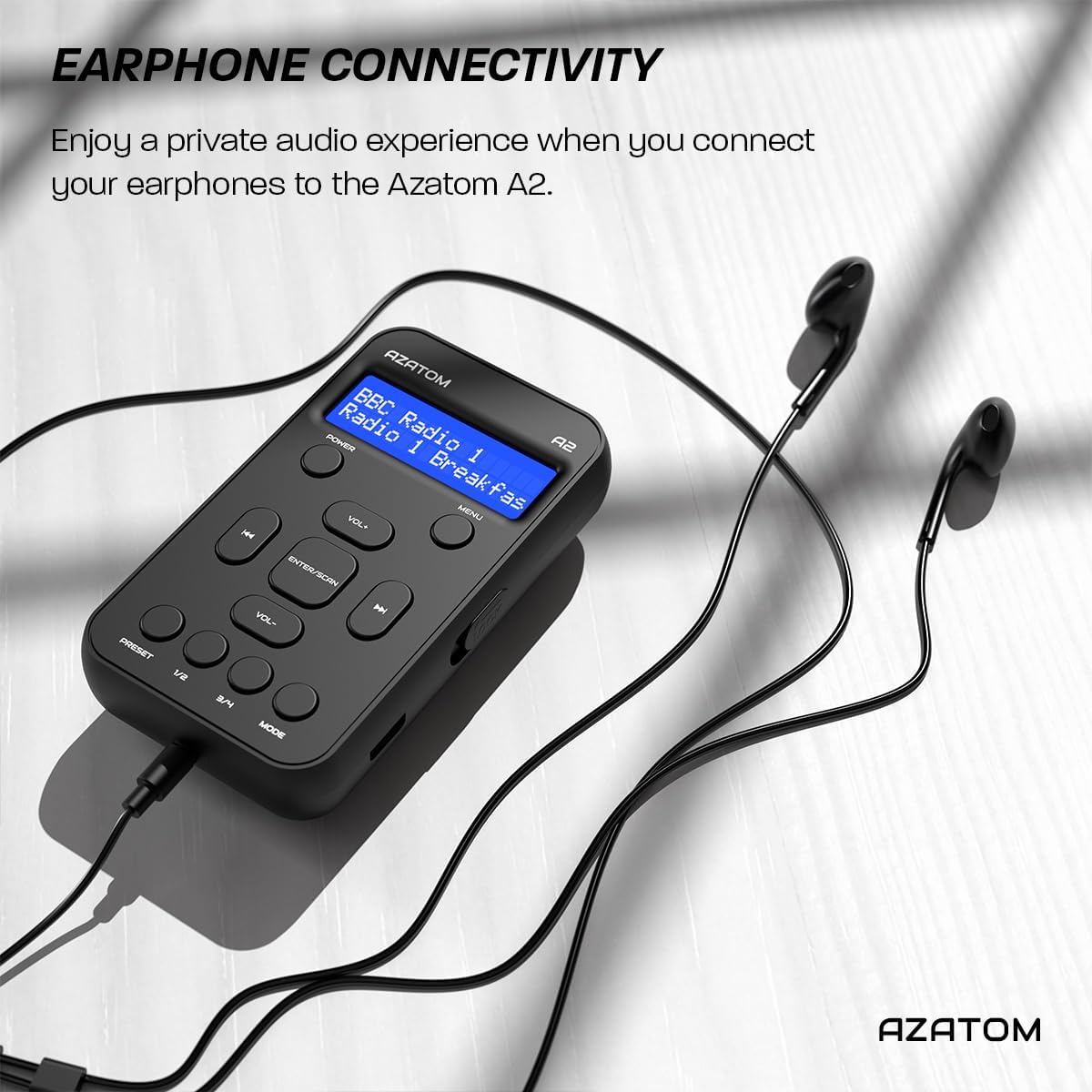
Connect the supplied earphones to the radio for optimal reception and a private listening experience.
Instruccions de funcionament
Encès/Apagat
- Manteniu premut el botó PODER botó per encendre o apagar la ràdio.
Operació de ràdio DAB/DAB+

The AZATOM A2 supports both DAB/DAB+ and FM radio technologies.
- Ensure the earphones are connected.
- Premeu el botó MODE button until 'DAB' or 'DAB+' is displayed.
- The radio will automatically perform a full scan for available DAB/DAB+ stations upon first use or if no stations are found. To manually scan, press and hold the ENTRAR/ESCANER botó.
- Utilitza el VOL+ or VOL- buttons to navigate through the list of found stations.
- Premeu ENTRAR/ESCANER per seleccionar una estació.
Funcionament de la ràdio FM
- Ensure the earphones are connected.
- Premeu el botó MODE fins que aparegui «FM».
- To auto-scan for FM stations, press and hold the ENTRAR/ESCANER button. The radio will scan and save available stations.
- Per sintonitzar manualment, premeu breument el botó VOL+ or VOL- buttons to adjust the frequency in small increments.
Configuració i recuperació de presets
The AZATOM A2 allows you to store up to 40 DAB+ and 40 FM favorite stations.

The AZATOM A2 allows for easy recall of your favorite preset stations.
Per emmagatzemar una preconfiguració:
- Sintonitza l'emissora desitjada.
- Manteniu premut un dels PRESET buttons (1/2 or 3/4) until the display shows 'Preset Store'.
- Utilitza el VOL+ or VOL- buttons to select the desired preset number (1-40).
- Premeu ENTRAR/ESCANER per confirmar i desar l'emissora.
Per recuperar un valor predefinit:
- Premeu breument un dels PRESET buttons (1/2 or 3/4).
- Utilitza el VOL+ or VOL- buttons to navigate through your stored presets.
- Premeu ENTRAR/ESCANER to select and play the desired preset station.
Control de volum
- Premeu VOL+ per augmentar el volum.
- Premeu VOL- per disminuir el volum.
Brillantor de la pantalla
The XL digital display's brightness can be adjusted to your preference. Access this setting through the MENU options.

Un primer pla view of the AZATOM A2's clear digital display.
Manteniment
- Neteja: Feu servir un drap suau i sec per netejar la superfície de la ràdio. No utilitzeu productes de neteja abrasius ni dissolvents.
- Cura de la bateria: Per allargar la durada de la bateria, eviteu descarregar-la completament amb freqüència. Carregueu la ràdio regularment, fins i tot si no la feu servir durant períodes prolongats.
- Emmagatzematge: Guardeu la ràdio en un lloc fresc i sec, allunyat de la llum solar directa i de temperatures extremes.
Resolució de problemes
| Problema | Causa possible | Solució |
|---|---|---|
| No power/Radio won't turn on. | La bateria està esgotada. | Charge the radio using the supplied USB-C cable. |
| Mala recepció de ràdio (DAB/FM). | Earphones not connected or not fully inserted. Weak signal area. | Ensure earphones are securely connected. Try moving to an open area or near a window. Perform a new scan. |
| Sense so. | Volume is too low or muted. Earphones not connected. | Increase the volume using VOL+. Ensure earphones are connected. |
| Radio freezes or becomes unresponsive. | Error temporal de programari. | Press and hold the POWER button to force a restart. If issue persists, allow battery to fully discharge then recharge. |
Especificacions

Dimensions of the AZATOM A2 radio.
| Característica | Detall |
|---|---|
| Model | A2 |
| Dimensions (L x A x A) | 9 x 4 x 11 cm (aprox. 90 mm x 50 mm x 24 mm) |
| Pes | 90 g |
| Bandes de ràdio compatibles | DAB, DAB+, FM |
| Presets | 40 DAB+, 40 FM |
| Tipus de bateria | Rechargeable Lithium Ion (1800mAh) |
| Hora de joc | Fins a 24 hores |
| Tipus de visualització | LCD |
| Connectivitat | USB-C (for charging), 3.5mm Earphone Jack |
| Material | Plàstic |
Garantia i Suport
AZATOM products are designed and engineered in the UK. The AZATOM A2 comes with a premium 3-year warranty (registration required). For any questions or support, please contact our dedicated customer service team. Lifetime customer support is provided to assist you with any queries.
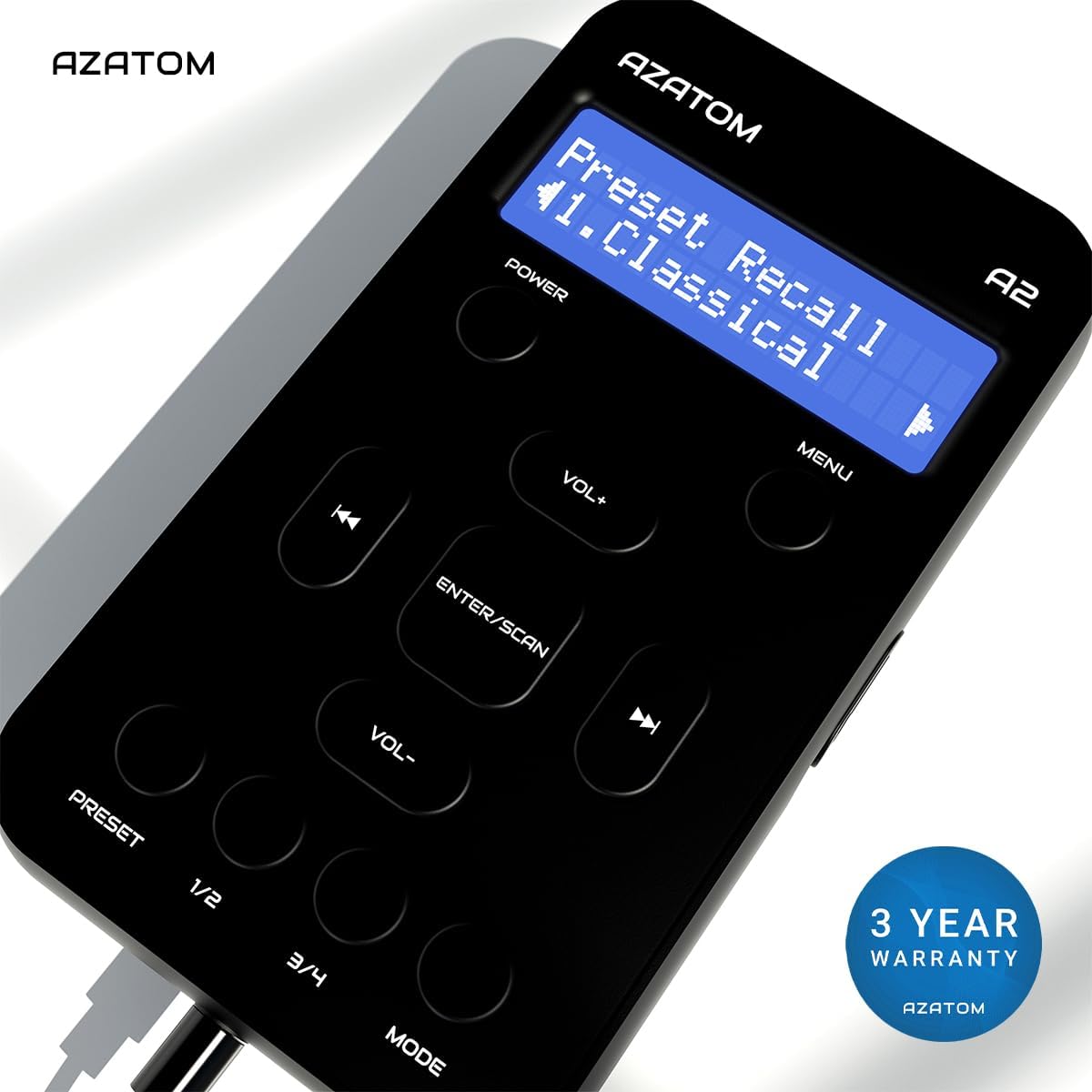
The AZATOM A2 is backed by a 3-year warranty.