
1. Uvod
The Awei H15 Smartwatch is designed to integrate seamlessly into your daily life, offering health monitoring, communication features, and smart notifications. This manual provides essential information for setting up, operating, and maintaining your device.
2. Šta se nalazi u kutiji
- 1 x Awei H15 Smartwatch
- 1 x Kabl za punjenje
- 1 x Korisnički priručnik (ovaj dokument)
3. Proizvod je gotovview
Familiarize yourself with the key components of your Awei H15 Smartwatch.
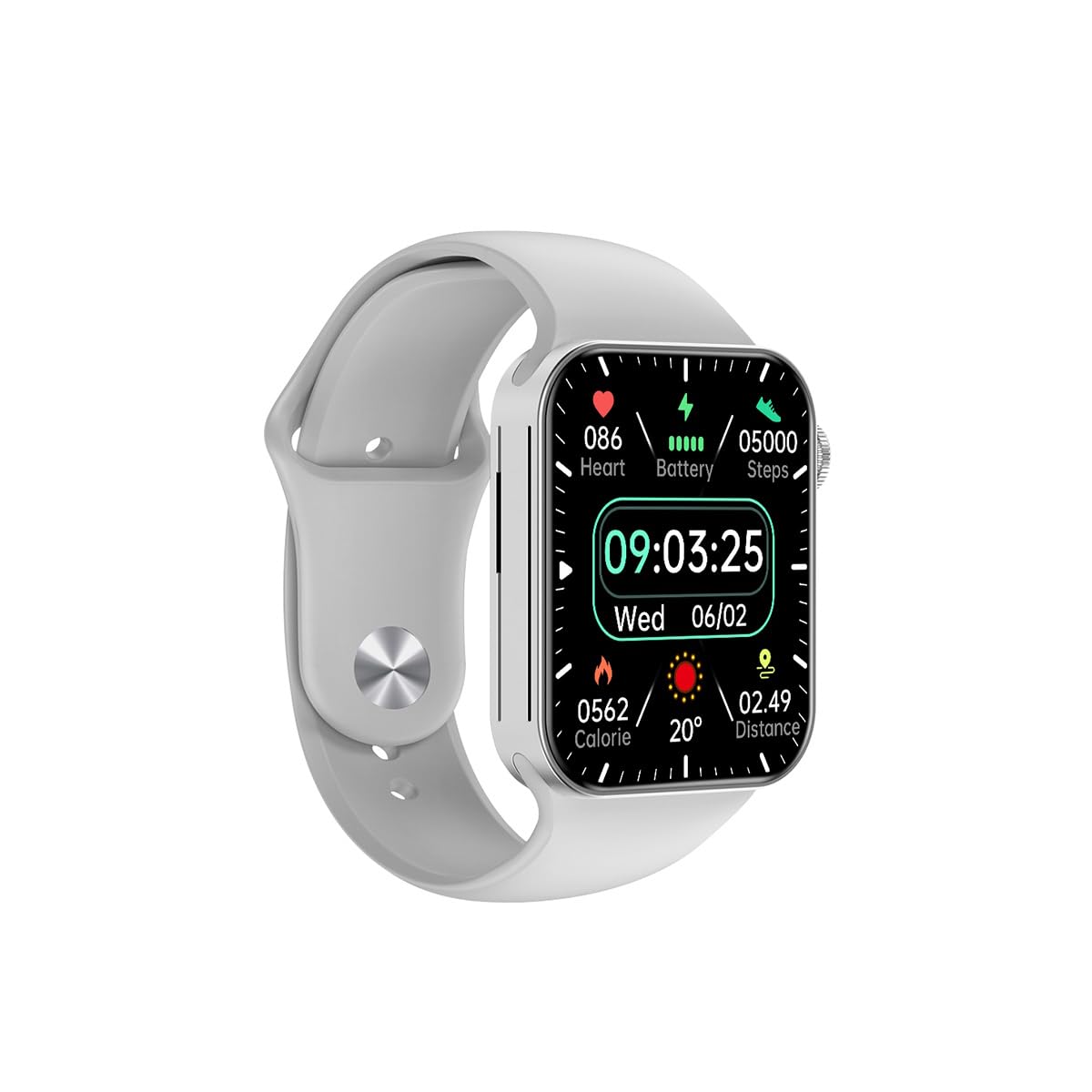
Slika 3.1: Front view of the Awei H15 Smartwatch display, illustrating various health metrics and time.

Slika 3.2: Side view of the smartwatch, highlighting the rotary crown for navigation and an additional button.
4. Podešavanje
4.1 Punjenje pametnog sata
Before first use, fully charge your Awei H15 Smartwatch. Connect the provided charging cable to the charging port on the back of the watch and to a standard USB power adapter (not included).
- Vrijeme punjenja: Otprilike 2-3 sata za potpuno punjenje.
- Battery Life: Up to 7 days with calls, up to 15 days without calls.
4.2 Uključivanje/isključivanje napajanja
- Za uključivanje: Pritisnite i držite bočni taster dok se ne pojavi Awei logo.
- Za isključivanje: Pritisnite i držite bočni taster, a zatim na ekranu izaberite 'Isključivanje'.
4.3 Uparivanje sa vašim pametnim telefonom
The Awei H15 Smartwatch uses Dual Bluetooth 3.0/5.0 for stable connectivity. To unlock full features, download the companion app (refer to the packaging or quick start guide for app name) from your smartphone's app store.
- Provjerite je li vaš pametni sat uključen i potpuno napunjen.
- Omogućite Bluetooth na svom pametnom telefonu.
- Open the companion app and follow the on-screen instructions to search for and connect to your Awei H15 Smartwatch.
- Potvrdite zahtjev za uparivanje i na pametnom telefonu i na pametnom satu.
5. Uputstvo za upotrebu
5.1 Osnovna navigacija
- Ekran na dodir: Prevucite prstom lijevo, desno, gore ili dolje za navigaciju kroz menije i ekrane. Dodirnite za odabir stavki.
- Rotary Crown: Rotate the crown to scroll through lists or zoom in/out (where applicable). Press the crown to return to the home screen or confirm selections.
5.2 Multi-Dial Switching
Customize your smartwatch's appearance by switching between various watch faces.

Slika 5.1: Examples of different watch faces available on the Awei H15 Smartwatch.
Da promijenite brojčanik sata:
- From the home screen, press and hold the display.
- Prevucite prstom lijevo ili desno da biste pregledali dostupne brojčanike sata.
- Tap on a watch face to select it.
5.3 Monitoring zdravlja
The Awei H15 Smartwatch tracks various health metrics to support your active lifestyle.
- Otkucaji srca: Pratite svoj puls tokom cijelog dana.
- Praćenje aktivnosti: The built-in G-Sensor (MSA311) accurately tracks steps, distance, and calories burned.
- Praćenje spavanja: Track your sleep patterns (light sleep, deep sleep, wake-up times).
Access detailed health data through the companion app on your smartphone.
5.4 Pametne karakteristike
- Pozivi: Make and receive calls directly from your smartwatch when connected to your phone via Bluetooth.
- Obavještenja: Receive alerts for messages, emails, and app notifications.
- Ažuriranja vremena: Dobijte informacije o vremenu u stvarnom vremenu.
- Kontrola muzike: Kontrolišite reprodukciju muzike na svom pametnom telefonu.
6. Održavanje
6.1 Čišćenje
Redovno čistite svoj pametni sat kako biste osigurali optimalne performanse i higijenu.
- Obrišite ekran i kućište mekom krpom koja ne ostavlja dlačice.
- Za tvrdokornu prljavštinu, lagano dampNapržite krpu vodom. Izbjegavajte jake hemikalije.
- Clean the charging contacts periodically to ensure good connection.
6.2 Otpornost na vodu (IP67)
The Awei H15 Smartwatch is IP67 water-resistant, meaning it is protected against dust and can withstand immersion in water up to 1 meter for 30 minutes.
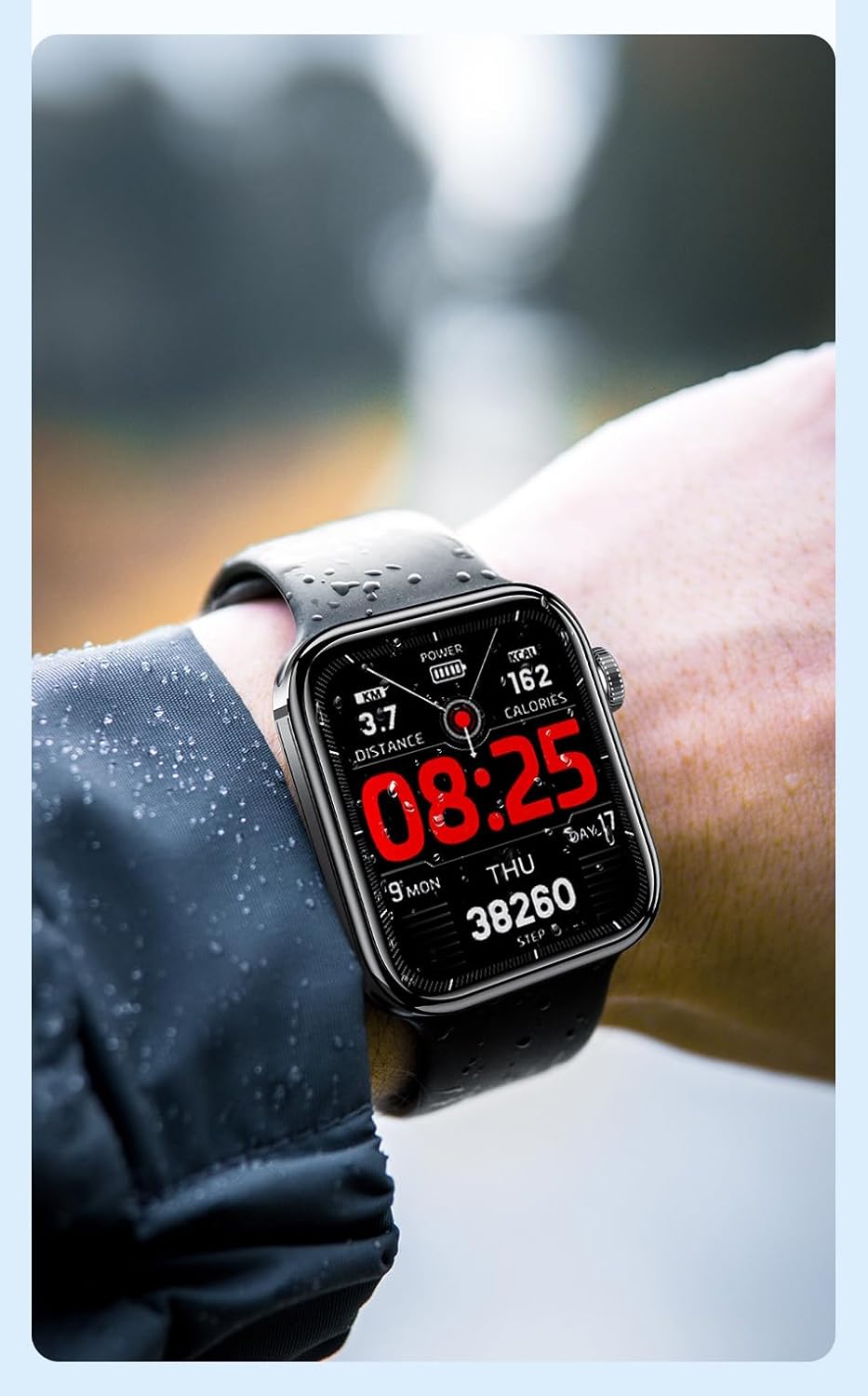
Slika 6.1: The Awei H15 Smartwatch is designed to withstand splashes and dust.
Important: IP67 rating does not mean the watch is suitable for swimming, showering, or diving. Avoid exposing the watch to hot water, steam, or high-velocity water.
7. Otkrivanje problema
- Sat se ne uključuje: Provjerite je li sat potpuno napunjen. Spojite ga na punjač na najmanje 30 minuta.
- Ne može se upariti sa pametnim telefonom:
- Provjerite je li Bluetooth omogućen na vašem telefonu i satu.
- Provjerite je li sat u dometu vašeg telefona.
- Ponovo pokrenite i sat i telefon.
- Provjerite je li prateća aplikacija ažurirana na najnoviju verziju.
- Netačni zdravstveni podaci: Pazite da sat čvrsto prianja uz zglob, ne previše stegnut ili previše labav. Očistite senzor na stražnjoj strani sata.
- Kratko trajanje baterije: Smanjite svjetlinu ekrana, onemogućite nepotrebne obavijesti i ograničite kontinuirano praćenje otkucaja srca.
8. Specifikacije
| Feature | Specifikacija |
|---|---|
| Model | H15 |
| Tehnologija povezivanja | Bluetooth 3.0/5.0 |
| Otpornost na vodu | IP67 |
| Kapacitet baterije | 260mAh |
| Vrijeme punjenja | 2-3 sata |
| Vrijeme upotrebe | Up to 7 days (with calls), 15 days (without calls) |
| G-senzor | MSA311 |
| Dimenzije | 36.8 × 42.5 × 13.2 mm |
| Dužina narukvice | 270mm |
| Proizvođač | Awei |
9. Garancija i podrška
Your Awei H15 Smartwatch comes with a 6-mjesečna garancija od datuma kupovine. Ova garancija pokriva proizvodne nedostatke pri normalnoj upotrebi.
For warranty claims or technical support, please contact your retailer or the official Awei customer service. Keep your proof of purchase for warranty validation.