
Aiwit K50
Aiwit 1080p Wired Video Doorbell Camera K50 Instruction Manual
Model: K50
Uvod
This manual provides detailed instructions for the installation, operation, maintenance, and troubleshooting of your Aiwit 1080p Wired Video Doorbell Camera, Model K50. Please read this manual thoroughly before using the product to ensure proper setup and functionality.
Šta je u kutiji
Provjerite da li su sve komponente prisutne:
- Kamera za zvono na vratima
- Chime
- (Additional mounting hardware, screws, and user guide may be included but are not explicitly listed in the provided components.)

Specifikacije
| Feature | Detalj |
|---|---|
| Unutrašnja/vanjska upotreba | Unutarnji, vanjski |
| Kompatibilni uređaji | Smartphone |
| Izvor napajanja | Battery Powered |
| Connectivity Protocol | Wi-Fi |
| Tip kontrolera | Aiwit App |
| Vrsta montaže | Zidni nosač |
| Rezolucija video snimanja | 1080p |
| Boja | Crna |
| Broj stavki | 1 |
| Uključene komponente | Doorbell Camera, Chime |
| Broj kanala | 4 |
| Bežična komunikacijska tehnologija | Wi-Fi |
| Form Factor | Kutija |
| Vrsta instalacije | Wall-Mounted |
| Materijal | akrilonitril butadien stiren (ABS) |
| Dimenzije artikla D x Š x V | 1.77 x 1.34 x 5.3 inča |
| Baterije su potrebne? | br |
| Tehnologija slabog osvjetljenja | Da |
| Vrsta upozorenja | Motion Only |
| Vrsta sobe | Hallway, Living Room, Study Room possibility room |
| Format video snimanja | MP4 |
| Unit Count | 1.0 Count |
| Efektivna rezolucija mirovanja | 4 MP |
| Kontrolni metod | App |
| Broj IR LED dioda | 4 |
| Kompatibilnost pametnog doma | Smart Home Compatible |
| Preporučena upotreba za proizvod | Indoor/Outdoor |
| Naziv modela | Žično zvono za vrata |
| Tehnologija povezivanja | Bežični |
| Posebna karakteristika | 2-Way Audio |

Postavljanje i instalacija
Slijedite ove korake za uspješnu instalaciju:
- Korak 1: Isključite napajanje. Before beginning any electrical work, always disable the doorbell's electrical circuit at your home's circuit breaker to prevent electrical shock.
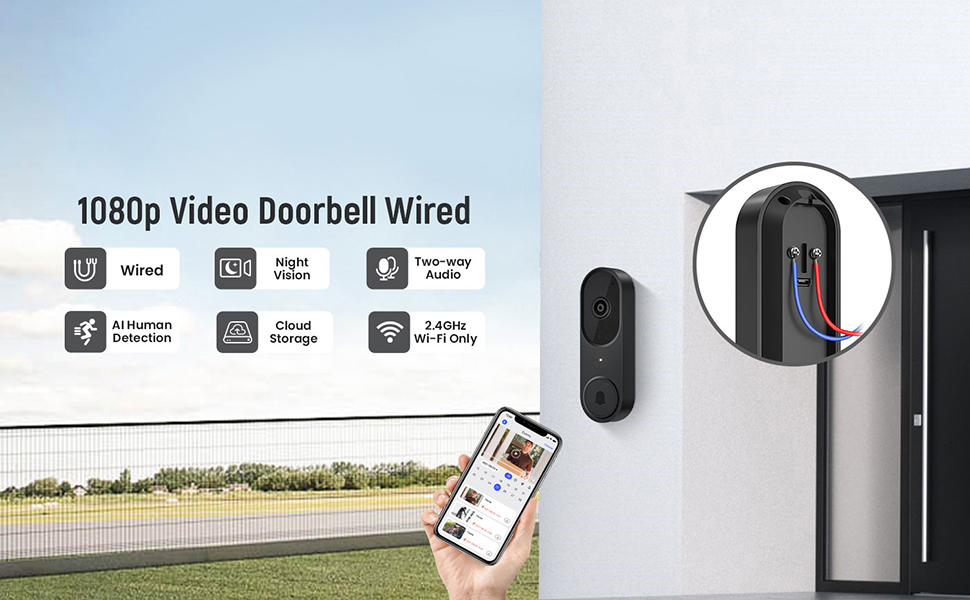
- Step 2: Connect Wires. Remove your existing doorbell button. Connect the wires from your home's doorbell system to the terminals on the back of the new Aiwit Video Doorbell. Ensure a secure connection.
- Step 3: Mount and Secure. Secure the doorbell camera to the wall using the provided mounting hardware. Ensure it is firmly attached.
- Korak 4: Obnovite napajanje. Re-enable the electrical circuit at your home's circuit breaker.
- Step 5: App Setup. Download the Aiwit app from your smartphone's app store. Follow the in-app instructions to connect your doorbell to your 2.4GHz Wi-Fi network and complete the setup process. Note: This device supports 2.4GHz Wi-Fi only; 5GHz networks are not supported.

The included chime will automatically pair with your doorbell once both are powered on and connected to the app.
Uputstvo za upotrebu
Aiwit App Control
All primary functions and settings of your video doorbell are managed through the Aiwit mobile application. Ensure your app is updated to the latest version for optimal performance.
Live Two-Way Audio
When a visitor presses the doorbell or motion is detected, you will receive a notification on your smartphone. Open the Aiwit app to view the live feed and use the microphone icon to speak with the visitor. The built-in speaker on the doorbell will transmit your voice, allowing for real-time communication.

AI detekcija ljudi
The doorbell utilizes advanced AI to distinguish human shapes from other moving objects such as animals or foliage. This reduces false alerts, ensuring you are only notified of relevant activity. You can adjust detection sensitivity and zones within the Aiwit app.

Poboljšana noćna vizija
Equipped with four IR LEDs and a smart infrared sensor, the doorbell provides clear video footage even in low-light or complete darkness. The night vision automatically activates when ambient light levels are insufficient.

Cloud Storage and Pre-roll Recording
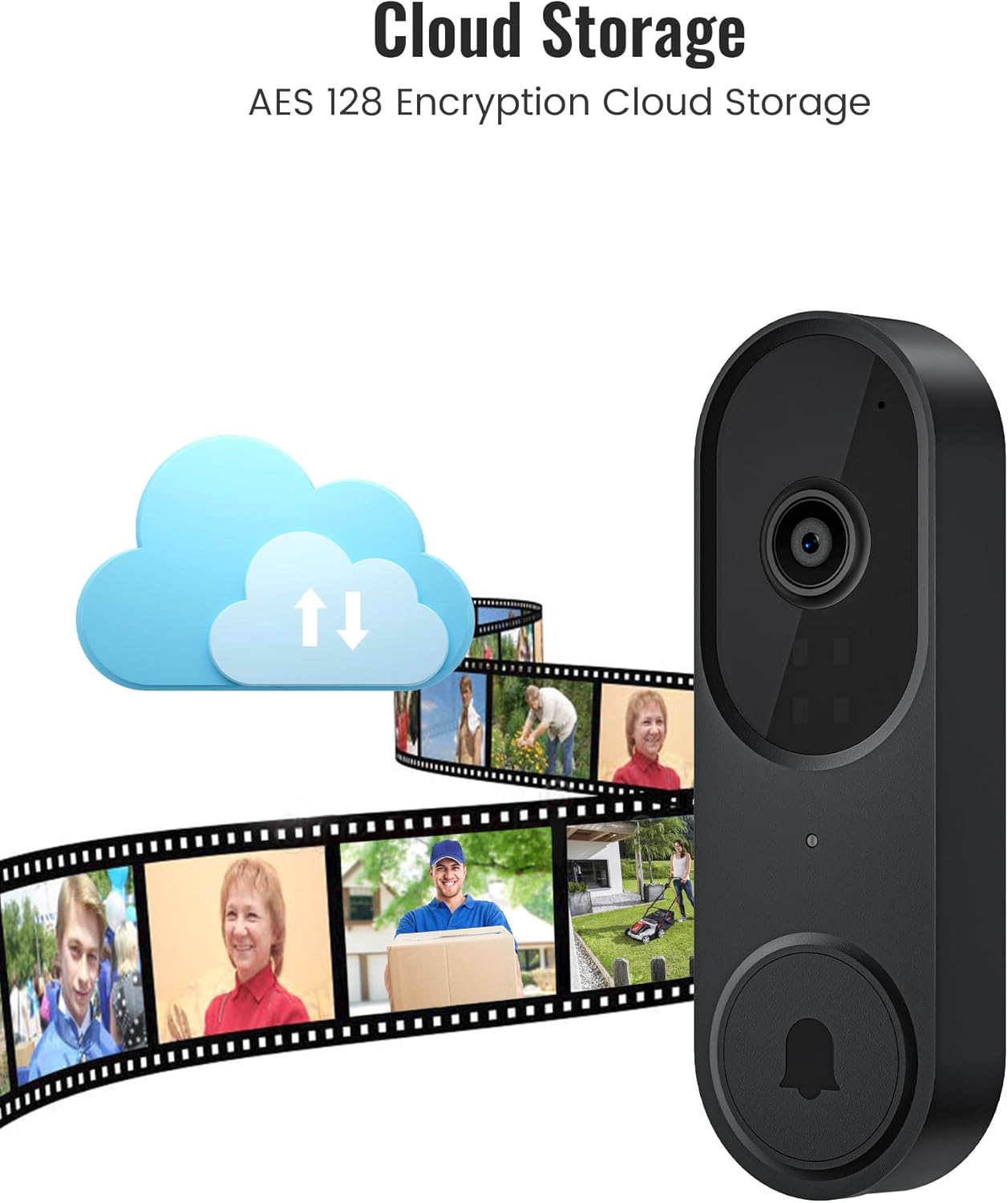
For continuous recording and access to event history, an optional cloud storage subscription is available. This service includes AES-128 encrypted storage and a pre-roll recording feature, which captures video footage a few seconds before a detected motion event or doorbell press, providing complete context.
Održavanje
- čišćenje: Nježno obrišite objektiv kamere i površinu zvona na vratima mekom,amp krpom. Izbjegavajte abrazivna sredstva za čišćenje ili rastvarače.
- Ažuriranja firmvera: Regularly check the Aiwit app for available firmware updates. Updates often include performance improvements and security enhancements.
- Provjera povezivosti: Periodically verify your Wi-Fi connection strength in the app to ensure stable operation.
Rješavanje problema
- No Power to Doorbell:
- Ensure the circuit breaker is on. Verify that the wires are correctly connected to the doorbell terminals and that there are no loose connections.
- Ne mogu se povezati na Wi-Fi:
- Confirm your Wi-Fi network is 2.4GHz. Ensure the doorbell is within range of your Wi-Fi router. Restart your router and try the setup process again. Check if your Wi-Fi password is entered correctly.
- Poor Video Quality or Night Vision:
- Clean the camera lens. Ensure there are no obstructions blocking the camera's view. Check your Wi-Fi signal strength; a weak signal can affect video streaming quality.
- Motion Detection Not Working or Too Many False Alerts:
- Adjust the motion detection sensitivity and set specific detection zones within the Aiwit app. Ensure AI Human Detection is enabled if you wish to filter out non-human movements.
- Dvosmjerni audio problemi:
- Ensure your smartphone's microphone is enabled for the Aiwit app. Check the volume settings on both your phone and within the app. Verify a stable internet connection.
Informacije o garanciji
Aiwit products are covered by a manufacturer's warranty. For specific details regarding your product's warranty period and terms, please refer to the warranty card included with your purchase or visit the official Aiwit support website.
Korisnička podrška
If you encounter any issues or have questions not covered in this manual, please contact Aiwit customer support through one of the following methods:
- Aiwit App: Access the 'Help' or 'Support' section within the application.
- Službeno Webstranica: Posjetite Aiwit Store on Amazon za informacije o proizvodu i linkove za podršku.
- E-pošta/Telefon: Pogledajte pakovanje proizvoda ili službene webstranica za direktne kontakt informacije.