
Uvod
Thank you for choosing the AWEI A996BL Bluetooth Over-Ear Headphones. This manual provides detailed instructions for setting up, operating, and maintaining your headphones to ensure optimal performance and longevity. Please read this manual carefully before use.
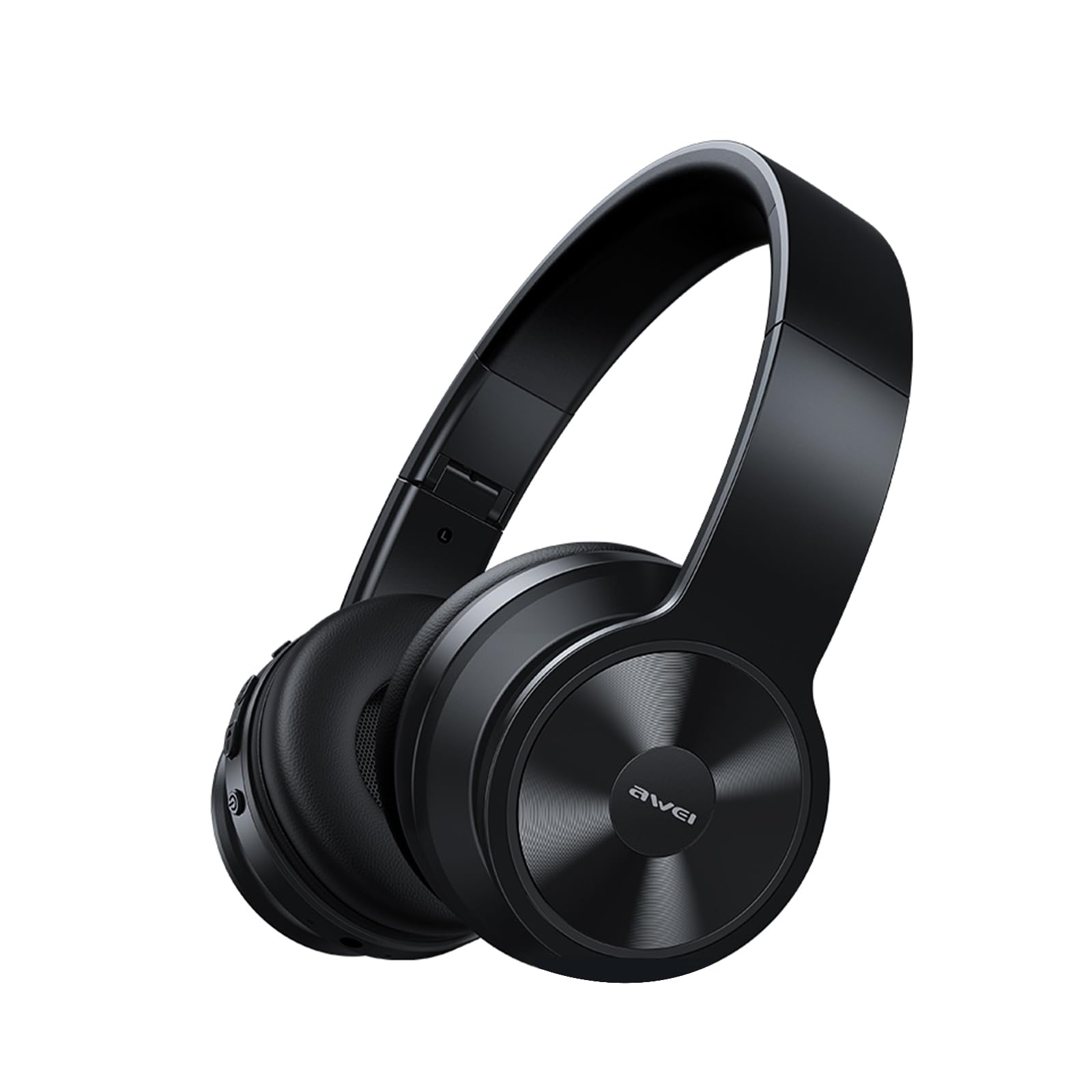
Image: AWEI A996BL over-ear headphones, showcasinnjihov dizajn.
The AWEI A996BL headphones feature advanced Bluetooth 5.3 technology for stable connections, 40mm drivers for immersive stereo sound, and a comfortable, foldable design with soft protein earpads. Enjoy up to 16 hours of playtime on a single charge, with the flexibility of both wireless and wired (AUX) listening modes.
Sadržaj paketa
- AWEI A996BL Bluetooth Over-Ear Headphones
- USB kabl za punjenje
- Uputstvo za upotrebu
- (Note: An AUX cable may be included for wired connection, depending on the specific package.)
Product Overview
Upoznajte se s komponentama i kontrolama slušalica.

Image: Right earcup of the AWEI A996BL headphones, highlighting the control buttons.
Kontrole i indikatori:
- Višenamjensko dugme (MFB): Power On/Off, Play/Pause, Answer/End Call, Reject Call, Activate Voice Assistant.
- Dugme za pojačavanje zvuka / sljedeću pjesmu: Kratki pritisak za pojačavanje zvuka, dugi pritisak za sljedeću pjesmu.
- Dugme za smanjivanje jačine zvuka / prethodnu pjesmu: Kratki pritisak za smanjenje jačine zvuka, dugi pritisak za prethodnu pjesmu.
- LED indikator: Shows power status, pairing mode, and charging status.
- mikrofon: Za hands-free pozive.
- USB-C priključak za punjenje: Za punjenje slušalica.
- 3.5 mm AUX priključak: Za žičanu audio vezu.
Setup
1. Punjenje slušalica
Prije prve upotrebe, potpuno napunite slušalice. Potpuno punjenje traje otprilike 2 sata.
- Connect the USB charging cable to the USB-C charging port on the headphones.
- Drugi kraj kabla priključite na USB adapter za napajanje (nije uključen) ili na USB port računara.
- The LED indicator will show a red light during charging and turn off or blue when fully charged.

Image: Visual representation of the 300mAh battery capacity, indicating long battery life.
2. Uključivanje / isključivanje napajanja
- Uključeno: Press and hold the Multi-function Button (MFB) for approximately 3 seconds until the LED indicator flashes blue and a voice prompt confirms "Power On".
- Iskljuciti: Press and hold the Multi-function Button (MFB) for approximately 3 seconds until the LED indicator flashes red and a voice prompt confirms "Power Off".
3. Bluetooth uparivanje (bežični način rada)
The headphones use Bluetooth 5.3 for a stable connection.
- Provjerite jesu li slušalice potpuno napunjene i isključene.
- Press and hold the Multi-function Button (MFB) for approximately 5-7 seconds until the LED indicator flashes blue and red alternately. This indicates pairing mode.
- Na svom uređaju (pametnom telefonu, tabletu, računaru) omogućite Bluetooth i potražite dostupne uređaje.
- Izaberite "AWEI A996BL" sa liste pronađenih uređaja.
- Once paired, the LED indicator will flash blue slowly, and a voice prompt will confirm "Connected".
- If a password is required, enter "0000".

Image: Headphones connected wirelessly to a laptop and smartphone, demonstrating a stable Bluetooth connection. Note: The product features Bluetooth 5.3 for enhanced performance.
4. Žična veza (AUX način rada)
You can use the headphones in wired mode even when the battery is depleted or with non-Bluetooth devices.
- Connect one end of a 3.5mm audio cable (not included) to the AUX port on the headphones.
- Drugi kraj priključite na 3.5 mm audio izlaz vašeg uređaja.
- The headphones will automatically switch to wired mode. Note that controls on the headphones (volume, play/pause) may not function in wired mode; control playback from your connected device.

Image: Headphones showing both USB-C charging port and 3.5mm AUX port, illustrating wired and wireless options.
Uputstvo za upotrebu
Nositi slušalice
Adjust the headband for a comfortable fit. The soft protein earpads are designed for extended wear.

Image: A person wearing the AWEI A996BL headphones, highlighting their lightweight and comfortable design with adjustable headband and bendable earmuffs.
Basic Functions (Wireless Mode)
| Funkcija | Operacija |
|---|---|
| Pusti/pauziraj muziku | Short press the Multi-function Button (MFB). |
| Volume Up | Kratko pritisnite dugme "Pojačavanje jačine zvuka / Sljedeća pjesma". |
| Utišavanje zvuka | Kratko pritisnite dugme "Smanjivanje jačine zvuka / Prethodna pjesma". |
| Next Track | Dugo pritisnite dugme "Pojačavanje jačine zvuka / Sljedeća pjesma". |
| Previous Track | Dugo pritisnite dugme "Smanjivanje jačine zvuka / Prethodna pjesma". |
| Odgovori/Završi poziv | Short press the Multi-function Button (MFB). |
| Odbiti poziv | Long press the Multi-function Button (MFB). |
| Aktivirajte glasovnog asistenta | Double-press the Multi-function Button (MFB). |
Održavanje
Čišćenje
- Obrišite slušalice mekom, suhom krpom koja ne ostavlja dlačice.
- Ne koristite abrazivna sredstva za čišćenje, alkohol ili hemijske rastvarače.
- Izbjegavajte ulazak vlage u bilo kakve otvore.
Skladištenje
- Kada se ne koriste, slušalice čuvajte na hladnom i suhom mjestu, dalje od direktne sunčeve svjetlosti i ekstremnih temperatura.
- The headphones feature a foldable design for easy storage and portability.
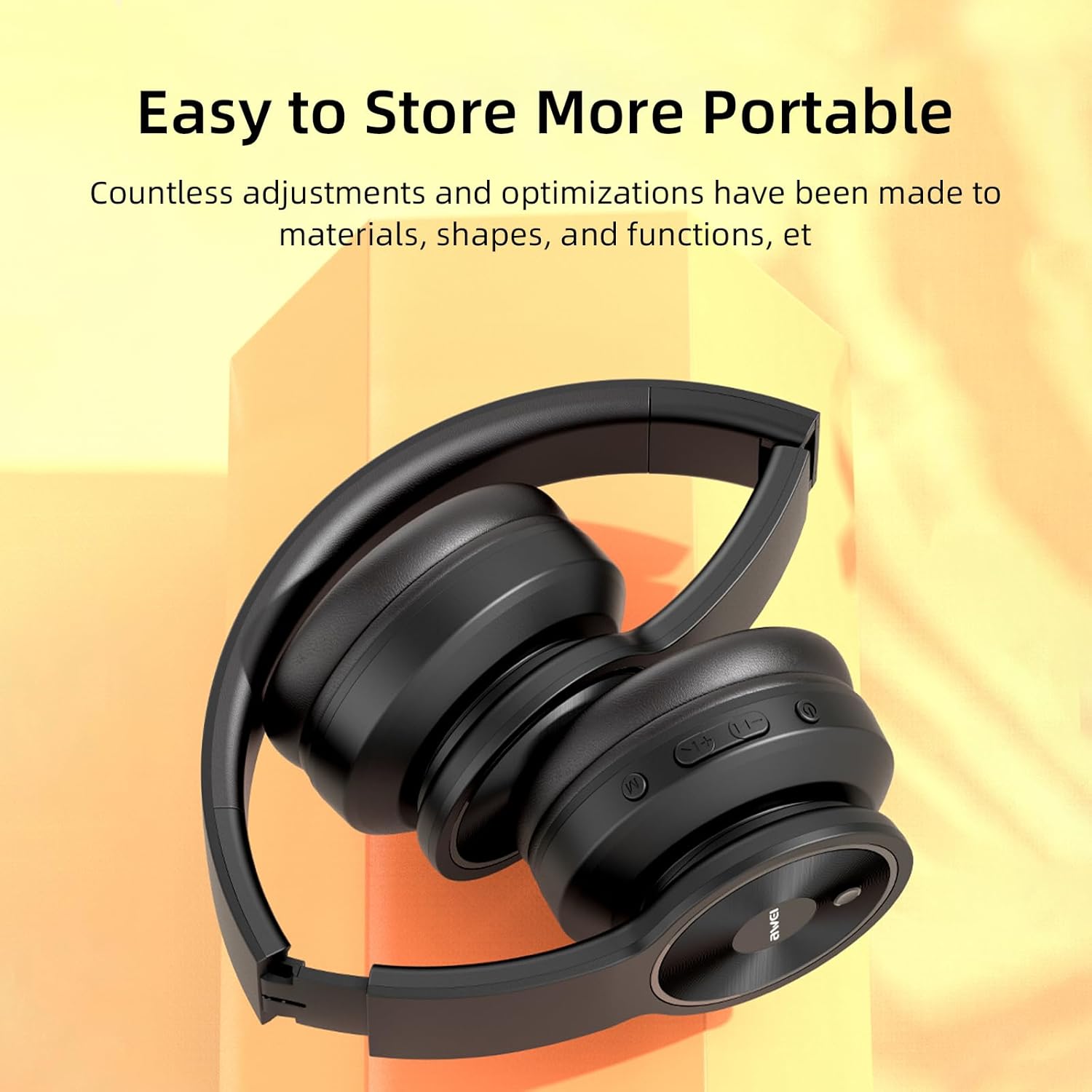
Image: The AWEI A996BL headphones in a folded position, demonstrating their portable and easy-to-store design.
Battery Care
- To preserve battery life, charge the headphones regularly, even if not used frequently.
- Izbjegavajte potpuno pražnjenje baterije tokom dužeg perioda.
- Ne izlažite bateriju visokim temperaturama.
Rješavanje problema
| Problem | Rješenje |
|---|---|
| Slušalice se ne uključuju. | Provjerite jesu li slušalice napunjene. Spojite ih na izvor napajanja pomoću USB kabela. |
| Nije moguće uparivanje s uređajem. |
|
| Nema zvuka ili je jačina zvuka niska. |
|
| Kvalitet zvuka je loš ili isprekidan. |
|
| Mikrofon ne radi. |
|
Specifikacije
| Feature | Detalj |
|---|---|
| Model | A996BL |
| Bluetooth verzija | 5.3 |
| Driver Size | 40mm |
| Kapacitet baterije | 300mAh |
| Play Time | Do 16 sati |
| Vrijeme punjenja | Približno 2 sata |
| bežični domet | Do 33 stope (10 metara) |
| Povezivanje | Bežično (Bluetooth), Žično (3.5 mm AUX) |
| Posebne karakteristike | Ergonomic, Lightweight, Foldable design |
| Postavljanje uha | Preko uha |
Garancija i podrška
AWEI provides a 12-month warranty for the A996BL headphones from the date of purchase, covering manufacturing defects. A 30-day return policy is also available. For any questions, technical support, or warranty claims, please contact our customer service team.
Korisnička podrška:
- Email: support@awei.com
- Webstranica: www.awei.com
Cilj nam je odgovoriti na sve upite u roku od 12 sata.