
1. Продуктът свършиview
The DAYBETTER Smart WiFi LED Strip Lights (Model DC50722020W-WAUS0) provide versatile and customizable lighting for indoor spaces. These 100ft LED strips offer 16 million colors, multiple scene modes, and can be controlled via a dedicated smartphone app, voice commands through Alexa or Google Assistant, or an included remote control. Designed for easy installation, they enhance the ambiance of bedrooms, kitchens, stairs, dining rooms, ceilings, and large party areas.
Ключови характеристики:
- Smart APP контрол: Control via WiFi and Bluetooth with the Daybetter APP, offering 16 million colors and various scene modes.
- Гласов контрол: Compatible with Alexa Echo and Google Assistant for hands-free operation.
- Синхронизиране на музика: Activate music mode to synchronize light changes with audio.
- Таймер и график: Program automatic on/off times and countdown timers.
- Лесен монтаж: Self-adhesive backing allows for simple mounting on clean, dry surfaces. Cuttable design for custom lengths.
2. Настройка и инсталация
Follow these steps for proper installation of your DAYBETTER Smart WiFi LED Strip Lights:
- Разопаковайте компоненти: Carefully remove all items from the packaging. Ensure you have the LED strip lights, power adapter, and remote control.
- Подгответе повърхността: Choose a clean, dry, and smooth surface for installation. Wipe down the area to remove any dust or debris.
- Измерване и рязане (по избор): If a shorter length is desired, cut the LED strip along the designated cut marks (usually indicated by a copper line or scissor icon). Do not cut elsewhere, as this may damage the strip.
- Свързване на захранващ адаптер: Connect the LED strip to the power adapter. Ensure the connection is secure.
- Поставяне на LED лента: Peel off the adhesive backing from the LED strip. Carefully press the strip onto the prepared surface, ensuring firm contact along its entire length. For corners, gently bend the strip or use corner connectors (if included and desired for a cleaner look).
- Plug In: Включете захранващия адаптер в стандартен електрически контакт.
- Първоначален тест: Use the remote control or the Daybetter app to turn on the lights and test various colors and modes.
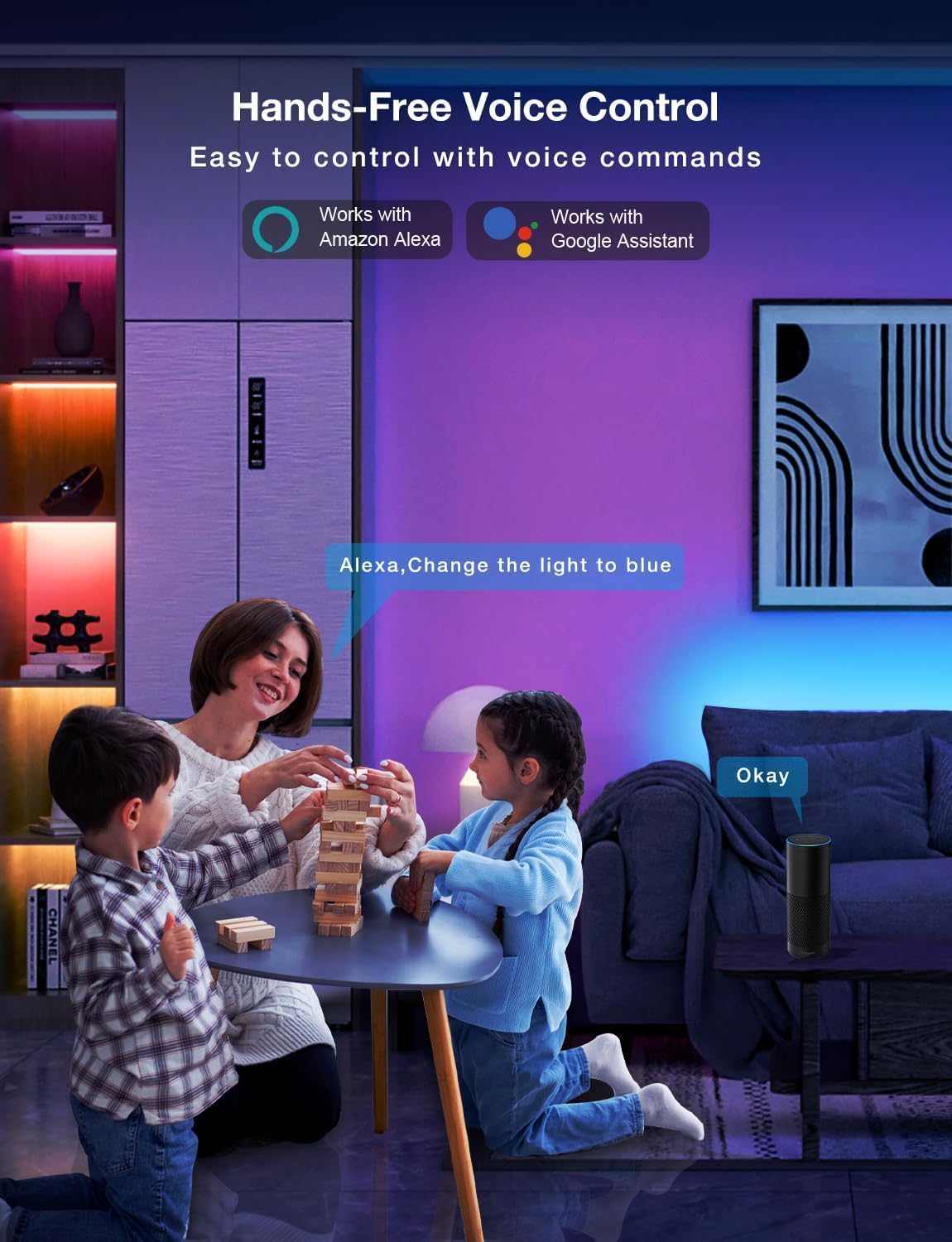
Image: Demonstrating the flexible LED strip and its adhesive backing for easy installation.

Изображение: Надview of the three easy setup methods: Voice Control, Daybetter App Control, and IR Remote Control.
Video: A user demonstrating the installation process and various color changes of the LED strip lights in a home setting.
3. Инструкции за работа
Your DAYBETTER LED Strip Lights offer multiple control options:
3.1. Daybetter App Control (WiFi & Bluetooth)
- Изтеглете приложението: Търсене на "Daybetter" in your smartphone's app store (iOS or Android) and install the application.
- Регистрация/Вход: Създайте акаунт или влезте, ако вече имате такъв.
- Добавяне на устройство: Follow the in-app instructions to add your LED strip lights. This typically involves ensuring the lights are powered on and your phone's Bluetooth is enabled for initial pairing.
- Контролни функции:
- Избор на цвят: Choose from 16 million colors using the color wheel.
- Регулиране на яркостта: Adjust the light intensity from 0-100%.
- Сценични режими: Select from pre-set dynamic lighting effects (e.g., Party, Valentine Day, Halloween, Christmas).
- Синхронизиране на музика: Activate music mode to synchronize light changes with audio.
- Таймер и график: Set specific times for lights to turn on/off or create countdown timers.

Image: The Daybetter app interface showing color selection and brightness control.
3.2. Гласово управление (Alexa и Google Assistant)
- Connect to Smart Assistant: Ensure your Daybetter app is linked to your Amazon Alexa or Google Assistant account. Follow the instructions provided by your smart assistant app to enable the Daybetter skill/service.
- Гласови команди: Използвайте команди като:
- „Alexa/Hey Google, включи [Име на светлината].“
- "Alexa/Hey Google, turn off [Light Name]."
- "Alexa/Hey Google, set [Light Name] to blue."
- "Alexa/Hey Google, dim [Light Name] to 50%."

Image: Voice control in action, showing a user interacting with a smart assistant to control the LED lights.
3.3. Дистанционно управление
The included IR remote control allows for basic functions:
- Включване/изключване: Dedicated buttons for turning the lights on and off.
- Избор на цвят: Buttons for common colors (Red, Green, Blue, White, etc.).
- Регулиране на яркостта: Увеличете или намалете яркостта.
- Динамични режими: Select from various pre-programmed modes like Jump, Fade, etc.
- Музикални режими: Activate music-reactive modes.

Image: The included IR remote control for direct light adjustments.
4. Поддръжка
To ensure the longevity and optimal performance of your LED strip lights:
- Почистване: Gently wipe the LED strips with a soft, dry cloth to remove dust. Avoid using harsh chemicals or abrasive cleaners.
- Грижа за лепилото: If the adhesive begins to lose its stickiness, ensure the surface is clean and dry. For re-application, consider using additional adhesive clips or double-sided tape designed for light strips.
- Захранване: Ensure the power adapter is not covered or placed in an area with poor ventilation to prevent overheating.
- Водоустойчивост: These lights are rated IP20 and are не е водоустойчив. Avoid exposure to water or high humidity environments.
5. Отстраняване на проблеми
If you encounter issues with your LED strip lights, refer to the following common solutions:
| проблем | Възможна причина | Решение |
|---|---|---|
| Светлините не се включват. | Разхлабена връзка, прекъсване на захранванетоtage, faulty adapter. | Check all connections (strip to adapter, adapter to outlet). Ensure the power outlet is functional. Try a different outlet. |
| Дистанционното управление не работи. | Battery depleted, remote not pointed at receiver, obstruction. | Replace remote battery. Ensure direct line of sight to the IR receiver on the controller. Remove any obstructions. |
| Контролът на приложението не работи. | WiFi/Bluetooth issue, incorrect pairing, app glitch. | Ensure your phone's WiFi/Bluetooth is on and connected. Restart the app. Re-pair the device in the Daybetter app. Check your home WiFi network. |
| Светлините са слаби или мигат. | Insufficient power, damaged strip, incorrect brightness setting. | Check power connections. Adjust brightness via app or remote. If only a section is affected, that section may be damaged. |
| Лепилото не залепва. | Surface not clean/dry, surface texture, old adhesive. | Clean and dry the surface thoroughly. For textured surfaces, use mounting clips or stronger double-sided tape. |
6. Спецификации на продукта
| Характеристика | детайл |
|---|---|
| Марка | ДЕН ПО-ДОБЪР |
| Номер на модела | DC50722020W-WAUS0 |
| Дължина на артикула | 100 Feet (2 Rolls of 50ft) |
| Светъл цвят | Многоцветен (RGB) |
| Тип източник на светлина | LED |
| Използване на закрито/външно | Само на закрито |
| Ниво на водоустойчивост | Not Water Resistant (IP20) |
| Източник на захранване | Електрически с кабел |
| Voltage | 12 волта |
| Уотtage | 4.5 вата |
| Контролен метод | App, Voice, Remote |
| Технология за свързване | Bluetooth, WiFi |
| Съвместимост с интелигентен дом | Alexa, Google Асистент |
| Тип материал | Пластмаса |
| Включени компоненти | LED Lights, Power Adapter, Remote Control |
7. Гаранция и поддръжка
Гаранция на производителя: Този продукт се предлага с 2-годишна гаранция от производителя.
Политика за връщане: Eligible for refund/replacement within 30 days of purchase.
For further assistance or technical support, please refer to the contact information provided in your product packaging or visit the official DAYBETTER webсайт.