
1. Въведение
This manual provides detailed instructions for the installation, operation, and maintenance of your energeeks Defender EG-CIPEXT001 Outdoor Motorized WiFi IP Camera. Please read this manual thoroughly before using the product to ensure proper functionality and safety. Keep this manual for future reference.
2. Продуктът свършиview
2.1 Основни характеристики
- 1080p Full HD резолюция: Provides clear and detailed video surveillance.
- Motorized Pan/Tilt: Позволява дистанционно регулиране на камерата viewъгъл.
- Издръжливост на открито: Предназначен за използване на открито.
- Детекция на движение: Alerts you to detected movement.
- Нощно виждане: Infrared LEDs enable monitoring in low-light conditions.
- Двупосочно аудио: Вграден микрофон и високоговорител за комуникация.
- Автоматично проследяване: Automatically follows detected moving objects.
- WiFi свързаност: Connects to your home network wirelessly (2.4 GHz).
- Съвместимост с интелигентен дом: Works with Google Home and Amazon Alexa.
2.2 Съдържание на опаковката
Пакетът трябва да съдържа следните елементи:
- energeeks Defender EG-CIPEXT001 IP Camera
- Захранващ адаптер
- Монтажни винтове и дюбели
- Ръководство на потребителя (този документ)
2.3 Компоненти на камерата

Изображение 2.3.1: Отпред view of the energeeks Defender EG-CIPEXT001 IP Camera. This image shows the main camera body, lens, and antenna.
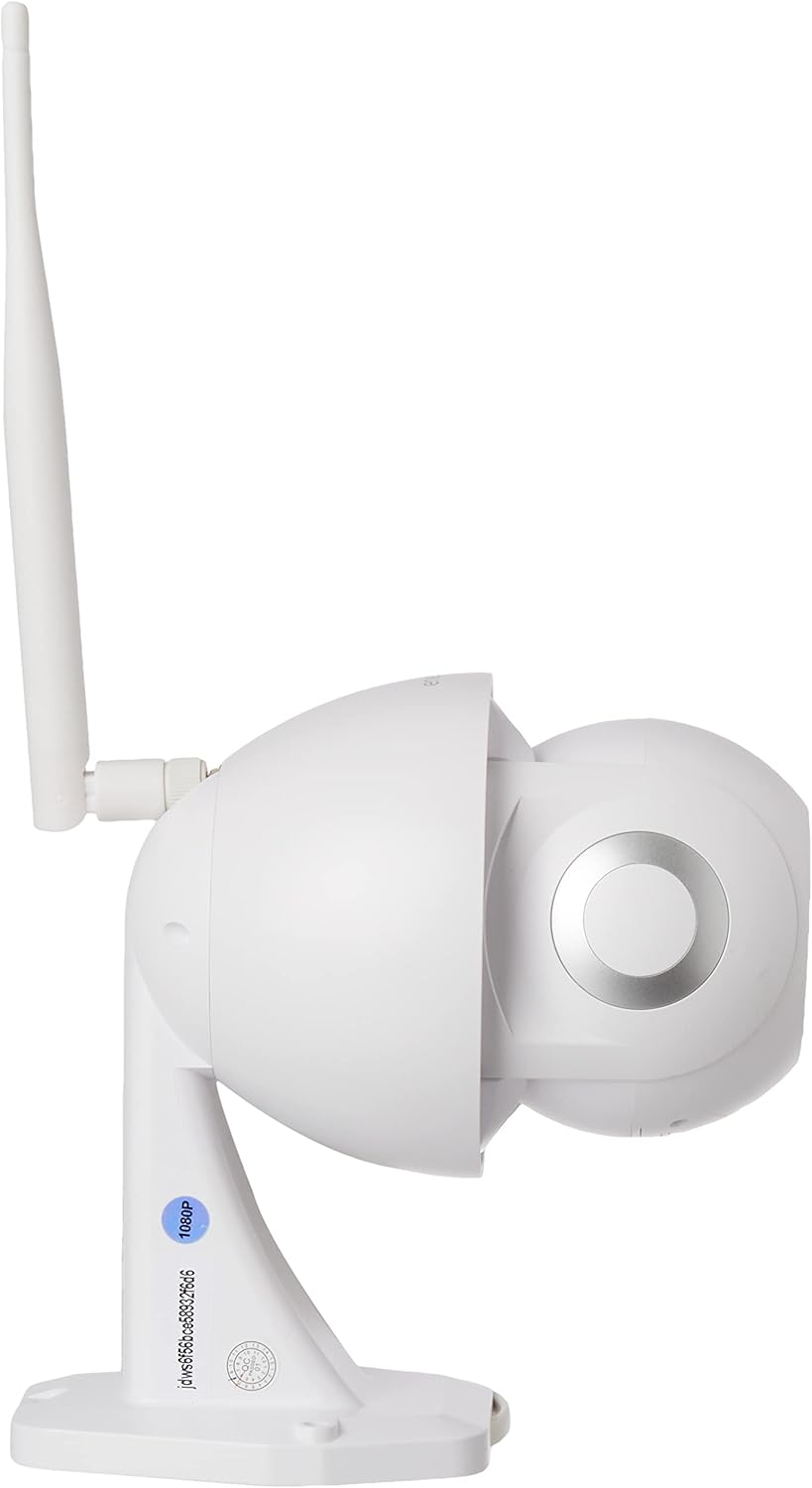
Изображение 2.3.2: отстрани view of the energeeks Defender EG-CIPEXT001 IP Camera, highlighting the adjustable antenna and mounting base.
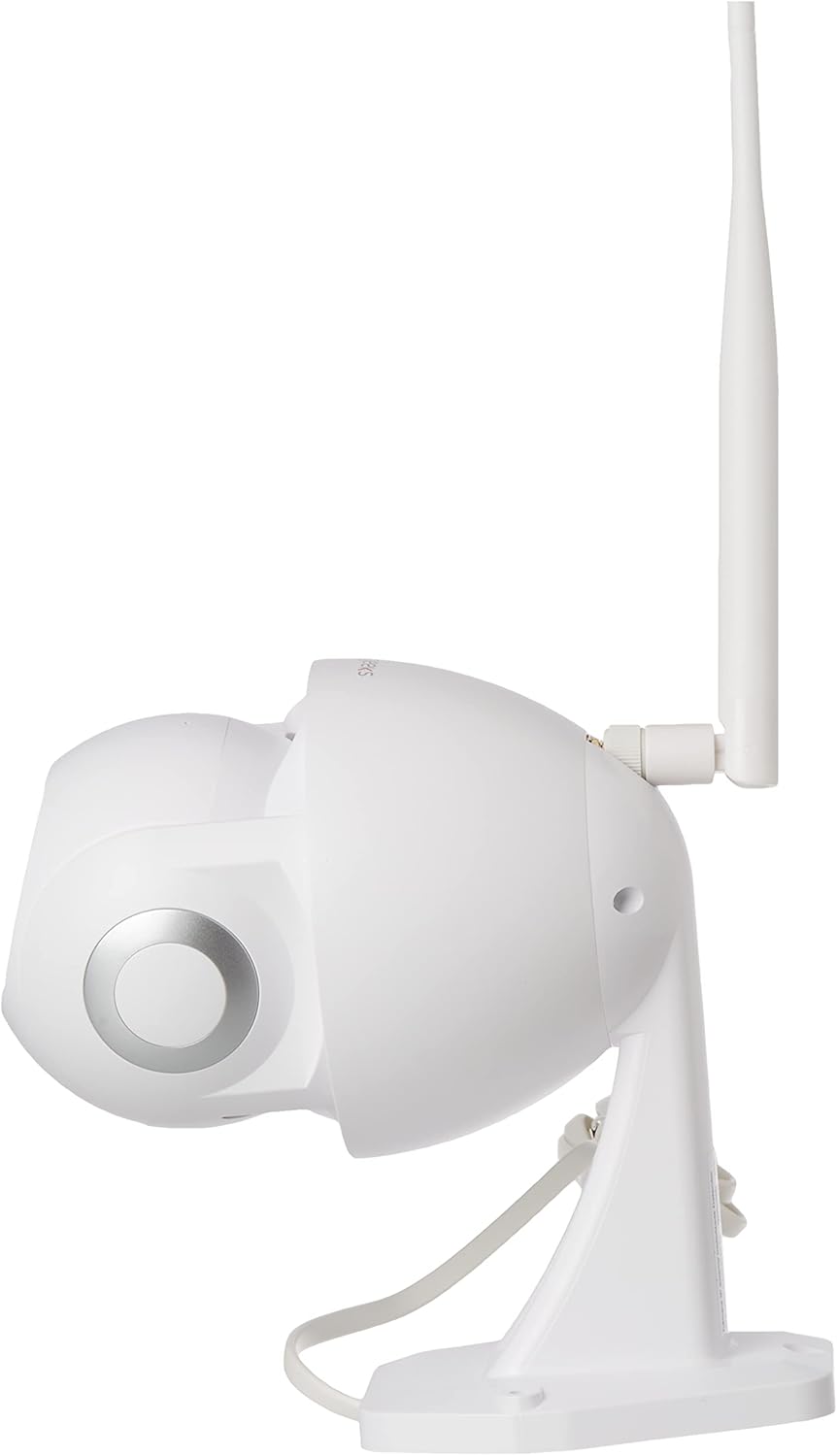
Изображение 2.3.3: Алтернативна страна view of the energeeks Defender EG-CIPEXT001 IP Camera, showing the other side of the camera body.

Изображение 2.3.4: Bottom-front view of the energeeks Defender EG-CIPEXT001 IP Camera, showing the camera lens and infrared sensors.
3. Настройка
3.1 Физическа инсталация
- Изберете местоположение: Изберете място на открито, което осигурява желаното viewing angle and is within range of your WiFi network. Ensure the camera is protected from direct heavy rain if possible, though it is designed for outdoor use.
- Монтаж:
- Use the included mounting template (if provided) to mark drill holes on the wall or ceiling.
- Drill pilot holes and insert the wall plugs.
- Secure the camera's mounting base using the provided screws.
- Захранване: Connect the power adapter to the camera and plug it into a suitable outdoor power outlet. Ensure the power connection is protected from moisture.
3.2 Инсталиране и сдвояване на приложение
- Изтеглете приложението: Търсене на the "energeeks" app in your smartphone's app store (Google Play Store for Android or Apple App Store for iOS).
- Регистрация/Вход: Open the app and follow the on-screen instructions to create an account or log in if you already have one.
- Добавяне на устройство:
- Tap the "+" icon or "Add Device" option in the app.
- Select "Security Camera" or the specific model (EG-CIPEXT001) if listed.
- Follow the in-app prompts to power on the camera and reset it if necessary (usually by pressing a reset button until an indicator light flashes).
- Мрежова връзка:
- Изберете вашата 2.4 GHz WiFi мрежа и въведете паролата. Note: This camera supports 2.4 GHz WiFi only.
- Приложението ще генерира QR код. Позиционирайте екрана на телефона си пред обектива на камерата (на около 15-20 см разстояние), докато чуете потвърдителен звук от камерата.
- След като се свърже, камерата ще се появи в списъка с устройства на вашето приложение.
4. Инструкции за работа
4.1 На живо View
Open the energeeks app and select your camera from the device list to access the live video feed. You can view в реално време footage от вашата камера.
4.2 Управление на панорамирането и накланянето
На живо view screen, use the directional controls (usually an on-screen joystick or arrows) to remotely adjust the camera's horizontal (pan) and vertical (tilt) viewъгли.
4.3 Motion Detection and Autotracking
 To enable motion detection, navigate to the camera settings in the app. Activate the motion detection feature and adjust sensitivity levels as needed. When motion is detected, the camera can send push notifications to your phone and begin recording. If autotracking is enabled, the camera will automatically follow the detected moving object within its range.
4.4 Двупосочно аудио
 На живо view screen, tap the microphone icon to speak through the camera's speaker. Tap the speaker icon to listen to audio from the camera's microphone. This allows for real-time communication with visitors or deterrence of intruders.
4.5 Нощно виждане
 The camera automatically switches to infrared night vision mode in low-light conditions, providing clear black and white video footage. This feature ensures continuous surveillance 24/7.
4.6 Опции за съхранение
The camera supports local storage via a microSD card (not included) and may offer cloud storage options through the energeeks app (subscription may be required). Insert a microSD card into the designated slot (refer to camera diagram for location) for continuous or event-based recording.
4.7 Интеграция с интелигентен дом
The energeeks Defender camera is compatible with Google Home and Amazon Alexa. Follow the instructions within the energeeks app or your smart home assistant app to link your camera and enable voice control or integration into smart home routines.
5. Поддръжка
5.1 Почистване
Редовно почиствайте обектива и корпуса на камерата с мека,amp cloth to remove dust and dirt. Do not use harsh chemicals or abrasive cleaners, as these can damage the camera's finish or lens coating.
5.2 Актуализации на фърмуера
Check the energeeks app periodically for available firmware updates. Keeping your camera's firmware up-to-date ensures optimal performance, security, and access to new features. Follow the in-app instructions for firmware updates.
6. Отстраняване на проблеми
| проблем | Възможна причина | Решение |
|---|---|---|
| Камерата не се включва | No power supply; faulty adapter | Check power connection and outlet. Ensure the power adapter is working correctly. |
| Не може да се свърже с WiFi | Incorrect WiFi password; 5GHz WiFi network; camera too far from router | Verify WiFi password. Ensure you are connecting to a 2.4 GHz network. Move the camera closer to the router or use a WiFi extender. Reset the camera and try pairing again. |
| Лошо качество на видеото | Weak WiFi signal; dirty lens | Improve WiFi signal strength. Clean the camera lens. |
| Откриването на движение не работи | Feature disabled; incorrect sensitivity settings | Enable motion detection in the app settings. Adjust sensitivity levels. Ensure the camera's view не е възпрепятствано. |
| Двупосочното аудио не функционира | Микрофонът/високоговорителят са заглушени; разрешения за приложения | Check if microphone/speaker is muted in the app. Ensure the app has microphone permissions on your smartphone. |
7. Спецификации
| Характеристика | детайл |
|---|---|
| Номер на модела | EG-CIPEXT001 |
| Видео резолюция | 1080p full HD |
| Свързаност | Wireless (2.4 GHz WiFi), Wired (Ethernet, if available) |
| Специални функции | Motion Sensor, Night Vision, Two-Way Audio, Autotracking, Motorized Pan/Tilt |
| Среда на използване | На открито |
| Съвместими устройства | Smartphone (via energeeks app) |
| Интегриране на интелигентен дом | Google Home, Amazon Alexa |
| Източник на захранване | External Power Adapter (Wired) |
| Уотtage | 6 вата |
| Размери (Д x Ш x В) | 17.5 х 9.5 х 17.5 см |
| Тегло | 770 гр |
| Включени компоненти | Camera, Power Adapter |
8. Гаранция и поддръжка
For warranty information, technical support, or service inquiries, please refer to the official energeeks webсайта или се свържете директно с отдела за обслужване на клиенти. Подробности обикновено могат да бъдат намерени на опаковката на продукта или на етикета на производителя webсайт.
производител: ENERGEEKS