
Прадукт скончаныview
The Turtle Beach Pure Air Wireless RGB Gaming Mouse is designed for high-performance gaming, featuring an ultra-lightweight ergonomic design, advanced optical sensor, and versatile connectivity options. This manual provides essential information for setting up, operating, and maintaining your device.

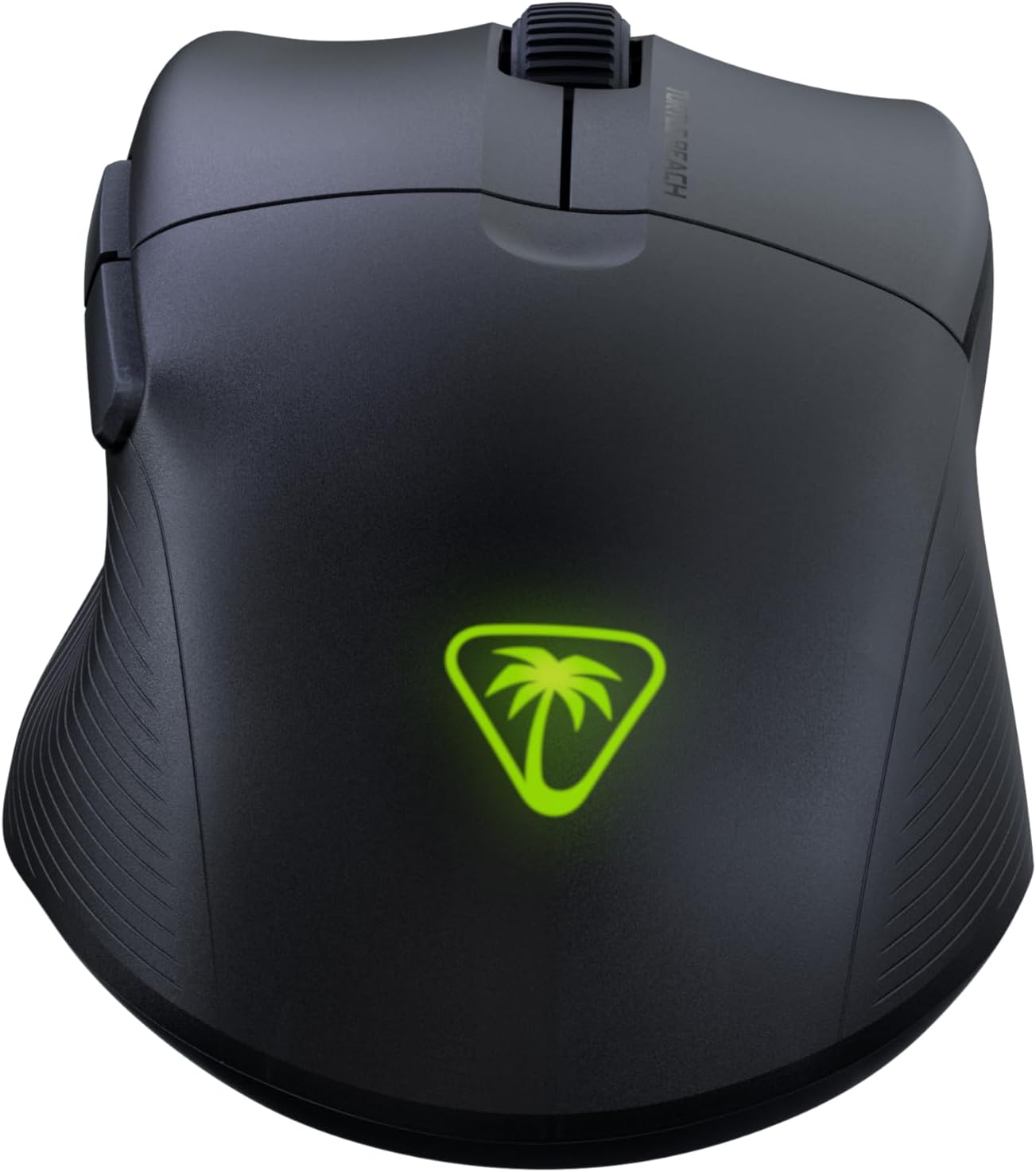
The Turtle Beach Pure Air Wireless RGB Gaming Mouse, showcasing its ergonomic shape and customizable RGB logo.
Кіраўніцтва па ўстаноўцы
Змест пакета
- Turtle Beach Pure Air Wireless RGB Gaming Mouse
- Бесправадны USB-адаптар
- PhantomFlex Charging Cable (USB-C to USB-A)

The essential components included with your Turtle Beach Pure Air mouse.
Першапачатковая зарадка
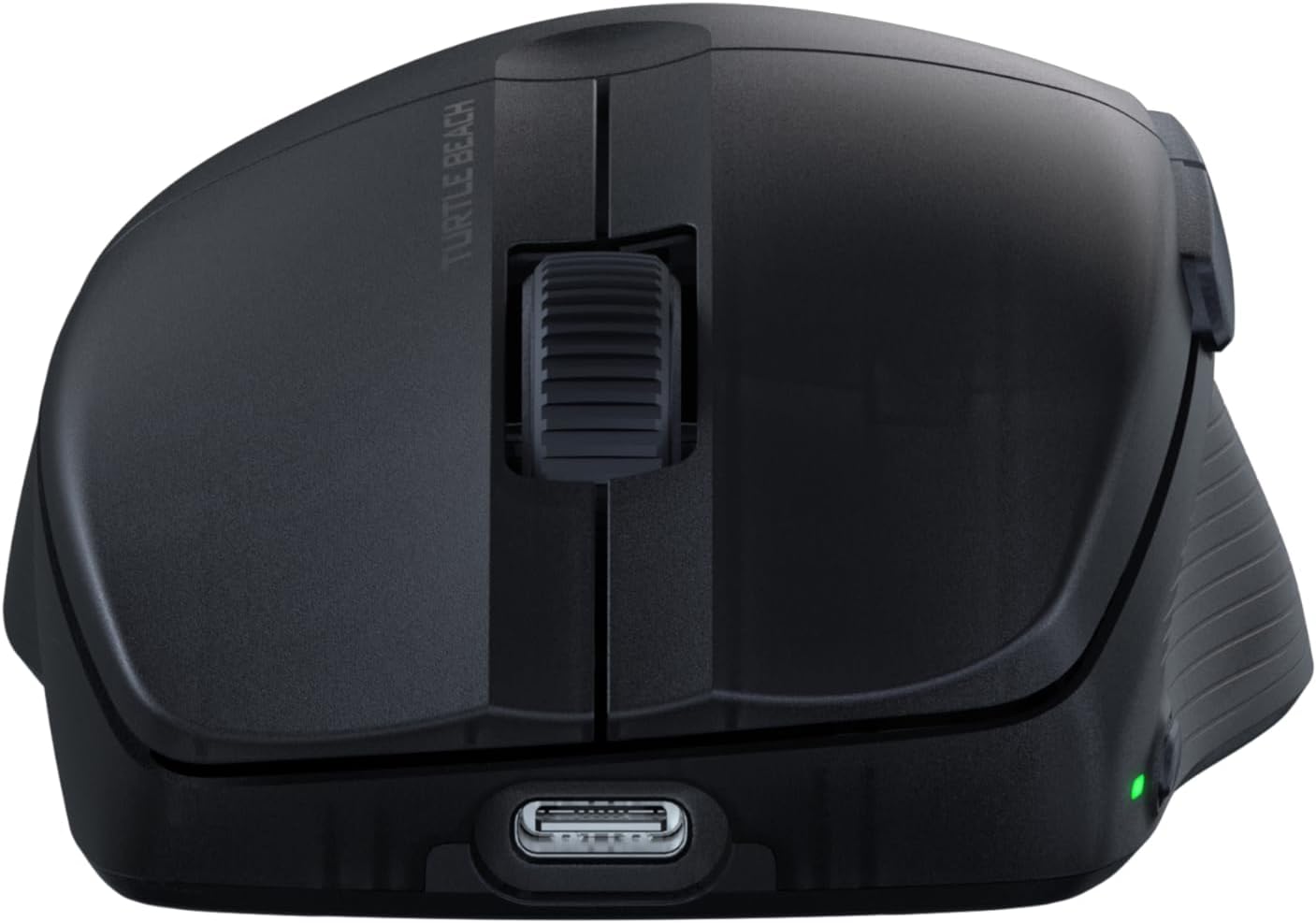
Before first use, it is recommended to fully charge the mouse. Connect the PhantomFlex Charging Cable to the USB-C port on the front of the mouse and to a powered USB-A port on your computer or a USB wall adapter.
The USB-C port located at the front of the mouse for charging and wired connection.
A full charge provides up to 125 hours of continuous use. Rapid charging allows for approximately 5 hours of game time with just 10 minutes of charging.
Параметры падлучэння
The Pure Air mouse offers three connectivity modes: 2.4GHz Wireless, Bluetooth, and Wired.
- Бесправадное злучэнне 2.4 ГГц:
- Insert the Wireless USB Adapter into an available USB-A port on your PC.
- Locate the switch on the bottom of the mouse. Slide it to the 2.4 ГГц бесправадная position (indicated by a Wi-Fi icon).
- The mouse should automatically connect to the adapter.
- Злучэнне Bluetooth:
- Slide the switch on the bottom of the mouse to the Bluetooth position (indicated by a Bluetooth icon).
- On your PC, navigate to Bluetooth settings and search for new devices.
- Select "Turtle Beach Pure Air" from the list of available devices to pair.
- Правадное злучэнне:
- Connect the PhantomFlex Charging Cable directly from the mouse to a USB-A port on your PC.
- Мыш будзе працаваць як правадная прылада і адначасова зараджацца.

The mouse can be connected via its wireless USB adapter or the flexible PhantomFlex charging cable.
Аперацыя
Функцыі кнопак
- Клік левай/правай кнопкай мышы: Equipped with TITAN Optical Switches for fast, precise actuation and a 100 million click life cycle.
- Кола пракруткі: Provides tactile feedback for accurate scrolling.
- Бакавыя кнопкі: Two programmable buttons on the left side for custom commands.
- Кнопка DPI: Located on the top of the mouse, behind the scroll wheel. Press to cycle through preset DPI levels.
Рэгуляванне DPI
The Pure Air mouse features a 26K Owl-Eye Optical Sensor. Use the dedicated DPI button to switch between sensitivity settings on the fly. Default DPI settings can be customized using the Swarm 2 software.
RGB Illumination (AIMO)
The Turtle Beach logo on the back of the mouse features customizable AIMO intelligent RGB illumination. Lighting effects and colors can be configured through the Swarm 2 software.
Swarm 2 Software
For advanced customization, download and install the Swarm 2 software from the official Turtle Beach webсайт. Гэта праграмнае забеспячэнне дазваляе вам:
- Adjust DPI levels and create custom profiles.
- Program button assignments.
- Наладзьце эфекты RGB-падсветкі.
- Абнавіць прашыўку мышы.
Тэхнічнае абслугоўванне
Уборка
To clean your Turtle Beach Pure Air mouse, use a soft, dry, lint-free cloth. Avoid using harsh chemicals, solvents, or abrasive materials, as these can damage the mouse's surface and internal components.
PTFE Glides
The mouse is equipped with Pure PTFE glides for smooth movement. Ensure these glides remain clean and free of debris to maintain optimal performance. Avoid scratching or damaging the glides.
Ліквідацыю непаладак
Праблемы з падключэннем
- Бесправадная сувязь 2.4 ГГц: Ensure the Wireless USB Adapter is securely plugged into a working USB port. Verify the mouse switch is set to the 2.4GHz mode. Try a different USB port.
- Bluetooth: Confirm Bluetooth is enabled on your PC and the mouse switch is set to Bluetooth mode. Remove and re-pair the device in your PC's Bluetooth settings.
- Агульнае: Ensure the mouse is charged. Try connecting the mouse in wired mode to confirm functionality.
Праблемы з тэрмінам службы батарэі
While rated for up to 125 hours, actual battery life can vary based on usage patterns, DPI settings, and RGB illumination intensity. If battery life seems significantly shorter, ensure the mouse is fully charged and consider reducing RGB brightness or disabling it via the Swarm 2 software.
Праграмнае забеспячэнне і прашыўка
If you experience unexpected behavior or wish to access the latest features, ensure your Swarm 2 software and mouse firmware are up to date. Connect the mouse via USB and use the Swarm 2 application to check for and apply updates.
Тэхнічныя характарыстыкі
| Марка | Чарапахавы пляж |
| Нумар мадэлі | TBM-1102-05 |
| Сувязь | Bluetooth, 2.4GHz Radio Frequency Wireless, Wired (USB-C) |
| Датчык | Owl-Eye 26K DPI Optical Sensor |
| Выключальнікі | TITAN Optical Switches (100 Million Click Life Cycle) |
| Вага | 54g (Ultra-light) |
| Тэрмін службы батарэі | Up to 125 Hours (Rechargeable Lithium Polymer) |
| Зарадны кабель | PhantomFlex USB-C |
| Рука арыентацыі | правільна |
| Сумяшчальная АС | Windows 10, Windows 11 |
| Памеры (Д х Ш) | 121mm (4.77") x 69mm (2.73") |
| Матэрыял | Пластыкавыя |
Physical dimensions of the Turtle Beach Pure Air mouse.
Інфармацыя аб гарантыі
The Turtle Beach Pure Air Wireless RGB Gaming Mouse comes with a Гарантыя ад вытворцы 1 год. Please retain your proof of purchase for warranty claims. For detailed terms and conditions, refer to the official Turtle Beach warranty policy available on their webсайт.
Падтрымка
For further assistance, technical support, or to download the latest software and drivers, please visit the official Turtle Beach support webсайт:
Афіцыйнае відэа пра прадукт
Гэта відэа забяспечвае завяршэннеview of the Turtle Beach Pure Air Wireless RGB Gaming Mouse, highlighting its key features and design.