
Cuifati Cuifatip0izksa79g3281
Cuifati Wireless Smart Remote Control User Manual
Model: Cuifatip0izksa79g3281
Уводзіны
This manual provides comprehensive instructions for the Cuifati Wireless Smart Remote Control. It covers setup, operation, maintenance, and troubleshooting to ensure optimal performance and longevity of your device. This remote control features 2.4G and Bluetooth 5.0 connectivity, voice control, and IR learning capabilities, making it compatible with a wide range of devices such as Nvidia Shield, PCs, Projectors, Smart TVs, and Android TV Boxes.
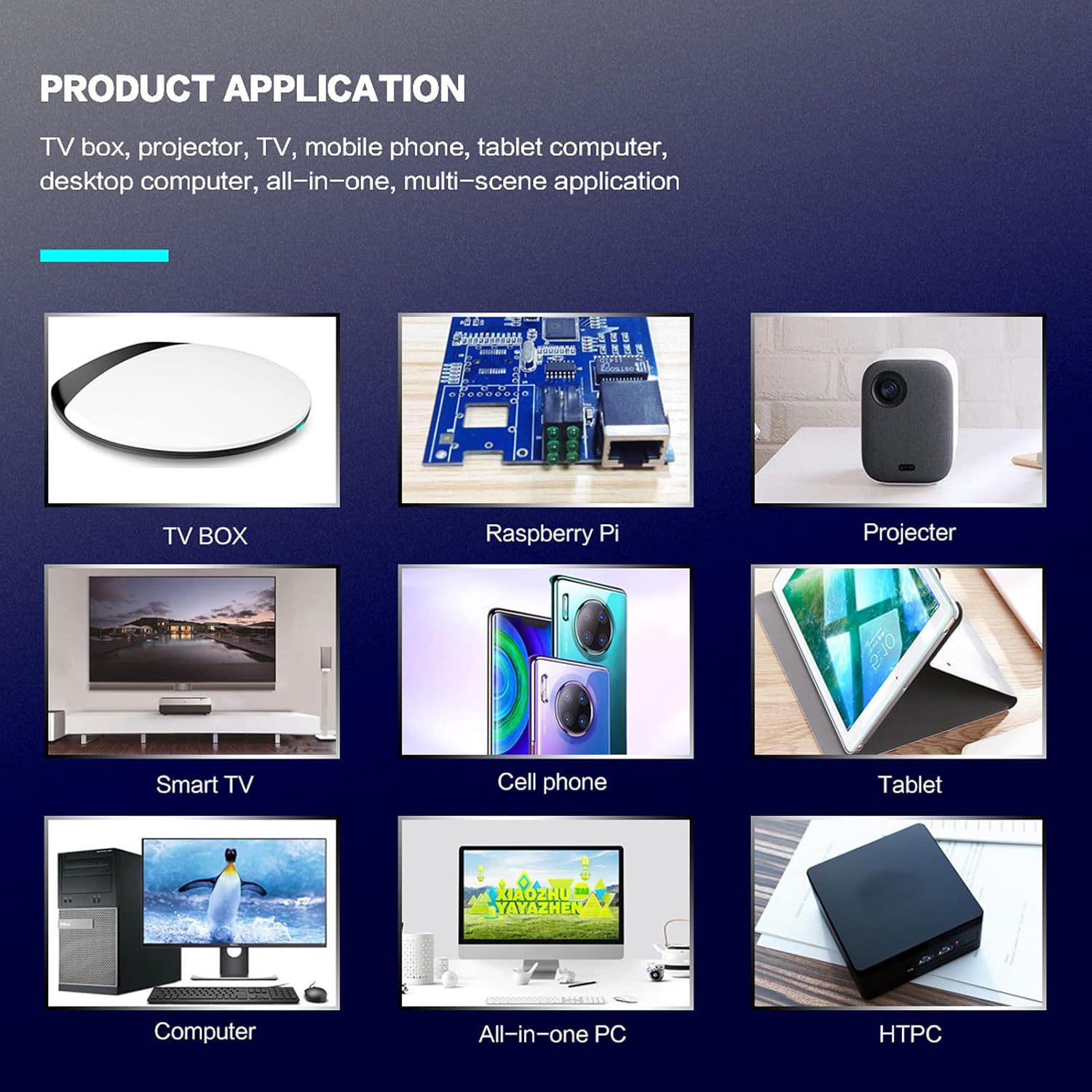
Малюнак 1: Product application exampлес.
Змест пакета
Калі ласка, пераканайцеся, што ўсе прадметы прысутнічаюць у вашай упакоўцы:
- 1 x Cuifati Wireless Smart Remote Control
- 1 х 2.4G USB-прыёмнік
- 1 х Кіраўніцтва карыстальніка
Тэхнічныя характарыстыкі
| Асаблівасць | Дэталь |
|---|---|
| Марка | Куіфаці |
| Нумар мадэлі | Cuifatip0izksa79g3281 |
| Матэрыял | АБС |
| тtage | 3.0 В |
| Рэжымы падлучэння | 2.4G, Bluetooth 5.0 |
| Працоўны ток | <15 мА |
| Ток у рэжыме чакання | <20 уА |
| Дыстанцыя дзеяння | >10 meters (32.8 feet) |
| Тып батарэі | 2 х ААА батарэі (не ўключаны) |
| Колькасць кнопак | 5 (Control buttons, total buttons are more) |
| Сумяшчальныя прылады | Streaming devices, Televisions, PCs, Projectors, Smart TVs, Android TV Boxes |
| Асаблівасць | Universal, Voice Control, IR Learning, Backlit |
Кіраўніцтва па ўстаноўцы
1. Устаноўка батарэі
Для пульта дыстанцыйнага кіравання патрэбныя дзве батарэі ААА (не ўключаны).
- Адкрыйце вечка адсека для батарэй на задняй частцы пульта дыстанцыйнага кіравання.
- Устаўце дзве батарэйкі тыпу AAA, сачыце за правільнай палярнасцю (+ і -).
- Надзейна зачыніце крышку батарэйнага адсека.

Малюнак 2: Battery compartment with AAA batteries.
2. Падключэнне пульта дыстанцыйнага кіравання
The remote control supports both 2.4G wireless and Bluetooth 5.0 connectivity.
2.1. 2.4G Wireless Connection (via USB Receiver)
- Insert the 2.4G USB receiver into an available USB port on your device (e.g., Smart TV, Android TV Box, PC).
- The device should automatically detect and install the necessary drivers.
- Цяпер пульт дыстанцыйнага кіравання гатовы да выкарыстання.
2.2. Падключэнне Bluetooth 5.0
For Bluetooth connection, ensure your device supports Bluetooth 5.0 or higher.
- На пульце дыстанцыйнага кіравання націсніце і ўтрымлівайце кнопку OK кнопка і Вярнуцца button simultaneously for 3 seconds. The indicator light on the remote will flash rapidly, indicating it is in pairing mode.
- На прыладзе перайдзіце ў налады Bluetooth і знайдзіце даступныя прылады.
- Select "G20s Pro" (or similar device name) from the list of found devices to pair.
- Пасля спалучэння індыкатар на пульце дыстанцыйнага кіравання перастане міргаць.

Малюнак 3: Інструкцыі па спалучэнні Bluetooth.
Інструкцыя па эксплуатацыі
1. Функцыі кнопакview
Familiarize yourself with the layout and functions of the remote control buttons.

Малюнак 4: Remote control button layout and functions.
- Power (IR Learning Key): Turns the device on/off. Can be programmed via IR learning.
- мікрафон: Activates voice input.
- Светлавы індыкатар: Shows status (pairing, IR learning).
- Mute (IR Learning Key): Mutes/unmutes audio. Can be programmed via IR learning.
- Pg+ / Pg-: Page Up / Page Down.
- Navigation Keys (Up/Down/Left/Right): For menu navigation.
- OK / Enter / Mouse Left: Confirms selection or acts as left mouse click.
- Return / Mouse Right: Goes back or acts as right mouse click.
- дадому: Returns to the home screen.
- Open Google Voice Assistant: Dedicated button for voice assistant.
- Volume - / Volume +: Рэгулюе гучнасць.
- Прайграванне/Паўза: Кіруе прайграваннем мультымедыя.
- Папярэдні / наступны: Skips to previous or next media track.
- BackSpace: Deletes characters.
- Меню: Press and hold to turn on/off the backlight.
2. Галасавое кіраванне
The remote control supports voice commands for compatible devices. Press the мікрафон button and speak clearly into the remote to issue commands or search content.
3. IR Learning Function
The Power and Mute buttons can learn infrared signals from your existing TV remote control, allowing you to control basic TV functions with this remote.

Малюнак 5: IR Learning process for the Power button.
- Націсніце і ўтрымлівайце Магутнасць кнопка (ці Адключыць гук button) on the Cuifati remote for 3 seconds. The red indicator light will flash slowly, entering IR learning mode.
- Point the infrared emitter of your original TV remote control directly at the infrared receiver of the Cuifati remote (approximately 2-3 cm apart).
- Press the desired button on your original TV remote (e.g., Power button). The Cuifati remote's red indicator light will flash rapidly and then turn off, indicating successful learning.
- Repeat the process for other buttons if desired.
4. Motion Sensing (Air Mouse)
The remote control features a gyroscope core compensation algorithm for motion sensing, allowing it to function as an air mouse. Move the remote in the air to control the cursor on your screen.

Малюнак 6: Motion sensing in action.
Тэхнічнае абслугоўванне
- Keep the remote control dry. Avoid exposure to moisture or liquids.
- Працірайце пульт дыстанцыйнага кіравання мяккай сухой тканінай. Не выкарыстоўвайце абразіўныя ачышчальнікі або растваральнікі.
- Калі пульт дыстанцыйнага кіравання не будзе выкарыстоўвацца працяглы час, выміце батарэйкі, каб прадухіліць іх уцечку.
- Пазбягайце падзення пульта дыстанцыйнага кіравання і моцных удараў.
Ліквідацыю непаладак
- Пульт дыстанцыйнага кіравання не рэагуе:
- Пераканайцеся, што батарэйкі ўсталяваны правільна і не разраджаны. Пры неабходнасці замяніце.
- Check if the 2.4G USB receiver is properly inserted into the device's USB port.
- For Bluetooth connection, ensure the remote is paired correctly. Re-pair if connection is lost.
- Ensure there are no obstructions between the remote and the device (for 2.4G) or within Bluetooth range.
- Галасавое кіраванне не працуе:
- Ensure the remote is properly connected via 2.4G or Bluetooth.
- Verify that your device supports voice input and that the microphone is enabled.
- Speak clearly and close to the remote's microphone.
- Памылка навучання ІЧ:
- Ensure the original remote's IR emitter is pointed directly at the Cuifati remote's IR receiver, within 2-3 cm.
- Пераканайцеся, што батарэйка арыгінальнага пульта дыстанцыйнага кіравання мае дастатковы зарад.
- Repeat the learning steps carefully.
Гарантыя і падтрымка
Specific warranty information is not provided in this manual. For warranty details, technical support, or service inquiries, please refer to the product packaging or contact the manufacturer directly through their official webсайт або каналы абслугоўвання кліентаў.
Ask a question about this manual
Ask about setup, troubleshooting, compatibility, parts, safety, or missing instructions. Manuals+ will review the question and use this page’s manual context to help answer it.