
Уводзіны
Дзякуй за пакупкуasing the Cuifati A100 Mini Cartoon Kids Camera. This camera is designed for children aged 3-12, offering a fun and safe way to explore photography and videography. Its compact, lightweight, and durable design, made from food-grade ABS material, ensures a comfortable and secure grip for small hands. This manual provides essential information for setting up, operating, and maintaining your camera.
The camera features a 2.0-inch color display, 20MP photo resolution, 720P video recording, and includes various photo frames and filters to enhance creativity. It is equipped with a built-in 400mAh rechargeable battery for extended use.
Інфармацыя па бяспецы
- This product is intended for children aged 3-12. Adult supervision is recommended during use.
- The camera is made from food-grade ABS material, ensuring it is safe for children.
- Do not expose the camera to extreme temperatures, direct sunlight for prolonged periods, or moisture.
- Пазбягайце падзення камеры або моцных удараў.
- Keep small parts, such as memory cards, out of reach of very young children to prevent choking hazards.
- Use only the provided charging cable or a compatible DC5V 1A charger.
- The battery is built-in and non-detachable. Do not attempt to replace it.
Змест пакета
Калі ласка, праверце ўпакоўку, каб пераканацца ў наяўнасці ўсіх прадметаў:
- 1 x Cuifati A100 Children Camera
- 1 x Fixing Strap
- 1 x Anti-lost Rope
- 1 х USB-кабель для зарадкі

Малюнак 1: Package contents including the camera, straps, and charging cable.
Прадукт скончаныview
The Cuifati A100 camera features a user-friendly design with a durable, rounded body for comfortable handling.

Малюнак 2: The camera's light and round design.
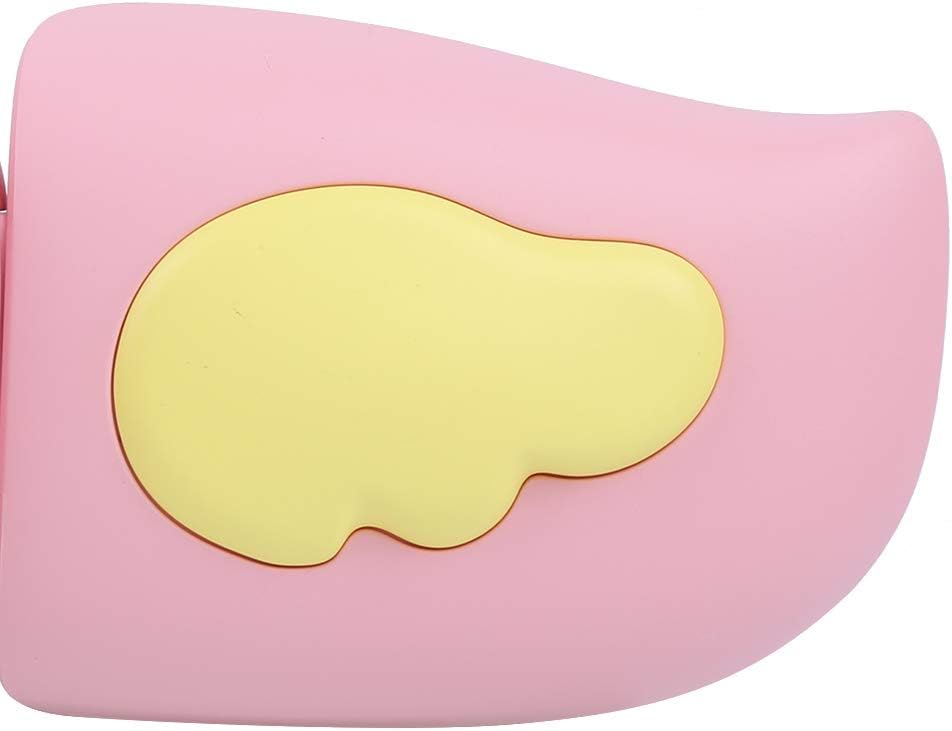
Малюнак 3: Detail of the camera's ergonomic design.
Асноўныя характарыстыкі:
- 2.0-цалевы каляровы дысплей: Для viewрабіць фота і відэа, а таксама карыстацца меню.
- Стацыянарны аб'ектыў: 100° viewing angle for capturing wide scenes.
- Зручныя кнопкі: Інтуітыўна зразумелае кіраванне для лёгкай працы.
- Інтэрфейс USB: Для зарадкі і перадачы дадзеных.
- Слот для карты памяці: Supports up to 32GB (card not included).
Настройка
1. Зарадка камеры
Before first use, fully charge the camera's built-in 400mAh battery. The camera features a large capacity battery for strong endurance.
- Падключыце зарадны кабель USB, які ўваходзіць у камплект, да порта USB камеры.
- Connect the other end of the USB cable to a DC5V 1A USB power adapter (not included) or a computer's USB port.
- The charging indicator light will illuminate. Once charging is complete, the light may change color or turn off.
2. Устаўка карты памяці
A memory card (MicroSD card, up to 32GB) is required to save photos and videos. It is not included in the package.
- Знайдзіце слот для карты памяці збоку камеры.
- Gently insert a MicroSD card into the slot with the metal contacts facing the front of the camera until it clicks into place.
- To remove the card, gently push it in again until it springs out.
Інструкцыя па эксплуатацыі
1. Уключэнне/выключэнне харчавання
- Каб уключыць: Press and hold the Power button (usually marked with Ⓜ or a similar icon) for a few seconds until the screen lights up.
- Каб выключыць: Press and hold the Power button again until the screen turns off.

Малюнак 4: Camera in hand, showing the display and control buttons.
2. Фатаграфаванне
- Turn on the camera. It will typically default to photo mode.
- Frame your shot using the 2.0-inch color display.
- Press the Shutter button (often a prominent button on top or side) to take a picture.
- The camera supports 20MP photo resolution.
- Utilize the 4 types of photo stickers and 9 kinds of filters for creative effects.
- Time-lapse shooting for selfies can be set for 3 or 5 seconds.
3. Запіс відэа
- From photo mode, navigate to video mode using the mode button (usually marked 'M' or a video camera icon).
- Націсніце кнопку спуску засаўкі, каб пачаць запіс. На экране з'явіцца індыкатар запісу.
- Націсніце кнопку спуску яшчэ раз, каб спыніць запіс.
- The camera records videos in 720P (1080x720) resolution.
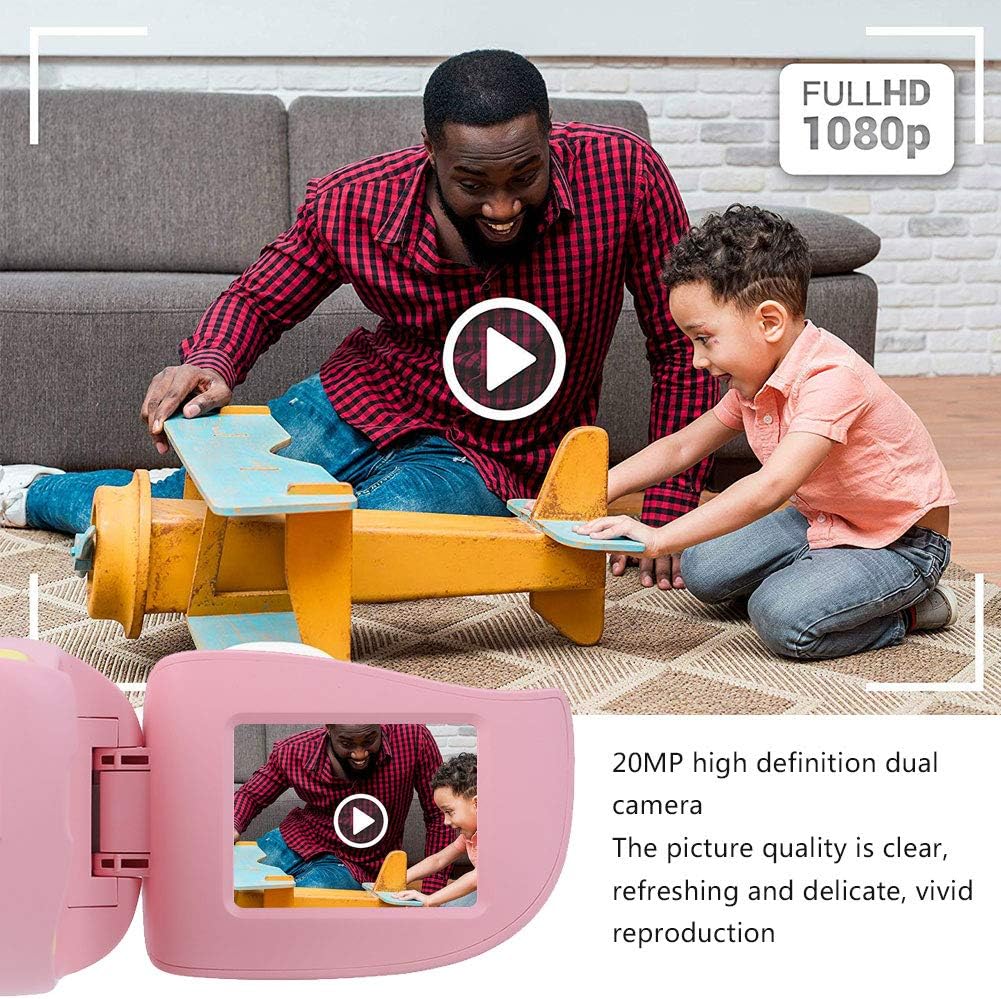
Малюнак 5: Illustrating the camera's 20MP photo and 720P video capabilities.
4. Рэжым прайгравання
- Enter playback mode using the mode button.
- Use the navigation buttons (up/down or left/right arrows) to browse through your photos and videos.
- Press the OK/Shutter button to view фота ці прайграванне відэа.
5. Settings and Games
- Access the settings menu via the mode button or a dedicated menu button. Here you can adjust language (Chinese, English, Russian, Korean, Japanese), date/time, and other camera parameters.
- The camera supports a variety of built-in games for entertainment. Navigate to the game section through the menu.
Тэхнічнае абслугоўванне
- Уборка: Use a soft, dry cloth to clean the camera body. For the lens, use a specialized lens cleaning cloth. Do not use liquid cleaners or abrasive materials.
- захоўванне: Захоўвайце камеру ў прахалодным, сухім месцы, удалечыні ад прамых сонечных прамянёў і вільгаці, калі яна не выкарыстоўваецца.
- Сыход за батарэяй: Каб падоўжыць тэрмін службы батарэі, пазбягайце частай поўнай разрадкі батарэі. Рэгулярна зараджайце камеру, нават калі яна не выкарыстоўваецца працяглы час.
Ліквідацыю непаладак
| праблема | Магчымая прычына | Рашэнне |
|---|---|---|
| Камера не ўключаецца. | Батарэя разраджаная або разраджаная. | Charge the camera using the USB charging cable. |
| Нельга рабіць фота/запісваць відэа. | No memory card inserted or card is full/corrupted. | Insert a compatible MicroSD card (up to 32GB). Check if the card has sufficient space or try formatting it (this will erase all data). |
| Выявы/відэа размытыя. | Аб'ектыў брудны або асвятленне дрэннае. | Clean the lens with a soft cloth. Ensure adequate lighting for your shots. |
| Камера завісае або перастае рэагаваць. | Праграмны збой. | Press and hold the Power button for an extended period (e.g., 10-15 seconds) to force a restart. If the issue persists, ensure the battery is charged. |
Тэхнічныя характарыстыкі
| мадэль | A100 |
| Матэрыял | Харчовы ABS |
| Экран | 2.0 Inch Color Display Screen (LCD) |
| Аб'ектыў | Fixed Lens, 100° Viewing кут |
| Носьбіт | Memory Card (MicroSD), Maximum Support 32GB (Not Included) |
| Фармат выявы | JPG |
| Фармат відэа | JPEG |
| Дазвол відэа | 720P (1080x720) |
| Фота пікселі | 20 MP Effective Still Resolution |
| Фотарамкі | 4 Тыпы |
| Эфекты фільтра | 9 відаў |
| Уваходны кнtage | DC5V 1A |
| Функцыі | Taking Pictures, Video Recording, Games |
| Падтрымліваюцца мовы | Chinese, English, Russian, Korean, Japanese |
| акумулятар | Built-in, Non-Detachable 400mAh Lithium Battery |
| Вага | Прыбл. 220 г |
| Памеры (прыбл.) | 13 x 11 x 7 см (памеры пасылкі) |
| Сувязь | USB, Wi-Fi |
| Тэхналогія фотадатчыка | CMOS |
| Кантроль экспазіцыі | Дапаможнік |
| Рэжымы здымкі | Спорт |
| Бесперапынная здымка | 30 кадраў у секунду |
| Узроставы дыяпазон | Дзіця (3-12 гадоў) |
Гарантыя і падтрымка
Specific warranty information is not provided in this manual. For details regarding warranty coverage, technical support, or service, please refer to the documentation included with your purchase or contact the retailer where the product was acquired. You may also visit the official Cuifati brand store for additional information.
Cuifati Brand Store: Наведайце краму