
AXV ARK
AXV Vibration Plate Fitness Platform ARK Model Instruction Manual
Model: ARK
Introduction
Thank you for choosing the AXV Vibration Plate Fitness Platform. This manual provides essential information for the safe and effective operation, maintenance, and troubleshooting of your new fitness equipment. Please read this manual thoroughly before first use and retain it for future reference.
Important Safety Information
Before using the AXV Vibration Plate, please observe the following safety precautions:
- Consult a physician before starting any new exercise program, especially if you have pre-existing medical conditions.
- Do not use the device if you are pregnant, have a pacemaker, or suffer from severe heart conditions, epilepsy, or acute thrombosis.
- Ensure the device is placed on a stable, level surface.
- Keep children and pets away from the device during operation.
- Do not exceed the maximum user weight (if specified, otherwise assume standard).
- Always wear appropriate athletic footwear.
- Stop exercising immediately if you feel dizzy, nauseous, or experience any pain.
- Unplug the device from the power outlet when not in use or before cleaning.
Package Contents
Please check the package to ensure all items are present:
- AXV Vibration Plate Fitness Platform
- Remote Control
- Resistance Bands (2)
- Instruction Manual (this document)
- Power Cord
Setup
- Unpack: Carefully remove all components from the packaging.
- Placement: Place the vibration plate on a firm, level, and non-slip surface. Ensure there is adequate space around the device for safe movement.
- Power Connection: Insert the power cord into the power inlet on the device and then plug it into a standard electrical outlet.
- Resistance Bands (Optional): If desired, attach the resistance bands to the designated attachment points on the sides of the vibration plate.
Operating Instructions
The AXV Vibration Plate can be operated using the control panel on the device or the included remote control.
Control Panel and Display
The LED display on the control panel shows important workout information:
- Time: Displays the remaining workout duration.
- Speed: Indicates the current vibration speed level (1 to 120).
- Burnt Fat: Provides an estimate of calories burned during the session.
Use the buttons on the control panel to power on/off, adjust speed, and select modes.
Remote Control
The remote control allows for convenient adjustment of settings during your workout:
- Power Button: Turns the device on or off.
- Speed +/-: Increases or decreases the vibration speed (levels 1-120).
- Mode Button: Cycles through various pre-set workout programs.
- Time Button: Adjusts the workout duration.
Ensure the remote control has working batteries and is pointed towards the device's receiver for optimal functionality.
Exercise Guide
The AXV Vibration Plate offers a versatile platform for various exercises, promoting muscle stimulation, blood circulation, and overall fitness. A typical session can be as short as 10 minutes.
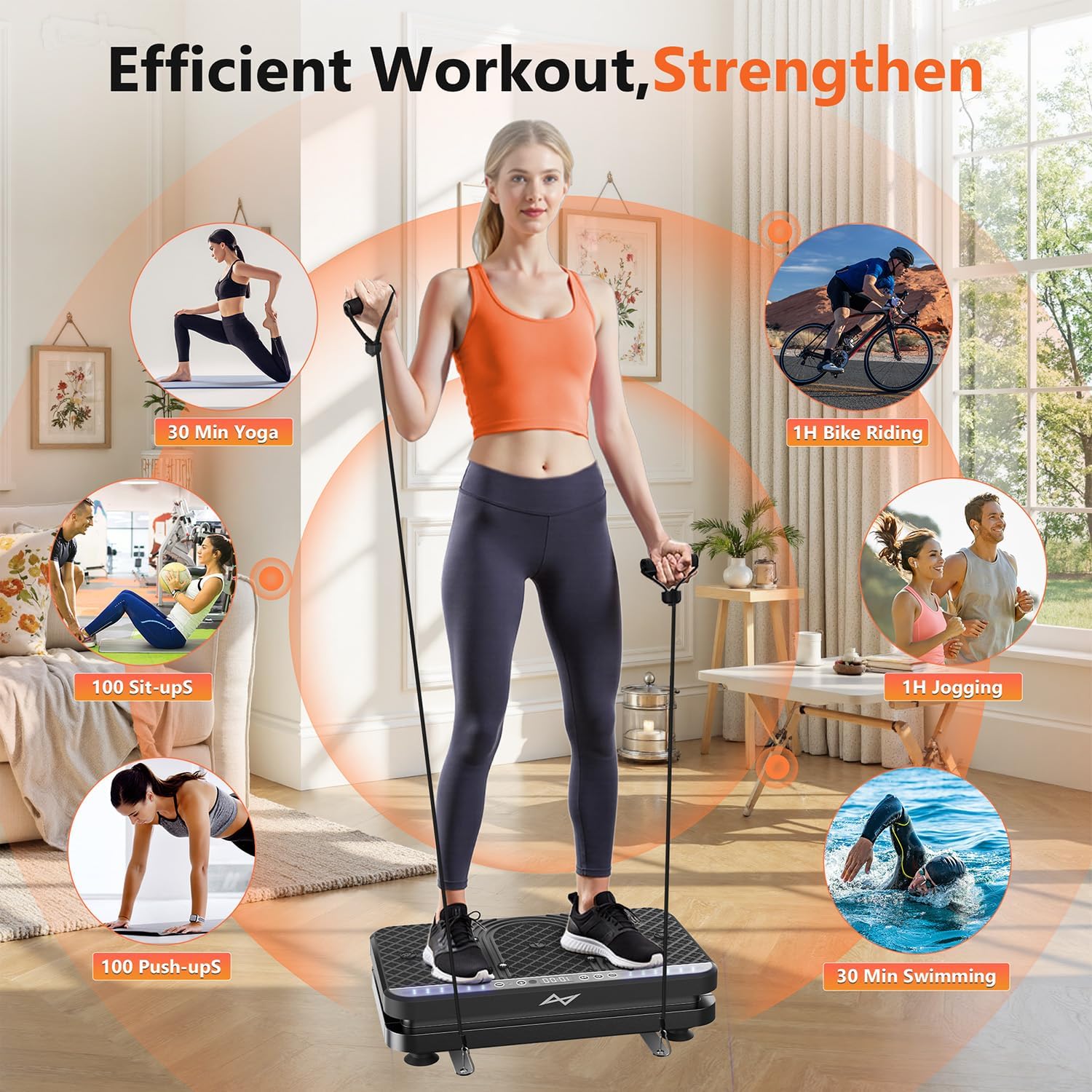
Image: Various exercises demonstrating efficient workout routines with the AXV Vibration Plate.
Benefits of Vibration Training
- Muscle Activation: Full-body vibrations stimulate muscles, leading to increased contraction and activation.
- Improved Circulation: Enhances blood flow throughout the body.
- Pain Relief and Rehabilitation: Gentle vibrations can help relieve chronic pain, repair minor injuries, and improve range of motion.
- Stress Reduction: Regular use can contribute to reduced stress levels.
- Bone Density: May contribute to increased bone mineral density.

Image: User performing a total body workout using the AXV Vibration Plate with resistance bands.
Suggested Postures and Uses
- Standing: Stand with feet shoulder-width apart, knees slightly bent. Adjust foot position for varying intensity.
- Squats/Lunges: Perform squats or lunges while on the plate for enhanced muscle engagement.
- Upper Body with Bands: Use the resistance bands for bicep curls, tricep extensions, or shoulder presses.
- Seated: Sit on a chair and place your feet on the plate for leg and foot massage and circulation improvement.
- Plank/Push-ups: Place hands or feet on the plate for an intensified core or upper body workout.

Image: Demonstrating a posture for pain relief and circulation improvement.

Image: Using the vibration plate for relaxation and relief while seated.
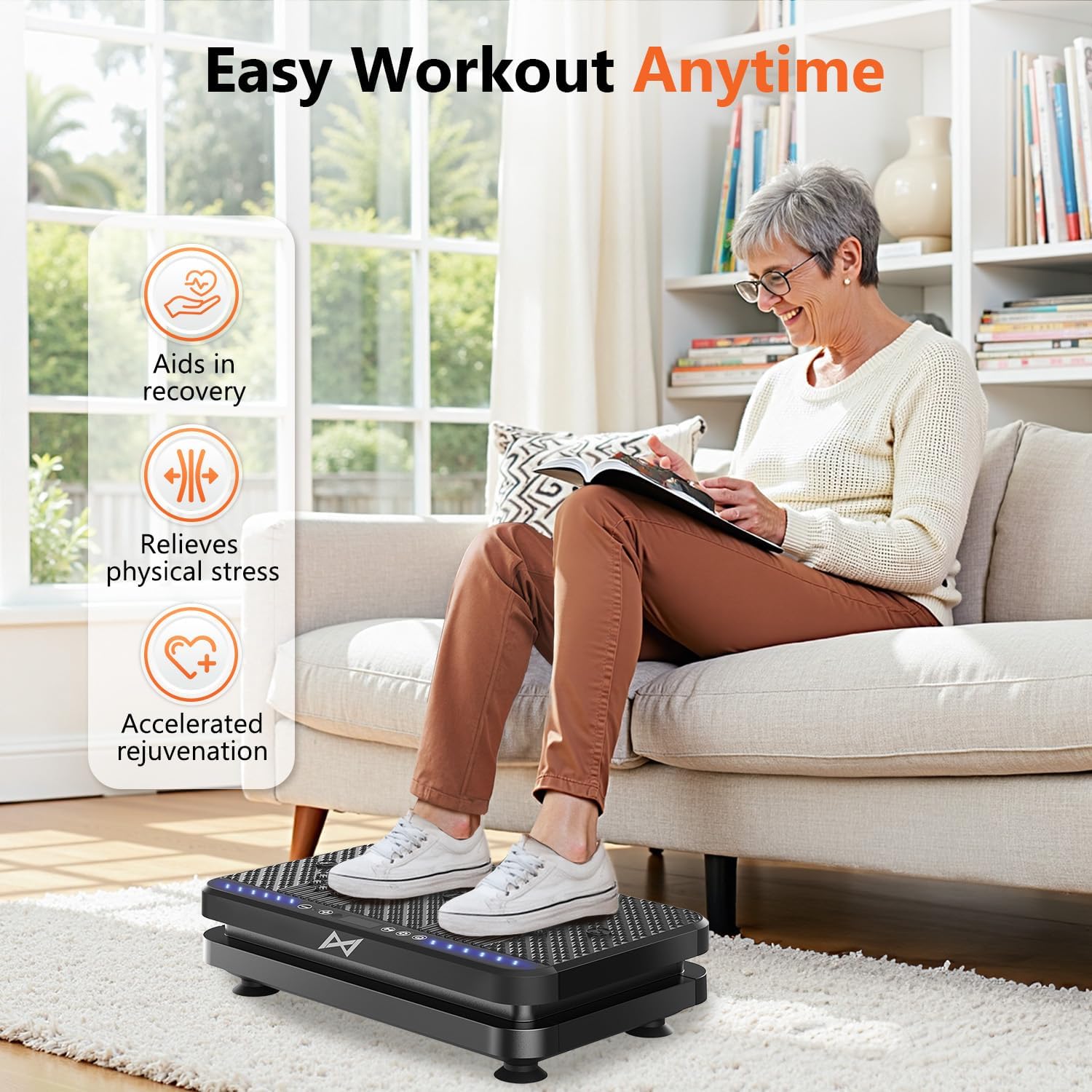
Image: Illustrating convenient use for recovery and stress relief.
Maintenance
Proper maintenance ensures the longevity and optimal performance of your AXV Vibration Plate.
- Cleaning: Wipe the surface of the device with a soft, damp cloth after each use. Do not use abrasive cleaners or solvents.
- Storage: Store the device in a cool, dry place away from direct sunlight and moisture.
- Power Cord: Regularly inspect the power cord for any damage. If damaged, discontinue use and contact customer support.
- Resistance Bands: Check resistance bands for signs of wear and tear. Replace if necessary.
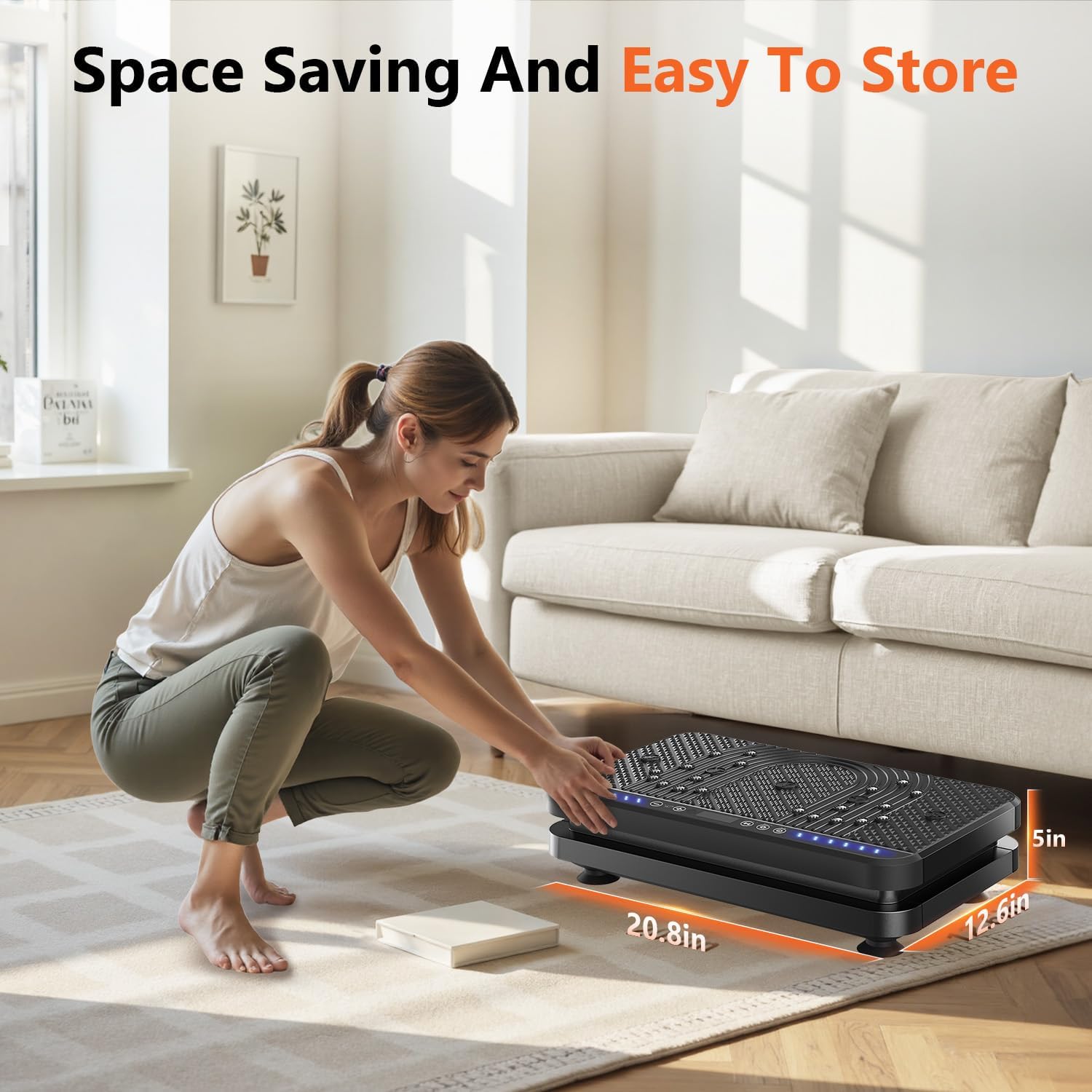
Image: The compact design of the AXV Vibration Plate for easy storage.
Troubleshooting
If you encounter any issues with your AXV Vibration Plate, please refer to the following common problems and solutions:
| Problem | Possible Cause | Solution |
|---|---|---|
| Device does not power on. | Power cord not properly connected; No power from outlet. | Ensure power cord is securely plugged into both the device and a working electrical outlet. Check the power switch. |
| Remote control not working. | Dead batteries; Obstruction between remote and device. | Replace remote control batteries. Ensure no objects are blocking the signal path. |
| Vibration is weak or inconsistent. | Incorrect speed setting; Device overloaded. | Increase the speed setting. Ensure the user weight does not exceed the maximum capacity. |
If the problem persists, please contact AXV customer support for assistance.
Specifications
| Brand | AXV |
| Model | ARK |
| Item Weight | 8.82 Kilograms |
| Color | ARK.ALLBLACK |
| Controls Type | Panel and Remote |
| Maximum Speed | 120 RPM |
Warranty and Support
AXV is committed to providing high-quality products and customer satisfaction. Our products undergo rigorous testing to ensure reliability.
If you encounter any issues or have questions regarding your AXV Vibration Plate, please contact our customer support team. We are dedicated to providing a satisfactory solution.
For support, please refer to the contact information provided with your purchase or visit the official AXV website.
Ask a question about this manual
Ask about setup, troubleshooting, compatibility, parts, safety, or missing instructions. Manuals+ will review the question and use this page’s manual context to help answer it.