
Important Safety Information
Before operating your HopCycle N3 Electric Scooter, please read this manual thoroughly. Failure to follow instructions and safety warnings may result in serious injury or property damage. Keep this manual for future reference.
- Always wear a helmet and appropriate safety gear (knee pads, elbow pads) when riding.
- Do not ride in wet conditions, heavy rain, or through puddles.
- Ensure all bolts and fasteners are tightened before each ride.
- Do not exceed the maximum weight limit of 264 pounds.
- Observe all local traffic laws and regulations.
- Avoid riding on uneven surfaces, steep inclines, or in heavy traffic.
- Keep fingers and other body parts away from moving parts.
- This scooter is recommended for adults.
1. Setup and Initial Assembly
1.1 Unfolding the Scooter
Carefully remove the scooter from its packaging. Place it on a flat surface. Release the folding mechanism latch, typically located near the base of the handlebar stem. Lift the handlebar stem until it locks into the upright position. Ensure the locking mechanism is securely engaged before use.

Image: The HopCycle N3 Electric Scooter shown in both its unfolded and folded states, illustrating its dimensions and portability. The unfolded height is 45 inches, and the length is 42.71 inches. The folded dimensions are 19.29 inches in height and 42.71 inches in length. The scooter has a load capacity of 264 lbs and weighs 28.4 lbs.
1.2 Initial Charging
Before first use, fully charge the scooter's battery. Locate the charging port, usually covered by a rubber flap, on the side of the deck. Connect the charger to the port and then plug it into a standard wall outlet. The charging indicator light on the charger will typically change from red to green when fully charged. The battery charge time is approximately 4 hours.
1.3 Tire Inflation
The HopCycle N3 features 8.5-inch pneumatic (air-filled) rubber tires. Check tire pressure before your first ride and regularly thereafter. Proper tire pressure ensures optimal performance, range, and safety. Refer to the tire sidewall for recommended pressure.

Image: A detailed view of the 8-inch air-filled tires on the HopCycle N3 Electric Scooter. The image highlights features such as puncture-proof design, shock absorption, wear-resistant material, and anti-slip tread for enhanced safety and ride comfort.
2. Operating Instructions
2.1 Power On/Off
To power on the scooter, press and hold the power button on the handlebar display for a few seconds. The LED display will illuminate. To power off, press and hold the power button again until the display turns off.
2.2 LED Smart Display
The integrated LED display provides essential riding information:
- Speed: Displays current speed in MPH or KM/H.
- Riding Mode: Indicates the selected speed mode (ECO, D, S).
- Battery Level: Shows remaining battery charge.
- Headlight Indicator: Shows if the headlight is on.
- Bluetooth Connection: Indicates app connectivity.
- Error Codes: Displays warnings like 'Motor Overheating' or 'Error Occurred'.
- Cruise Control: Indicator for active cruise control.

Image: A close-up of the HopCycle N3 Electric Scooter's LED Smart Display. The display shows speed (KM/H and MPH), riding modes (ECO, D, S), battery level, Bluetooth connection status, headlight indicator, cruise control, and error messages like 'Motor Overheating'. The power button is also visible below the display.
2.3 Riding Modes
The scooter offers multiple riding modes to suit different preferences and conditions:
- ECO Mode: Energy-saving mode for extended range, lower speed (e.g., 6 MPH).
- D (Drive) Mode: Standard mode for balanced speed and range (e.g., 12 MPH).
- S (Sport) Mode: High-performance mode for maximum speed (e.g., 18 MPH).
Switch between modes by pressing the power button briefly while the scooter is on.
2.4 Braking System
The HopCycle N3 is equipped with a dual braking system for reliable stopping power:
- Electronic Brake: Activated by the left handlebar lever, providing smooth deceleration.
- Rear Drum Brake: Activated by the right handlebar lever, offering strong stopping force.
Always use both brakes simultaneously for optimal stopping performance, especially in emergency situations. Practice braking in a safe, open area before riding in traffic.

Image: A visual representation of the HopCycle N3 Electric Scooter's double braking system. It highlights the electronic brakes on the handlebar and the rear drum brake on the back wheel, emphasizing their combined function for responsive stopping performance.
2.5 Smart App Control (Voltix APP)
Enhance your riding experience by connecting your scooter to the Voltix APP via Bluetooth. The app allows you to:
- Monitor battery life and remaining range.
- Switch between riding modes.
- Customize speed limits.
- Lock/Unlock the scooter.
- Record cycling routes.
- Control headlight on/off.
Download the Voltix APP from your smartphone's app store and follow the in-app instructions to pair with your scooter.

Image: The HopCycle N3 Electric Scooter positioned next to a smartphone displaying the Voltix App interface. The app shows current speed (21 MPH) and battery level (100%), along with icons for customized speed limit, cycling record, Bluetooth connection, one-touch lock/unlock, riding modes, cruise control, and headlight on/off.
3. Maintenance
3.1 Battery Care
To prolong battery life:
- Charge the battery fully after each use.
- Avoid completely draining the battery.
- If storing for an extended period, charge the battery to 50-70% and recharge every 30-60 days.
- Store the scooter in a cool, dry place, away from direct sunlight and extreme temperatures.
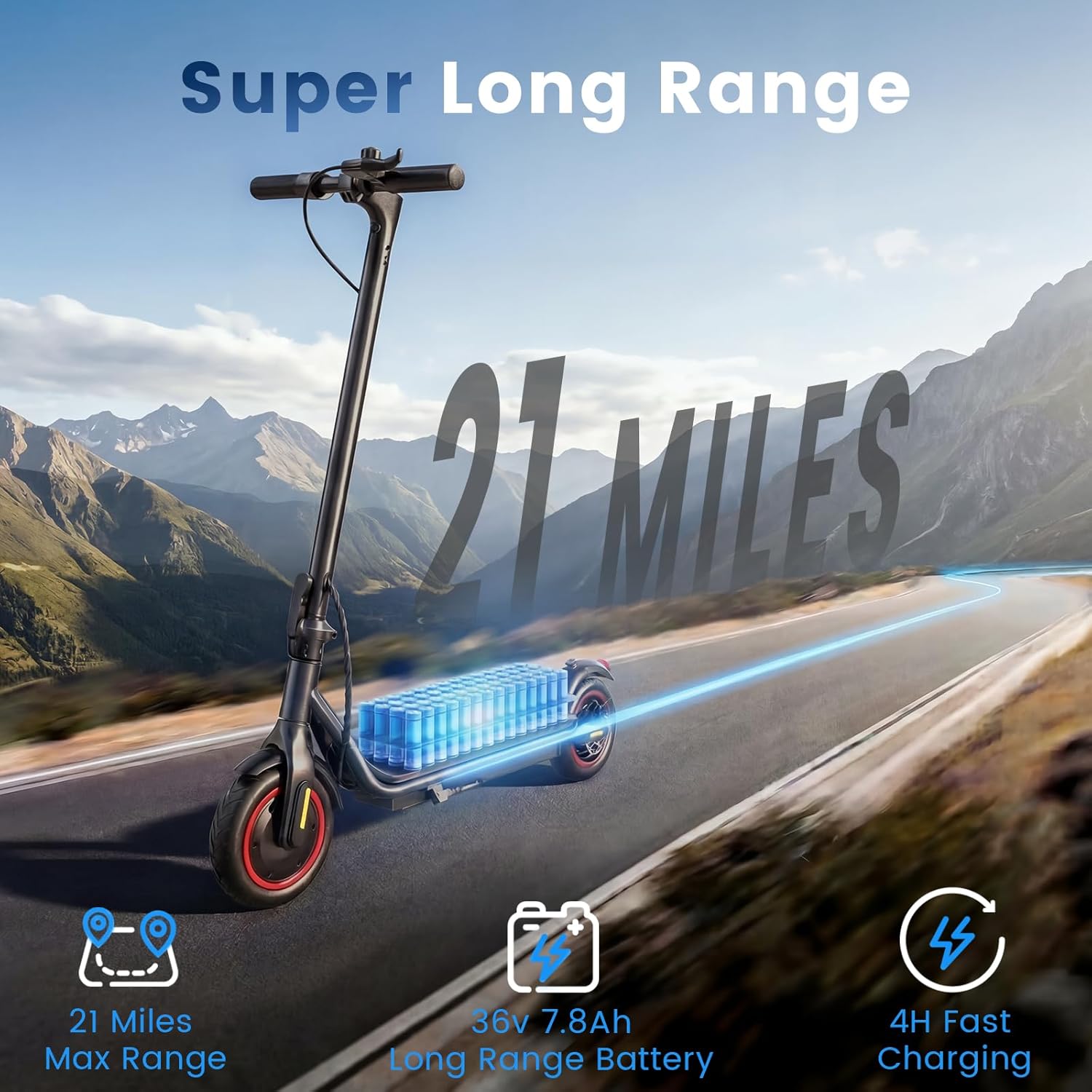
Image: The HopCycle N3 Electric Scooter on a road, with graphics highlighting its 'Super Long Range' capability of 21 miles. The image also details the 36V 7.8Ah long-range battery and a 4-hour fast charging time.
3.2 Tire Maintenance
Regularly inspect tires for wear, punctures, or damage. Maintain recommended tire pressure to prevent flats and ensure a smooth ride. Replace worn tires promptly.
3.3 Brake System Check
Periodically check the brake levers and cables for proper tension and function. Ensure the electronic and drum brakes respond effectively. Adjust or replace components as needed by a qualified technician.
3.4 General Cleaning
Clean the scooter with a damp cloth. Avoid using high-pressure water jets or harsh chemicals, which can damage electronic components. Ensure the charging port cover is securely closed to prevent water ingress.
4. Troubleshooting
| Problem | Possible Cause | Solution |
|---|---|---|
| Scooter does not power on | Low battery; Loose connections; Faulty power button | Charge the battery; Check all visible connections; Contact support if issue persists. |
| Reduced range or speed | Low tire pressure; Overloaded; Battery degradation; Riding uphill | Inflate tires to recommended pressure; Ensure rider weight is within limits; Charge battery fully; Use appropriate riding mode. |
| Brakes not effective | Brake cable loose; Worn brake pads; Electronic brake malfunction | Adjust brake cable tension; Inspect and replace brake pads; Contact support for electronic brake issues. |
| App connectivity issues | Bluetooth off; App not updated; Scooter not in pairing mode | Ensure Bluetooth is enabled on phone; Update Voltix APP; Restart scooter and phone; Try pairing again. |
| Unusual noises during operation | Loose components; Debris in wheels; Motor issue | Inspect scooter for loose parts; Clear any debris from wheels; Contact support if motor noise persists. |
5. Specifications
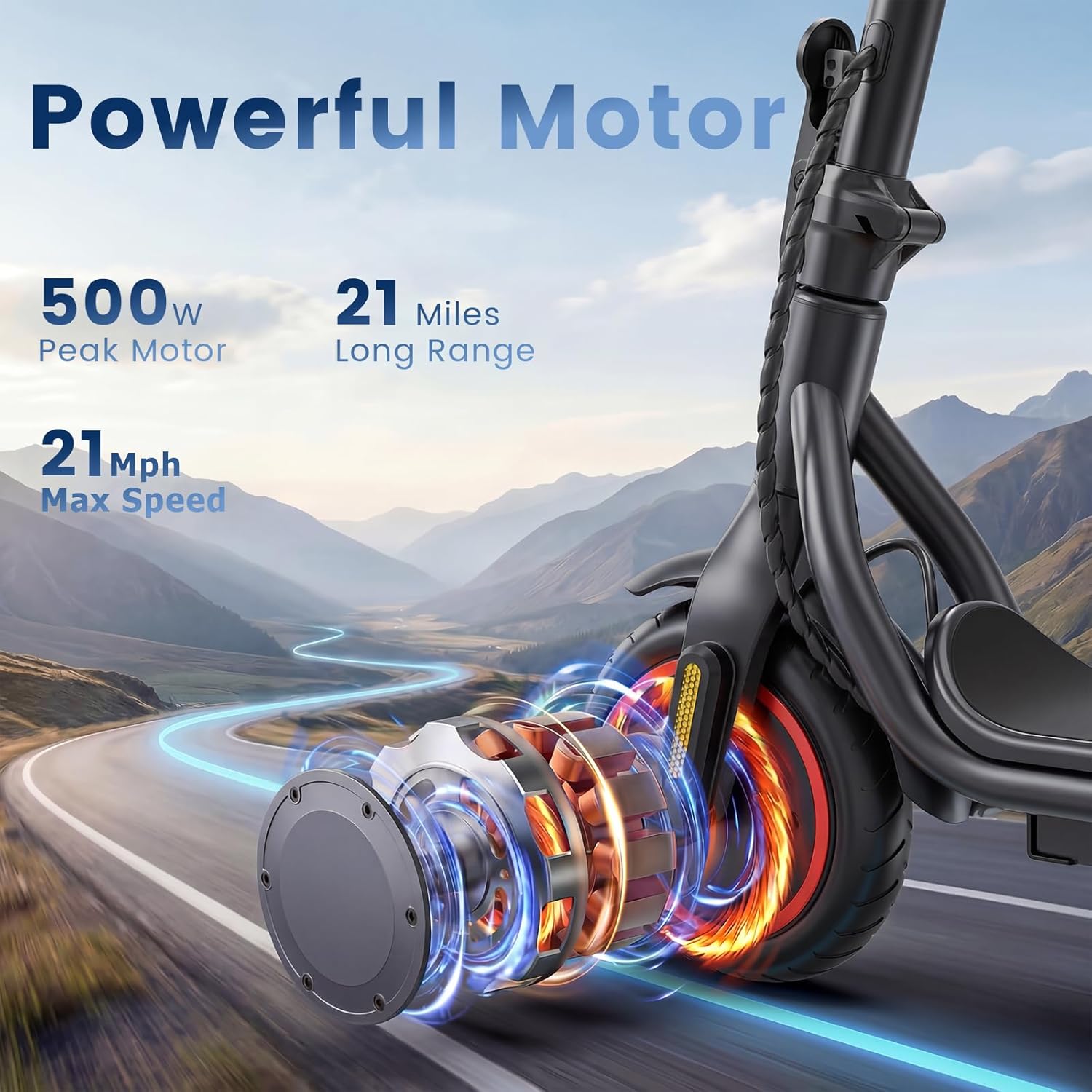
Image: The HopCycle N3 Electric Scooter on a winding road, with a graphic overlay highlighting its 'Powerful Motor'. Key specifications shown include a 500W Peak Motor, 21 Miles Long Range, and a 21 MPH Max Speed.
| Feature | Detail |
|---|---|
| Brand | HopCycle |
| Model Name | N3 |
| Motor Power | 500W (Peak) |
| Maximum Speed | Up to 21 MPH |
| Maximum Distance Range | Up to 21 Miles |
| Battery | 36V 7.8Ah |
| Battery Charge Time | 4 Hours |
| Weight Limit | 264 Pounds |
| Item Weight | 28 Pounds |
| Product Dimensions (L x W x H) | 42.7" x 17.32" x 45.27" |
| Wheel Size | 8.5 Inches |
| Wheel Material | Rubber |
| Brake Style | Electric Braking, Rear Drum Braking |
| Special Features | Digital Display, Dual Braking System, Lockable, Smart App Control |
| Age Range (Description) | Adult |
| Recommended Uses | Commuting |
6. Warranty Information
The HopCycle N3 Electric Scooter comes with a 180-day limited warranty. This warranty covers manufacturing defects under normal use conditions. It does not cover damage caused by misuse, accidents, unauthorized modifications, or normal wear and tear.
Please retain your proof of purchase for warranty claims. For detailed terms and conditions, refer to the warranty card included with your product or visit the official HopCycle website.
7. Customer Support
If you have any questions, require technical assistance, or need to make a warranty claim, please contact HopCycle customer support.
- Online Support: Visit the official HopCycle website for FAQs, troubleshooting guides, and contact forms.
- Email Support: Refer to your product packaging or the official website for the customer service email address.
When contacting support, please have your model number (N3) and proof of purchase readily available.