
Introduction
This manual provides essential information for the safe installation, operation, and maintenance of your Varin Smart Ceiling Fan with LED Light. Please read these instructions carefully before use and retain them for future reference.
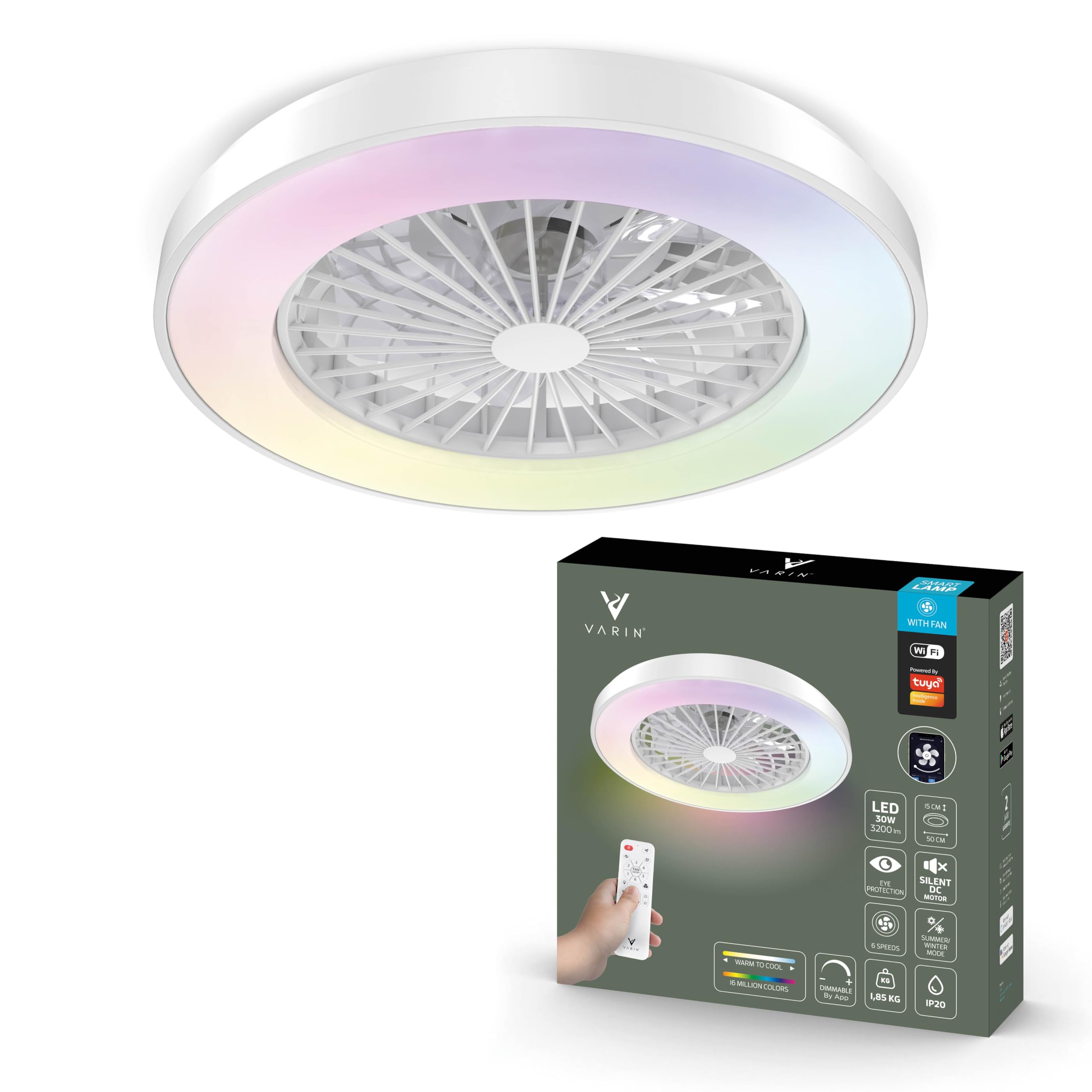
Image: The Varin Smart Ceiling Fan with LED Light, featuring a sleek white design.
Safety Instructions
- Always disconnect power at the main circuit breaker before installation, cleaning, or maintenance.
- Installation should be performed by a qualified electrician if you are unsure about electrical wiring.
- Ensure the mounting structure can support the weight of the fan.
- Do not insert objects into the fan blades while in operation.
- Keep children away from the fan during operation.
- Use only the specified voltage (220-240V, 50/60Hz).
- This product is for indoor use only.
Package Contents
Verify that all components are present before beginning installation:
- 1x Varin Ceiling Fan with LED Light
- 1x Remote Control
- 1x Mounting Kit (including bracket, screws, and anchors)
- 1x User Manual

Image: Contents of the Varin Smart Ceiling Fan package, including the fan unit, remote control, mounting hardware, and user manual.
Setup and Installation
- Power Disconnection: Turn off the electrical power at the main circuit breaker before starting any installation work.
- Mounting Bracket Installation: Securely attach the mounting bracket to a ceiling joist or a suitable electrical junction box using the provided screws and anchors. Ensure the bracket is firmly fixed.
- Wiring Connection: Connect the electrical wires from your ceiling to the fan's wires. Match colors: Blue to Blue, Brown to Brown, and Yellow-Green to Yellow-Green (Ground). Use wire nuts to secure connections.
- Fan Body Attachment: Carefully lift the fan body and attach it to the mounting bracket, ensuring all wires are tucked safely inside the canopy. Secure the fan body with the designated screws.
- Power Restoration: Once the fan is securely installed and wired, restore power at the main circuit breaker.
- Initial Pairing: Proceed to the 'Smart Control' section for instructions on pairing your fan with the Tuya Wi-Fi app.
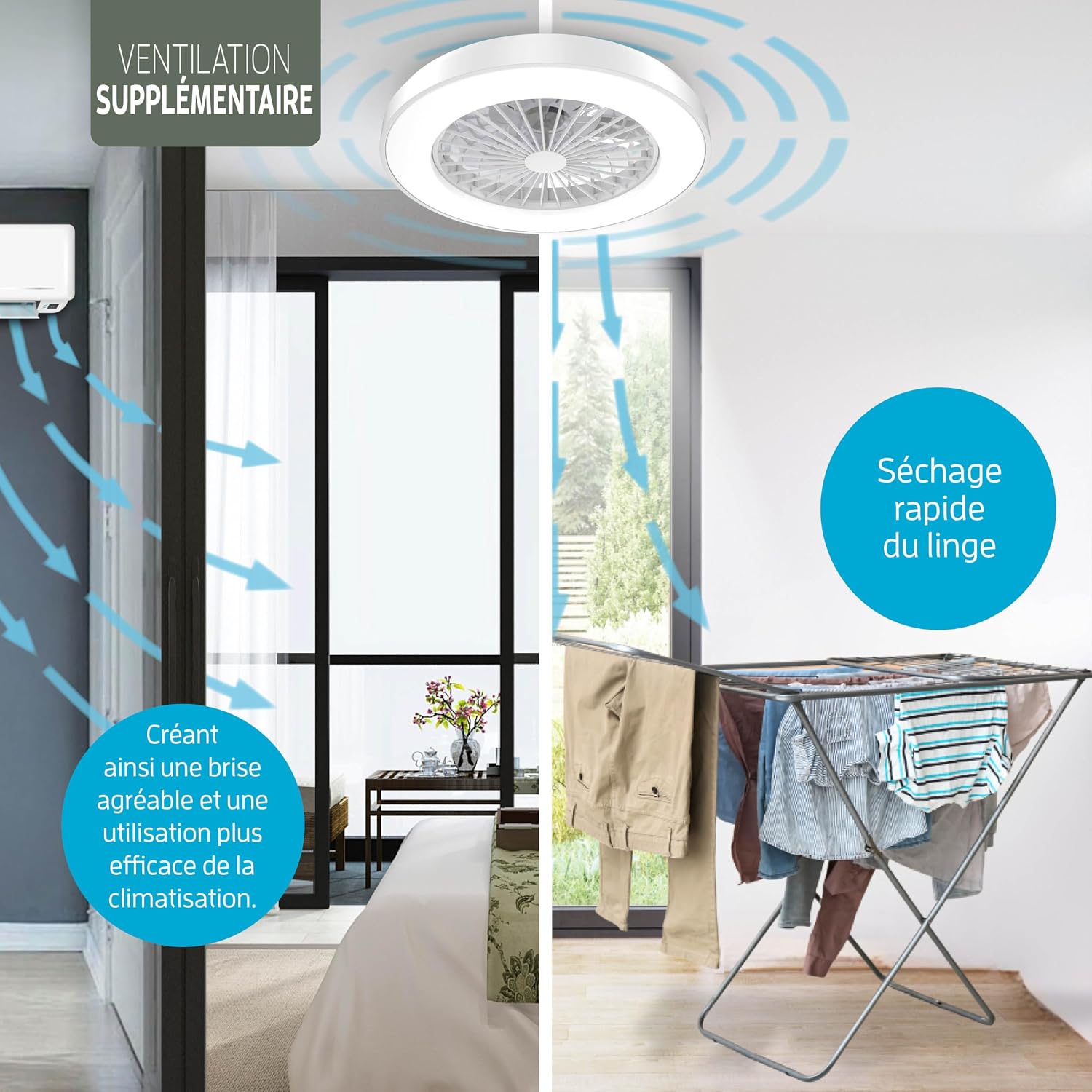
Image: Illustration of various control methods including app, remote, and wall switch, relevant for initial setup and pairing.
Operating Instructions
Fan Operation
The fan features 6 adjustable speeds, operating quietly between approximately 30-55 dB. It is designed to provide comfort throughout the year:
- Summer Mode: The fan blades rotate to create a downward airflow, providing a cooling effect in the room.
- Winter Mode: The fan blades rotate in reverse (upward airflow), helping to redistribute warm air trapped near the ceiling, improving heating efficiency.

Image: Visual representation of the fan's summer mode (downward airflow for cooling) and winter mode (upward airflow for heat distribution).
LED Light Operation
The integrated LED light offers versatile illumination options:
- Adjustable Color Temperature: Seamlessly switch between 3000K (warm white) and 6000K (cool white) to suit your preference or activity.
- RGB Colors: Access 16 million RGB color options to create various ambient lighting effects.
- Dimmable Intensity: Adjust the light brightness from 1% to 100% for optimal illumination.

Image: Display of the fan's LED light capabilities, showing RGB color options, adjustable white light temperatures (3000K, 4500K, 6000K), and continuous dimming from 1% to 100%.
Smart Control
Your Varin Smart Ceiling Fan can be controlled through multiple methods:
Tuya App (iOS/Android)
- Download the "Tuya Smart" app from the App Store or Google Play.
- Register or log in to your Tuya account.
- Add the device by following the in-app instructions (ensure your fan is powered on and your phone is connected to a 2.4GHz Wi-Fi network).
- The app allows for remote control, setting timers, scheduling on/off times, adjusting light intensity and color, and fan speed.
Remote Control
The included remote control provides direct access to key functions:
- Power On/Off for fan and light.
- Adjust fan speed (1-6).
- Change light color temperature (warm to cool white).
- Select RGB colors.
- Set timer functions (e.g., 1 hour, 4 hours).
Voice Control
The fan is compatible with popular voice assistants:
- Link your Tuya Smart account to Amazon Alexa or Google Home via their respective apps.
- Use voice commands to control fan speed, light on/off, and light color/brightness.

Image: Illustration of smart features such as automatic scheduling for light and fan, app control for intensity and colors, and automatic on/off functions.
Maintenance
- Cleaning: Ensure the power is off before cleaning. Wipe the fan blades and light cover with a soft, damp cloth. Do not use abrasive cleaners or solvents, as they may damage the finish.
- Inspection: Periodically check all connections and mounting screws to ensure they are secure.
Troubleshooting
| Problem | Possible Cause | Solution |
|---|---|---|
| Fan does not operate. | No power, remote battery low, incorrect wiring. | Check circuit breaker. Replace remote batteries. Verify wiring connections. |
| Light does not turn on. | No power, app setting, remote issue. | Check power. Verify light settings in the app. Check remote functionality. |
| Cannot connect to Wi-Fi. | Incorrect Wi-Fi band, weak signal, incorrect pairing steps. | Ensure 2.4GHz Wi-Fi. Move closer to router. Follow Tuya app pairing instructions carefully. |
| Fan is noisy or wobbles. | Loose screws, unbalanced installation. | Tighten all mounting screws. Ensure fan is balanced and securely attached. |
Specifications
| Feature | Detail |
|---|---|
| Brand | Varin |
| Model Number | 8720828286203 |
| Color | White |
| Dimensions (L x W x H) | 50 cm x 50 cm x 15 cm |
| Weight | 1.85 kg |
| Light Power | 30W LED |
| Luminous Flux | 3200 Lumens |
| Color Temperature | 3000K - 6000K + RGB |
| Fan Speeds | 6 |
| Noise Level | 30-55 dB |
| Airflow | Up to 2545 m³/h |
| Connectivity | Wi-Fi (Tuya App) |
| Control Methods | App, Remote Control, Voice Control |
| Input Voltage | 220-240V, 50/60Hz |
| Energy Efficiency Class | E |

Image: Detailed diagram showing the dimensions (50 cm diameter, 15 cm height) and various technical specifications of the Varin Smart Ceiling Fan, including noise levels at different speeds.
Warranty and Support
No specific warranty information is provided within the product data. For warranty details, technical support, or any inquiries regarding your Varin Smart Ceiling Fan, please refer to your purchase documentation or contact Varin customer support directly.