1. Introduction
Thank you for choosing the THIVYAKUZHALI V-Guard VIC 07 V1 Induction Cooktop. This appliance is designed for efficient and convenient cooking using induction technology. Please read this manual thoroughly before operating the cooktop to ensure safe and optimal performance. Keep this manual for future reference.
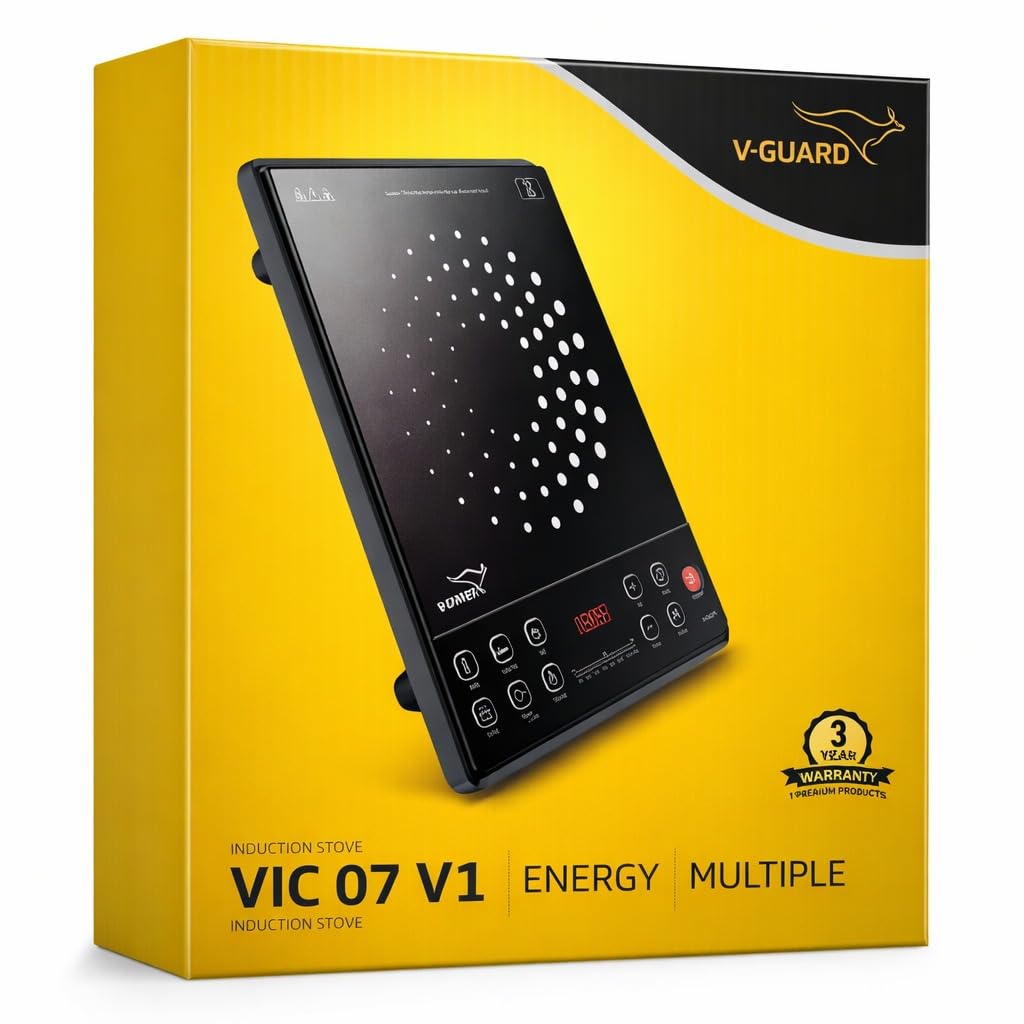
Figure 1: THIVYAKUZHALI V-Guard VIC 07 V1 Induction Cooktop, top view. This image shows the sleek black glass surface and the control panel at the front.
2. Safety Instructions
To prevent injury or damage, always follow these basic safety precautions:
- Do not immerse the cooktop in water or any other liquid.
- Ensure the power cord is not damaged and is properly connected to a grounded outlet.
- Place the cooktop on a stable, flat, heat-resistant surface, away from flammable materials.
- Do not touch the cooktop surface immediately after cooking, as residual heat may be present.
- Use only induction-compatible cookware. Non-induction cookware will not heat.
- Keep children away from the appliance during operation.
- Do not block the ventilation openings on the cooktop.
- In case of malfunction, unplug the appliance immediately and contact customer support. Do not attempt to repair it yourself.
3. Package Contents
Upon unpacking, please verify that all items are present and in good condition:
- 1 x THIVYAKUZHALI V-Guard VIC 07 V1 Induction Cooktop
- 1 x User Manual (this document)
- 1 x 1 Year Warranty Card
- 1 x Power Cord
4. Product Overview
The VIC 07 V1 Induction Cooktop features a robust stainless steel body with a black crystal glass top and a user-friendly digital control panel.
Key Features:
- Digital Control Panel: Touch controls for precise temperature and time settings.
- Multiple Cooking Modes: Preset functions for milk boiling, deep frying, steaming, chapati making, and more.
- Timer Function: Built-in timer for setting cooking duration with automatic shut-off.
- Energy Efficient: High-efficiency induction technology for faster heating and lower energy consumption.
- Safety Features: Auto Shut Off, Overheat Protection, Child Safety Lock.

Figure 2: Control Panel Layout and Button Functionality. This diagram illustrates the various touch buttons on the control panel, including On/Off, Timer, Up/Down for heat/time, and preset cooking modes like Soup, Fry, Chapati, and Milk.
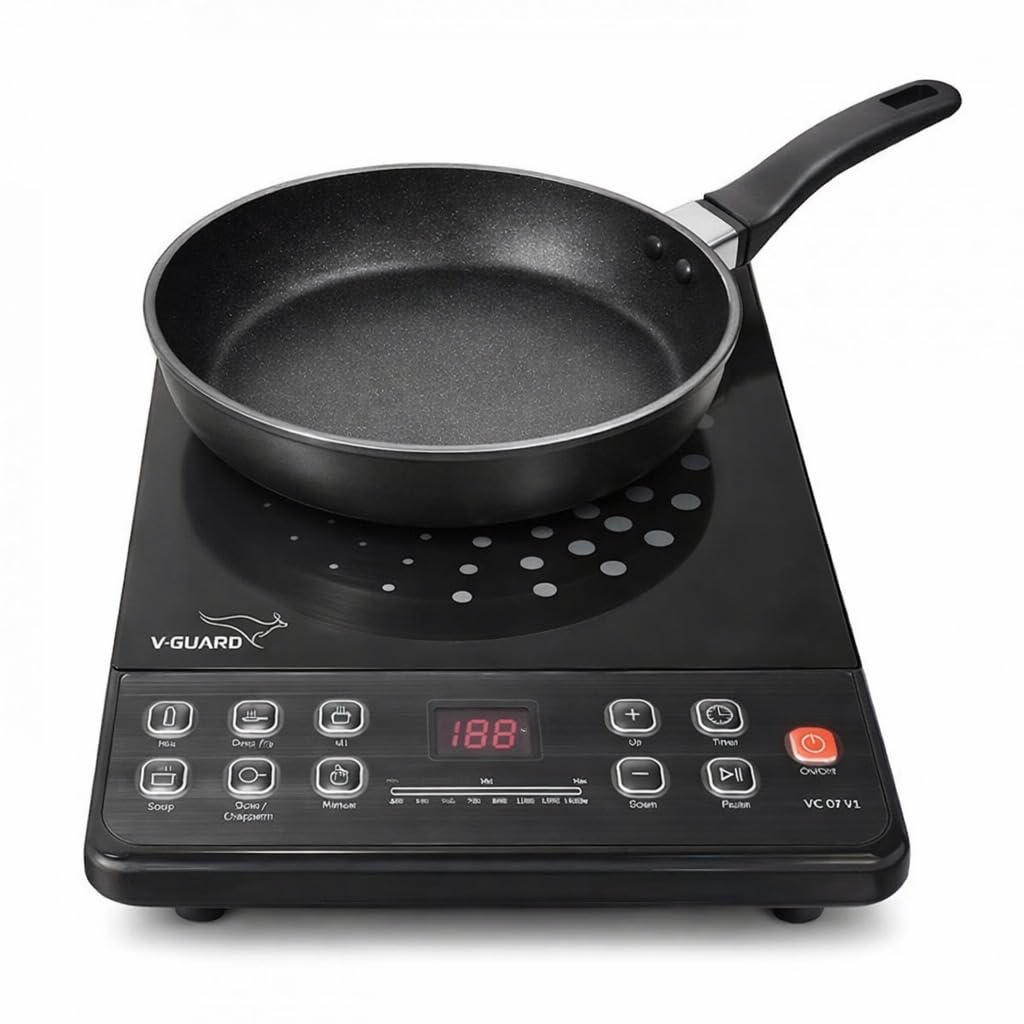
Figure 3: Induction Cooktop in use with a pan. This image demonstrates the cooktop with an induction-compatible pan placed on its surface, ready for cooking.
5. Setup
- Unpack: Carefully remove the cooktop and all accessories from the packaging.
- Placement: Place the cooktop on a dry, stable, and level surface. Ensure there is adequate ventilation around the appliance (at least 10 cm clearance from walls or other objects).
- Power Connection: Plug the power cord into a standard 220-240V AC, 50Hz grounded electrical outlet.
- Cookware: Use only induction-compatible cookware. These typically have a flat bottom and are made of magnetic materials like cast iron, enameled iron, or stainless steel with a magnetic base. A simple test is to see if a magnet sticks to the bottom of the pan.
6. Operating Instructions
Basic Operation:
- Place induction-compatible cookware with food on the center of the cooktop.
- Press the On/Off button to turn on the cooktop. The digital display will illuminate.
- Select a cooking mode (e.g., Soup, Fry, Chapati, Milk) or use the Manual mode.
- In Manual mode, use the Up (+) and Down (-) buttons to adjust the power level or temperature.
- To set a timer, press the Timer button and use Up (+) and Down (-) to set the desired cooking duration. The cooktop will automatically shut off when the timer expires.
- To stop cooking, press the On/Off button.
Cooking Modes:
- Milk: Preset for boiling milk.
- Deep Fry: Optimized for deep frying, maintaining a consistent temperature.
- Chapati: Ideal for making chapatis or flatbreads.
- Soup: Pre-programmed setting for preparing soups.
- Manual: Allows full control over power and temperature settings.
7. Maintenance and Cleaning
Regular cleaning ensures the longevity and optimal performance of your induction cooktop.
- Before Cleaning: Always unplug the cooktop from the power outlet and allow it to cool completely.
- Cooktop Surface: Wipe the glass surface with a soft, damp cloth and mild detergent. For stubborn stains, use a non-abrasive cleaner specifically designed for glass cooktops. Dry thoroughly with a clean cloth.
- Body: Wipe the exterior body with a soft, damp cloth. Do not use abrasive cleaners or scourers.
- Ventilation Openings: Ensure the ventilation openings are free from dust and debris. Use a soft brush or vacuum cleaner if necessary.
- Do not use steam cleaners or immerse the appliance in water.
8. Troubleshooting
If you encounter issues with your cooktop, refer to the following common problems and solutions:
| Problem | Possible Cause | Solution |
|---|---|---|
| Cooktop does not turn on | No power supply; Power cord not properly plugged in; Main switch off. | Check power outlet; Ensure power cord is securely plugged in; Check household circuit breaker. |
| Cookware not heating | Non-induction compatible cookware; Cookware not centered; Pan too small or too large. | Use induction-compatible cookware; Center the cookware on the heating zone; Ensure cookware diameter is within recommended range. |
| Cooktop shuts off during operation | Overheat protection activated; Timer expired; Cookware removed. | Allow cooktop to cool down; Check timer settings; Ensure cookware is on the surface. |
| Unusual noise during operation | Normal fan operation; Cookware vibration. | A slight humming sound from the cooling fan is normal. Some cookware may vibrate slightly. |
If the problem persists after attempting these solutions, please contact customer support.
9. Specifications
| Feature | Detail |
|---|---|
| Model Number | VIC 07 V1 |
| Brand | Generic |
| Wattage | 1600 Watts |
| Material | Glass (top), Stainless Steel (body) |
| Colour | Black |
| Product Dimensions | 36D x 26W x 6H Centimeters |
| Item Weight | 2 Kilograms |
| Controls Type | Touch Control |
| Heating Elements | 1 |
| Special Features | Digital Display, Energy Efficient, Multiple Cooking Modes, Auto Shut Off, Overheat Protection, Child Safety Lock, Timer Function, Portable Design, Fast Heating, Precise Temperature Control |
| Power Source | Corded Electric |
| Country of Origin | India |
10. Warranty and Support
The THIVYAKUZHALI V-Guard VIC 07 V1 Induction Cooktop comes with a 1-year warranty from the date of purchase. Please refer to the included Warranty Card for detailed terms and conditions.
For technical support, service, or warranty claims, please contact the manufacturer or your retailer. Ensure you have your purchase receipt and warranty card available when contacting support.


