
1. Introduction
This manual provides detailed instructions for the setup, operation, and maintenance of your WDZP H186 Replacement Remote Control. This remote is designed for use with Fansconce Wall Mount Fan 20" Caged Ceiling Mount Fan models. Please read this manual thoroughly before use to ensure proper functionality and to maximize the lifespan of your device.
2. Safety Information
- Keep the remote control away from water and excessive moisture.
- Do not expose the remote control to direct sunlight or high temperatures.
- Avoid dropping the remote control or subjecting it to strong impacts.
- Do not attempt to disassemble or modify the remote control. This will void the warranty.
- Dispose of used batteries responsibly according to local regulations.
3. Package Contents
The package includes:
- 1 x WDZP H186 Replacement Remote Control
Note: 2*AAA batteries are required for operation and are not included in the package.
4. Setup
4.1 Battery Installation
- Locate the battery compartment on the back of the remote control.
- Slide open the battery compartment cover.
- Insert two (2) AAA batteries, ensuring the correct polarity (+/-) as indicated inside the compartment.
- Close the battery compartment cover securely.

Image: The back of the WDZP H186 remote control showing the battery compartment and its dimensions (5.51 inches long, 1.69 inches wide).
4.2 Pairing Instructions
To pair the remote control with your fan:
- Ensure the fan is powered off at the wall switch.
- Wait for approximately 7 seconds.
- Turn on the fan at the wall switch.
- Immediately after turning on the fan, listen for a "beep" sound from the fan.
- Within 3 seconds of hearing the "beep", press and hold the "ALL/OFF" button and the "LIGHT ON/OFF" button simultaneously on the remote control.
- When the fan receiver makes another "beep" sound, the code matching is successful.

Image: A hand holding the WDZP H186 remote control, demonstrating its ergonomic design and indicating its durable and shockproof features. The remote is shown emitting a signal towards a fan.
5. Operating Instructions
The WDZP H186 remote control offers comprehensive control over your compatible fan. Its infrared signal provides reliable operation up to 40 feet away.

Image: The WDZP H186 remote control with icons highlighting its features: fan oscillation, mode adjustment/fan speed, eco-friendly material, shockproof ABS material, and low power design. A wall-mounted fan is visible in the background.
5.1 Button Functions
- ALL/OFF: Turns off all fan functions.
- LIGHT ON/OFF: Toggles the fan's light on or off.
- F (Fan Oscillation): Activates or deactivates the fan's oscillation function.
- R (Reverse Function): Changes the direction of the fan blades (if supported by the fan).
- FAN/OFF: Turns the fan on or off.
- 1-6 (Fan Speed): Adjusts the fan speed from 1 (lowest) to 6 (highest).
- 1H / 2H / 4H (Timer): Sets the fan to turn off automatically after 1, 2, or 4 hours, respectively.
5.2 Control Range
The remote control utilizes an infrared signal, providing a reliable control distance of up to 40 feet (approximately 12 meters) with a strong signal at 180 degrees. For optimal performance, ensure a clear line of sight between the remote and the fan's receiver.

Image: An illustration demonstrating the 40-foot control distance of the WDZP H186 remote control, showing effective operation from various distances within a bedroom setting.

Image: Four panels illustrating the versatility of the WDZP H186 remote control for various fan types in different rooms: living room, study room, children's room, and bedroom.
6. Maintenance
6.1 Cleaning
To clean the remote control, gently wipe it with a soft, dry cloth. Do not use liquid cleaners, abrasive materials, or chemical solvents, as these may damage the surface or internal components.
6.2 Battery Replacement
Replace the batteries when the remote control's range decreases or if it becomes unresponsive. Follow the battery installation steps in Section 4.1. Always replace both AAA batteries at the same time with new ones.
7. Troubleshooting
| Problem | Possible Cause | Solution |
|---|---|---|
| Remote not responding | Dead or incorrectly installed batteries | Replace batteries with new AAA batteries, ensuring correct polarity. |
| Remote not responding | Remote not paired with fan | Follow the pairing instructions in Section 4.2. |
| Reduced control range | Low batteries or obstruction | Replace batteries. Ensure there is a clear line of sight between the remote and the fan. |
| Fan functions not working correctly | Compatibility issue or fan malfunction | Ensure your fan is a compatible model (Fansconce Wall Mount Fan 20" Caged Ceiling Mount Fan H186). If issues persist, consult your fan's manual or contact fan manufacturer support. |
8. Specifications
- Brand: WDZP
- Model: H186
- Compatible Devices: Fansconce Wall Mount Fan 20" Caged Ceiling Mount Fan
- Connectivity Technology: Infrared (IR3.0 Advanced Technology)
- Maximum Range: 40 Feet (12 meters)
- Power Source: 2 x AAA Batteries (not included)
- Special Feature: Ergonomic design
- Material: Shockproof ABS Material
- Color: White
- Smart Home Compatibility: Not Smart Home Compatible
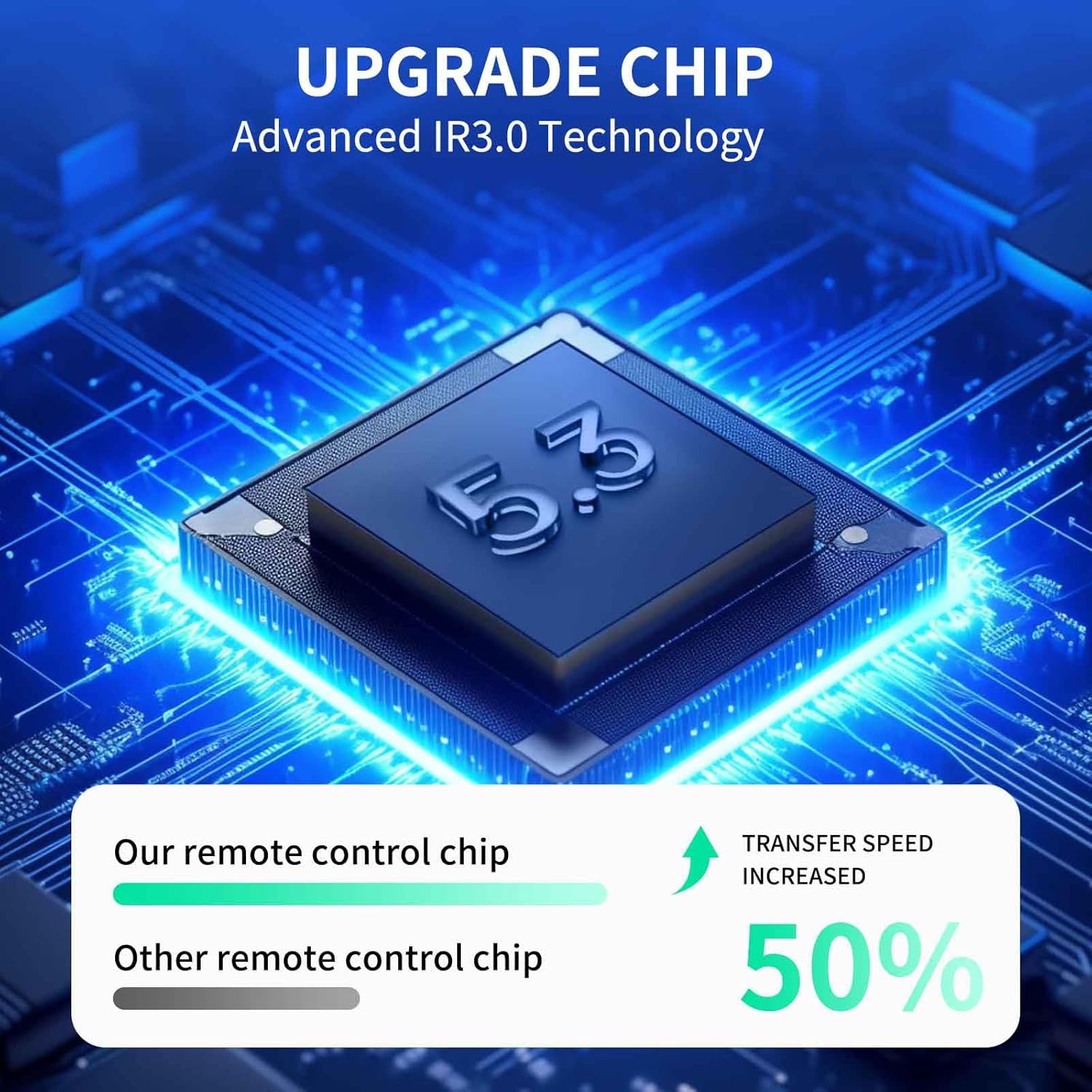
Image: A visual representation of the advanced IR3.0 chip technology used in the WDZP H186 remote control, highlighting a 50% increase in transfer speed compared to other remote control chips.
9. Warranty and Support
9.1 Warranty Information
This WDZP H186 Replacement Remote Control comes with a 1-Year Warranty from the date of purchase. This warranty covers manufacturing defects and material faults under normal use. It does not cover damage caused by misuse, accidents, unauthorized modifications, or improper battery installation.
9.2 Customer Support
For any questions, concerns, or warranty claims, please contact WDZP customer support through the retailer where the product was purchased. Please have your purchase details and product model (H186) available when contacting support.