
Introduction
Thank you for choosing the PEIZIBM D6 Air Drone. This manual provides essential information for the safe and efficient operation of your new drone. Please read it thoroughly before first use and retain it for future reference.
The D6 Air Drone features obstacle avoidance technology and a foldable design, making it suitable for both beginners and experienced pilots. Proper setup and understanding of controls are crucial for an enjoyable flight experience.
Safety Guidelines
- Always operate the drone in open areas, away from people, animals, and obstacles.
- Do not fly near airports, restricted airspace, or sensitive installations.
- Ensure the battery is fully charged before each flight.
- Avoid flying in strong winds or adverse weather conditions.
- Keep fingers and loose clothing away from rotating propellers.
- Supervise children during drone operation.
- Adhere to all local laws and regulations regarding drone usage.
1. Setup
1.1 Unfolding the Drone
Gently unfold the drone arms until they lock into position. Ensure all four arms are fully extended.
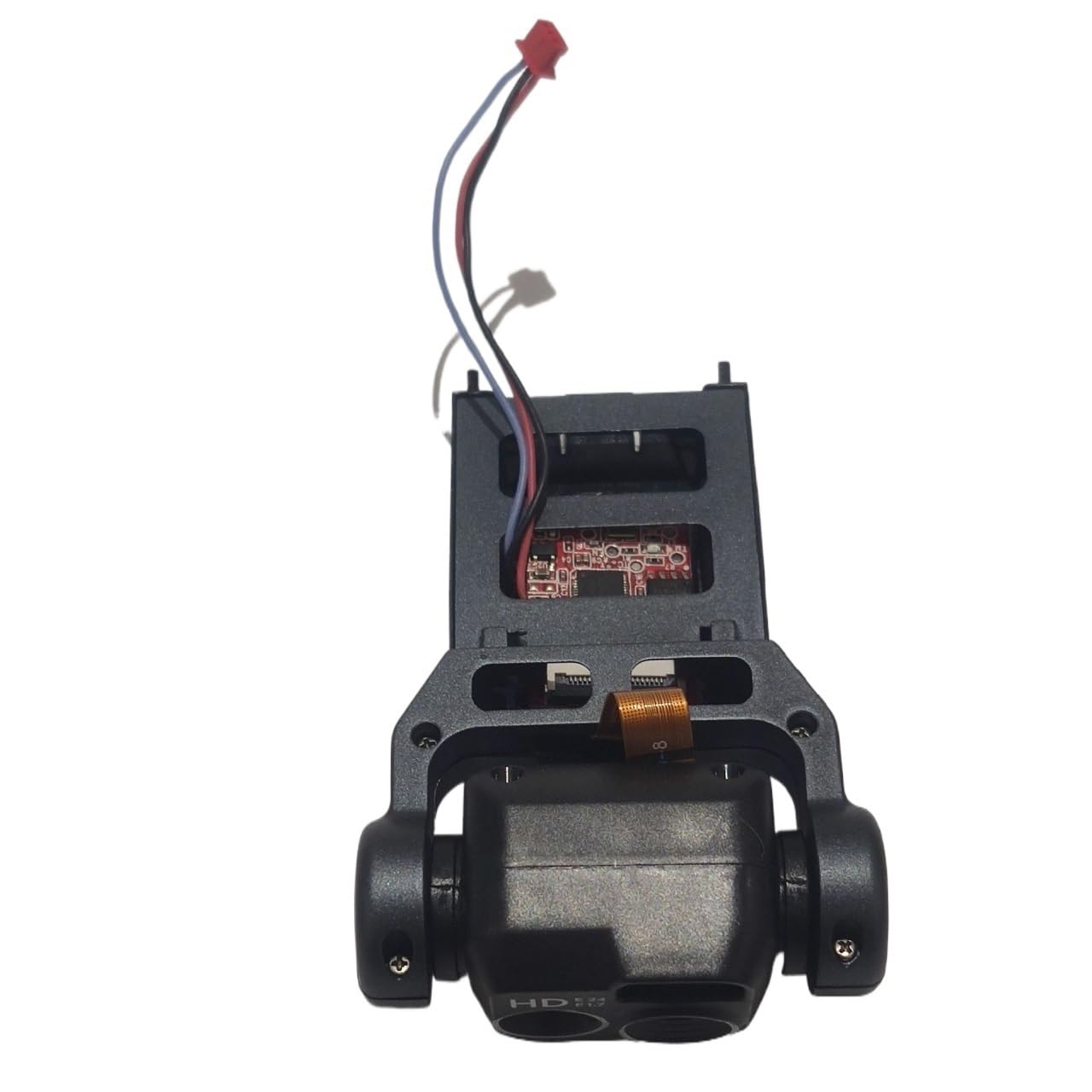
Image: The PEIZIBM D6 Air Drone with its arms unfolded, ready for propeller installation.
1.2 Battery Installation and Charging
- Insert the drone battery into the battery compartment until it clicks securely.
- Connect the charging cable to the battery and a suitable USB power adapter (not included).
- The indicator light on the charger will show charging status (e.g., red for charging, green for fully charged).
- Charging typically takes 60-90 minutes. Do not overcharge.
1.3 Propeller Installation
The drone comes with propellers pre-installed. If replacement is needed:
- Identify propellers marked 'A' and 'B'.
- Match 'A' propellers to motor shafts marked 'A' and 'B' propellers to motor shafts marked 'B'.
- Press down firmly until the propeller is seated correctly.
1.4 Remote Controller Setup
- Install 3x AAA batteries (not included) into the remote controller.
- Power on the drone, then power on the remote controller.
- Push the left joystick up then down to pair the drone with the controller. A beep will confirm successful pairing.
2. Operating Instructions
2.1 Basic Flight Controls
| Control Stick/Button | Function |
|---|---|
| Left Joystick (Up/Down) | Throttle (Ascend/Descend) |
| Left Joystick (Left/Right) | Yaw (Rotate Left/Right) |
| Right Joystick (Up/Down) | Pitch (Forward/Backward) |
| Right Joystick (Left/Right) | Roll (Left/Right Sideways Flight) |
| One-Key Takeoff/Landing Button | Initiates automatic takeoff or landing. |
| Emergency Stop Button | Immediately stops all motors. Use only in emergencies. |
2.2 Obstacle Avoidance
The D6 Air Drone is equipped with sensors for obstacle avoidance. This feature helps prevent collisions by automatically adjusting flight path when obstacles are detected. This system is most effective at lower speeds and in well-lit environments. It may not detect all obstacles, especially thin wires or transparent surfaces.
2.3 Camera Operation
If your D6 Air Drone model includes a camera:
- Connect your smartphone to the drone's Wi-Fi network (refer to the app manual for details).
- Open the dedicated drone app to view the live feed and control camera functions.
- Use the app to take photos or record videos. Files are typically saved to your smartphone or an inserted SD card (if applicable).
3. Maintenance
3.1 Cleaning
Regularly clean the drone body and propellers with a soft, dry cloth. Avoid using liquids or solvents that could damage electronic components.
3.2 Propeller Replacement
Inspect propellers for damage before each flight. Replace any bent, cracked, or chipped propellers immediately. Use the provided propeller removal tool (if included) and follow the installation steps in Section 1.3.
3.3 Battery Care
- Store batteries in a cool, dry place, away from direct sunlight and extreme temperatures.
- Do not store fully charged or completely depleted batteries for extended periods. Charge them to about 50-60% for long-term storage.
- If a battery appears swollen or damaged, discontinue use and dispose of it properly.
4. Troubleshooting
| Problem | Possible Cause | Solution |
|---|---|---|
| Drone does not power on. | Battery not charged or incorrectly installed. | Ensure battery is fully charged and securely inserted. |
| Drone does not respond to controller. | Not paired, low controller battery, or interference. | Re-pair the drone and controller. Replace controller batteries. Move to an area with less interference. |
| Drone drifts during flight. | Uncalibrated gyroscope, uneven propellers, or wind. | Perform gyroscope calibration (refer to controller instructions). Check and replace damaged propellers. Fly in calm conditions. |
| Camera not working/no live feed. | App not connected, Wi-Fi issue, or camera malfunction. | Ensure phone is connected to drone's Wi-Fi. Restart app and drone. |
5. Specifications
| Feature | Detail |
|---|---|
| Brand | PEIZIBM |
| Model | D6 Air Drone |
| Color | Black |
| Obstacle Avoidance | Yes |
| Foldable Design | Yes |
| Power Source | Rechargeable Battery (Drone), AAA Batteries (Controller) |
6. Warranty and Support
This product comes with a standard manufacturer's warranty. Please refer to the packaging or the official PEIZIBM website for specific warranty terms and conditions.
For technical support, troubleshooting assistance, or spare parts, please contact PEIZIBM customer service through their official channels. Keep your purchase receipt as proof of purchase.