1. Product Overview
The ZapRun W6 Electric Scooter is designed for adults and teens, offering a convenient and efficient mode of transportation for commuting and campus use. It features a powerful motor, long-range battery, and smart controls for an enhanced riding experience.
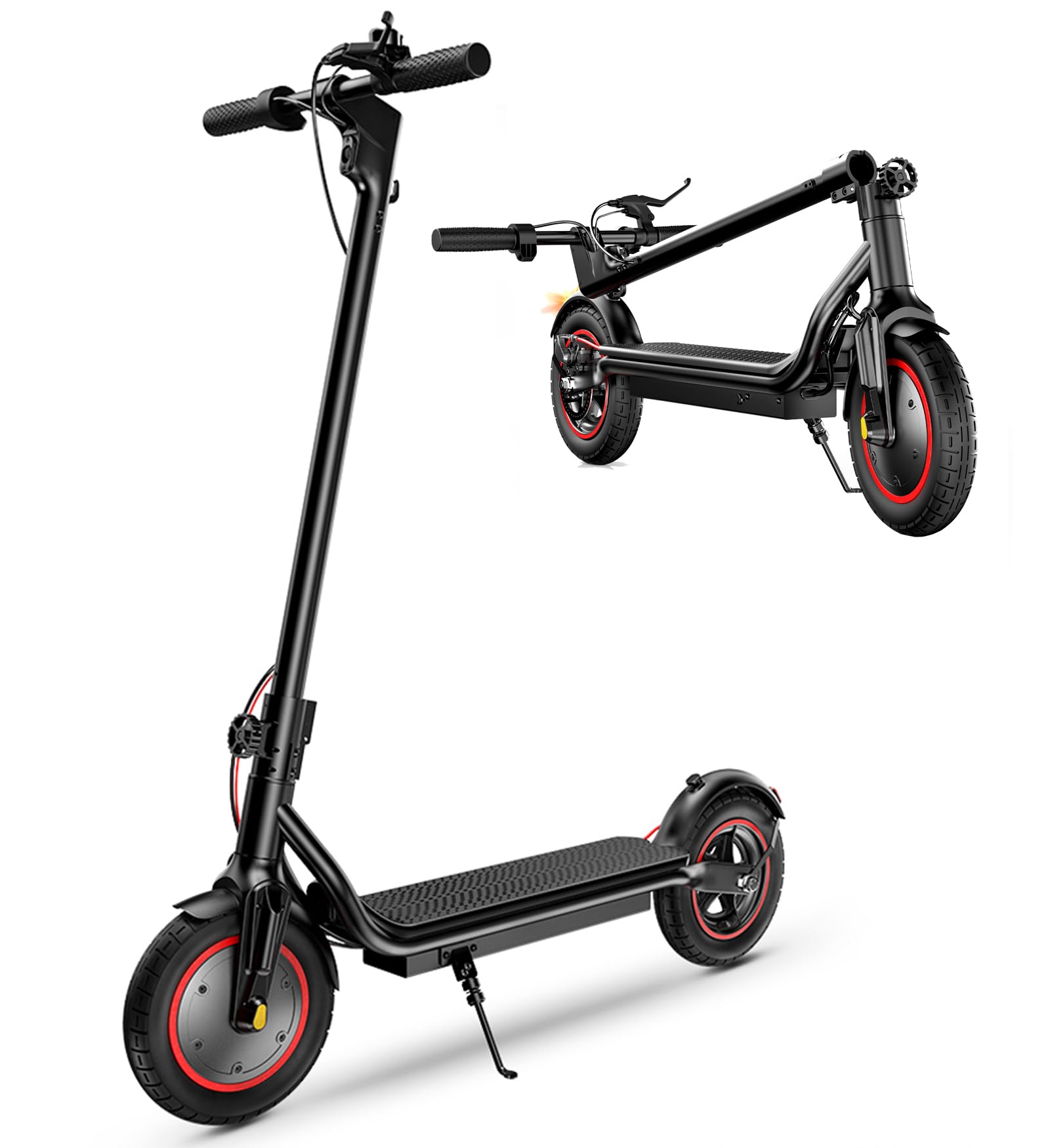
Figure 1: ZapRun W6 Electric Scooter
2. What's in the Box
- Electric Scooter
- Adult Electric Scooter Charger
- Escooter Manual
- Electric Scooter Tool Set
3. Setup
3.1 Assembly
The ZapRun W6 Electric Scooter features a one-step folding mechanism for easy setup and storage. To unfold, align the handlebar stem with the base and secure the locking mechanism until it clicks into place. Ensure all connections are firm before use.

Figure 2: One-step folding mechanism for easy portability.
3.2 Initial Charging
Before the first ride, fully charge the scooter's battery. Connect the charger to the scooter's charging port and then to a power outlet. The charging process typically takes approximately 6 hours. Refer to the display for battery status.
3.3 App Connection
Download the ZapRun app on your smartphone. Turn on the scooter and enable Bluetooth on your phone. Follow the app's instructions to connect to your scooter. The app allows for locking/unlocking, monitoring speed, battery level, and mileage.

Figure 3: Smart display and app control interface.
4. Operating Instructions
4.1 Power On/Off and Display
Press and hold the power button on the handlebar display to turn the scooter on or off. The smart LCD display shows current speed, battery level, speed mode, motor temperature alerts, Bluetooth status, and error codes.
4.2 Speed Modes
The scooter offers three adjustable speed modes: 9 MPH (Eco), 15 MPH (Drive), and 22 MPH (Sport). Cycle through these modes using the control panel button to match your riding preference and environment.
4.3 Throttle and Braking
Use the thumb throttle to accelerate. The scooter is equipped with a rear disc brake and an electronic brake for reliable stopping power. Apply both brakes simultaneously for optimal safety.
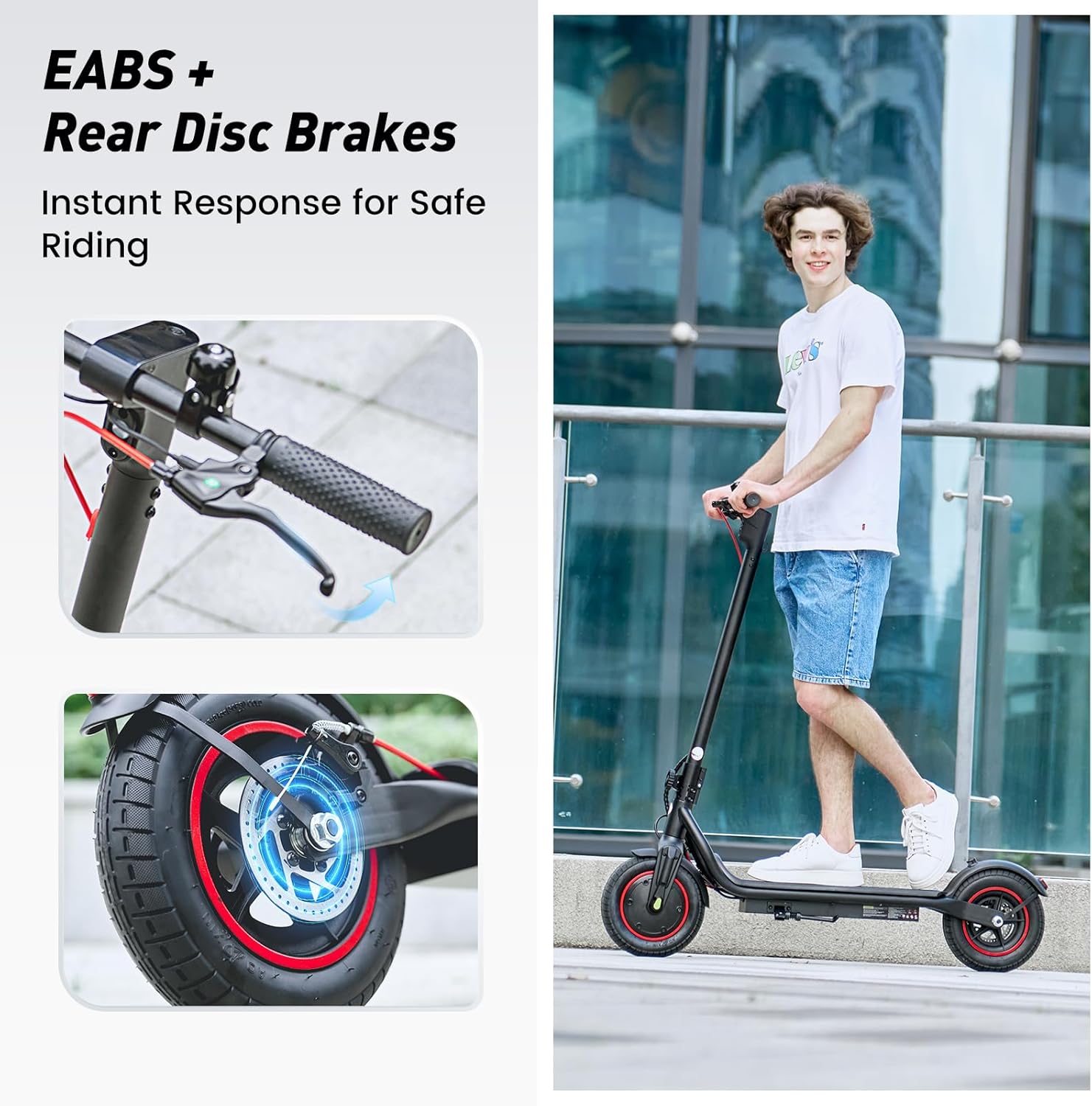
Figure 4: Rear disc brake and electronic brake for effective stopping.
4.4 Safety Lighting
The scooter features a bright headlight for visibility during low-light conditions and a rear brake light that illuminates when braking, enhancing safety for riders and others.

Figure 5: Bright headlight and brake light for enhanced visibility.
4.5 Ride Comfort and Stability
Equipped with 10-inch pneumatic tires, the scooter provides shock absorption for smoother rides on various terrains. Front and rear suspension further contribute to ride comfort and stability.
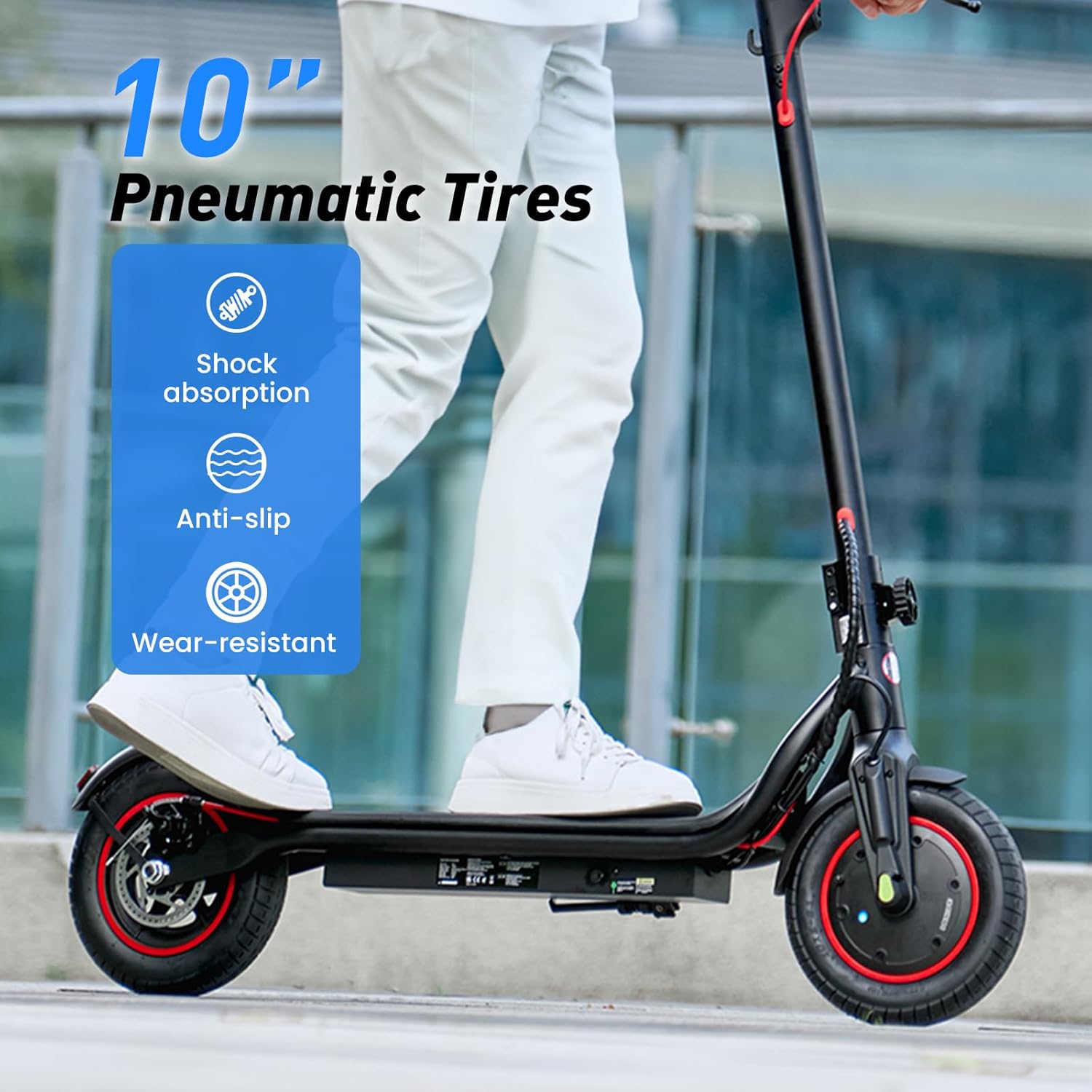
Figure 6: 10-inch pneumatic tires for shock absorption and anti-slip grip.
4.6 Handlebar Adjustment
The handlebar height can be adjusted to suit rider preference. Use the locking mechanism on the stem to raise or lower the handlebars, ensuring a comfortable and ergonomic riding posture.
5. Maintenance
5.1 Battery Care
- Charge the battery fully after each use to prolong its lifespan.
- Avoid completely draining the battery.
- Store the scooter in a cool, dry place when not in use for extended periods.
5.2 Tire Maintenance
- Regularly check the tire pressure of the 10-inch pneumatic tires to ensure optimal performance and prevent punctures.
- Inspect tires for any signs of wear or damage.
5.3 Brake System Check
- Periodically inspect the disc brakes and electronic brake for proper function.
- Ensure brake levers are responsive and cables are not frayed.
5.4 General Cleaning and Storage
- Clean the scooter with a damp cloth; avoid direct water spray.
- Utilize the foldable design for convenient storage in car trunks or small spaces.
6. Troubleshooting
If you encounter any issues with your ZapRun W6 Electric Scooter, refer to the Smart LCD display for potential error codes. Common issues may include low battery, loose connections, or motor temperature alerts. For persistent problems, please contact customer support.
7. Specifications
| Brand | ZapRun |
| Model Name | W6 |
| Motor Power | 500W |
| Battery | 42V 10.5Ah Lithium Ion |
| Max Speed | 22 MPH |
| Max Range | 23 Miles |
| Tire Type | 10-inch Pneumatic |
| Brake System | Rear Disc Brake + Electronic Brake |
| Weight Limit | 264 Pounds |
| Item Weight | 33 Pounds |
| Product Dimensions | 44.09"L x 19.29"W x 43.3"H |
| Battery Charge Time | 6 Hours |
| Special Features | Cruise Control, APP Control, Lights, Foldable, Lightweight, Front & Rear Suspension |
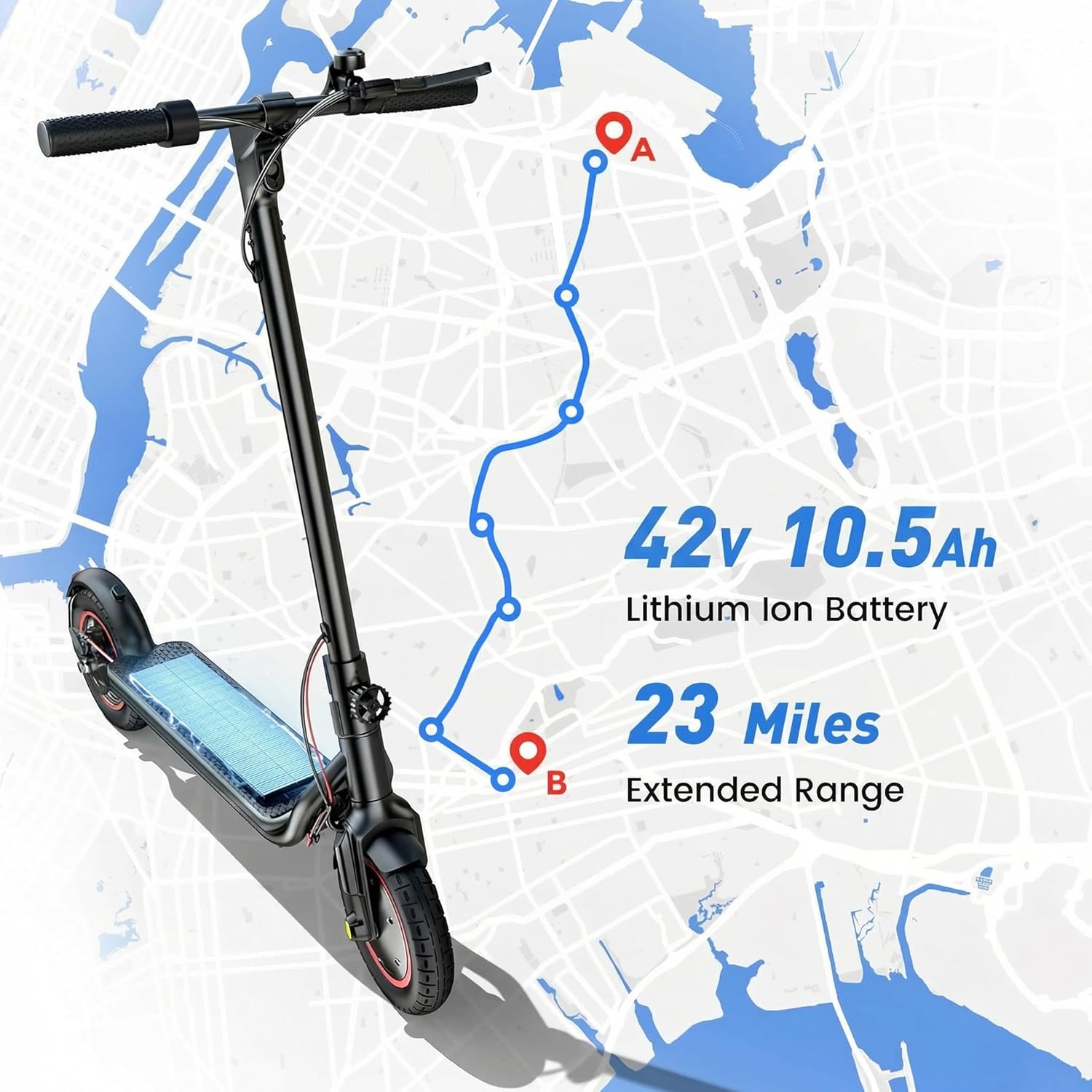
Figure 7: Extended range of up to 23 miles on a single charge.
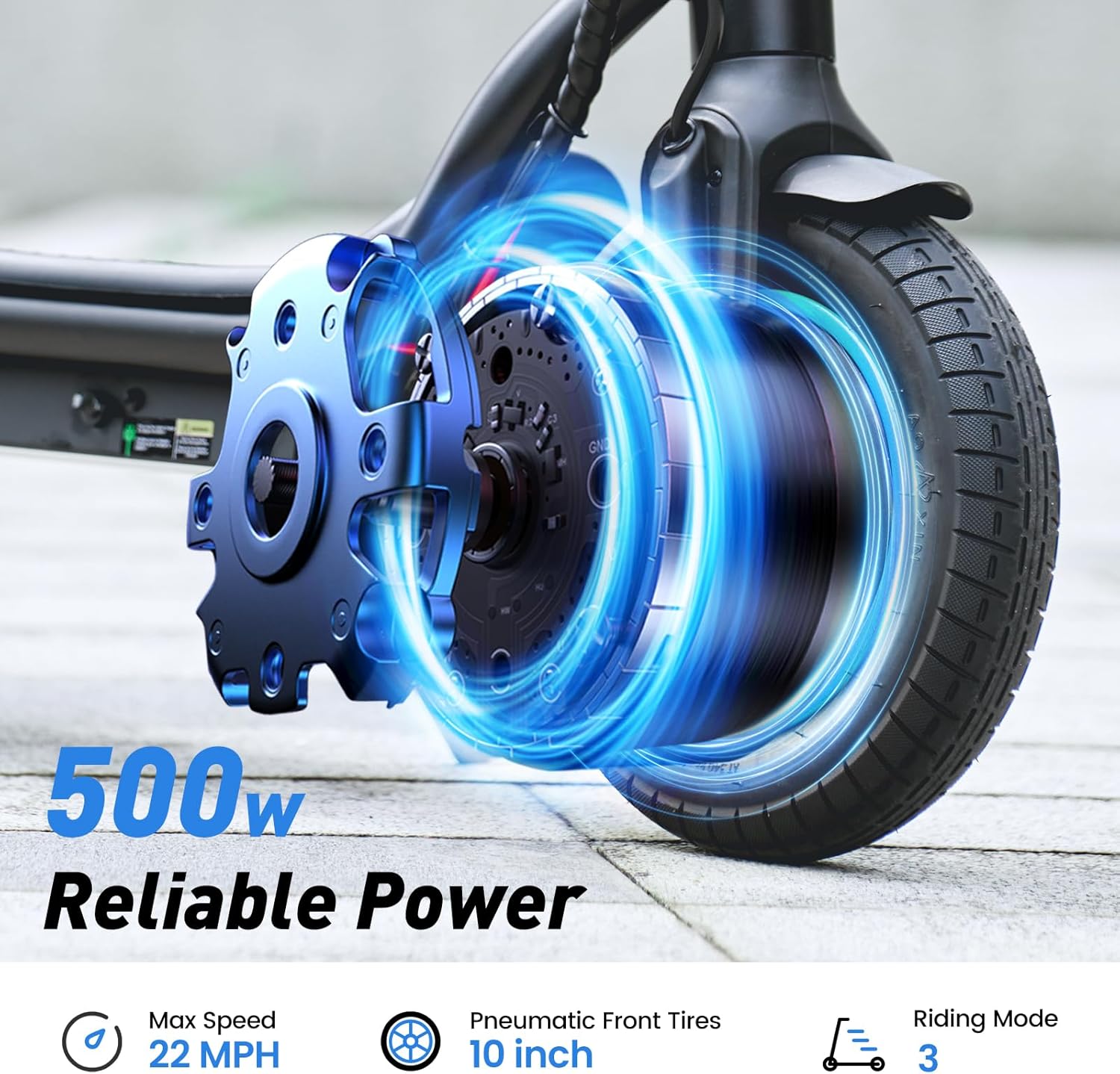
Figure 8: Powerful 500W motor for speeds up to 22 MPH.
8. Warranty and Support
8.1 Warranty Information
ZapRun offers a 365-day or 180-day parts warranty for different components of the scooter. Please refer to the specific warranty details provided with your purchase for more information.
8.2 Customer Support
If you have any questions about your ZapRun electric scooter, require assistance with setup, operation, or maintenance, please contact ZapRun customer service. Our team is available to help you.