
1. Product Overview
The ZGOOD 18L Tabletop Class N High Pressure Steam Sterilizer is an automatic sterilizer designed for efficient and reliable sterilization of instruments and materials. It features a drying function and real-time monitoring of pressure and temperature, offering two preset programs and adjustable duration for specific sterilization requirements.
Key Features:
- Efficient Automatic Sterilization: Operates at 1700W with easy operation, real-time pressure and temperature monitoring, and adjustable sterilization duration beyond preset programs (121°C/50 min, 134°C/40 min).
- Clear LED Display: Three LED displays for pressure, temperature, and dry status, providing clear process and time information.
- Automatic Pressure Release & Drying Function: Automatically releases internal pressure and discharges water/steam after completion. The drying function reduces the drying cycle and improves drying effectiveness for internal components and chambers.
- Durable Stainless Steel Chamber: Constructed from stainless steel with a double-layer stainless steel frame and an aluminum instrument tray for maximum capacity.
- Multiple Security Protections: Includes temperature and pressure overload protection, pressure safety lock (prevents door opening until pressure is zero), and safety door locks (ensures operation only when door is correctly locked).
2. Safety Instructions
Read all instructions carefully before operating the sterilizer. Failure to follow safety guidelines may result in injury or damage to the equipment.
- Electrical Safety: Ensure the electrical supply matches the unit's requirements (110 ~ 230 VAC). Do not operate with damaged cords or plugs.
- High Pressure and Temperature: The sterilizer operates under high pressure and temperature. Never attempt to open the door during operation or when the pressure gauge indicates internal pressure. The pressure safety lock prevents opening until pressure is zero.
- Burn Hazard: Surfaces and internal components will be extremely hot after a cycle. Use appropriate protective gear (e.g., heat-resistant gloves) when handling sterilized items or performing maintenance.
- Water Quality: Use only distilled water for operation to prevent mineral buildup and damage to the unit.
- Loading: Do not overload the chamber. Ensure items are arranged to allow proper steam circulation. Disinfection equipment should not be excessive and should not be stacked.
- Ventilation: Ensure adequate ventilation around the unit during operation.
- Emergency Shutdown: In case of malfunction or emergency, immediately switch off the main power.
3. Package Contents
Verify that all items are present upon unpacking:
- Main Sterilizer Unit
- Instrument Racks
- Instrument Tray
- Power Cord
- User Manual
- Measuring Cup (for water)
- Tray Removal Tool
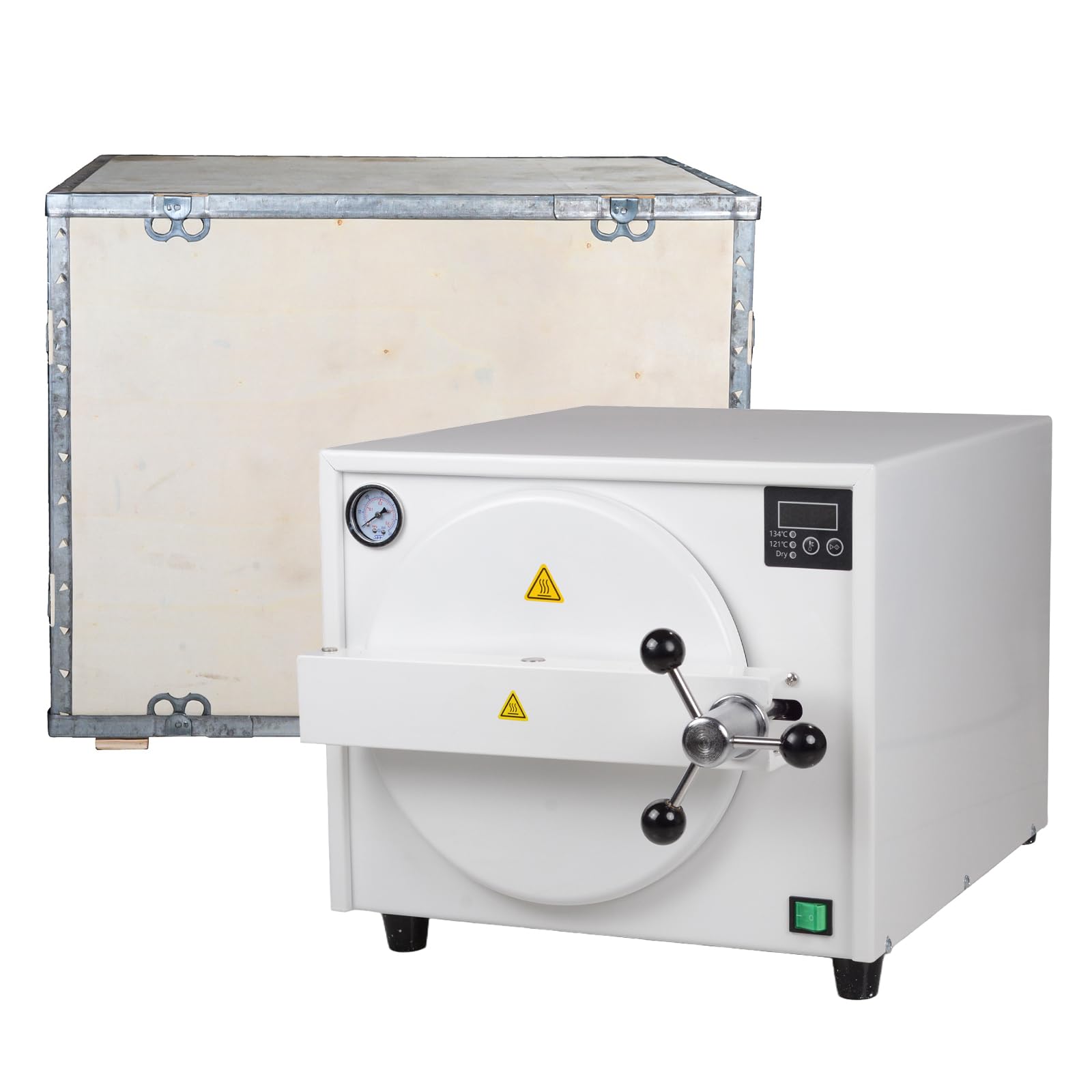
Image: The ZGOOD 18L Autoclave Sterilizer with its door open, revealing the stainless steel interior and instrument racks.
4. Product Components
Familiarize yourself with the main components of the sterilizer:

Image: Labeled diagram illustrating the key components of the ZGOOD 18L Autoclave Sterilizer.
| No. | Component |
|---|---|
| 1 | Pressure Gauge |
| 2 | LED Display |
| 3 | Door Handle |
| 4 | Exhaust Valve |
| 5 | Main Switch |
| 6 | Safety Valve |
| 7 | Power Jack |
5. Setup
- Unpacking: Carefully remove the sterilizer and all accessories from the packaging. Retain packaging for future transport or storage.
- Placement: Place the unit on a stable, level, heat-resistant surface with adequate clearance for ventilation. Ensure it is away from heat sources and direct sunlight.
- Power Connection: Connect the power cord to the sterilizer's power jack and then to a grounded electrical outlet that matches the specified voltage (110 ~ 230 VAC).
- Add Distilled Water: Open the door by rotating the door handle counter-clockwise and pulling the door open. Using the provided measuring cup, add the appropriate amount of distilled water to the chamber. Important: Only use distilled water.
Video: Demonstrates unpacking, adding water, and loading instruments into the sterilizer. This video shows the initial setup and preparation steps for sterilization.
6. Operating Instructions
- Load Instruments: Place instruments and materials to be sterilized onto the instrument racks. Ensure items are not excessively stacked to allow proper steam penetration. Wrapped items can be placed in sterilized cloth.
- Close and Secure Door: Close the sterilizer door and rotate the door handle clockwise to securely tighten it. Ensure the door is fully sealed.
- Power On: Flip the main switch to the "ON" position. The LED display will illuminate.
- Select Sterilization Program: Use the control buttons on the LED display to select the desired temperature (121°C or 134°C) and sterilization time. The unit has preset programs (121°C/50 min; 134°C/40 min) but allows for adjustment.
- Start Sterilization: Press the "Start" button to begin the sterilization cycle. The display will show the current temperature and pressure.
- Monitor Progress: The unit will automatically monitor temperature and pressure. The display will show "End" when the cycle is complete.
- Drying Function: After sterilization, the unit will automatically release pressure and initiate the drying function to ensure items are dry.
- Open Door: Once the display shows "End" and the pressure gauge indicates zero pressure, carefully rotate the door handle counter-clockwise and open the door. Use the tray removal tool to prevent burns when retrieving hot items.
Video: Illustrates the operational steps of the sterilizer, including powering on, setting temperature, starting disinfection, and safely opening the door after the cycle.

Image: Examples of items suitable for sterilization in the autoclave, including exposed metal tools, wrapped items, and cotton fabrics.
7. Maintenance
Regular maintenance ensures optimal performance and longevity of your sterilizer.
- Daily Cleaning: After each use, wipe the interior of the chamber and the door gasket with a soft, damp cloth. Ensure no residue remains.
- Water Drainage: Regularly drain any remaining water from the reservoir. Refer to the specific drainage port location in the product diagram.
- Gasket Inspection: Periodically inspect the door gasket for any signs of wear, cracks, or damage. A damaged gasket can lead to steam leaks and improper sterilization. Replace if necessary.
- Exterior Cleaning: Keep the exterior of the unit clean and free of dust. Use a mild detergent if needed, but avoid abrasive cleaners.
- Storage: If storing the unit for an extended period, ensure it is clean, dry, and stored in a cool, dry place.
8. Troubleshooting
This section addresses common issues you might encounter. For problems not listed here, contact customer support.
| Problem | Possible Cause | Solution |
|---|---|---|
| Unit does not power on | No power supply; Main switch off; Blown fuse | Check power cord connection; Ensure main switch is ON; Check circuit breaker or replace fuse (if accessible and safe). |
| Steam leaks from door | Door not properly sealed; Damaged door gasket | Ensure door handle is fully tightened; Inspect and replace door gasket if damaged. |
| Sterilization cycle does not start | Door not closed properly; Insufficient water; Program not selected | Verify door is securely closed; Check water level and add distilled water if needed; Select a sterilization program. |
| Items are wet after drying cycle | Overloaded chamber; Insufficient drying time; Items too dense | Reduce load size; Increase drying time if adjustable; Arrange items to allow better air circulation. |
9. Specifications
| Feature | Detail |
|---|---|
| Product Name | 18L Autoclave Sterilizer |
| Electrical Supply | 110 ~ 230 VAC |
| Chamber Dimensions (Diameter/Depth) | Ø247 × 340 mm |
| Power | 1700W |
| Working Temperature | 121°C, 134°C |
| Overall Dimensions (Length x Width x Height) | 568 × 419 × 336 mm |
| Net Weight | 25.9 KG |
| Working Time (Preset) | 121°C/50 min; 134°C/40 min |
| Manufacturer | ZGOOD |
| ASIN | B0GS5J185H |
10. Warranty and Support
For warranty information, technical support, or service inquiries, please refer to the contact details provided with your purchase documentation or visit the official ZGOOD website. Keep your purchase receipt as proof of purchase for warranty claims.