
Introduction
The Oura Ring 5 is a compact and lightweight smart ring designed to monitor various health metrics. It features an all-titanium construction for durability and comfort. This manual provides essential information for setting up, operating, maintaining, and troubleshooting your Oura Ring 5.
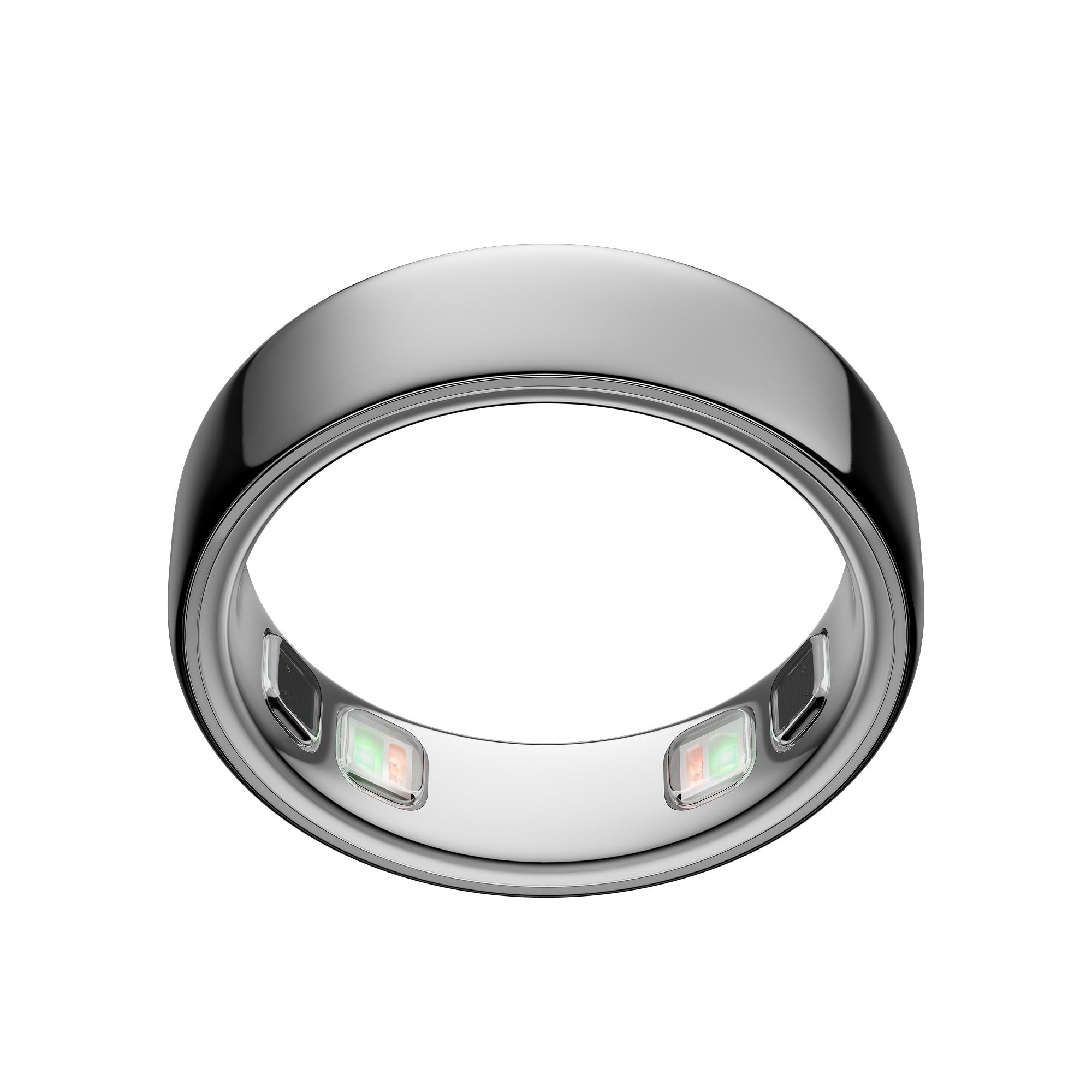
Figure 1: Oura Ring 5 in Silver.
What's in the Box
Verify that all items are present in your Oura Ring 5 package:
- Oura Ring 5
- Oura Ring 5 Charger
- Charging Cable (USB-C)
- Information Booklet
- Quick Start Guide

Figure 2: The Oura Ring 5, its charging dock, and USB-C cable.
Setup
1. Sizing
Accurate sizing is critical for optimal performance. Oura Ring 5 uses a unique sizing system that differs from standard jewelry rings and previous Oura Ring generations. It is highly recommended to use the Oura Ring 5 Sizing Kit to determine your correct size before purchasing the ring.

Figure 3: Oura Ring 5 Sizing Kit, illustrating the process to find your ideal ring size.
2. Charging
Before first use, fully charge your Oura Ring 5. Place the ring on the charging dock, ensuring the sensors align. Connect the USB-C cable to the charging dock and a power source. A full charge typically provides 6-9 days of battery life.
3. App Installation and Pairing
- Download the Oura App from your device's app store (compatible with iOS and Android).
- Open the Oura App and follow the on-screen instructions to create an account or log in.
- Ensure your Oura Ring 5 is charged and near your smartphone. The app will guide you through the Bluetooth pairing process.
Operating the Oura Ring 5
1. Wearing the Ring
Wear the Oura Ring 5 on any finger, with the sensors positioned on the palm side of your finger. This placement allows for optimal pulse signal detection, which is up to 100 times stronger than at the wrist.
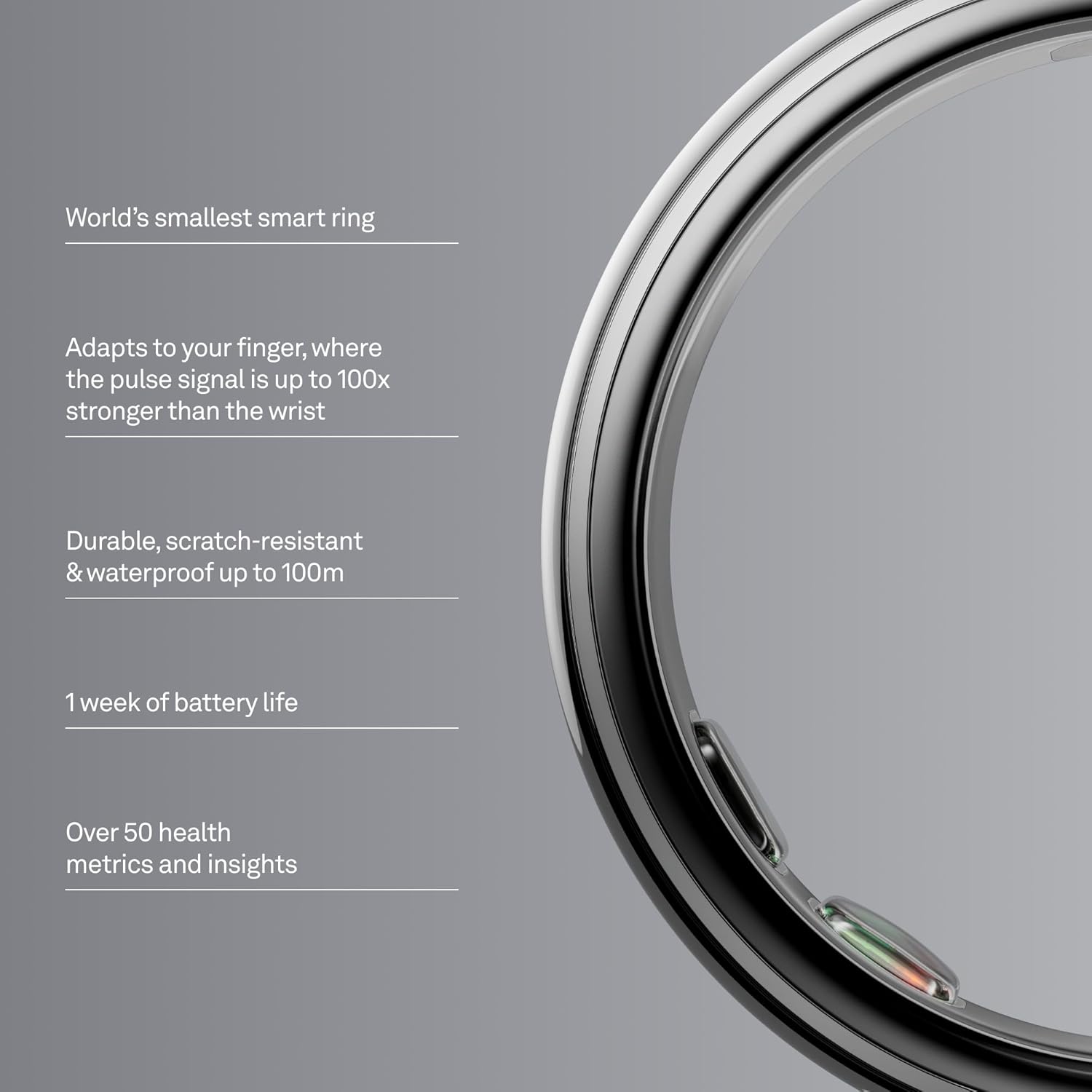
Figure 4: Proper wearing of the Oura Ring 5 to ensure accurate data collection.
2. Health Metrics and Insights
The Oura Ring 5 tracks over 50 health metrics with research-grade accuracy. These include:
- Sleep: In-depth analysis of sleep stages, duration, and quality.
- Activity: Tracks workouts, steps, and overall daily movement.
- Heart Health: 24/7 heart rate monitoring and cardiovascular age insights.
- Stress: Monitors daytime stress levels and resilience.
- Metabolic Health: Provides insights into metabolic responses.
- Women's Health: Includes cycle tracking and pregnancy insights.
The Oura App provides daily insights and guidance based on your data, including an AI Advisor for personalized recommendations.

Figure 5: Example of daily insights and guidance provided by the Oura App.

Figure 6: The Oura App displaying long-term health metrics and trends.
3. App Integration
The Oura Ring 5 seamlessly integrates with over 40 third-party applications, including Natural Cycles and Strava, to enhance your health tracking experience.
4. Water Resistance
The Oura Ring 5 is IP68 waterproof, making it suitable for use during swimming, showering, and other water-related activities up to a depth of 100 meters.
Maintenance
Cleaning
To maintain optimal performance and hygiene, regularly clean your Oura Ring 5. Use a soft, damp cloth to wipe the ring and its sensors. Avoid abrasive materials or harsh chemicals that could damage the finish or sensors.
Durability
The Oura Ring 5 features an all-titanium design, which is engineered to be scratch-resistant and durable for everyday wear.
Troubleshooting
If you encounter issues with your Oura Ring 5, consider the following:
- Connectivity Issues: Ensure Bluetooth is enabled on your smartphone and the Oura Ring is within range. Try restarting the Oura App or your phone.
- Charging Problems: Verify that the charging cable and dock are properly connected and that the ring is correctly seated on the charger. Clean the charging contacts on both the ring and the dock if necessary.
- Inaccurate Data: Confirm that the ring is worn correctly (sensors on the palm side of the finger) and that it fits snugly. Ensure the Oura App is updated to the latest version.
- Battery Life: If battery life is shorter than expected, ensure the ring is fully charged. Frequent app syncing or continuous high-intensity activity tracking can impact battery duration.
For persistent issues, refer to the official Oura support resources or contact customer service.
Specifications
| Feature | Detail |
|---|---|
| Model Name | Ring 5 Smart Ring |
| Model Number | JZ90-61403-08 |
| Brand | OURA |
| Color | Silver |
| Material | Titanium |
| Battery Life | 6-9 Days |
| Battery Type | Lithium Polymer |
| Water Resistance | IP68 (up to 100m) |
| Connectivity | Bluetooth |
| Compatible Devices | Smartphones (iOS and Android) |
| Metrics Measured | Heart Rate, Sleep, Activity, Stress, Metabolic Health, Women's Health |
| Weight | 0.06 kg |
Warranty Information
The Oura Ring 5 is covered by a 2-Year Limited Manufacturer Warranty. This warranty covers defects in materials and workmanship under normal use. For full details regarding warranty coverage and claims, please refer to the Information Booklet included in your product packaging or visit the official OURA website.
Support
For additional assistance, technical support, or frequently asked questions, please visit the official OURA support website. You can also find contact information for customer service in the Information Booklet.
Important Note: An Oura Membership is required to access the full range of features and insights provided by the Oura App. The first month of membership is included for new members. A monthly subscription fee applies thereafter. Membership is linked to your Oura App account, not the physical ring.
The Oura Ring is also HSA/FSA Eligible. This applies to the Oura Ring, additional chargers, and shipping costs. Please check with your administrator or provider for coverage details.


