
Introduction to the Guide
This user guide provides detailed instructions for operating the Uniden BC125AT scanner. It covers essential functions from initial setup and programming to advanced scanning techniques and practical field applications. The BC125AT is designed for monitoring analog VHF/UHF, aviation, marine, and railroad frequencies. This guide aims to assist users in effectively utilizing the scanner's features for various monitoring needs.
Scanner Setup
1. Unpacking and Initial Inspection
Carefully remove all components from the scanner's packaging. Verify that all items listed in the product's packing list are present and undamaged. Retain packaging for future transport or storage.
2. Battery Installation
The BC125AT operates on two AA batteries. Open the battery compartment cover located on the back of the unit. Insert the batteries according to the polarity markings (+ and -) inside the compartment. Close the cover securely.
3. Antenna Connection
Attach the supplied antenna to the antenna connector on the top of the scanner. Ensure the connection is finger-tight to prevent signal loss.
4. Powering On
Press and hold the POWER button until the display illuminates. The scanner will perform a self-test before entering operating mode.
Operating the Scanner
1. Basic Scanning
After powering on, the scanner will begin scanning active channels in enabled banks. Use the SCAN button to start or stop scanning. The HOLD button pauses scanning on the current channel.
2. Programming Banks and Channels
The BC125AT allows organization of frequencies into banks. To program a channel:
- Press MENU.
- Navigate to "Program" using the arrow keys.
- Select the desired bank and channel number.
- Enter the frequency using the keypad.
- Set parameters such as CTCSS/DCS tones, delay, and priority as needed.
- Save the channel.
3. Close Call™ RF Capture
The Close Call feature detects and displays strong nearby radio transmissions. To activate:
- Press FUNC then CLOSE CALL.
- The scanner will search for strong local signals.
- Detected frequencies can be temporarily monitored or saved to a channel.
This feature is useful for identifying unknown active frequencies in a specific location.
4. Creating Scan Profiles
Scan profiles allow for quick switching between different sets of programmed banks and channels tailored for specific situations (e.g., aviation, railroad, emergency). Refer to the scanner's on-screen menu for creating and managing these profiles.
5. Monitoring Specific Frequencies
The BC125AT supports monitoring of various frequency bands including analog VHF/UHF, aviation, marine, and railroad communications. Ensure the correct frequencies are programmed into channels for effective monitoring.
Scanner Maintenance
1. Battery Management
To ensure optimal performance and longevity, use high-quality rechargeable or alkaline AA batteries. Remove batteries if the scanner will not be used for an extended period to prevent leakage. Monitor battery level indicators and replace/recharge as necessary.
2. Cleaning
Clean the scanner's exterior with a soft, damp cloth. Avoid using abrasive cleaners or solvents, which can damage the casing or display. Do not immerse the unit in water.
3. Backup Routines
Regularly back up your programmed frequencies and settings using compatible software (if available for your model) to prevent data loss. This is especially important before performing a factory reset or major firmware update.
Troubleshooting
- No Power: Check battery installation and charge level. Ensure the power button is pressed firmly.
- No Reception/Poor Audio: Verify antenna connection. Check if the squelch level is set too high. Ensure frequencies are correctly programmed and within the scanner's supported range.
- Scanner Not Stopping on Transmissions: Check if the "Hold" function is active. Ensure banks with desired frequencies are enabled for scanning. Verify that CTCSS/DCS tones are correctly set if used.
- Confusing Tones/Signals: Review programmed tone settings for channels. Ensure you understand the difference between analog and digital signals; the BC125AT is an analog scanner.
- Programming Issues: Double-check frequency entries. Consult the programming section of this manual for step-by-step guidance.
Specifications of the User Guide Book
| Attribute | Detail |
|---|---|
| ASIN | B0GR8H26NB |
| Publisher | Independently published |
| Publication Date | March 4, 2026 |
| Language | English |
| Print Length | 111 pages |
| ISBN-13 | 979-8250738422 |
| Item Weight | 12.5 ounces |
| Dimensions | 8.5 x 0.25 x 11 inches |
Note: These specifications pertain to the physical book, "Uniden BC125AT Scanner User Guide." For technical specifications of the Uniden BC125AT scanner itself, please refer to the scanner's official manufacturer documentation.
Warranty and Support
This document is a user guide for the Uniden BC125AT scanner. For specific warranty information regarding the Uniden BC125AT scanner, please refer to the official documentation provided with the scanner unit or contact Uniden customer support directly. For support related to the content of this user guide, please refer to the publisher's contact information if available.
Product Images
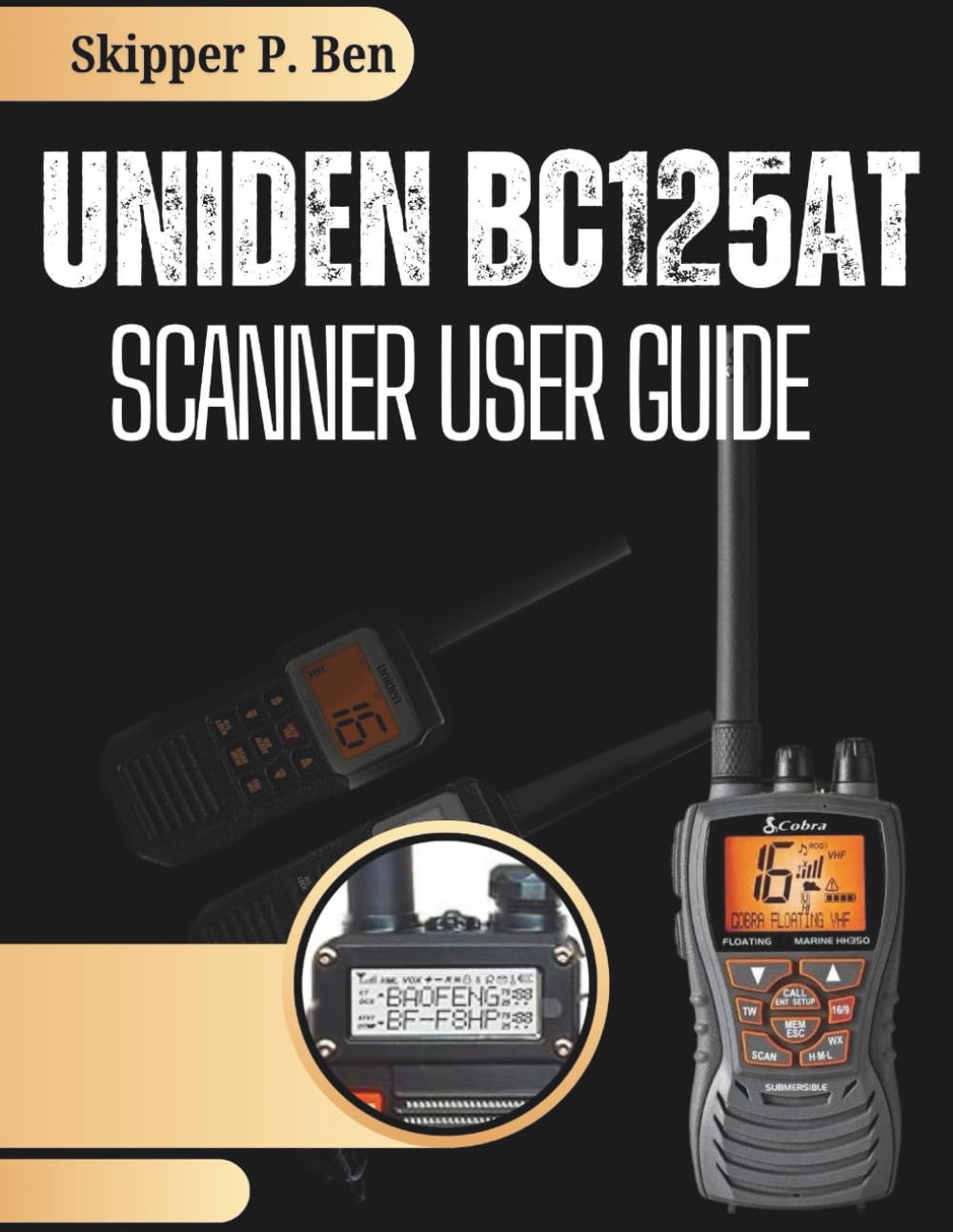
Image: Front cover of the "Uniden BC125AT Scanner User Guide" book. The cover features the title prominently, indicating its purpose as a comprehensive manual for the scanner.

Image: Back cover of the "Uniden BC125AT Scanner User Guide" book. It displays the ISBN barcode and "Copyrighted Material" text, typical for published books.


