
Introduction
This manual provides essential information for setting up, operating, maintaining, and troubleshooting your Wvryrv 15.6 Inch Laptop Computer, Model B16Y. Please read this guide thoroughly to ensure optimal performance and longevity of your device.
What's in the Box
Verify that all items are present in the package:
- 15.6'' Laptop Computer (8GB RAM, 256GB SSD)
- DC Power Adapter (12V 3A)
- USB Flash Drive for OS Installation
- User Manual (this document)
Setup
1. Initial Power On and Charging
Before first use, connect the laptop to the power adapter and charge it fully. The charging indicator light will typically show the charging status.
2. Operating System Setup (Windows 11)
Your laptop comes with Windows 11 pre-installed or with a startup guide for initial setup. Follow the on-screen instructions to complete the Windows setup process. This includes setting up your user account, language, and privacy settings.
Note: Some units may initially have Windows 10 installed and require an upgrade to Windows 11. If this is the case, follow the prompts to download and install Windows 11. This process may take several hours.
3. Connecting to a Network
To connect to the internet, click on the Wi-Fi icon in the taskbar, select your desired network, and enter the password if required. The laptop supports 2.4G and 5G Wi-Fi for strong wireless connections.
4. Connecting Peripherals
Utilize the available ports to connect external devices:
- USB 3.0 Ports: For connecting USB devices like mice, keyboards, or external storage.
- Mini HDMI Port: For connecting to external displays or projectors.
- TF Card Slot: For expanding storage with a Micro SD card.
- Headphone Jack: For connecting headphones or external speakers.
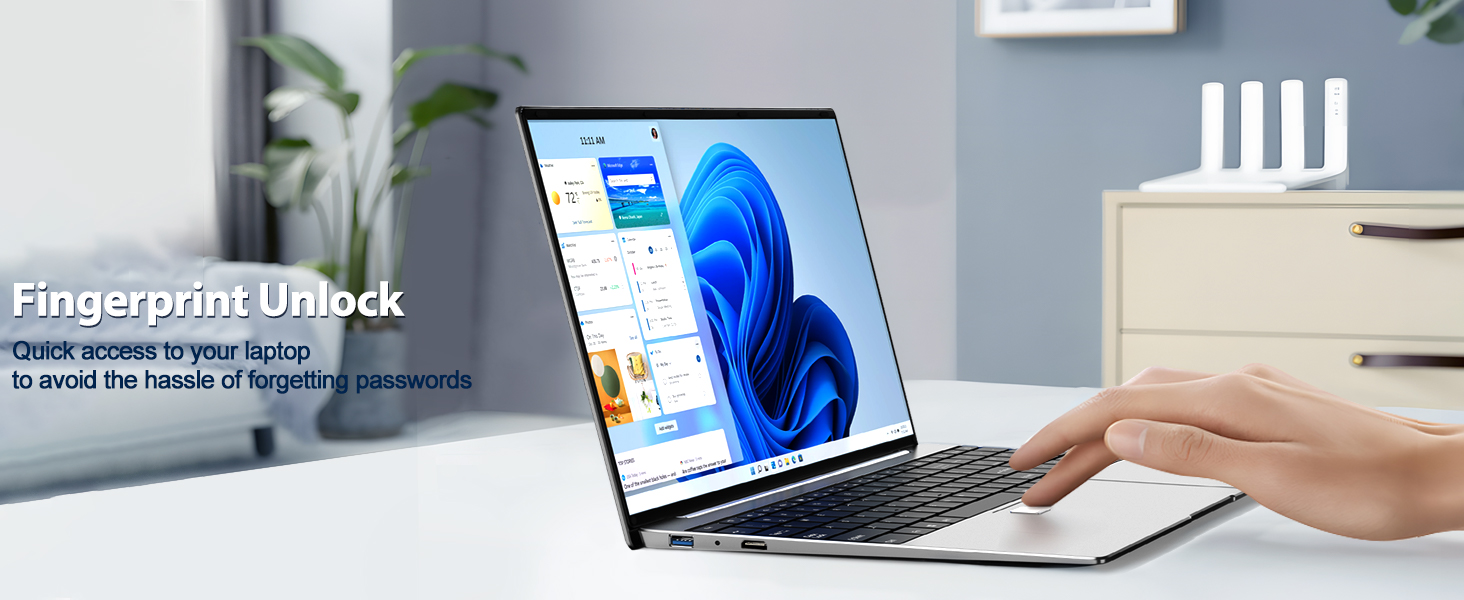
Image: Useful connectivity ports on the Wvryrv laptop.
Operating Instructions
1. Display Features
The laptop features a 15.6-inch Full HD IPS display with a resolution of 1920 x 1080 pixels, offering clear visuals and a wide viewing angle. The 93% screen-to-body ratio provides an expansive viewing area.
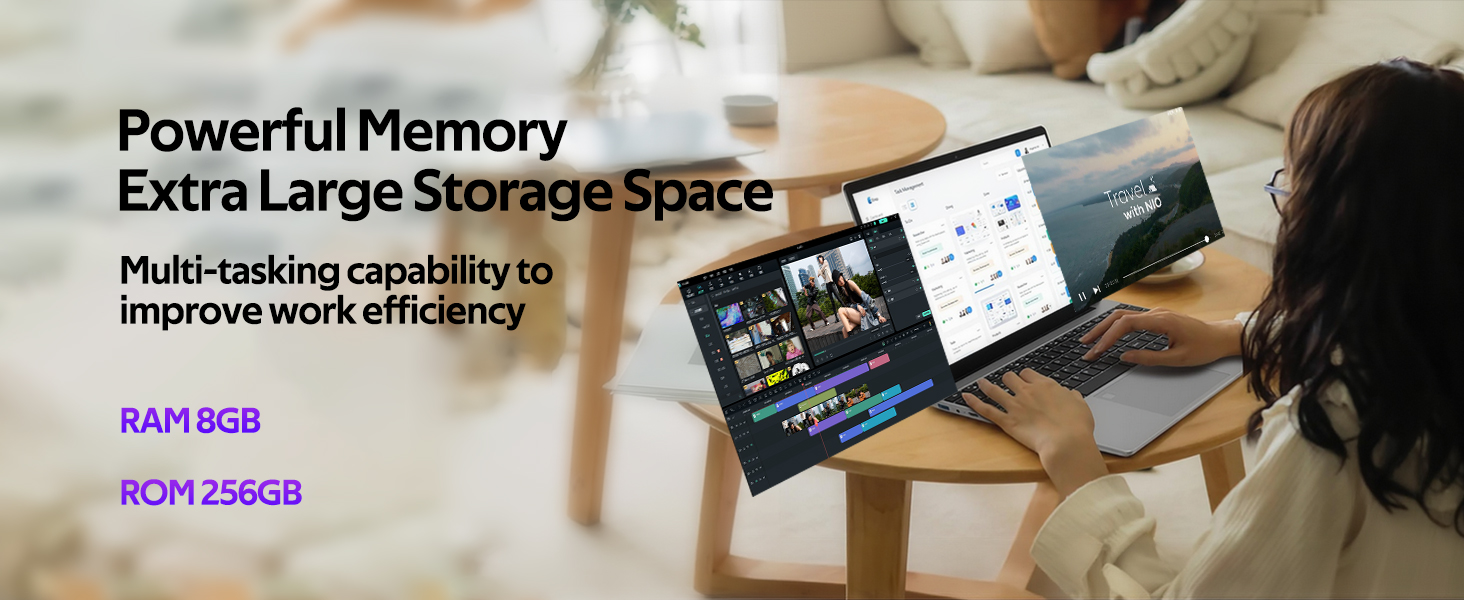
Image: The 15.6-inch Full HD IPS display.
2. Keyboard and Trackpad
The full-size ergonomic keyboard includes a numeric keypad for efficient data entry. The large trackpad provides precise navigation.
- Backlit Keyboard: To adjust the backlight brightness, press the FN + F5 keys. This allows comfortable typing in low-light conditions.
- Fingerprint Unlock: The trackpad integrates a fingerprint reader for secure and convenient login. Simply place your registered finger on the sensor to unlock the laptop.
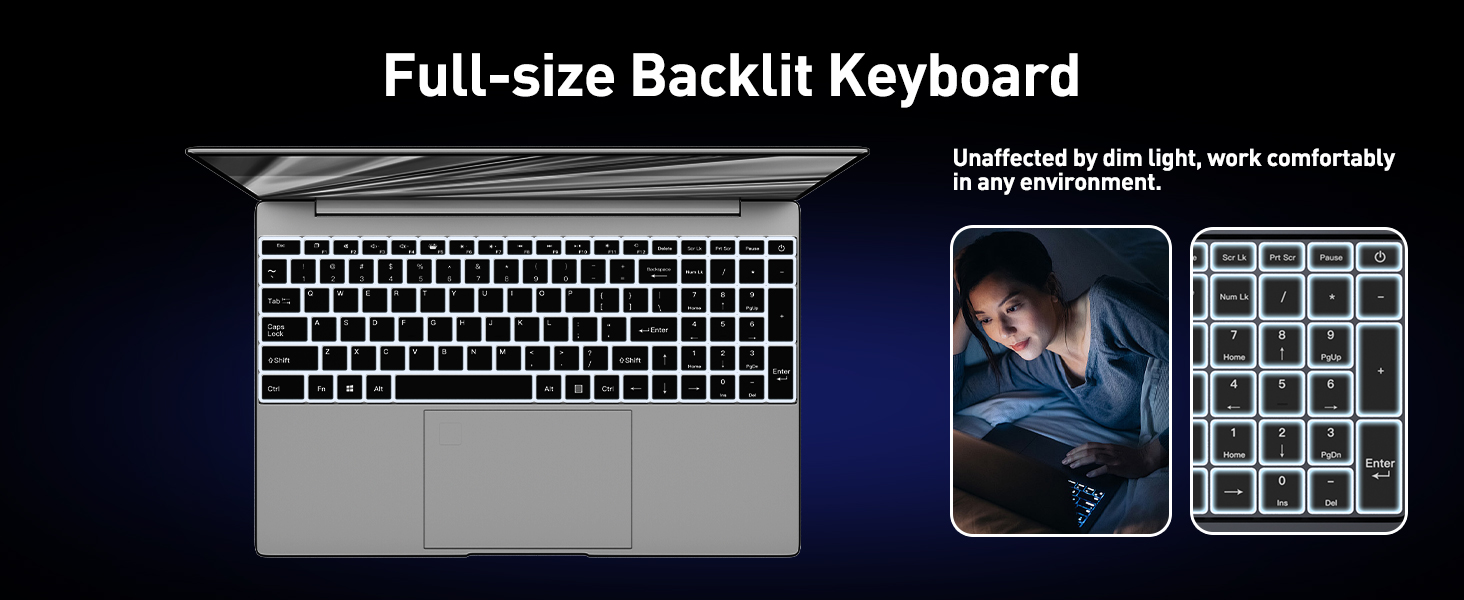
Image: Backlit keyboard and fingerprint unlock feature.
3. Webcam and Audio
The integrated front-facing webcam and stereo speakers are suitable for video conferencing, online learning, and multimedia consumption.
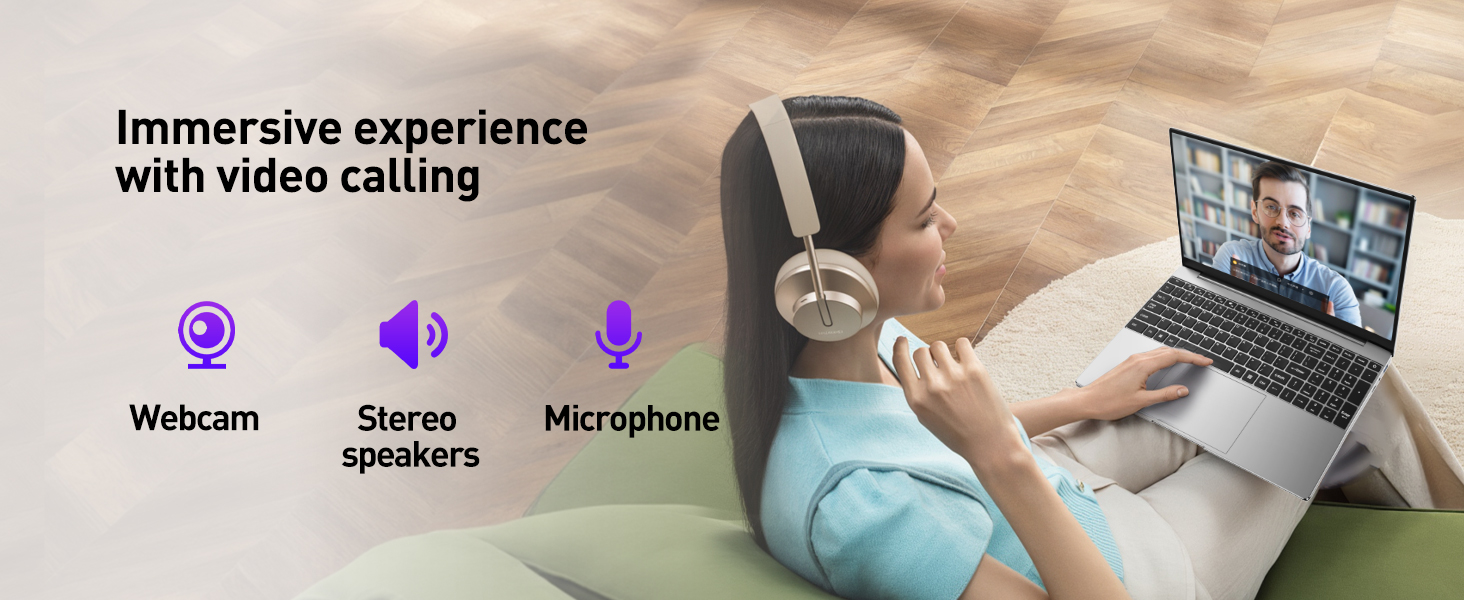
Image: Laptop demonstrating video calling capabilities.
4. Battery Management
The laptop is equipped with a 5000mAh Lithium Polymer battery. Battery life typically ranges from 3-4 hours, with a full charge taking approximately 2.5 hours. To maximize battery life, ensure timely recharging and manage power settings in Windows.
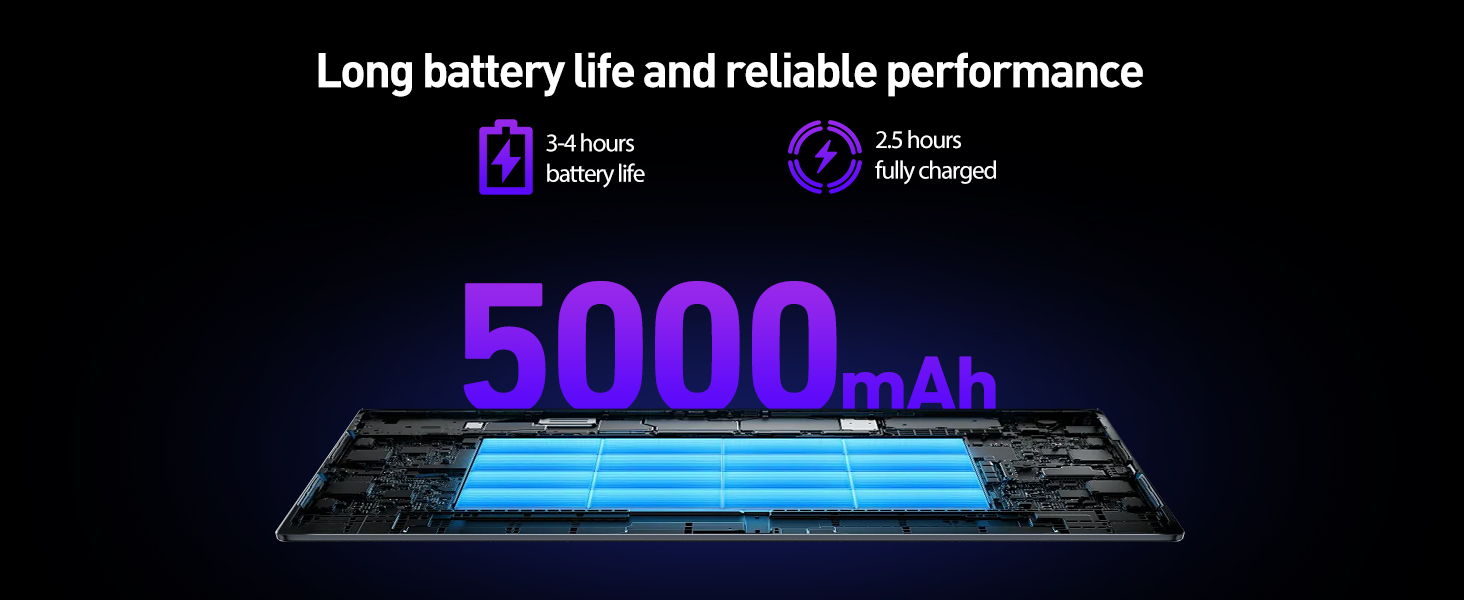
Image: Battery capacity and typical usage times.
Maintenance
1. Cleaning Your Laptop
Use a soft, lint-free cloth to clean the screen and exterior surfaces. For stubborn smudges, dampen the cloth slightly with water or a screen-safe cleaner. Avoid harsh chemicals or abrasive materials.
2. Software Updates
Regularly check for and install Windows updates to ensure system stability, security, and performance. Go to Settings > Windows Update to manage updates.
3. Storage Expansion
The laptop comes with a 256GB SSD. You can expand storage:
- TF Card: Insert a Micro SD card into the TF card slot for additional storage up to 512GB.
- SSD Upgrade: The SSD can be upgraded to a larger capacity, up to 1TB. This procedure should be performed by a qualified technician if you are not comfortable with hardware installation.
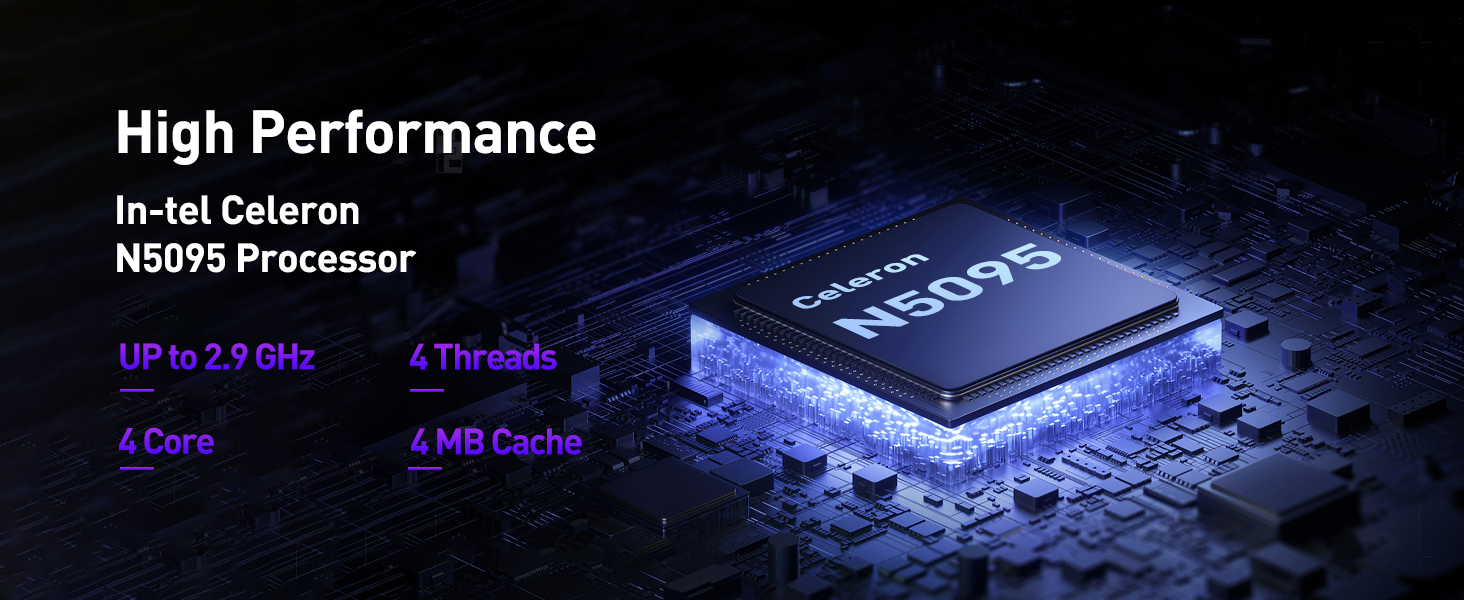
Image: Laptop highlighting memory and storage specifications.
Troubleshooting
- Laptop Not Charging: Ensure the DC power adapter is securely connected to both the laptop and a working power outlet. Verify the power adapter is not damaged. If the issue persists, contact support.
- Slow Performance: Close unnecessary applications, check for background processes, and ensure sufficient free storage space. Regularly run system maintenance tools.
- Wi-Fi Connectivity Issues: Restart your router and laptop. Ensure Wi-Fi is enabled on the laptop and you are connecting to the correct network with the correct password.
- Operating System Issues: If you encounter issues with Windows 11, try using the built-in troubleshooting tools or refer to the USB Flash Drive for OS Installation provided in the box for system recovery options.
Specifications
| Feature | Detail |
|---|---|
| Brand | Wvryrv |
| Model Name | B16Y |
| Screen Size | 15.6 inches |
| Display Resolution | 1920 x 1080 (Full HD IPS) |
| Processor | Intel Celeron N5095 Quad-Core (up to 2.9 GHz) |
| RAM | 8 GB DDR4 |
| Storage | 256 GB SSD (Expandable via TF card up to 512GB or SSD up to 1TB) |
| Operating System | Windows 11 |
| Graphics | Integrated Intel HD Graphics |
| Connectivity | 2x USB 3.0, 1x Mini HDMI, 1x TF Card Slot, 1x Headphone Jack, 1x DC Power Jack |
| Wireless | 2.4G+5G WiFi, Bluetooth 4.2 |
| Special Features | Backlit Keyboard, Fingerprint Reader, Front-facing Webcam |
| Battery | 5000mAh Lithium Polymer (38 Watt Hours) |
| Dimensions | 13.8"L x 9"W x 0.78"Th |
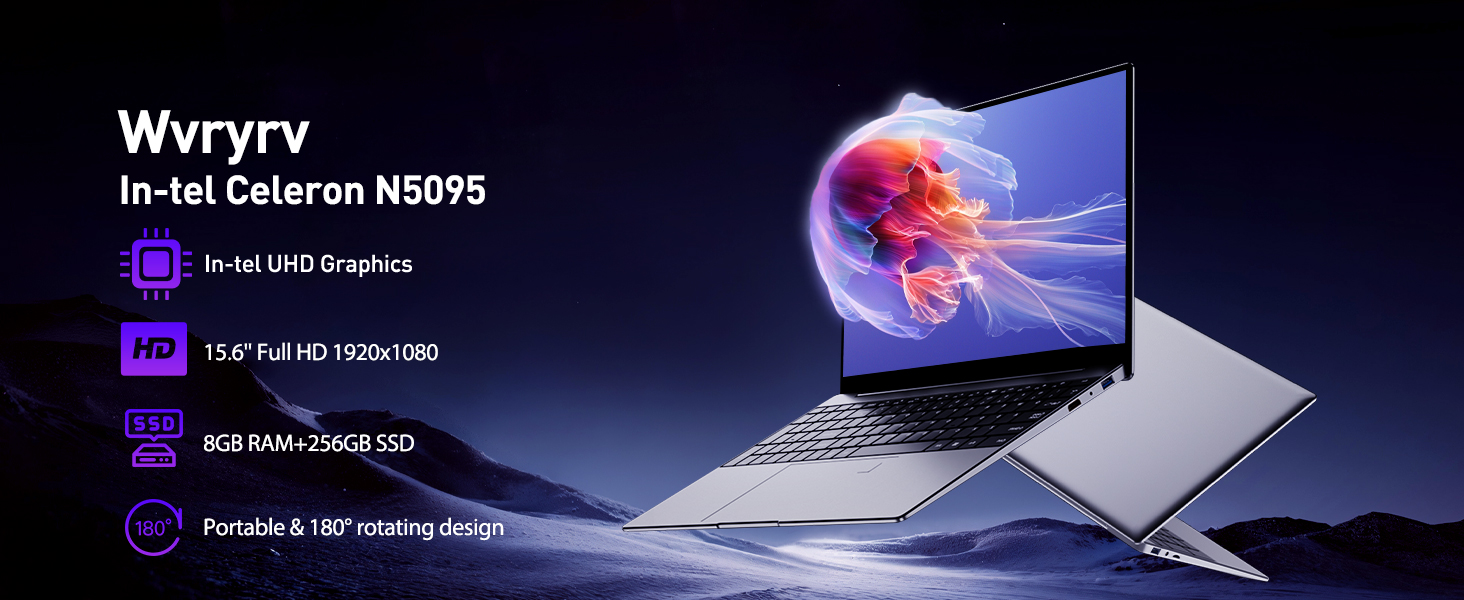
Image: High-performance Intel Celeron N5095 Processor details.
Warranty and Support
Warranty Information
This product comes with a 1-year warranty from the date of purchase. Please retain your proof of purchase for warranty claims.
Customer Support
For any questions, technical assistance, or warranty inquiries, please contact Wvryrv customer support. We aim to respond within 12 hours to help resolve any issues you may encounter.
Refer to the contact information provided with your purchase documentation or on the official Wvryrv website.