1. Introduction
This manual provides instructions for the safe and efficient use of your new Essential Oil Diffuser and Cool Mist Humidifier. This device is designed to disperse a fine mist of water and essential oils into the air, enhancing your environment with pleasant aromas and increased humidity. It features a quiet operation and an automatic shut-off function for safety.
2. Safety Instructions
- Always place the diffuser on a stable, flat surface.
- Do not place the diffuser near heat sources or in direct sunlight.
- Keep out of reach of children and pets.
- Use only clean tap water or distilled water. Do not use hot water.
- Do not exceed the maximum water level indicated inside the tank.
- Unplug the diffuser before cleaning or refilling.
- Do not immerse the unit in water or other liquids.
- Use only the provided USB cable for power.
- If the diffuser is damaged, do not attempt to repair it yourself. Contact customer support.
3. Package Contents
- Essential Oil Diffuser Unit
- USB Power Cable
- User Manual
4. Product Overview
The Essential Oil Diffuser is a compact and portable device designed for personal use in various settings.
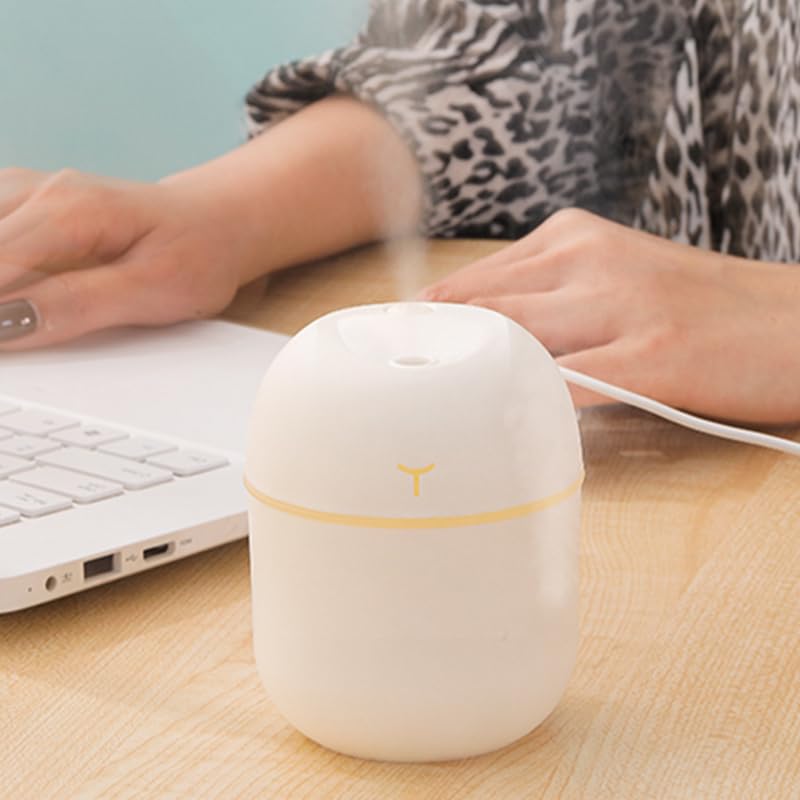
Image 4.1: Front view of the white essential oil diffuser, showcasing its compact design and minimalist aesthetic.
Key Components:
- Mist Outlet: Located at the top, where the cool mist is released.
- Power Button/Mist Control: A single button for controlling power and mist modes.
- Light Control: Integrated with the power button for controlling the LED light.
- Water Tank: Internal reservoir for water and essential oils.
- USB Power Port: Located on the side for connecting the power cable.
- Cotton Swab: Located inside the mist outlet, responsible for absorbing water.
5. Setup Instructions
Follow these steps to set up your diffuser for the first time:

Image 5.1: Visual guide for setting up the diffuser. From top-left to bottom-right: removing the cover to access the cotton swab, filling the water tank with clean tap water, connecting the USB charging cable, and pressing the button to initiate humidification.
- Remove the Cover: Gently twist and lift the top cover of the diffuser.
- Prepare Cotton Swab: For first-time use, remove the cotton swab and soak it completely in water for a few minutes until fully saturated. Reinsert the soaked cotton swab into its housing.
- Add Water: Fill the water tank with clean tap water or distilled water. Do not exceed the maximum fill line. You may add 2-3 drops of essential oil directly into the water if desired.
- Replace Cover: Securely place the top cover back onto the diffuser.
- Connect Power: Plug the USB cable into the diffuser's power port and connect the other end to a suitable USB power source (e.g., computer, wall adapter).
6. Operating Instructions
The diffuser features simple one-button operation for mist and light functions.
Video 6.1: Demonstration of the diffuser's setup and operation, including adding water, connecting power, and activating mist and light functions. The video shows the diffuser producing a fine mist and cycling through its colorful light options.
Mist Control:
- First Press: Press the power button once to turn on continuous mist mode. The diffuser will operate for approximately 4 hours before automatically shutting off.
- Second Press: Press the power button a second time to switch to intermittent mist mode (3 seconds on, 3 seconds off). This mode operates for approximately 8 hours before automatic shut-off.
- Third Press: Press the power button a third time to turn off the mist function.
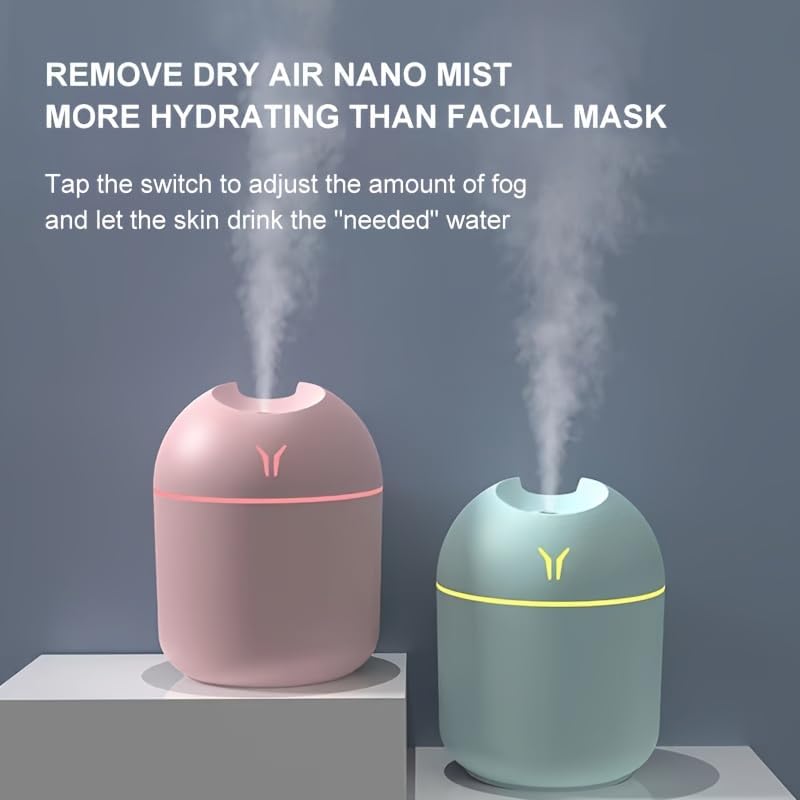
Image 6.2: Two diffusers in operation, releasing a fine, cool mist into the air, demonstrating their humidifying capability.
Light Control:
- Long Press (1.5 seconds): Press and hold the power button for 1.5 seconds to turn on the colorful LED light. The light will cycle through various colors.
- Long Press Again: Press and hold the power button for another 1.5 seconds to turn off the LED light.
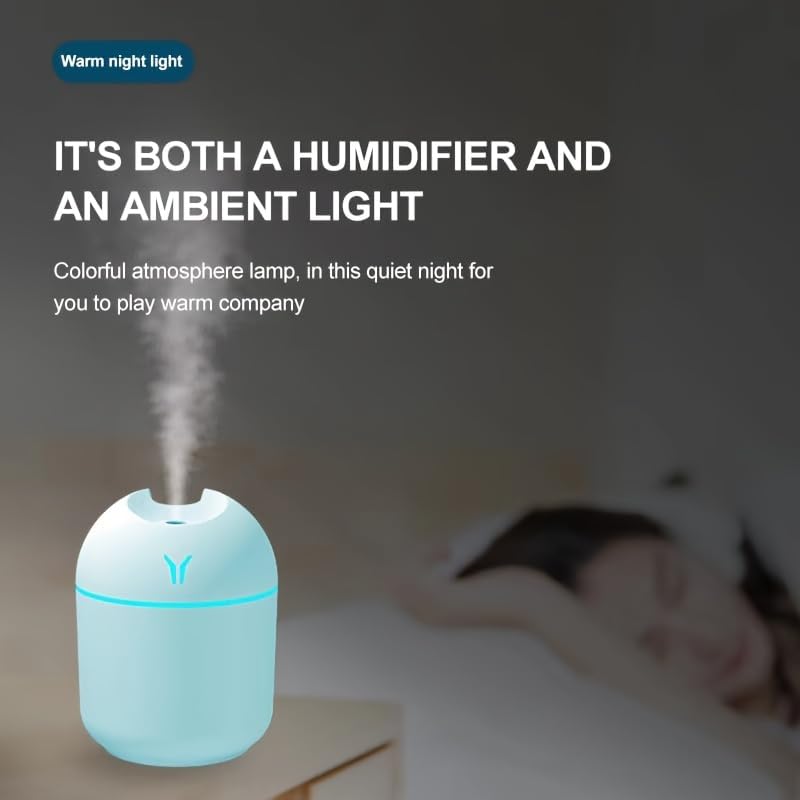
Image 6.3: The diffuser operating with its warm night light feature, providing a soft, ambient glow suitable for nighttime use.
7. Maintenance
Regular cleaning ensures optimal performance and extends the lifespan of your diffuser.
Cleaning the Water Tank:
- Unplug the diffuser and remove the top cover.
- Empty any remaining water from the tank.
- Wipe the inside of the water tank with a soft cloth or sponge. For stubborn residue, use a small amount of white vinegar diluted with water.
- Rinse thoroughly with clean water and dry completely before next use.
Cleaning the Mist Outlet and Cotton Swab:
- Gently wipe the mist outlet with a cotton swab or soft cloth to remove any mineral buildup.
- The cotton swab should be replaced every 1-3 months, depending on usage and water quality, to maintain mist output.
8. Troubleshooting
If you encounter any issues, please refer to the following table before contacting support.
| Problem | Possible Cause | Solution |
|---|---|---|
| No mist or weak mist | Low water level Dry cotton swab Mist outlet blocked Cotton swab not properly installed | Refill water tank Soak cotton swab thoroughly Clean mist outlet Ensure cotton swab is fully inserted |
| Diffuser not turning on | No power Faulty USB cable | Check USB connection and power source Try a different USB cable or power source |
| Water leaking | Overfilled water tank Cover not properly sealed | Do not exceed max fill line Ensure cover is securely closed |
| Light not working | Light function not activated | Press and hold the power button for 1.5 seconds to activate light |
9. Specifications
| Feature | Detail |
|---|---|
| Product Type | Essential Oil Diffuser / Cool Mist Humidifier |
| Power Input | DC 5V (via USB) |
| Water Tank Capacity | Approximately 200ml (specific capacity not provided, typical for compact diffusers) |
| Mist Output | Continuous and Intermittent modes |
| Operating Time | Continuous: ~4 hours; Intermittent: ~8 hours (approximate, depends on water level) |
| Lighting | Colorful LED Light |
| Auto Shut-Off | Yes, when water level is low or after set operating time |
| Material | ABS/PP (typical for diffusers) |
10. Warranty and Support
This product comes with a standard manufacturer's warranty. Please refer to the packaging or contact your retailer for specific warranty terms and conditions.
For technical support or inquiries, please contact the seller or manufacturer through the platform where the product was purchased.


