
1. Introduction
This manual provides comprehensive instructions for the safe and effective use of your ATN Thor 6 Mini Compact Thermal Scope, Model TIWST6M215-ATN. Please read this manual thoroughly before operating the device to ensure proper setup, operation, and maintenance. This thermal scope is designed for detecting heat signatures in various environments, offering advanced imaging capabilities for outdoor activities.
2. Safety Information
- Do not look directly at intense light sources (e.g., the sun) through the scope, as this may damage the sensor and your eyes.
- Keep the device away from extreme temperatures, direct sunlight, and high humidity.
- Handle the device with care to prevent physical damage.
- Ensure the device is securely mounted before use to prevent injury or damage.
- Use only approved batteries and charging accessories.
- Do not attempt to disassemble or modify the device, as this will void the warranty and may cause damage.
3. Package Contents
Verify that all items are present in your package:
- ATN Thor 6 Mini Compact Thermal Scope
- 1x 18650 Battery
- USB Type-C Cable
- Battery Charger
- Heated Target for Zeroing
4. Product Overview
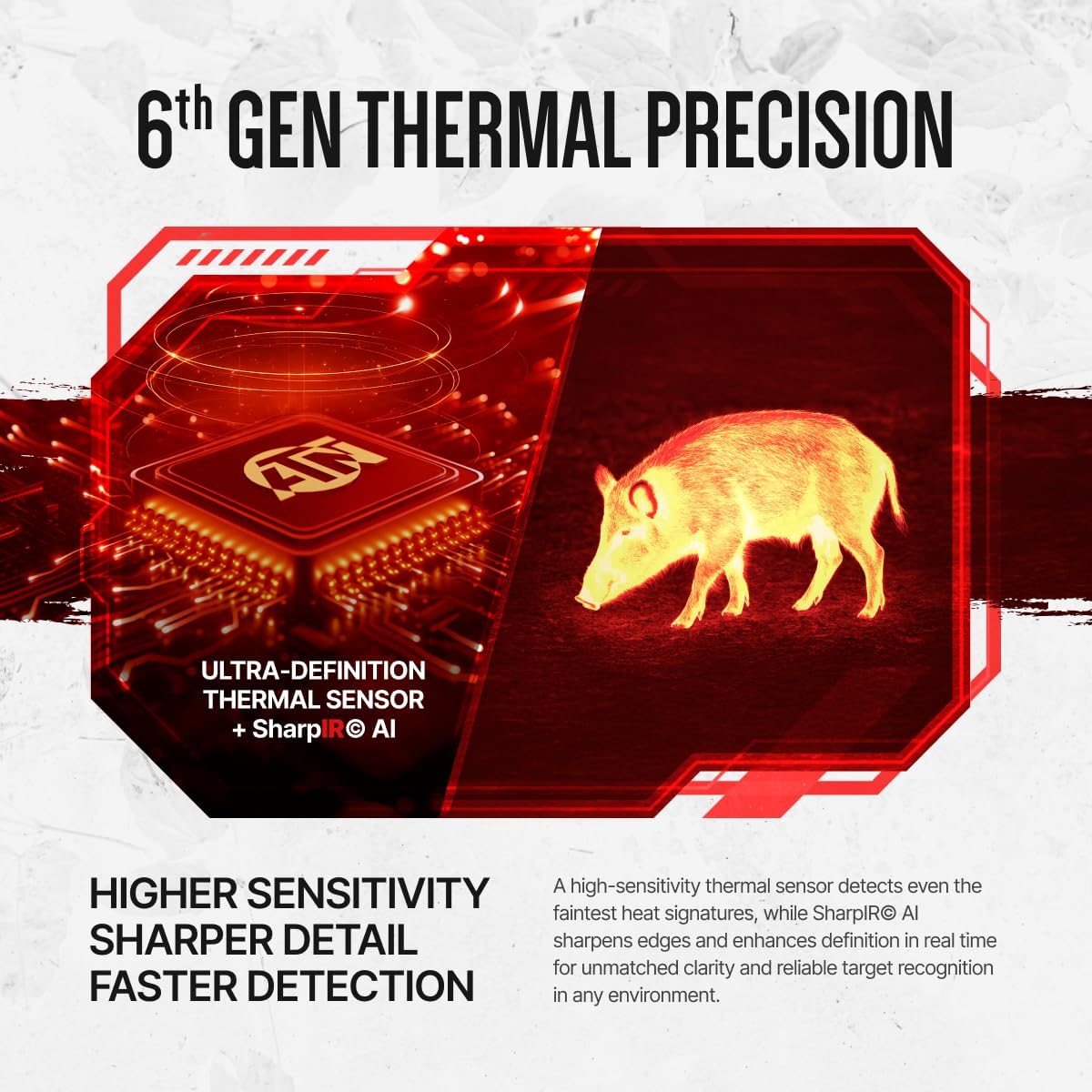
The ATN Thor 6 Mini is a compact thermal scope designed for enhanced detection and clarity. It features a 256x192 sensor with a 2-16x magnification range, utilizing a 12µm core and ≤20mK NETD for detailed thermal imaging.


Product Overview Video
This video provides a visual overview of the ATN Thor 6 Mini Thermal Scope, demonstrating its physical features and basic functionality.
5. Setup
5.1 Battery Installation
- Locate the battery compartment on the device.
- Insert the provided 18650 battery, ensuring correct polarity.
- Close the battery compartment securely.
- Charge the battery using the provided USB Type-C cable and battery charger before first use.
5.2 Mounting the Scope
The ATN Thor 6 Mini is designed for Picatinny rail mounting. Ensure your rifle has a compatible rail system.
- Align the scope's mounting mechanism with the Picatinny rail.
- Secure the scope firmly using the appropriate fasteners. Refer to your rifle's manual for specific mounting instructions if needed.
- Verify that the scope is stable and does not wobble.
5.3 Initial Power-On and Zeroing
- Press and hold the power button to turn on the device.
- Follow the on-screen prompts for initial setup, including language and time settings.
- To zero the scope, use the provided heated target. Place the target at a known distance.
- Access the zeroing menu in the scope's settings.
- Adjust the reticle to align with the point of impact on the heated target. The Zeroing Freeze feature can assist in precise adjustments.
- Save your zeroing profile. The scope supports storing up to five weapon profiles.

6. Operating Instructions
6.1 Basic Controls
The scope features an intuitive 3-button control layout for quick adjustments.

- Power Button: Press and hold to turn on/off. Short press for menu access.
- Zoom/Navigation Dial: Rotate to adjust magnification or navigate menus. Press to select.
- Record Button: Short press to start/stop video recording.
6.2 Display Modes and Color Palettes
The OLED display offers crisp visuals. Multiple color palettes are available to adapt to different environments and preferences. Navigate to the display settings to select your preferred palette (e.g., White Hot, Black Hot, Color modes).

6.3 Picture-in-Picture (PIP)
The PIP feature displays a magnified reticle area in a small window at the top of the screen, allowing for precision aiming without losing overall field awareness.

6.4 Hot Point Tracking
This function automatically highlights the warmest object in view, aiding in rapid target identification and acquisition.

6.5 Reticle Transparency Control
Adjust the transparency of the reticle to ensure an unobstructed view of your target, enhancing precision.

6.6 Video and Audio Recording (RAV)
The scope can record video and audio. Recoil Activated Video (RAV) automatically captures the moments before and after a shot, ensuring important events are recorded without manual intervention.

6.7 Wi-Fi and ATN Connect 6 App
Connect your scope to the ATN Connect 6 app via Wi-Fi to stream live video, review recorded content, and manage settings from your mobile device. The scope has 64GB of onboard memory for storage.

7. Maintenance
7.1 Cleaning
- Use a soft, lint-free cloth to clean the exterior of the scope.
- For lenses, use a specialized lens cleaning solution and cloth to avoid scratches.
- Do not use abrasive cleaners or solvents.
7.2 Battery Care
- Recharge the 18650 battery regularly, especially after extended periods of non-use.
- Store the battery in a cool, dry place.
- If storing the device for a long time, remove the battery.
7.3 Storage
- Store the thermal scope in its original packaging or a protective case when not in use.
- Keep it in a dry environment, away from direct sunlight and extreme temperatures.
8. Troubleshooting
| Problem | Possible Cause | Solution |
|---|---|---|
| Device does not power on. | Battery is depleted or incorrectly installed. | Charge the battery. Ensure battery is inserted with correct polarity. |
| Poor image quality. | Lens is dirty; environmental conditions (fog, heavy rain); incorrect display settings. | Clean the lens. Adjust color palette or brightness settings. Wait for improved environmental conditions. |
| Wi-Fi connection issues. | Scope's Wi-Fi is off; incorrect password; device too far from scope. | Ensure Wi-Fi is enabled on the scope. Re-enter password. Move closer to the scope. |
| Zeroing not holding. | Scope not securely mounted; incorrect zeroing procedure. | Check mounting screws. Re-perform zeroing procedure carefully. |
9. Specifications
| Feature | Detail |
|---|---|
| Brand | ATN |
| Model Name | ThOR 6 Mini Compact |
| Model Number | TIWST6M215-ATN |
| Sensor Resolution | 256x192 |
| Pixel Pitch | 12 µm |
| NETD | ≤20 mK |
| Magnification | 2-16x |
| Display | 0.32 inch 800x600 OLED |
| Material | Magnesium Alloy |
| Item Weight | 1.1 Pounds (approx. 500g) |
| Product Dimensions | 7.09"L x 2.56"W x 2.56"H |
| Battery Type | 18650 (up to 8 hours runtime) |
| Mounting Type | Picatinny Mount |
| Internal Storage | 64GB |
| UPC | 658175987659 |
10. Warranty and Support
The ATN Thor 6 Mini Compact Thermal Scope comes with a 5-Year Manufacturer Warranty. For warranty claims, technical assistance, or product support, please contact ATN customer service directly. Refer to the official ATN website for the most up-to-date contact information and support resources.
Online Resources: For additional information, firmware updates, and FAQs, visit the official ATN website.


