
1. Important Safety Information
Please read all instructions carefully before using the AXV ARK-6 Vibration Plate Fitness Platform. Retain this manual for future reference. Improper use can lead to injury or damage to the device.
General Precautions
- Consult your physician before starting any new exercise program, especially if you have pre-existing medical conditions, are pregnant, or have a pacemaker.
- The maximum user weight capacity for this device is 330 lbs (150 kg). Do not exceed this limit.
- Use the vibration plate on a stable, flat, and non-slip surface. Ensure adequate space around the device.
- Keep children and pets away from the device during operation. This is not a toy.
- Do not use the device if you feel dizzy, nauseous, or experience any pain. Stop immediately and consult a physician.
- Unplug the device from the power outlet when not in use or before cleaning.
- Do not immerse the device in water or expose it to excessive moisture.
- Ensure your hands and feet are dry before operating the device.
2. Package Contents
Verify that all components are present and in good condition upon unpacking.
- AXV ARK-6 Vibration Plate Fitness Platform
- Remote Control
- 2 Resistance Bands
- Power Cord
- User Manual (this document)
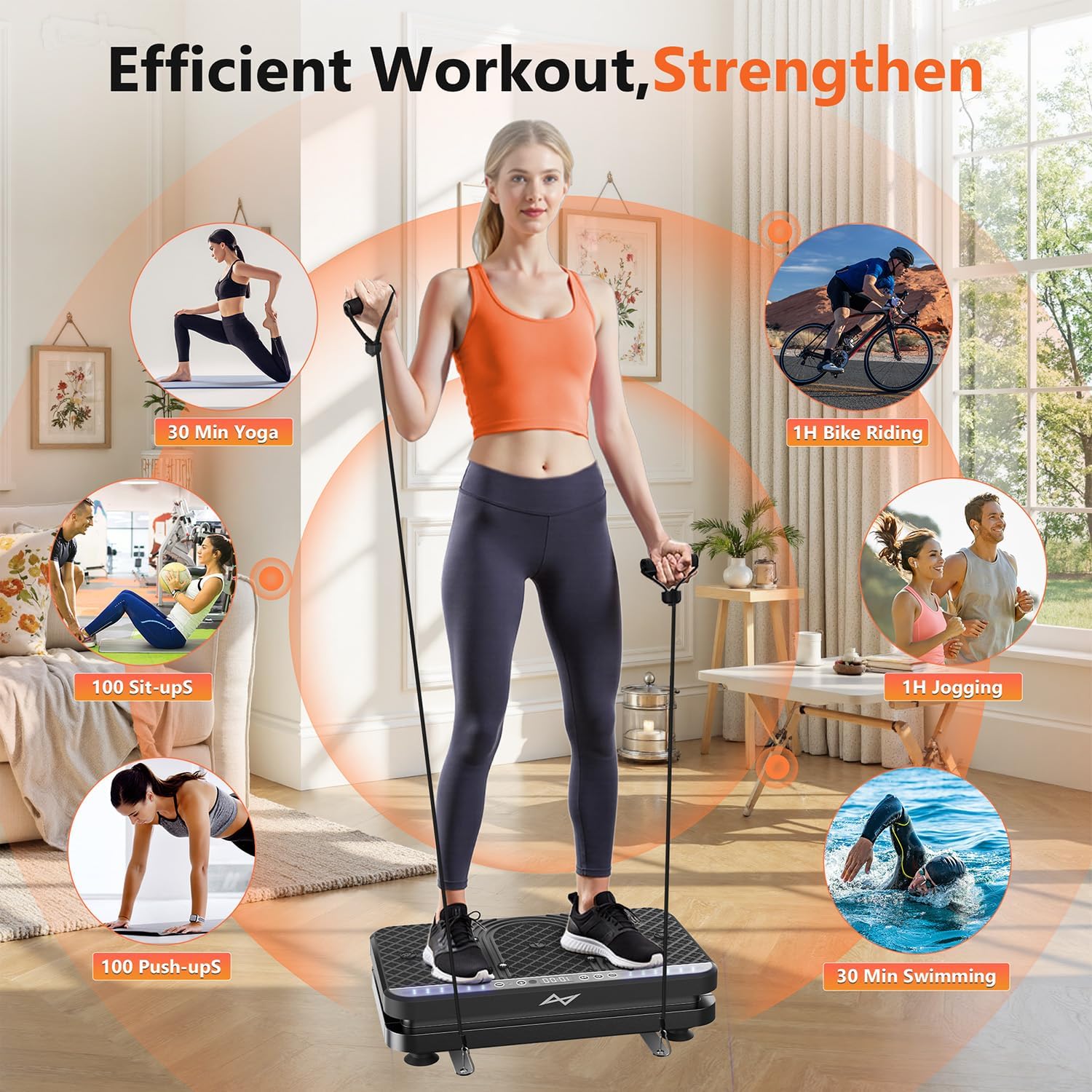
Image: The AXV ARK-6 Vibration Plate, showing the main unit, remote control, and two resistance bands.
3. Setup Instructions
Unpacking and Placement
- Carefully remove all components from the packaging.
- Place the vibration plate on a firm, level floor. Ensure the area is clear of obstructions. The anti-slip rubber sucker feet on the base will help secure the unit.
- Ensure the power switch is in the 'OFF' position before connecting to power.
Connecting Power
- Insert the power cord into the power input port on the side or back of the vibration plate.
- Plug the other end of the power cord into a grounded electrical outlet.
Attaching Resistance Bands
- Locate the hook holes on the sides of the vibration plate.
- Attach the carabiner clips of the resistance bands to these hook holes. Ensure they are securely fastened before use.
4. Operating Instructions
The AXV ARK-6 features an intuitive LED display, touchscreen controls, and a remote control for ease of use.
Powering On/Off
- Flip the main power switch (usually located on the side) to the 'ON' position.
- The LED display will illuminate. Press the 'Power' button on the control panel or remote to start/stop the vibration.
Using the Control Panel and Remote Control
The control panel on the device and the remote control offer similar functionalities:
- Power Button: Starts or stops the vibration.
- Speed Adjustment: Use '+' and '-' buttons to adjust vibration intensity from 1 to 120 levels.
- Mode Selection: Cycle through 5 preset exercise modes. Each mode has a pre-programmed sequence of speed and time.
- Time Setting: Adjust the duration of your workout.

Image: Detailed view of the LED display and the wireless remote control for the vibration plate.
Exercise Postures and Usage
The AXV ARK-6 supports various postures for a full-body workout and relaxation.
- Standing: Stand with feet shoulder-width apart for general vibration. Adjust foot placement to vary intensity (wider stance for more intense vibration).
- Squatting: Perform squats on the platform to engage leg and glute muscles more intensely.
- Seated Use: Place your feet on the platform while seated for circulation and relaxation, or for targeted leg massage.
- Upper Body with Resistance Bands: While standing or sitting on the platform, use the attached resistance bands for arm, shoulder, and back exercises.

Image: A user demonstrating standing on the vibration plate with resistance bands, highlighting the versatility for different exercise types.

Image: A user utilizing the vibration plate while seated at a desk, demonstrating its use for relaxation and promoting circulation during work.
5. Maintenance
Cleaning
- Ensure the device is unplugged before cleaning.
- Wipe the surface of the vibration plate with a soft, damp cloth. Do not use abrasive cleaners or solvents.
- Avoid spraying water directly onto the device.
Storage
The AXV ARK-6 is designed to be compact and easy to store.
- Store the device in a cool, dry place away from direct sunlight and extreme temperatures.
- Its slim design allows it to be stored under furniture or in a closet.
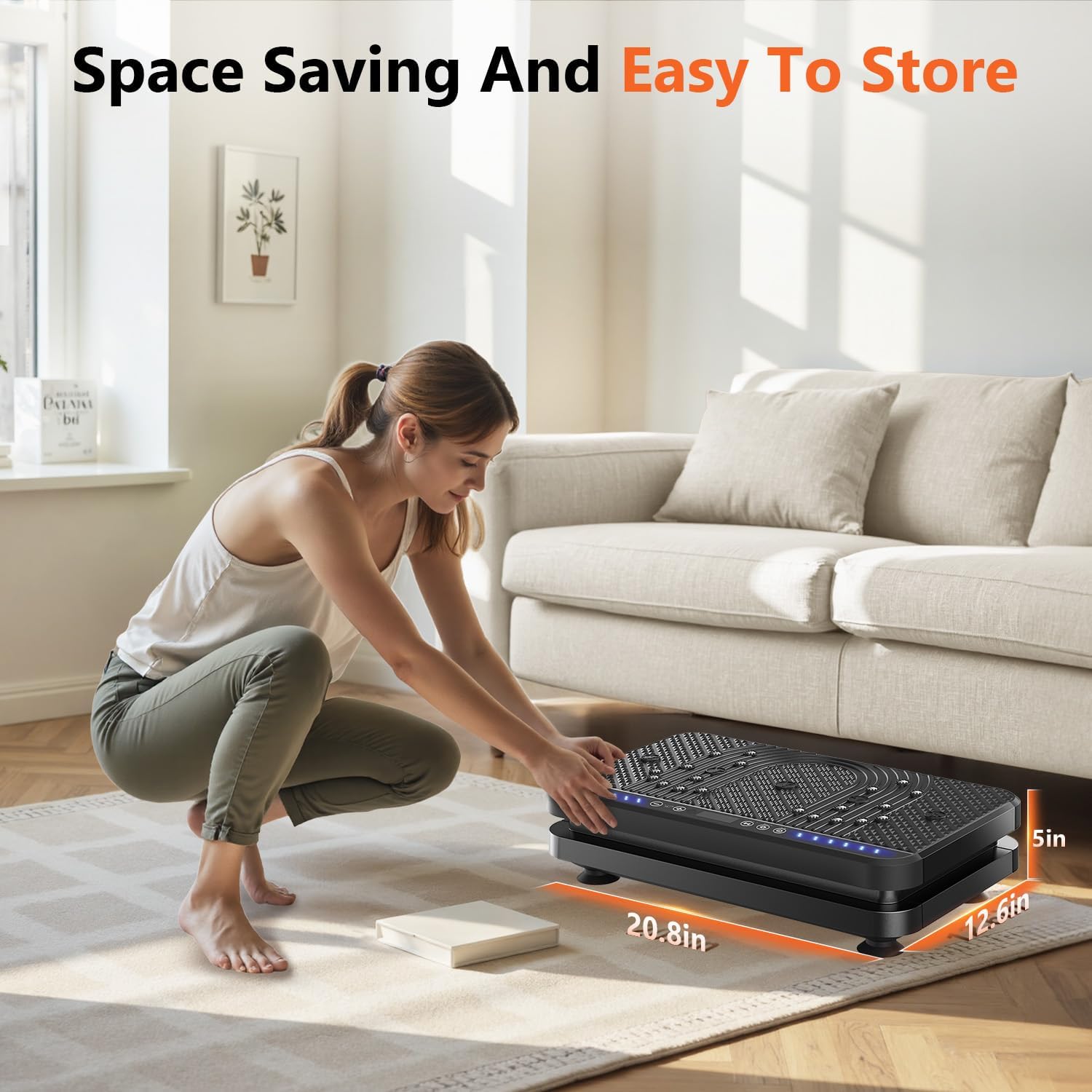
Image: A user easily storing the compact vibration plate, highlighting its space-saving design.
6. Troubleshooting
If you encounter any issues with your AXV ARK-6 Vibration Plate, please refer to the following common problems and solutions:
| Problem | Possible Cause | Solution |
|---|---|---|
| Device does not power on. | Power cord not connected properly; Main power switch is off; Power outlet issue. | Ensure power cord is securely plugged in. Check main power switch is 'ON'. Test outlet with another device. |
| No vibration when started. | Device is paused; Speed setting is too low. | Press the 'Power' button to ensure it's not paused. Increase the speed setting using the '+' button. |
| Remote control not working. | Batteries are dead; Obstruction between remote and device. | Replace remote control batteries. Ensure clear line of sight to the device's receiver. |
| Unusual noise during operation. | Loose component; Device not on a flat surface. | Ensure the device is on a completely flat and stable surface. If noise persists, discontinue use and contact support. |
If the problem persists after attempting these solutions, please contact AXV customer support.
7. Product Specifications
| Feature | Detail |
|---|---|
| Model Name | ARK-6 |
| Brand | AXV |
| Dimensions (L x W x H) | 23.6 x 14.5 x 7 inches (approximate package dimensions) |
| Weight | 8.82 Kilograms (approximate package weight) |
| Material | Premium ABS Plastic |
| Color | BLACK (SLIM-ALLBLACK style) |
| Speed Levels | 1 to 120 |
| Preset Modes | 5 |
| Control Type | Touchscreen, Wireless Remote Control |
| Display | Large LED Panel (shows time, speed, estimated calories burned) |
| Special Features | Magnet health massage function, Anti-slip surface, Ergonomic design |
| Maximum User Weight | 330 lbs (150 kg) |
8. Warranty and Customer Support
Warranty Information
The AXV ARK-6 Vibration Plate Fitness Platform comes with a 1-Year Manufacturer Warranty. This warranty covers defects in materials and workmanship under normal use.
Please retain your proof of purchase for warranty claims. The warranty does not cover damage caused by misuse, accidents, unauthorized modifications, or normal wear and tear.
Customer Support
For any questions, technical assistance, or warranty claims, please contact AXV customer support. Refer to the contact information provided with your purchase or visit the official AXV website for support details.
When contacting support, please have your model name (ARK-6) and purchase date available.