
Introduction
This manual provides comprehensive instructions for the Annaror 12-inch Motion Sensor Ceiling Light. This wired indoor lighting solution is designed for convenience and energy efficiency, featuring adjustable color temperature, dimmable brightness, a dedicated night light mode, and remote control operation. Please read this manual thoroughly before installation and use to ensure proper function and safety.
Safety Information
- Electrical Safety: Always turn off power at the circuit breaker before attempting any installation, maintenance, or repair. Failure to do so may result in electric shock or serious injury.
- Professional Installation: If you are unsure about electrical wiring or installation procedures, consult a qualified electrician.
- Indoor Use Only: This product is designed for indoor use in dry locations. Do not install in areas exposed to water or high humidity.
- Secure Mounting: Ensure the light fixture is securely mounted to a stable ceiling structure to prevent it from falling.
- Voltage: Ensure the supply voltage is compatible with the light fixture (AC 120V).
Package Contents
Verify that all components are present before beginning installation:
- Annaror 12-inch Motion Sensor Ceiling Light
- Remote Control
- Mounting Hardware (screws, wire nuts)
Specifications
| Brand | Annaror |
| Model Number | LS-CL-G24W-M-S/N |
| Size | 12 inches |
| Wattage | 24W |
| Brightness | 2400 Lumens |
| Color Temperature | 3000K (Warm White), 4000K (Natural White), 5000K (Cool White) |
| Night Light Color Temperature | 2000K (Soft Warm) |
| Dimmable Range | 10% - 100% |
| Power Source | AC 120V |
| Control Method | Remote Control |
| Motion Sensor | Yes, 360° detection, 120° sensing angle, 3-8ft detection range |
| Installation Type | Flush Mount |
| Material | Plastic |
Setup and Installation
This light fixture is designed for hardwired installation. Ensure power is OFF at the circuit breaker before proceeding.
- Remove Base: Rotate the light fixture counterclockwise to detach the mounting base from the main light body.
- Fix Mounting Base: Secure the mounting base to the ceiling junction box using the provided screws. Ensure it is firmly attached.
- Connect Wires: Connect the household electrical wires to the light fixture's wires using the provided wire nuts. Typically, connect black to black (live), white to white (neutral), and green/bare copper to green/bare copper (ground).
- Attach Light Fixture: Align the main light body with the mounting base and push it upwards. Rotate clockwise until it locks securely into place.

After installation, restore power at the circuit breaker.
Operating Instructions
Remote Control Functions
The included remote control allows for full customization of the light's settings.

- Power Button (Main Light): Turns the main light ON/OFF.
- Power Button (Night Light): Turns the night light ON/OFF.
- Brightness Adjustment (+/-): Increases or decreases the brightness (10%-100%).
- Mode Selection (G/AUTO): Switches between G Mode and AUTO Mode.
- CCT (Color Temperature): Cycles through 3000K, 4000K, and 5000K for the main light.
- Detection Range: Adjusts the motion sensor's detection range (shorten by 35% or 100% max).
- ON-Mode: Activates the Always-On mode, keeping the light continuously illuminated.
- Hold Time (30s/120s/5Min): Sets how long the light remains on after motion is no longer detected.
- Reset: Resets all settings to default (AUTO mode, 4000K, 100% brightness, 100% detection range, 30s hold time).
Light Modes
The light offers three operational modes:
- AUTO Mode: The light activates only in darkness when motion is detected. This is the default setting.
- G Mode: The light activates when motion is detected, regardless of ambient light conditions (day or night).
- ON Mode: The light remains continuously on, bypassing motion detection.

Color Temperature and Dimmable Brightness
Adjust the main light's color temperature and brightness to suit your preference:
- Color Temperatures: Choose between 3000K (warm white), 4000K (natural white), and 5000K (cool white) using the CCT button on the remote.
- Dimmable: Both the main light and night light support 10%-100% dimmable brightness, adjustable via the +/- buttons on the remote.

Night Light Mode
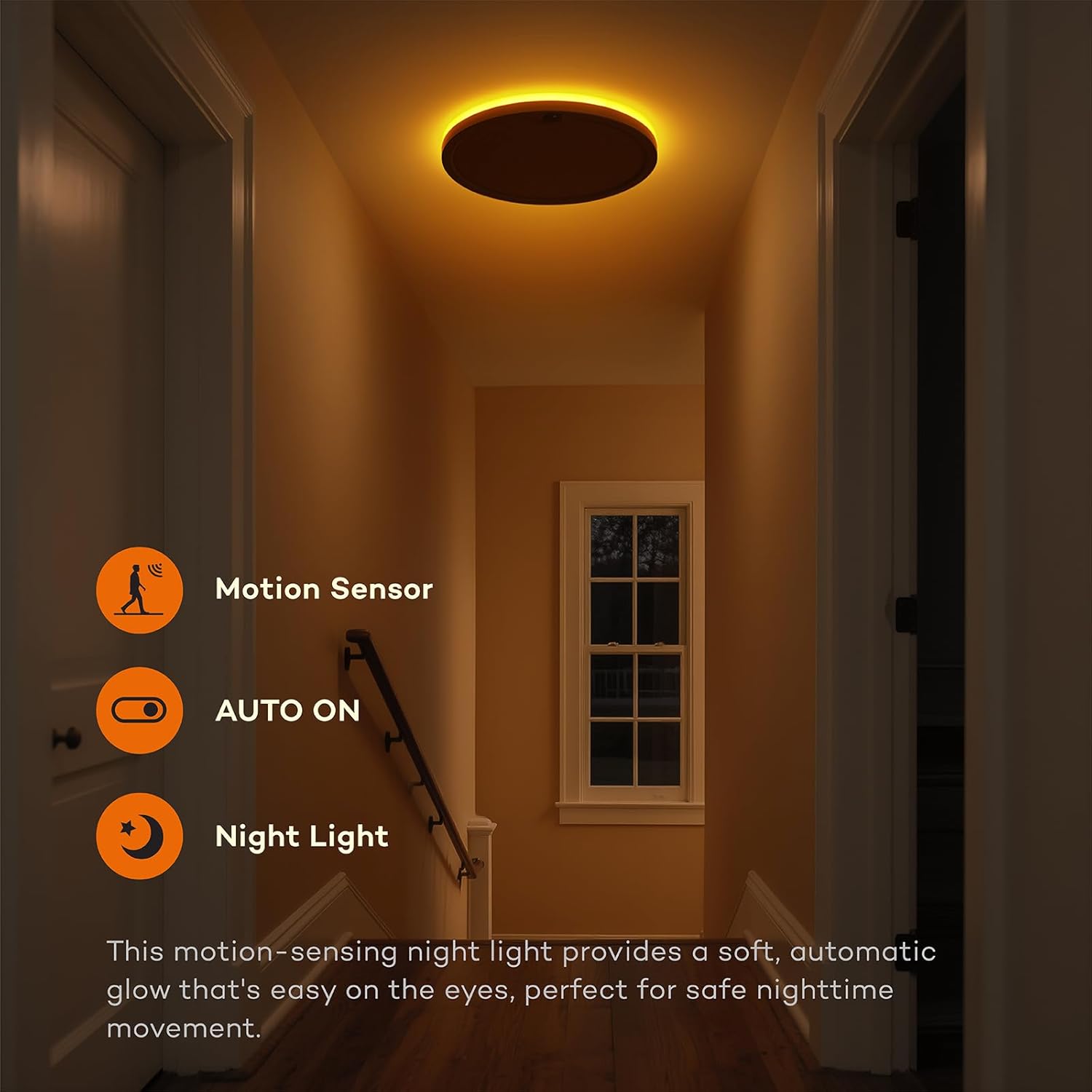
The dedicated night light mode provides a soft, warm glow for nighttime navigation.
- 2000K Warm Light: Emits a gentle 2000K warm light, ideal for hallways, stairs, or nurseries, without harsh glare.
- Activation: Can be activated independently or in conjunction with motion sensing.
Motion Sensor Settings
The integrated motion sensor provides reliable automatic lighting.
- Detection Range: The sensor has a 360° detection range and a 120° sensing angle. The detection distance can be adjusted from 3-8 feet.
- Adjusting Range: Use the 'Detection Range' button on the remote to shorten the range by 35% or set it to 100% maximum.
- Installation Height: Optimal installation height is between 8-11.5 feet.

Official Product Video
Maintenance
To ensure the longevity and optimal performance of your Annaror Motion Sensor Ceiling Light, follow these simple maintenance guidelines:
- Cleaning: Disconnect power before cleaning. Use a soft, dry, or slightly damp cloth to wipe the surface of the light fixture. Do not use abrasive cleaners, solvents, or harsh chemicals, as these can damage the finish or electrical components.
- Inspection: Periodically check the wiring connections and mounting for any signs of loosening or damage.
- Remote Control: Replace the remote control batteries (AAA, not included) when the remote's functionality diminishes.
Troubleshooting
If you encounter issues with your Annaror Motion Sensor Ceiling Light, refer to the following common problems and solutions:
- Light does not turn on:
- Check if the circuit breaker is ON.
- Ensure all wiring connections are secure.
- Verify the remote control batteries are functional and correctly inserted.
- If in AUTO mode, ensure there is sufficient darkness for activation.
- Motion sensor not activating:
- Adjust the detection range settings using the remote control.
- Ensure there are no obstructions blocking the sensor's field of view.
- If in AUTO mode, check ambient light levels; the sensor may not activate if the area is already bright.
- Confirm the light is not in ON mode.
- Light flickers or dims unexpectedly:
- Check all electrical connections for looseness.
- Ensure the power supply is stable.
- Remote control not responding:
- Replace the AAA batteries in the remote control.
- Ensure there are no obstructions between the remote and the light fixture.
Warranty Information
This Annaror Motion Sensor Ceiling Light is covered by a 2-year manufacturer's warranty from the date of purchase. This warranty covers defects in materials and workmanship under normal use. It does not cover damage caused by improper installation, misuse, accidents, or unauthorized modifications.
Customer Support
For any questions, technical assistance, or warranty claims, please contact Annaror customer support. Refer to your purchase documentation for specific contact details or visit the official Annaror website.


