
Introduction
Thank you for choosing the LEMEGA IR6 Internet Radio. This manual provides essential information for setting up, operating, and maintaining your device. Please read it thoroughly to ensure proper use and to fully enjoy the features of your new radio.
Product Overview
The LEMEGA IR6 is a premium stereo internet radio featuring DAB/DAB+, FM, and Bluetooth connectivity, housed in a refined wooden cabinet with an aluminum front panel and handle. It offers access to over 50,000 global stations and podcasts, delivering immersive 2.0 stereo sound.
Key Features:
- Integrated Internet Radio and Podcast Player (50,000+ stations)
- True 2.0 Stereo Sound with two integrated speakers
- DAB/DAB+ and FM Radio with reliable reception
- Bluetooth 5.3 for wireless streaming
- Auxiliary Input for external devices
- Alarm Clock function with radio or buzzer, snooze, and sleep timer
- 150 Presets for Internet, DAB/DAB+, and FM stations
- Rechargeable Lithium Battery (10+ hours autonomy) with USB-C charging
- Elegant wooden cabinet with aluminum front and handle
- Clear color display and headphone output
Components:
The LEMEGA IR6 includes the main radio unit and a power adapter. The device features a clear color display, control knobs, buttons for various functions, an extendable antenna, and a USB-C charging port.

Image: The LEMEGA IR6 radio in a home setting, highlighting its user-friendly interface and design.

Image: Detailed view of the radio's controls and display, emphasizing the quality wood and aluminum construction.
Setup
1. Initial Charging
Before first use, fully charge the LEMEGA IR6 using the provided USB-C cable and power adapter. Connect the USB-C cable to the radio's charging port and the adapter to a power outlet. The charging indicator will show the status.
2. Powering On
Press and hold the Power button (usually integrated with a knob) to turn on the radio. The display will light up.
3. Network Connection (Wi-Fi)
- Upon first power-on, the radio will guide you through the initial setup, including language selection and Wi-Fi network configuration.
- Select your Wi-Fi network from the list.
- Enter your Wi-Fi password using the control knob and buttons.
- Confirm the connection. Once connected, the radio will be ready for Internet Radio and Podcast streaming.
Operating Instructions
Internet Radio and Podcasts
- From the main menu, select "Internet Radio" or "Podcasts".
- Use the navigation controls to browse by country, genre, or popularity.
- Select a station or podcast to begin playback.
- To save a favorite, press the "Presets" button and select an empty slot.
DAB/DAB+ and FM Radio
- Extend the telescopic antenna for optimal reception.
- Select "DAB Radio" or "FM Radio" from the main menu.
- For DAB, the radio will automatically scan for available stations.
- For FM, use the tuning knob to manually scan or select auto-scan.
- Save preferred stations to presets for quick access.
Bluetooth Streaming
- Select "Bluetooth Audio" from the main menu. The radio will enter pairing mode.
- On your smartphone or tablet, enable Bluetooth and search for "LEMEGA IR6".
- Select the radio to pair. Once connected, you can stream audio wirelessly.
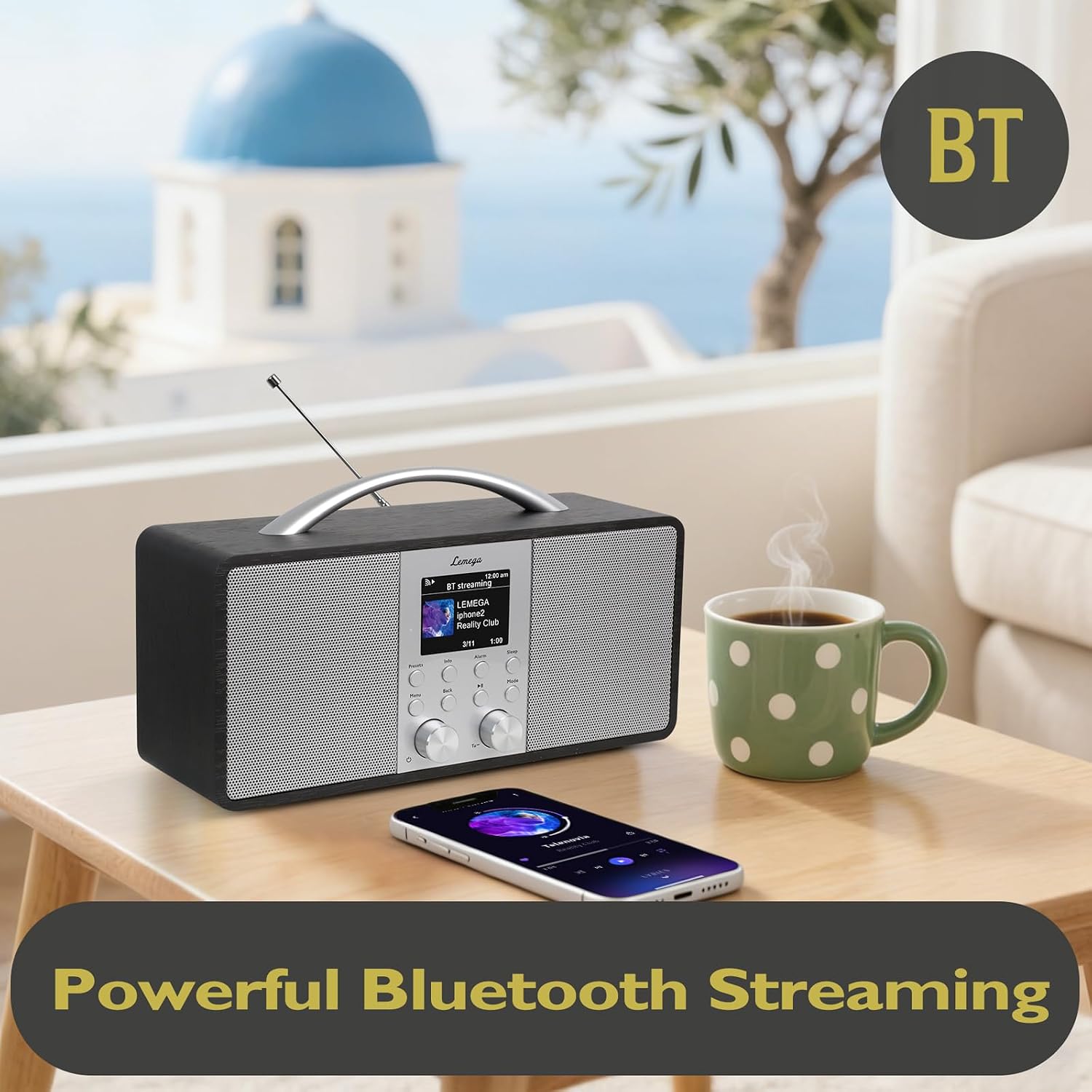
Image: The LEMEGA IR6 connected to a smartphone via Bluetooth, demonstrating wireless audio streaming.
Auxiliary Input
- Connect an external audio device (e.g., MP3 player) to the AUX-in port using a 3.5mm audio cable.
- Select "AUX Input" from the radio's menu.
- Control playback from your external device.
Alarm Clock and Sleep Timer
- Access the "Alarm" settings from the menu to set up one or two alarms.
- Choose your alarm source (Internet Radio, DAB, FM, or buzzer).
- Set the time and volume.
- The "Sleep" timer allows you to set a duration after which the radio will automatically turn off.
Managing Presets
The radio supports up to 150 presets across Internet Radio, DAB, and FM modes. To recall a preset, press the "Presets" button and navigate to your desired saved station.

Image: The LEMEGA IR6 radio used outdoors, illustrating its portability and over 10 hours of battery life.
Maintenance
- Cleaning: Use a soft, dry cloth to clean the radio's surface. Avoid abrasive cleaners or solvents.
- Battery Care: To prolong battery life, avoid fully discharging the battery frequently. Recharge the device when the battery level is low. If storing for an extended period, charge the battery to about 50% and recharge every few months.
- Storage: Store the radio in a cool, dry place away from direct sunlight and extreme temperatures.
Troubleshooting
| Problem | Possible Cause | Solution |
|---|---|---|
| No power / Radio does not turn on | Battery is depleted; Power adapter not connected or faulty. | Connect the radio to the power adapter and allow it to charge. Ensure the power adapter is working correctly. |
| No sound | Volume is too low; Mute function is active; Incorrect audio source selected. | Increase the volume. Check if the radio is muted. Ensure the correct input source (Internet Radio, DAB, FM, Bluetooth, AUX) is selected. |
| Cannot connect to Wi-Fi | Incorrect password; Weak Wi-Fi signal; Router issue. | Double-check the Wi-Fi password. Move the radio closer to the router. Restart your Wi-Fi router. |
| Poor DAB/FM reception | Antenna not extended; Weak signal area. | Fully extend the telescopic antenna. Try repositioning the radio to improve signal reception. |
| Bluetooth pairing fails | Radio not in pairing mode; Device too far; Bluetooth disabled on external device. | Ensure the radio is in Bluetooth pairing mode. Keep the external device within range. Enable Bluetooth on your external device. |
| Battery drains quickly | High volume usage; Old battery; Continuous Wi-Fi/Bluetooth use. | Reduce volume. Ensure the battery is fully charged. If the issue persists, contact customer support. |
Specifications
| Feature | Detail |
|---|---|
| Brand | LEMEGA |
| Model Number | IR6 |
| Color | Black Oak |
| Connectivity Technology | Bluetooth 5.3, Wi-Fi |
| Tuner Technology | DAB/DAB+, FM |
| Power Source | Battery Powered (Rechargeable) |
| Product Dimensions (L x W x H) | 17.5 x 5.4 x 10.6 cm |
| Audio Output Mode | Stereo |
| Display Type | Color Display |
| Compatible Devices | Headphones, Earphones, MP3 Player, Smartphone, Laptop, Tablet, Speaker |
| Included Components | Power Adapter |
| Country of Origin | China |
Warranty and Support
LEMEGA products are designed for reliability and performance. For warranty information, please refer to the documentation included with your purchase or visit the official LEMEGA website. For technical support or further assistance, please contact LEMEGA customer service through their official channels.
You can find more information and support by visiting the LEMEGA Brand Store.


