
1. Important Safety Information
Please read all instructions carefully before assembly and use. Keep this manual for future reference.
- Two Package Delivery: This product ships in two separate packages (fireplace insert and TV stand). Ensure both packages have arrived before beginning assembly. They may arrive on different days.
- Assembly: Follow the provided step-by-step instructions precisely. Incorrect assembly can lead to instability and potential hazards.
- Placement: Place the TV stand on a flat, level, and stable surface. Do not place near water sources or in excessively humid environments.
- Electrical Safety: Ensure the electrical outlet used for the fireplace is properly grounded and rated for the appliance's power requirements (750W/1500W). Do not overload circuits.
- Ventilation: Do not block the air vents of the fireplace insert. Maintain adequate clearance around the unit for proper heat dissipation.
- Overheat Protection: The fireplace is equipped with an automatic overheat protection system. If the unit overheats, it will shut off automatically. Unplug the unit and allow it to cool before restarting.
- Child Safety: Keep children and pets away from the fireplace unit, especially when it is operating. The glass surface can become hot. The fireplace also features a child lock function.
- Weight Capacity: Do not exceed the maximum weight capacity of 300 lbs for the TV stand.
2. Package Contents
Before assembly, verify that all parts are present and undamaged. Refer to the parts list in your separate assembly guide for detailed component identification.

Image: The product is delivered in two separate packages. Ensure both 'Box A' (TV Stand) and 'Box B' (Fireplace Insert) are received before starting assembly.
Typical contents include:
- TV Stand panels and hardware
- Electric Fireplace Insert
- Remote Control for Fireplace
- Remote Control for LED Lighting
- Assembly Hardware (screws, dowels, cam locks, etc.)
- Adjustable Shelves
- Instruction Manual (this document) and Assembly Guide
3. Assembly and Setup
Assembly is required for this TV stand. A detailed, step-by-step assembly guide with diagrams is included in one of your packages. Please follow that guide carefully.
General Assembly Steps:
- Unpack: Carefully unpack all components from both boxes. Lay them out on a clean, soft surface to prevent scratches.
- Identify Parts: Match all parts against the parts list in the assembly guide.
- Assemble TV Stand: Follow the numerical sequence in the assembly guide to construct the main TV stand frame.
- Install Adjustable Shelves: The stand features 3 height-adjustable interior shelves. Insert the shelf pins into the desired holes and place the shelves.
- Integrate Fireplace Insert: Once the TV stand frame is complete, carefully slide the electric fireplace insert into its designated opening. Ensure it is securely seated.
- Cable Management: Utilize the integrated cable management cutouts to organize and route power cords and media cables neatly.
- Final Checks: Ensure all connections are tight and the stand is stable.

Image: Features like adjustable shelves, cable management, and a solid base contribute to the stand's functionality and stability.
4. Operating Instructions
4.1 Electric Fireplace Operation
The fireplace can be operated using the control panel on the unit or the included remote control.

Image: The 3-sided panoramic fireplace offers various settings for flame color, brightness, and heat.
- Power On/Off: Press the power button to turn the fireplace on or off.
- Flame Colors: Cycle through 12 different flame colors using the dedicated button on the control panel or remote.
- Flame Brightness: Adjust the flame brightness through 5 levels to suit your preference.
- Heat Settings: Select between 750W (low heat) and 1500W (high heat) settings. The heater provides supplemental warmth for your room.
- Timer Function: Set the operational timer from 0 to 8 hours. The fireplace will automatically shut off after the set duration.
- Child Lock: Activate the child lock feature to prevent accidental changes to settings. Refer to the fireplace's specific manual for activation/deactivation steps.
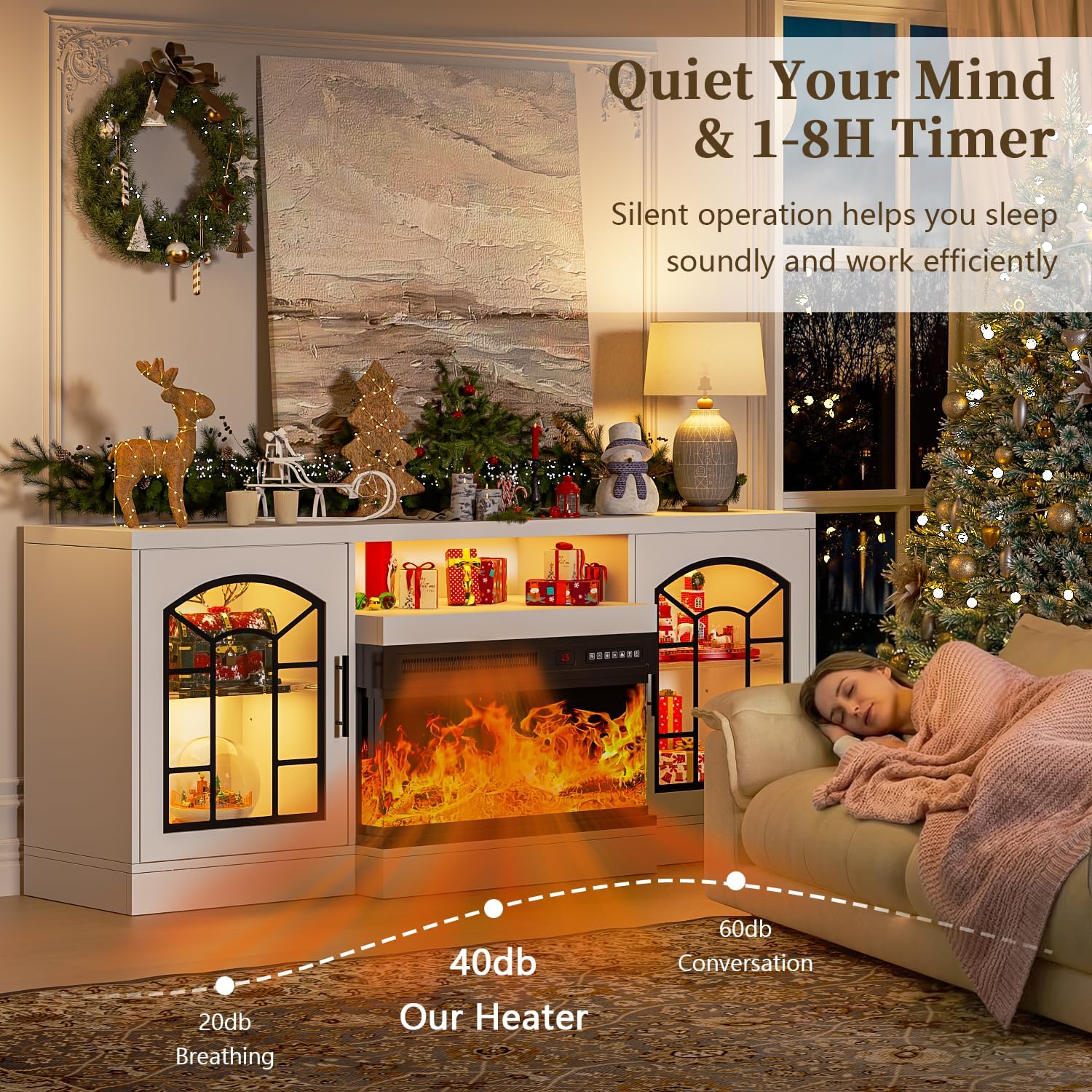
Image: The fireplace operates quietly and includes a timer for convenience.
4.2 RGB LED Lighting Operation
The integrated LED light strips can be controlled via their dedicated remote control.

Image: The TV stand features 20-color RGB LED lighting, customizable via remote control.
- Power On/Off: Use the power button on the LED remote to turn the lights on or off.
- Color Selection: Choose from 20 vibrant colors to match your mood or decor.
- Brightness Control: Adjust the brightness of the LED lights.
- Modes: Some remotes may offer various lighting modes (e.g., fade, jump, strobe). Refer to the LED remote's specific instructions for details.
5. Maintenance
Regular maintenance helps ensure the longevity and safe operation of your TV stand and fireplace.
- Cleaning: Dust the surfaces regularly with a soft, dry cloth. For stubborn marks, use a slightly damp cloth with a mild, non-abrasive cleaner, then wipe dry immediately. Do not use harsh chemicals or abrasive materials.
- Fireplace Cleaning: Ensure the fireplace is unplugged and completely cool before cleaning. Wipe the exterior with a soft, damp cloth. Do not spray liquids directly into the unit.
- Electrical Cords: Periodically inspect the power cords for any signs of damage, fraying, or overheating. If damage is found, discontinue use and contact customer support.
- Hardware Checks: Occasionally check all assembly hardware (screws, bolts) to ensure they remain tight. Retighten if necessary to maintain stability.
- Ventilation: Keep the fireplace air intake and exhaust vents clear of dust and obstructions.
6. Troubleshooting
If you encounter issues with your Waleaf Fireplace TV Stand, refer to the following common problems and solutions:
| Problem | Possible Cause | Solution |
|---|---|---|
| Fireplace does not turn on. | No power, power cord loose, overheat protection activated. | Check power outlet and cord connection. Unplug and allow unit to cool for 15-20 minutes if overheat protection is suspected. |
| No heat output. | Heater setting off, thermostat set too low, overheat protection. | Ensure heater function is activated. Increase thermostat setting. Check for overheat protection. |
| Flame effect not working. | Flame effect turned off, internal component issue. | Ensure flame effect is turned on. If issue persists, contact support. |
| LED lights not working. | LED power off, remote battery dead, loose connection. | Check LED remote battery. Ensure LED power is on. Verify LED strip connections. |
| Stand feels wobbly or unstable. | Loose assembly hardware. | Carefully re-tighten all assembly screws and bolts. Ensure the stand is on a level surface. |
If these solutions do not resolve the issue, please contact Waleaf customer support for further assistance.
7. Specifications
| Model Number | SF-60TVS-24GZ-WHT |
| Dimensions (L x W x H) | 60 x 16.81 x 25.5 inches |
| Item Weight | 61.3 pounds |
| Material | Engineered Wood and Metal |
| Color | White |
| TV Size Compatibility | Up to 65 inches |
| Stand Weight Capacity | 300 lbs |
| Fireplace Heater Output | 750W / 1500W |
| Fireplace Flame Colors | 12 |
| Fireplace Flame Brightness | 5 levels |
| Fireplace Timer | 0-8 hours |
| LED Lighting Colors | 20 |
8. Warranty and Support
For warranty information, please refer to the documentation included with your product or contact Waleaf customer support directly. Warranty terms and conditions may vary.
If you require assistance with assembly, operation, or troubleshooting that is not covered in this manual, please reach out to Waleaf customer service. Have your model number (SF-60TVS-24GZ-WHT) and purchase information ready when contacting support.
Contact information for Waleaf can typically be found on the product packaging, the company's official website, or through your retailer.