
1. Introduction
Thank you for choosing the Nulea HA398 Wired Ergonomic Keyboard. This manual provides detailed instructions for setting up, operating, and maintaining your new keyboard. Designed for comfort and efficiency, the HA398 features a split ergonomic layout and integrated wrist support to promote a natural typing posture.
2. Product Overview
The Nulea HA398 keyboard is engineered to enhance your typing experience with its ergonomic design. Familiarize yourself with its key components:
- Split Ergonomic Layout: Divides the keyboard into two sections, allowing for a more natural hand and wrist position.
- Integrated Wrist Rest: Provides comfortable support for your wrists, reducing strain during extended use.
- Adjustable Palm Lift: Allows you to customize the keyboard's angle for optimal comfort.
- Numeric Keypad: Full numeric keypad for data entry.
- Shortcut Keys: Convenient function keys for quick access to common commands.
- Indicator Lights: Clear visual indicators for Caps Lock, Num Lock, and Scroll Lock.
- Wired USB Connection: Ensures a stable and reliable connection without the need for batteries.

Figure 2.1: Overview of Nulea HA398 keyboard features, highlighting the ergonomic split, wrist rest, numeric keypad, shortcut keys, and indicator lights.
3. Setup Instructions
Setting up your Nulea HA398 keyboard is a simple plug-and-play process.
- Unpack the Keyboard: Carefully remove the keyboard and its USB cable from the packaging.
- Connect to Computer:
- Locate an available USB-A port on your computer.
- Connect the USB-A end of the provided cable to your computer's USB-A port.
- The keyboard features a 2-in-1 USB-C and USB-A plug. If your computer only has USB-C ports, use the USB-C adapter integrated with the cable.
- Driver Installation: The keyboard is plug-and-play and typically does not require additional driver installation. Your operating system (Windows, macOS, ChromeOS) will automatically detect and configure the device.
- Positioning: Place the keyboard on a flat, stable surface. Adjust the integrated palm lift to your preferred typing angle for optimal comfort.

Figure 3.1: The Nulea HA398 keyboard connected via its 2-in-1 USB-A and USB-C cable, demonstrating its plug-and-play connectivity.

Figure 3.2: The Nulea HA398 keyboard demonstrating its adjustable palm lift, allowing users to set their preferred typing angle for ergonomic comfort.
4. Operating Instructions
The Nulea HA398 keyboard functions like a standard keyboard with added ergonomic benefits. Here are some operational guidelines:
4.1 Basic Typing
Begin typing as you would on any standard keyboard. The split design is intended to reduce wrist pronation and promote a more natural hand position. It may take a short period to adapt to the ergonomic layout.
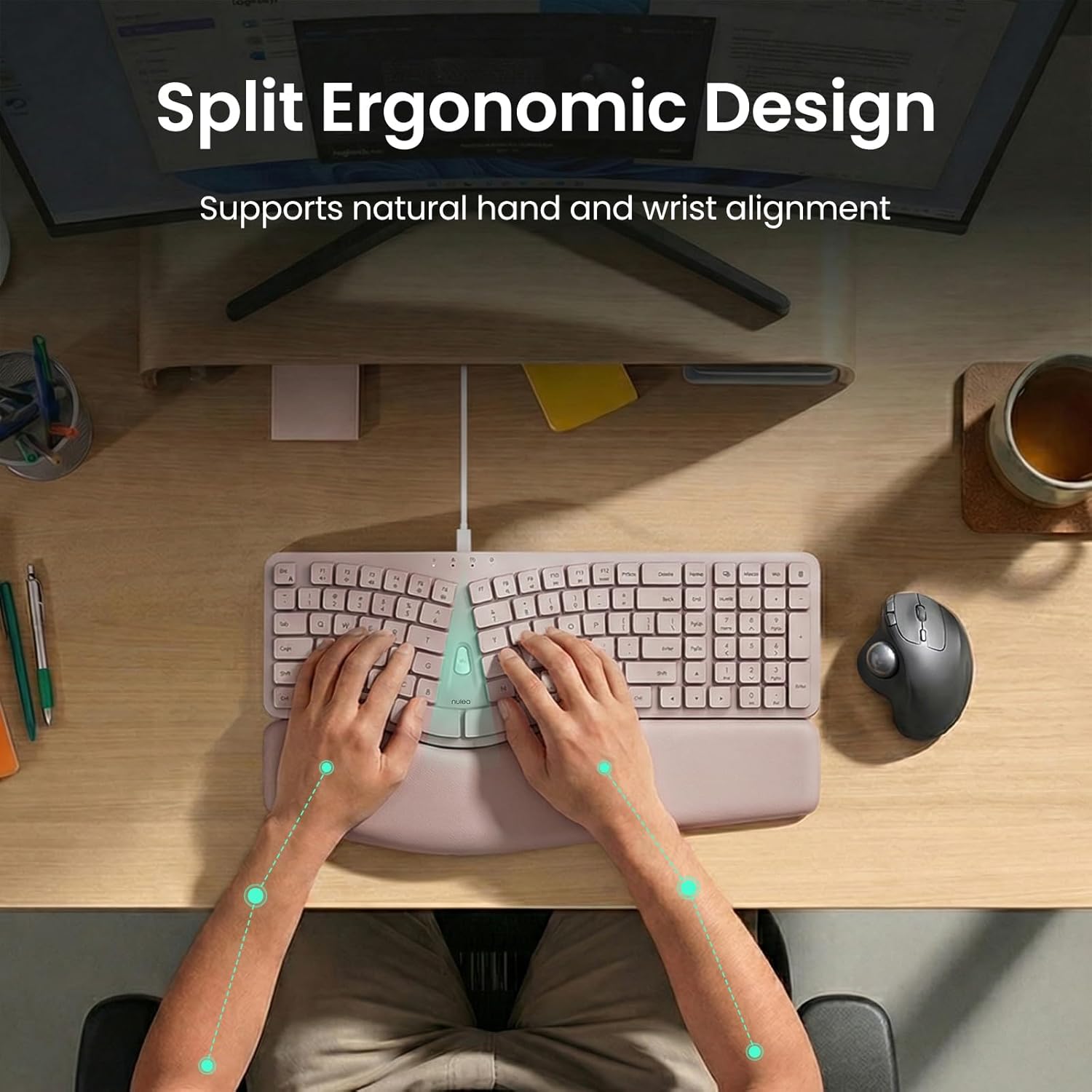
Figure 4.1: An overhead view of a user typing on the Nulea HA398, illustrating the natural hand and wrist alignment facilitated by the split ergonomic design.
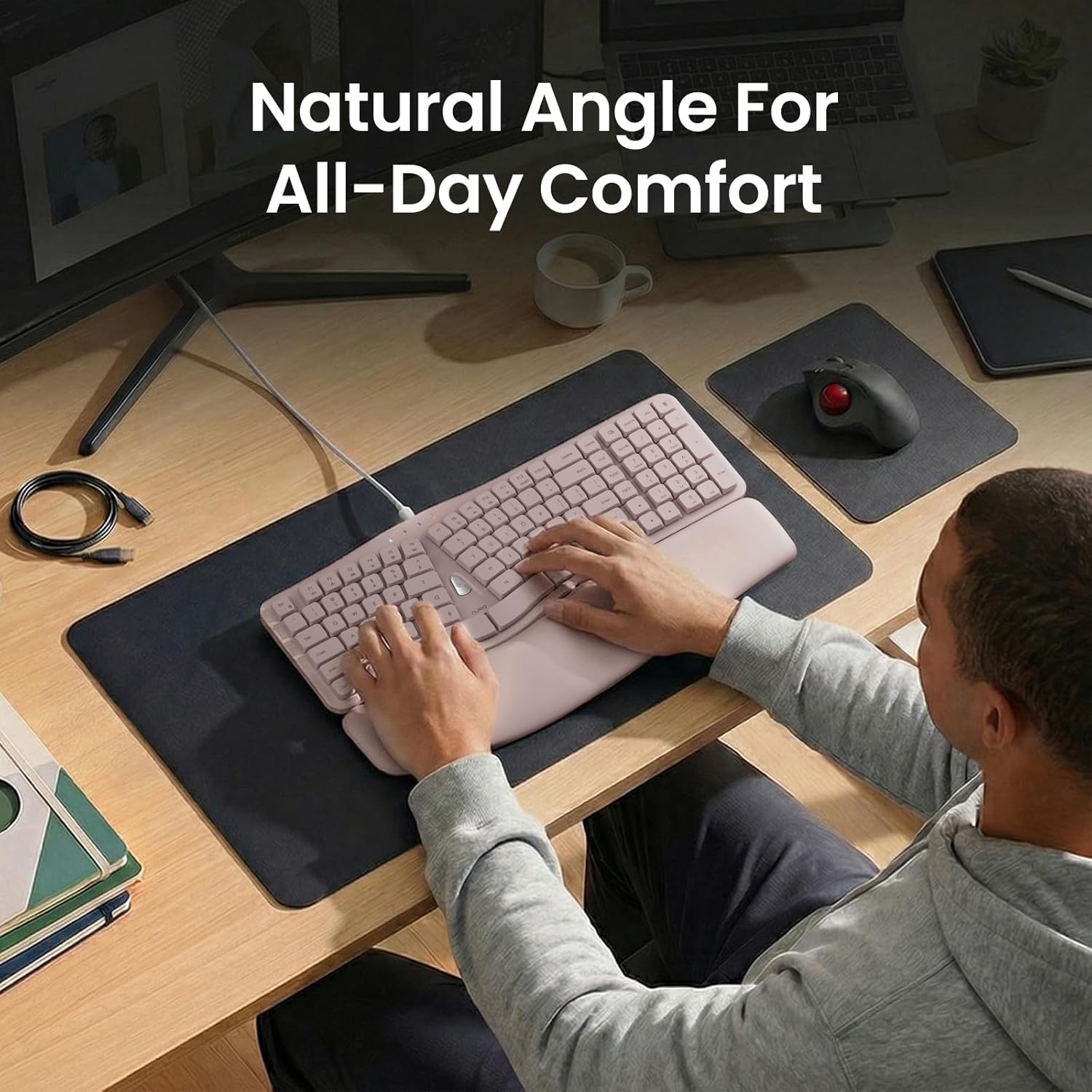
Figure 4.2: A user operating the Nulea HA398 keyboard, demonstrating the natural angle and comfortable posture for all-day use.
4.2 Function Keys (Fn)
The keyboard includes a dedicated Function (Fn) key, typically located in the center of the split. This key, when pressed in combination with other keys (e.g., F1-F12), activates secondary functions such as media controls, volume adjustments, or screen brightness. Refer to the keycap legends for specific functions.
4.3 Indicator Lights
Observe the indicator lights located above the numeric keypad. These lights illuminate to indicate the status of:
- Caps Lock: When illuminated, uppercase letters are active.
- Num Lock: When illuminated, the numeric keypad is active.
- Scroll Lock: (Functionality may vary by application)
5. Special Features
5.1 Ergonomic Design for Comfort
The HA398 is designed to provide maximum comfort and reduce strain. The split keyboard and integrated wrist rest work together to maintain a natural hand and wrist alignment, which is crucial for long typing sessions.

Figure 5.1: Close-up of the Nulea HA398's comfortable wrist support, detailing its soft, durable, and easy-to-clean material, firm stability, and conforming design to reduce pressure.
5.2 Smooth and Precise Typing
The membrane keys are engineered for a consistent response and smooth key travel, contributing to better typing control and accuracy.

Figure 5.2: A close-up view of the Nulea HA398 keyboard keys, highlighting features for smooth and precise typing, including better typing control, consistent key response, and smooth key travel.
6. Compatibility
The Nulea HA398 Wired Ergonomic Keyboard is compatible with the following operating systems:
- Windows
- macOS
- ChromeOS
No special drivers are required for these operating systems; the keyboard functions as a standard HID (Human Interface Device).
7. Maintenance
Proper maintenance ensures the longevity and optimal performance of your Nulea HA398 keyboard.
- Cleaning:
- Disconnect the keyboard from your computer before cleaning.
- Use a soft, damp cloth with mild soap and water to clean the surface of the keyboard and wrist rest.
- Avoid using harsh chemicals, abrasive cleaners, or solvents.
- For dust and debris between keys, use compressed air.
- Storage: Store the keyboard in a cool, dry place away from direct sunlight and extreme temperatures.
- Handling: Avoid dropping the keyboard or exposing it to excessive force, which could damage internal components.
8. Troubleshooting
If you encounter issues with your Nulea HA398 keyboard, refer to the following common solutions:
| Problem | Possible Cause | Solution |
|---|---|---|
| Keyboard not responding | Loose USB connection, faulty USB port, driver issue. |
|
| Keys are not typing correctly or are sticky | Debris under keys, liquid spill, hardware malfunction. |
|
| Ergonomic layout feels awkward | Adjustment period required for new ergonomic design. |
|
9. Specifications
| Feature | Detail |
|---|---|
| Model Number | HA398 |
| Brand | Nulea |
| Connectivity | Wired USB (USB-A to C cable) |
| Keyboard Type | Membrane, Ergonomic Split |
| Special Features | Integrated Wrist Rest, Adjustable Palm Lift, Numeric Keypad, Shortcut Keys |
| Compatibility | Windows, macOS, ChromeOS |
| Color | Pink |
10. Warranty and Support
Nulea products are designed for reliability and performance. For warranty information and customer support, please refer to the warranty card included with your product or visit the official Nulea website.
If you require technical assistance or have questions not covered in this manual, please contact Nulea customer support through their official channels.

