
1. Introduction
Thank you for choosing the HUO JI CK608 60% Wired Mechanical Keyboard. This compact 61-key keyboard features tactile brown switches, hot-swappable functionality, and vibrant rainbow LED backlighting. Designed for both gaming and office work, it offers a comfortable and responsive typing experience across various operating systems.
This manual provides detailed instructions for setting up, operating, maintaining, and troubleshooting your keyboard to ensure optimal performance and longevity.
2. Package Contents
- HUO JI CK608 60% Wired Mechanical Keyboard
- Detachable USB-C to USB-A Cable
- User Manual (this document)
3. Setup Guide
Follow these steps to set up your HUO JI CK608 keyboard:
- Connect the Cable: Locate the USB-C port on the back or side of the keyboard. Insert the smaller USB-C end of the provided cable into this port.
- Connect to Computer: Insert the larger USB-A end of the cable into an available USB port on your computer (PC, laptop, Mac).
- Automatic Recognition: The keyboard is plug-and-play. Your operating system (Windows, Vista, macOS) should automatically detect and install the necessary drivers. No additional software is required.
- Ready for Use: Once recognized, the keyboard's backlight will illuminate, indicating it is ready for use.
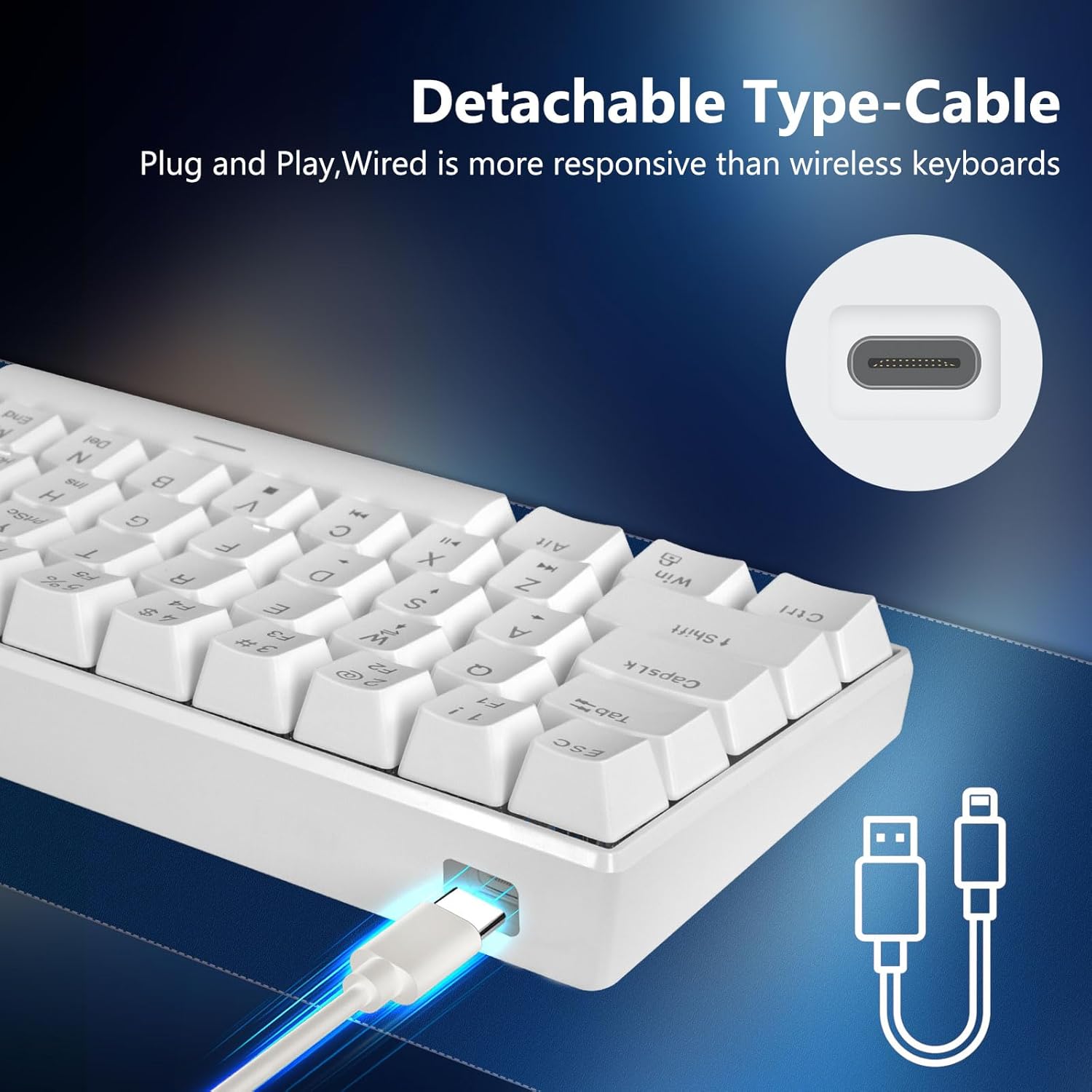
Image: Detachable USB-C cable connection to the keyboard, emphasizing plug-and-play functionality.
4. Operating Instructions
4.1. Keyboard Layout and Features
The HUO JI CK608 features a compact 61-key layout, offering essential functionality while saving desk space. It includes:
- Brown Mechanical Switches: These switches provide a tactile bump and a slightly quieter operation compared to blue switches, making them suitable for both typing and gaming. They offer good tactile feedback for accurate input.
- Hot-Swappable Sockets: The keyboard is designed with hot-swappable sockets, allowing you to change switches without soldering. This enables customization and easy replacement of faulty switches.
- Ergonomic Design: The keycap design is scientifically stair-stepped to provide maximum comfort and reduce hand fatigue during extended use.
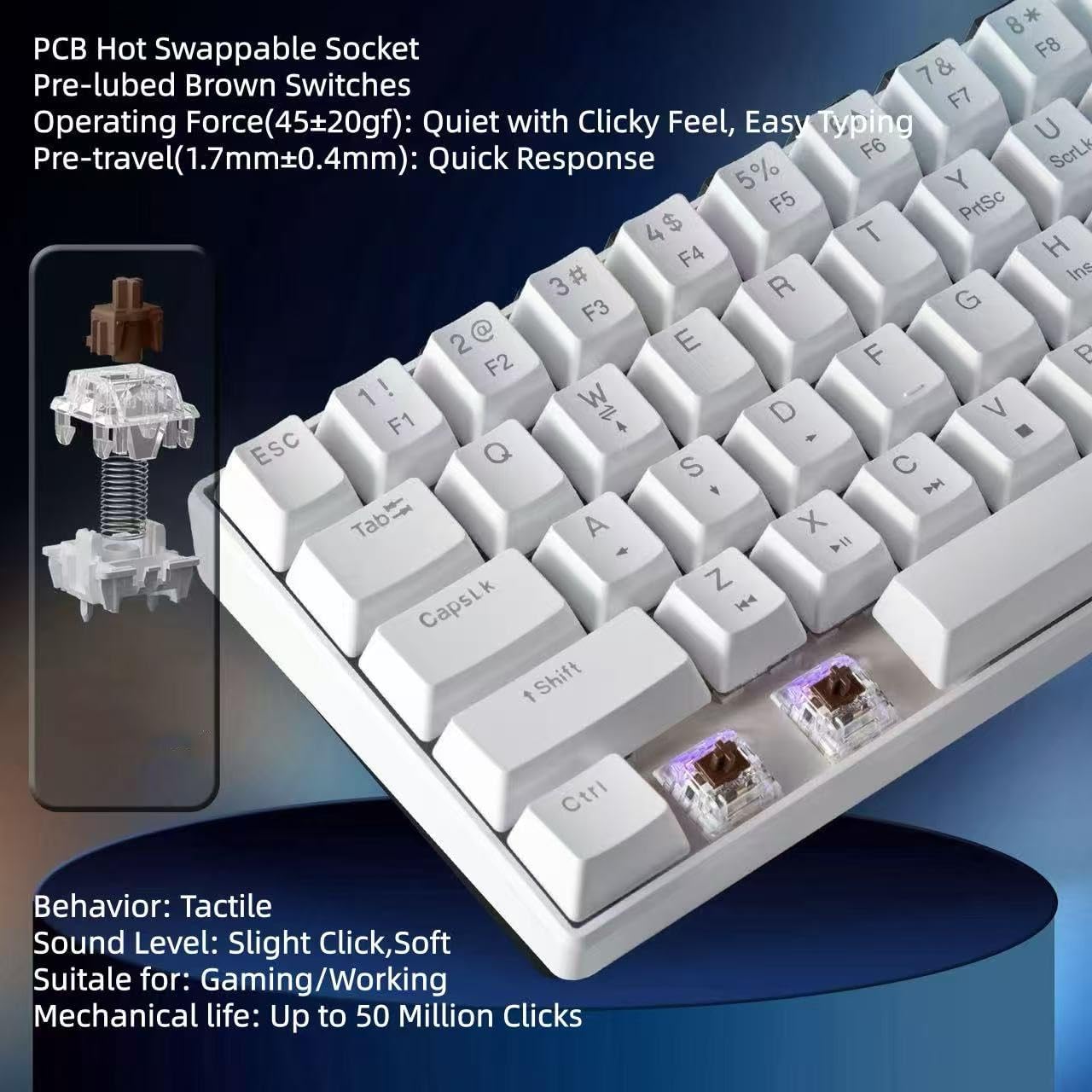
Image: Close-up of brown mechanical switches, highlighting PCB hot-swappable socket, pre-lubed brown switches, operating force, pre-travel, tactile behavior, sound level, and mechanical life.

Image: Ergonomic design of the keycaps, illustrating the comfortable angle for typing.
4.2. Backlight Control
The keyboard features a rainbow LED backlight with multiple modes. Use the following key combinations to control the lighting:
- Switch Backlight Modes: Press FN + | to cycle through the 7 available rainbow backlight modes.
- Turn Backlight On/Off: Press FN + ← to toggle the backlight on or off.

Image: Keyboard with customizable LED backlight, showing FN key combinations for switching and turning off lights.
4.3. Multimedia and Function Shortcuts
Due to its compact 61-key layout, many functions are accessed via the FN key in combination with other keys. Refer to the keyboard's keycaps for specific FN key combinations for multimedia controls and other functions.
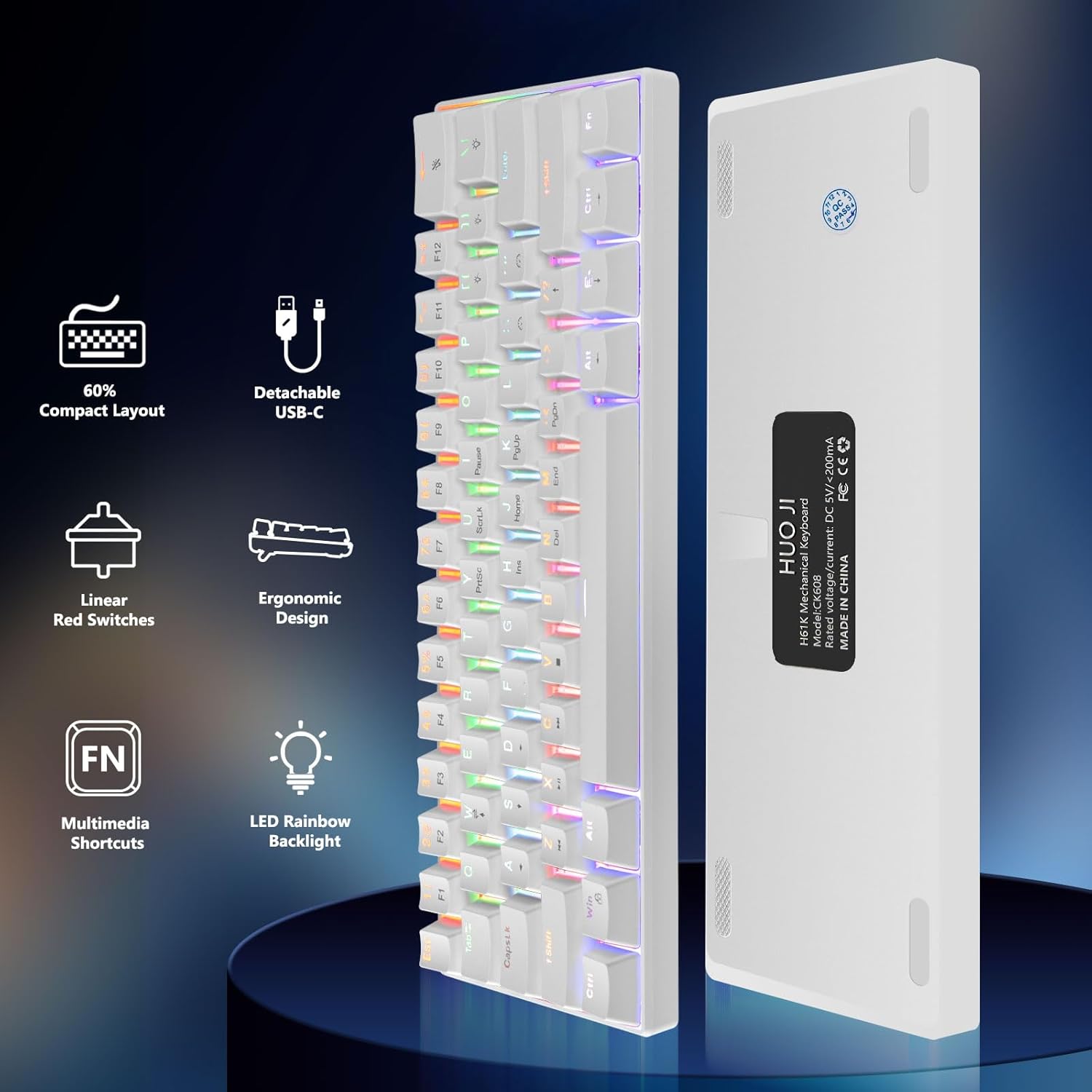
Image: HUO JI 60% Compact Layout Keyboard with Detachable USB-C, Ergonomic Design, FN Multimedia Shortcuts, and LED Rainbow Backlight.

Image: Keyboard connected to various devices (PC, PS4/5, Xbox, MacOS), demonstrating wide compatibility.
5. Maintenance
Proper maintenance ensures the longevity and performance of your keyboard:
- Cleaning: Regularly clean the keyboard with a soft, dry cloth. For dust and debris between keycaps, use compressed air. For stubborn grime, lightly dampen a cloth with water or a mild cleaning solution (avoid harsh chemicals) and wipe the keycaps. Ensure no liquid enters the keyboard.
- Spill Prevention: Avoid spilling liquids on the keyboard. If a spill occurs, immediately disconnect the keyboard from your computer, turn it upside down to drain, and allow it to dry completely before reconnecting.
- Keycap Removal (Optional): If you need to clean under the keycaps or replace switches, use a keycap puller to gently remove keycaps. Be careful not to damage the switches or stabilizers.
- Storage: When not in use for extended periods, store the keyboard in a clean, dry environment away from direct sunlight and extreme temperatures.
6. Troubleshooting
If you encounter issues with your HUO JI CK608 keyboard, try the following solutions:
- Keyboard Not Responding:
- Ensure the USB-C cable is securely connected to both the keyboard and the computer.
- Try connecting the keyboard to a different USB port on your computer.
- Test the keyboard on another computer to rule out a computer-specific issue.
- Restart your computer.
- Backlight Not Working or Incorrect:
- Press FN + ← to ensure the backlight is not turned off.
- Press FN + | to cycle through different backlight modes.
- Ensure the keyboard is receiving sufficient power from the USB port.
- Specific Keys Not Registering:
- Since the keyboard is hot-swappable, gently remove the keycap of the problematic key using a keycap puller.
- Carefully remove the switch and re-insert it, ensuring it is seated correctly and firmly in the socket.
- If the issue persists, consider replacing the switch with a new one (compatible 3-pin or 5-pin mechanical switches).
- Unexpected Behavior:
- Disconnect and reconnect the keyboard.
- Ensure your operating system is up to date.
7. Specifications
| Feature | Detail |
|---|---|
| Model | CK608 |
| Layout | 61-Key, 60% Compact |
| Switch Type | Brown Mechanical (Hot-Swappable) |
| Backlight | Rainbow LED (7 modes) |
| Connectivity | Wired USB-C |
| Compatible Devices | Laptop, PC (Windows, Vista, macOS) |
| Keyboard Description | Mechanical |
| Special Features | Backlit, Ergonomic, Hot-Swappable, Lightweight, Portable |
| Power Source | USB Powered |
| Item Weight | 12.8 ounces (approx. 363 grams) |
| Package Dimensions | 16 x 6.1 x 1.62 inches (approx. 40.6 x 15.5 x 4.1 cm) |
8. Warranty and Support
For warranty information and customer support, please refer to the documentation provided at the time of purchase or contact HUO JI customer service through their official channels. Keep your purchase receipt as proof of purchase.