
1. Introduction
This manual provides essential instructions for the proper setup, operation, and maintenance of your Snrigw DC2700 Replacement Remote Controller. This single-channel remote is designed for seamless compatibility with Dooya motorized curtain and blind motors, including models DT52E, KT82TN, and DT360. Please read this manual thoroughly before use to ensure optimal performance and longevity of your device.
2. Product Features
- Direct Compatibility: Specifically engineered as a direct replacement for the DC2700, ensuring flawless operation with Dooya DT52E, KT82TN, and DT360 motors.
- RF Control: Utilizes 433MHz Radio Frequency (RF) technology for reliable control without requiring direct line of sight.
- Wall-Penetrating Signal: Allows control of your motorized curtains or blinds from anywhere within the operational range, even through walls or furniture.
- Single Channel: Dedicated control for one motor or a group of motors programmed to a single channel.
- Ergonomic Design: Features a comfortable and user-friendly button layout for easy operation.
- Durable Construction: Made from ABS environmental protection material with soft silicon buttons for quality and comfort.

Figure 2.1: Overview of the Snrigw DC2700 Replacement Remote Controller.
3. Setup and Pairing
The DC2700 remote controller is designed for simple integration with compatible Dooya motors. Follow these steps to pair your new remote:
- Prepare the Motor: Ensure your Dooya DT52E, KT82TN, or DT360 motor is powered on and in its learning mode. Refer to your motor's specific instruction manual for details on how to activate learning mode. This usually involves pressing a small button on the motor itself or cycling power in a specific sequence.
- Initiate Pairing: Once the motor is in learning mode, press the desired button on your new DC2700 remote controller. Typically, this would be the 'Up' or 'Stop' button, but some systems may require a specific pairing button press.
- Confirmation: The motor will usually respond with a jog (a short movement up and down) or an audible beep to confirm successful pairing. If no confirmation is received, repeat the steps.
- Testing: After successful pairing, test all functions (Up, Down, Stop) to ensure the remote controls the motor as expected.
Note: If you are replacing a lost DC2700 remote for an existing system, it may work immediately without re-pairing if the motor retains its previous programming. However, re-pairing is recommended for new remotes or if the motor does not respond.

Figure 3.1: Distinguishing buttons for proper pairing and operation.
4. Operating Instructions
The DC2700 remote controller features intuitive buttons for controlling your motorized curtains or blinds:
- Up Button (⌃): Press to open the curtains or raise the blinds.
- Stop Button (—): Press to halt the movement of the curtains or blinds at any desired position.
- Down Button (⌄): Press to close the curtains or lower the blinds.
The RF signal allows you to operate your devices from a maximum range of approximately 8 meters (26 feet), even if there are obstacles between you and the motor.

Figure 4.1: Close-up view of the remote control's operational buttons.
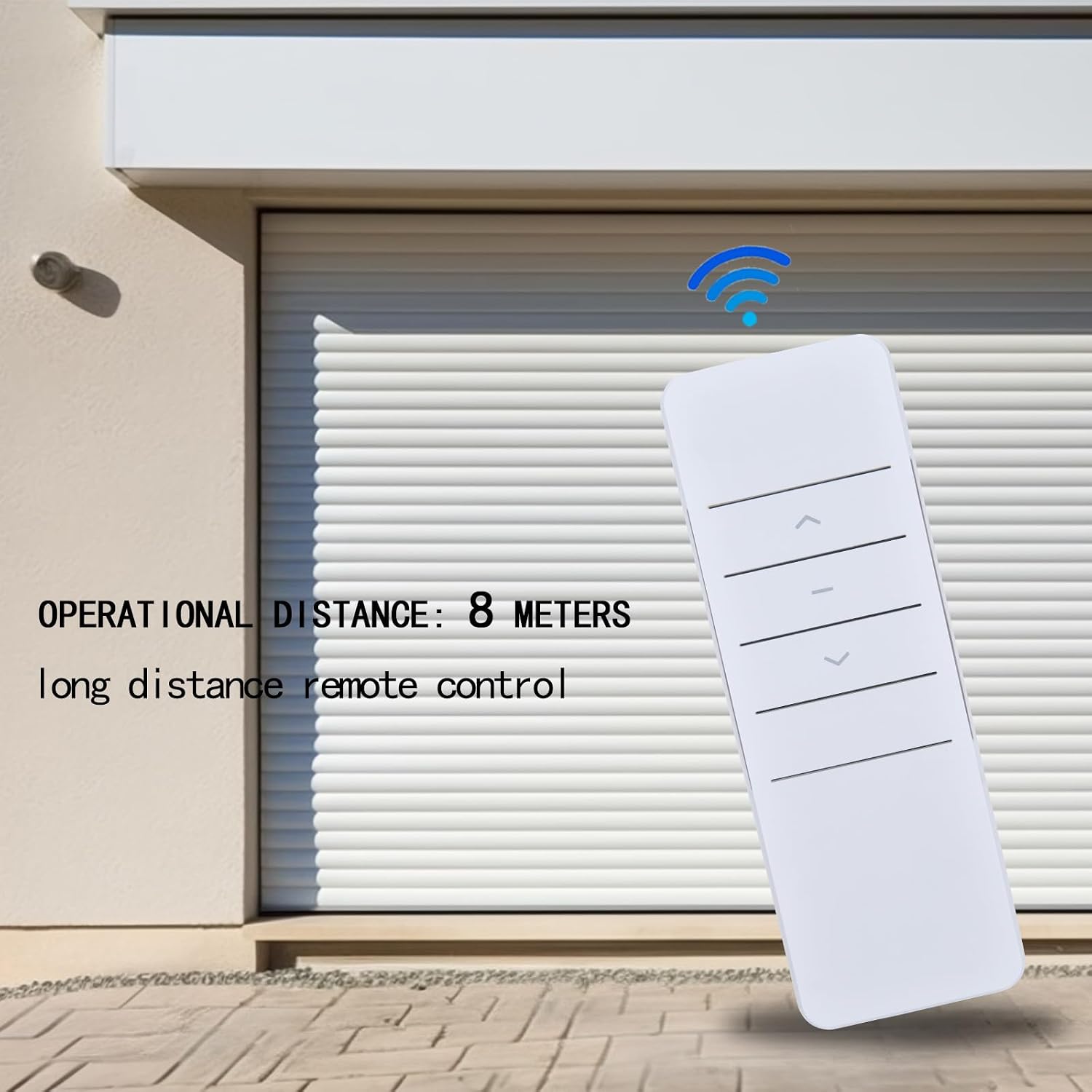
Figure 4.2: The remote control operates effectively up to 8 meters (26 feet).
5. Maintenance
To ensure the longevity and proper functioning of your remote controller, follow these simple maintenance guidelines:
- Cleaning: Wipe the remote with a soft, dry cloth. Avoid using abrasive cleaners, solvents, or harsh chemicals, as these can damage the ABS material and silicon buttons.
- Battery Replacement: The remote requires a battery (type not specified in product details, typically a small coin cell or AAA batteries). If the remote's range decreases or it becomes unresponsive, replace the battery. Ensure correct polarity when inserting new batteries.
- Storage: Store the remote in a dry place, away from direct sunlight, extreme temperatures, and high humidity.
- Handling: Avoid dropping the remote or subjecting it to strong impacts, which can damage internal components.

Figure 5.1: The remote is constructed with durable ABS material and soft silicon buttons for user comfort and environmental protection.
6. Troubleshooting
If you encounter issues with your DC2700 remote controller, consider the following troubleshooting steps:
- Remote Not Responding:
- Check the battery. Replace if necessary.
- Ensure the motor is powered on.
- Verify that the remote is within the operational range (approx. 8 meters).
- Re-attempt the pairing process as described in Section 3.
- Inconsistent Operation:
- Ensure there are no strong sources of RF interference nearby.
- Check for any physical obstructions that might be blocking the signal, although the RF signal is designed to penetrate walls.
- Motor Responds to Other Remotes:
- If the motor responds to other remotes but not this one, it may not be correctly paired. Follow the pairing instructions in Section 3.
If these steps do not resolve the issue, please contact customer support for further assistance.
7. Specifications
| Feature | Detail |
|---|---|
| Brand | Snrigw |
| Model | DC2700 (Replacement) |
| Connectivity Technology | Radio Frequency (RF) |
| Frequency | 433MHz |
| Channels | Single Channel |
| Compatible Devices | Dooya DT52E, KT82TN, DT360 Motorized Curtains/Blinds |
| Maximum Range | Approx. 8 meters (26 feet) |
| Controller Type | Button Control |
| Special Feature | Ergonomic Design |
| Color | White |
| Dimensions (L x W x H) | 5.15" x 1.81" x 0.59" (13.08 cm x 4.6 cm x 1.5 cm) |
8. Warranty and Support
Snrigw is committed to providing reliable products and excellent customer service. This product is backed by our after-sales service. If you have any questions, concerns, or require assistance with your DC2700 Replacement Remote Controller, please do not hesitate to contact us. Our support team is ready to help you with any queries you may have.
For support, please refer to the contact information provided with your purchase or visit the Snrigw official website.