
Introduction
This manual provides detailed instructions for the Shkalacar Car GPS Speedometer. This device is designed to display real-time vehicle speed using dual-mode GPS and Beidou satellite positioning, offering clear visibility with its large LED display in various lighting conditions. It is compatible with a wide range of vehicles including cars, trucks, SUVs, buses, and motorcycles.
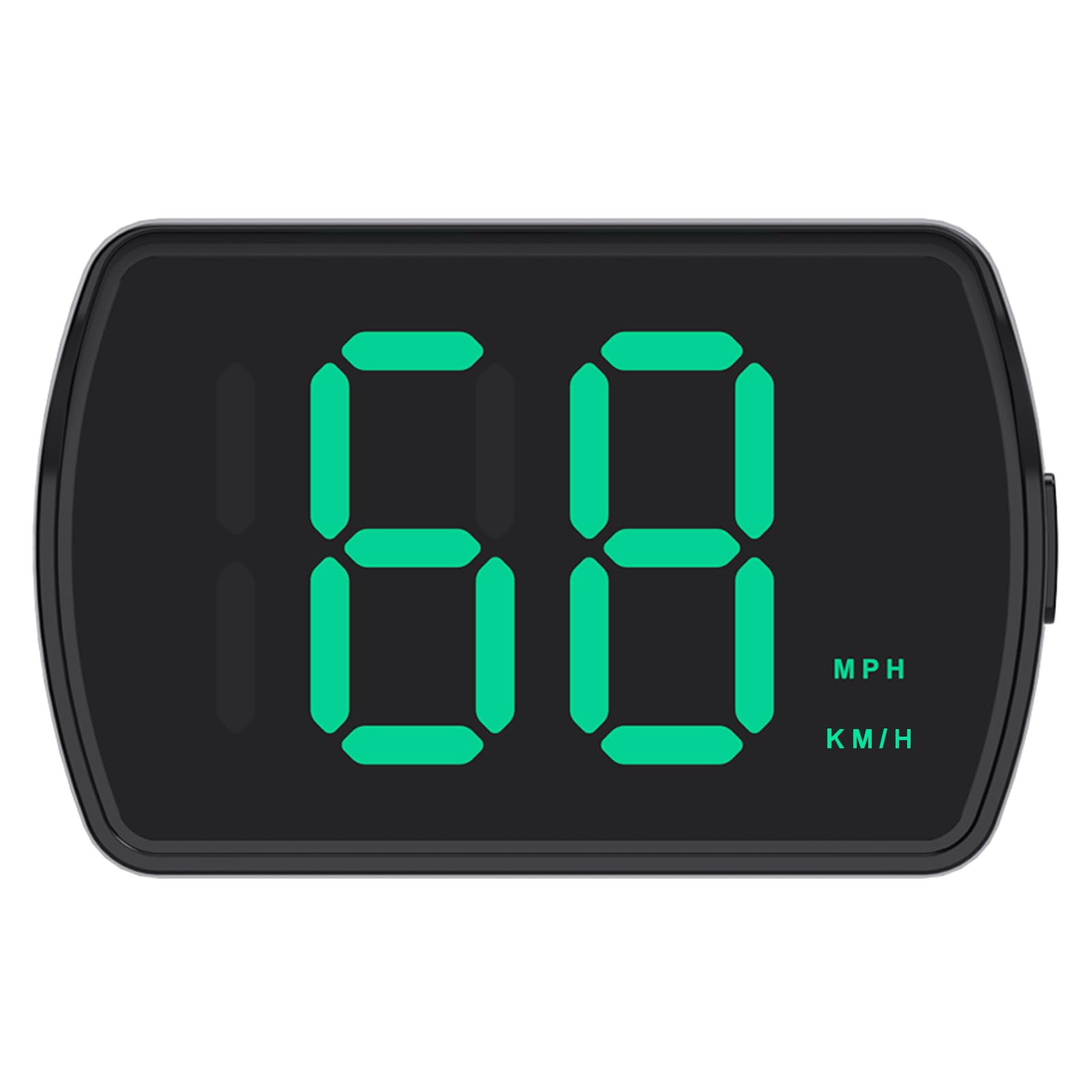
Image: The Shkalacar Car GPS Speedometer, a compact device with a large green LED display showing '68 MPH/KMH'.
Package Contents
Please verify that all items are present in the package:
- 1 x Head-Up Display Unit
- 1 x Type-C USB Cable
- 2 x Double-Sided Adhesive Tape
- 1 x User Manual (Multi-language)
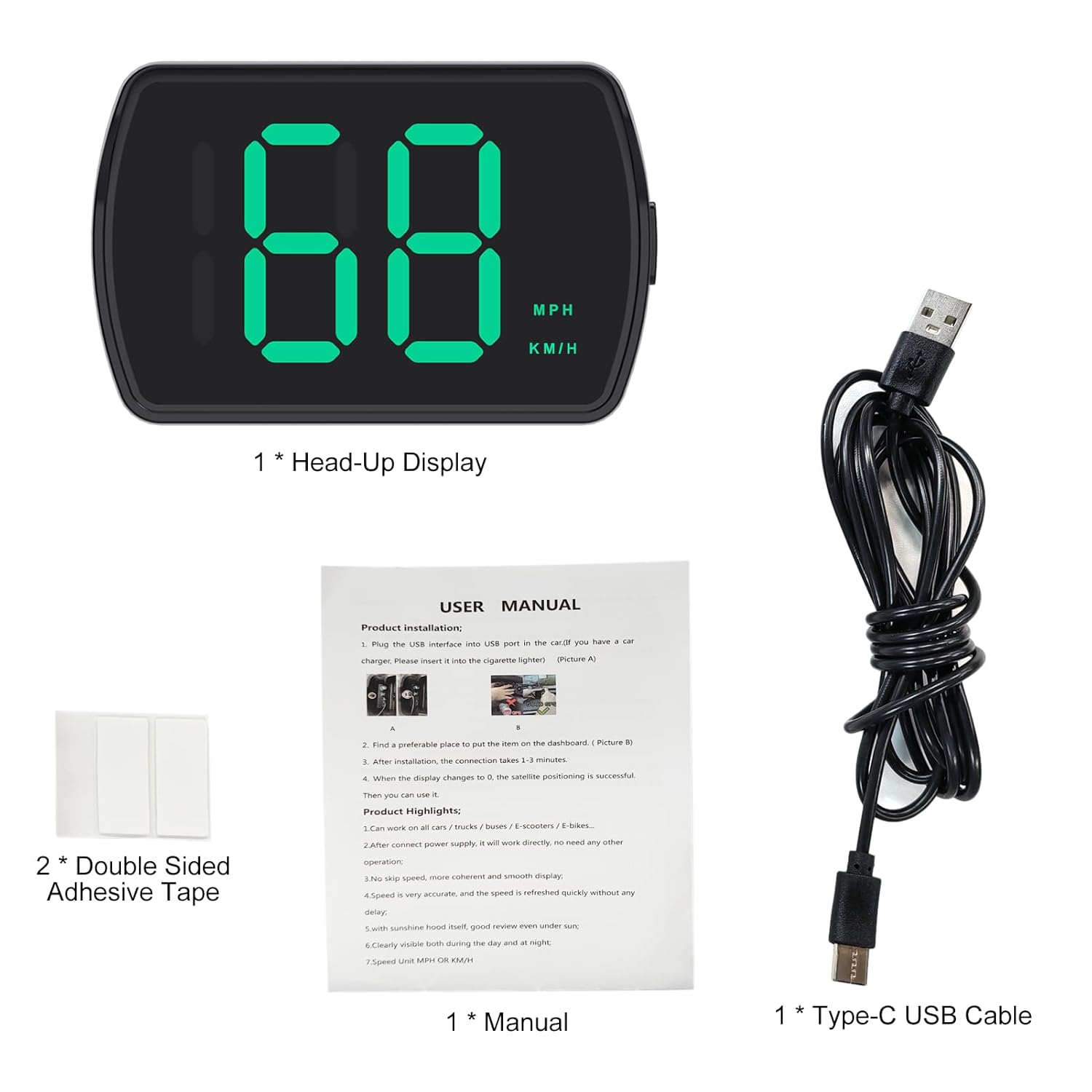
Image: Contents of the product package, including the Head-Up Display unit, Type-C USB cable, double-sided adhesive tape, and a multi-language user manual.
Setup
Follow these steps to set up your Shkalacar Car GPS Speedometer:
- Choose a Location: Select a suitable, flat surface on your vehicle's dashboard where the display will be clearly visible without obstructing your view of the road.
- Secure the Device: Use the provided double-sided adhesive tape to firmly attach the Head-Up Display unit to the chosen location on your dashboard.
- Connect Power: Plug the Type-C USB cable into the device and connect the other end to a 5V USB port in your vehicle or a 12-24V power source (e.g., cigarette lighter adapter, not included). The device is plug-and-play and will power on automatically.
- GPS Signal Acquisition: After powering on, the device will begin acquiring GPS and Beidou satellite signals. This process typically takes 1 to 3 minutes. Ensure the device has a clear view of the sky for optimal signal reception.

Image: The Shkalacar Car GPS Speedometer connected via a USB port, illustrating its plug-and-play installation suitable for various vehicle types.

Image: The Shkalacar Car GPS Speedometer positioned on a car dashboard, displaying speed, with the steering wheel and vehicle interior visible.
Operating Instructions
The Shkalacar Car GPS Speedometer is designed for straightforward operation:
- Power On/Off: The device automatically powers on when it receives power and powers off when the power supply is disconnected.
- Speed Display: Once GPS signals are acquired, your current speed will be displayed prominently on the LED screen. The display updates in real-time for accurate readings.
- Unit Switching (KM/H & MPH): The device supports switching between Kilometers Per Hour (KM/H) and Miles Per Hour (MPH). Refer to the physical button on the device (usually a 'Mode' or 'M' button) and press it briefly to toggle between these units.
- Display Clarity: The device features an anti-glare sunshade and optimized screen brightness to ensure clear visibility during both day and night driving conditions, without distracting reflections.

Image: A split image demonstrating the Shkalacar Car GPS Speedometer's clear visibility during night driving and its high clarity for use during the day, even in sunlight.

Image: The Shkalacar Car GPS Speedometer on a dashboard, highlighting its intelligent sensing, comprehensive display, satellite strength indicator, auto-switch mode, and dual speed units.
Maintenance
To ensure the longevity and optimal performance of your GPS Speedometer, follow these simple maintenance guidelines:
- Cleaning: Use a soft, dry, or slightly damp cloth to clean the device's exterior. Avoid using abrasive cleaners, solvents, or harsh chemicals, as these can damage the display or casing.
- Storage: When not in use for extended periods, store the device in a cool, dry place away from direct sunlight and extreme temperatures.
- Cable Care: Handle the USB cable gently. Avoid bending or crimping it excessively, which can damage the internal wires.
Troubleshooting
If you encounter any issues with your Shkalacar Car GPS Speedometer, refer to the following common problems and solutions:
- Device Not Powering On:
- Check that the Type-C USB cable is securely connected to both the device and the power source.
- Verify that the vehicle's USB port or 12-24V power outlet is functional. Try connecting another device to confirm power availability.
- No Speed Reading / No GPS Signal:
- Ensure the device has a clear, unobstructed view of the sky. Heavy overhead cover (e.g., tunnels, dense urban areas, parking garages) can block satellite signals.
- Allow sufficient time (1-3 minutes) for the device to acquire satellite signals after powering on.
- If indoors, move the vehicle to an open outdoor area.
- Inaccurate Speed Reading:
- Confirm that the correct speed unit (KM/H or MPH) is selected on the device.
- Compare the displayed speed with another reliable speed source (e.g., your vehicle's built-in speedometer, another GPS device) to assess accuracy. Minor discrepancies may occur due to GPS signal variations.
Specifications
| Item Name | Head-Up Display |
| Main Material | ABS |
| Voltage | 12-24V (USB 5V) |
| Speed Unit | KM/H, MPH (Switchable) |
| Product Color | Black |
| Product Size | 8 x 5.3 x 2.5 cm (3.15 x 2.09 x 0.98 inches) |
| Brand | Shkalacar |
| ASIN | B0GGSQM5NH |
Warranty and Support
For specific warranty information regarding your Shkalacar Car GPS Speedometer, please refer to the documentation included with your purchase. If you require further assistance or have questions not covered in this manual, please contact Shkalacar customer support through the retailer where the product was purchased or visit the official Shkalacar website for contact details.