
1. Introduction
Thank you for choosing the Smart Tech 55QH02K 55-inch UHD QLED Smart TV. This television is designed to provide an immersive viewing experience with stunning 4K QLED clarity, vibrant colors, and incredible depth. Featuring the integrated Whale TV platform, it offers intuitive access to your favorite streaming services and applications. Please read this manual carefully before operating your new television to ensure proper use and maintenance.
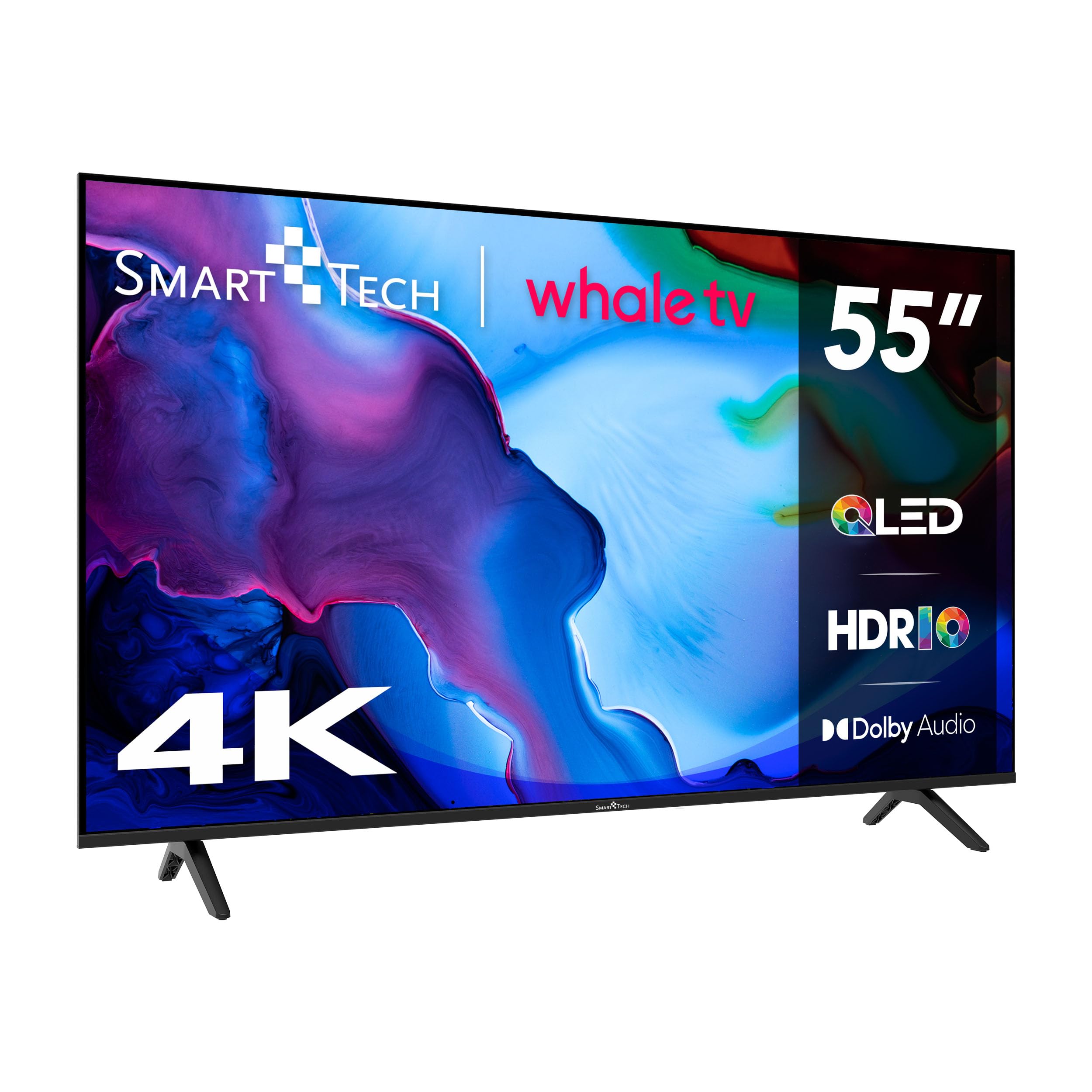
Figure 1.1: Front view of the Smart Tech 55QH02K 55-inch UHD QLED Smart TV.
2. Safety Information
Always follow basic safety precautions when using this television to reduce the risk of fire, electric shock, and injury. Keep this manual for future reference.
- Do not expose the TV to rain or moisture.
- Do not open the TV casing; refer all servicing to qualified personnel.
- Ensure proper ventilation around the TV.
- Use only the power cord provided.
- Keep batteries out of reach of children.
3. What's in the Box
Carefully unpack your television and check that all items are present and undamaged. If any items are missing or damaged, contact your retailer.
- Smart Tech 55QH02K 55-inch UHD QLED Smart TV
- Remote Control (requires 2 AAA batteries, not included)
- Power Cable
- Stand (for tabletop placement)
- User Manual
4. Setup
4.1 Physical Setup (Stand/Mounting)
The television can be placed on a tabletop using the included stand or mounted on a wall (VESA mount sold separately). Ensure the TV is placed on a stable, level surface or securely mounted to a wall capable of supporting its weight.

Figure 4.1: Television dimensions for placement and mounting considerations.
4.2 Connections
Connect your external devices to the television using the appropriate ports. The TV features multiple HDMI, USB, Ethernet, and Bluetooth connectivity options.

Figure 4.2: Rear panel connectors including CI Slot, USB, DVB-T2, DVB-S2, HDMI, Earphone, Mini AV IN, Optical, and RJ45 (Ethernet).
- HDMI: Connect Blu-ray players, gaming consoles, or set-top boxes. This model includes 3 HDMI ports.
- USB: Connect USB storage devices for media playback. This model includes 2 USB ports.
- Ethernet (RJ45): For wired internet connection.
- Antenna (DVB-T2/S2): Connect your terrestrial or satellite antenna.
- Optical: For digital audio output to a soundbar or home theater system.
- Earphone: For connecting headphones.
4.3 Initial Power On
After connecting all necessary cables, plug the power cable into an electrical outlet. Press the power button on the remote control or the TV to turn it on. Follow the on-screen instructions for initial setup, including language selection, network connection, and channel scanning.
5. Operating Instructions
5.1 Remote Control
The remote control allows you to navigate the TV's menus, adjust settings, and access smart features. Insert 2 AAA batteries into the remote control, ensuring correct polarity.
5.2 Smart TV Features (Whale TV)
This TV runs on the Whale OS operating system, providing a fast, intuitive, and fluid smart TV experience. You can download a wide range of applications from the integrated app store, including Netflix, YouTube, Prime Video, and Disney+.
- Accessing Apps: Navigate to the home screen using the remote control and select your desired application.
- Network Connection: Ensure your TV is connected to the internet via Wi-Fi or Ethernet to access online features.
- Screen Mirroring: Utilize Miracast technology to mirror content from compatible devices to your TV.
5.3 Picture Settings
Adjust picture settings to optimize your viewing experience. Access these settings through the TV's main menu.
- Picture Mode: Select from predefined modes like Standard, Dynamic, Movie, or Custom.
- Brightness/Contrast: Adjust these to suit your room's lighting conditions.
- Color Temperature: Modify the warmth or coolness of the colors.
- HDR (High Dynamic Range): The TV supports HDR10 and Dolby Vision for enhanced contrast and color with compatible content.
5.4 Sound Settings
Customize audio settings for optimal sound quality.
- Sound Mode: Choose from modes like Standard, Music, Movie, or Custom.
- Equalizer: Fine-tune audio frequencies.
- Dolby Audio: The TV features integrated Dolby Digital surround sound for a rich audio experience.
6. Maintenance
Regular maintenance helps prolong the life of your television.
- Cleaning the Screen: Use a soft, dry, lint-free cloth. For stubborn marks, lightly dampen the cloth with water or a screen cleaner specifically designed for TVs. Do not spray liquid directly onto the screen.
- Cleaning the Casing: Use a soft, dry cloth to wipe the TV casing. Avoid abrasive cleaners.
- Ventilation: Ensure the ventilation openings on the back of the TV are not blocked to prevent overheating.
- Power Off: Unplug the TV from the power outlet during lightning storms or when it will be left unattended for long periods.
7. Troubleshooting
If you encounter issues with your TV, refer to the following common problems and solutions before contacting support.
| Problem | Possible Cause | Solution |
|---|---|---|
| No power | Power cable unplugged, no power from outlet. | Check power cable connection. Test outlet with another device. |
| No picture, but sound is present | Incorrect input source, faulty cable. | Press the 'Input' button on the remote to select the correct source. Check HDMI/AV cable connections. |
| No sound, but picture is present | Volume muted, external audio device issue. | Unmute volume. Check audio cables to external devices. |
| Remote control not working | Dead batteries, obstruction. | Replace batteries. Ensure no obstructions between remote and TV. |
| Smart TV apps not loading | No internet connection. | Check Wi-Fi or Ethernet connection. Restart router. |
8. Specifications
Detailed technical specifications for the Smart Tech 55QH02K TV.

Figure 8.1: Energy label for the Smart Tech 55QH02K TV. For more details, visit https://eprel.ec.europa.eu/qr/236672400.
| Feature | Detail |
|---|---|
| Model Number | 55QH02K |
| Screen Size | 55 Inches (139 cm) |
| Display Technology | QLED |
| Resolution | 4K UHD (3840 x 2160 pixels) |
| Refresh Rate | 120 Hz |
| Operating System | Whale OS |
| Connectivity | Bluetooth, Ethernet, HDMI (x3), USB (x2) |
| Special Features | Quantum Dot Color, Miracast, Dolby Digital |
| Speaker Output Power | 20 Watts (2.0 channels) |
| Product Dimensions (DxWxH) | 25.8 x 122.5 x 77.1 cm |
| Product Weight | 8 kg |
| Energy Efficiency Class | E |
| VESA Mounting Standard | 1200 x 300 mm |
9. Warranty and Support
This Smart Tech television comes with a limited warranty. The availability of spare parts in the EU is guaranteed for 7 years from the date of purchase.
For technical support, troubleshooting assistance, or warranty claims, please contact your retailer or visit the official Smart Tech support website. Keep your purchase receipt as proof of purchase for warranty services.


