
1. Introduction
The Sungrass eMonHub-HNA0A HA is an advanced home energy monitor designed for seamless integration with Home Assistant. This device provides real-time electricity usage data, enabling comprehensive energy management, automation, and solar self-consumption tracking. It offers detailed insights into your home's power consumption, helping you optimize energy efficiency and reduce costs.
This manual provides essential information for the safe and effective installation, operation, and maintenance of your eMonHub-HNA0A HA device.
2. Key Features
- Home Assistant Integration: Direct connection for real-time monitoring, data display, and advanced analysis.
- Automated Control: Supports intelligent energy management and savings through automation.
- Local & Secure Data: All data is stored locally on your network, ensuring privacy and fast access.
- Plug & Play Setup: Automatic device discovery for effortless installation.
- Live Power Metrics: Real-time updates on voltage, current, and active power.
- Minute-by-Minute Trends: Precise energy totals and peak demand data.
- Auto-Grouped Data: Usage is automatically categorized for clear insights.
- Renewable Performance Dashboard: Tracks solar, V2G, and BESS energy usage and feed-in.
- 10-Circuit Monitoring: Each eMonHub monitors 10 circuits with bidirectional metering.
- Scalable System: Combine 2-3 eMonHub units to monitor up to 30 circuits.
- Dual Connectivity: Features both Wi-Fi and Ethernet for flexible and reliable internet access.
- Compact Design: Embedded spring terminals for space-saving installation.
- Safety Certifications: Certified by FCC and CE, compliant with UL/IEC standards.
3. Setup
3.1 Included Components
- eMonHub Energy Monitor
- Current Transformers (CTs)
- Wire Harness
- WiFi Antenna and Cable
3.2 Installation Overview
The eMonHub is designed for installation within your circuit panel. It supports standard residential split-phase power systems in North America, and can be configured for single-phase single wire and three-phase power systems (TN/TT) via software.
Before beginning installation, ensure the main power to your circuit panel is turned off at the utility meter or main breaker to prevent electrical shock. It is recommended that installation be performed by a qualified electrician.

Image: The eMonHub device shown installed within a typical residential circuit breaker panel, demonstrating its compact fit.
3.3 Physical Dimensions
Evaluate whether the product size can fit your breaker box before installation.

Image: Technical drawing illustrating the dimensions of the eMonHub unit (120x80x30mm) and the 50A and 200A Current Transformers (CTs).
- eMonHub Dimensions: 120mm x 80mm x 30mm
- 50A CT Dimensions: 28.5mm x 26.4mm x 40.2mm
- 200A CT Dimensions: 64.6mm x 52mm x 33.8mm
3.4 Wiring Connections
Connect the Current Transformers (CTs) to the circuits you wish to monitor. The eMonHub features embedded spring terminals for secure connections. Ensure all wiring is done according to local electrical codes and safety standards.
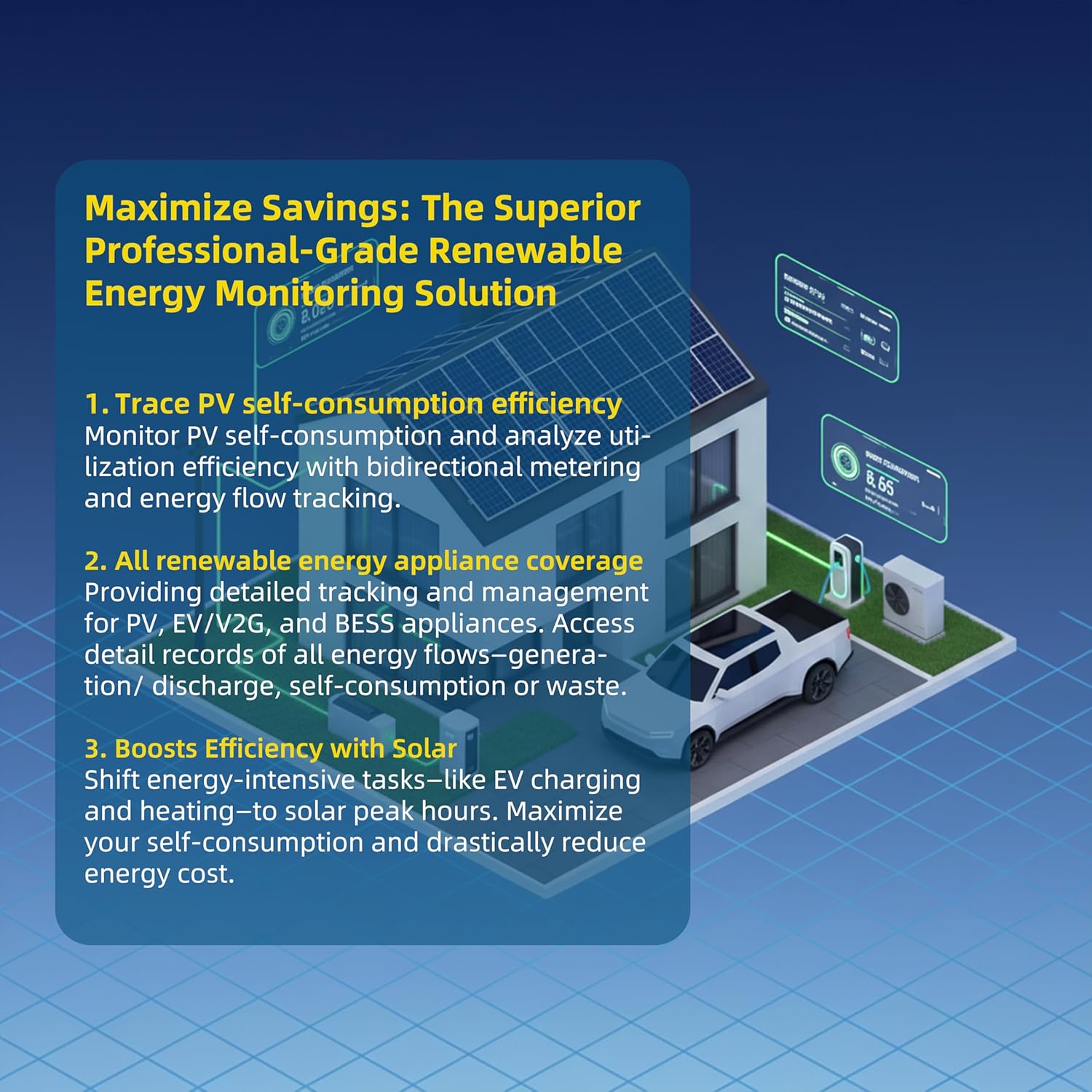
Image: A detailed view of the rear of the eMonHub, highlighting the terminal block for wiring connections and the antenna port.
3.5 Network Configuration
The eMonHub supports both Wi-Fi and Ethernet connectivity. After physical installation, connect the device to your local network. The device features automatic discovery for Home Assistant, simplifying the integration process.
4. Operating Instructions
4.1 Real-Time Energy Monitoring
Once connected, the eMonHub provides live power metrics including voltage, current, and active power, updated every second. It also tracks minute-by-minute energy trends, offering precise energy totals and peak demand data.

Image: A diagram showing the data flow from real-time second-level energy monitoring to minute-level aggregation and JSON/CSV output.
4.2 Home Assistant Integration
The eMonHub integrates directly with Home Assistant, allowing you to view and analyze your energy data within your existing smart home ecosystem. Data is stored locally on your network, ensuring privacy and reliability.

Image: A schematic diagram illustrating how the eMonHub connects to a router and integrates with Home Assistant via MQTT, allowing monitoring of various circuits.
4.3 Energy Data Analysis
The system automatically categorizes usage data, eliminating manual work and providing clear insights. You can track your solar, V2G (Vehicle-to-Grid), and BESS (Battery Energy Storage System) energy usage, feed-in, and calculate system efficiency.

Image: A diagram showing how solar panel production, grid energy, and device consumption interact, with over-production returning to the grid.
4.4 Automation and Scheduling
Leverage Home Assistant automations to manage your energy intelligently. Schedule appliances to run when energy is cheapest or when excess solar power is available. This helps maximize self-consumption and reduce energy costs.

Image: A graphical user interface displaying home energy scheduling options, electricity price trends, and estimated daily savings.
4.5 Scalability
For larger homes or more extensive monitoring needs, multiple eMonHub units can be combined. Up to three eMonHubs can monitor a total of 30 circuits.

Image: A diagram illustrating how multiple eMonHub units can be grouped to monitor up to 30 circuits across different switch boxes.
5. Maintenance
The Sungrass eMonHub is designed for continuous and stable operation with minimal maintenance. To ensure optimal performance and longevity:
- Keep Clean: Periodically inspect the device and its surroundings for dust or debris. Clean with a dry, soft cloth if necessary. Do not use liquid cleaners.
- Check Connections: Ensure all wiring connections remain secure. Loose connections can lead to inaccurate readings or device malfunction.
- Firmware Updates: Check for available firmware updates through the Home Assistant integration or Sungrass support channels to ensure you have the latest features and security enhancements.
- Environmental Conditions: Ensure the device operates within its specified environmental conditions (temperature, humidity) to prevent damage.
6. Troubleshooting
If you encounter issues with your eMonHub, refer to the following common troubleshooting steps:
- No Power/Device Not Responding:
- Verify that the device is correctly wired and receiving power from the circuit panel.
- Check the main breaker to ensure power is supplied to the panel.
- No Data in Home Assistant:
- Ensure the eMonHub is connected to your network (Wi-Fi or Ethernet) and has a stable internet connection.
- Confirm that Home Assistant is running and the eMonHub integration is properly configured.
- Check Home Assistant logs for any error messages related to the eMonHub.
- If using MQTT, verify MQTT broker settings and connectivity.
- Inaccurate Readings:
- Ensure Current Transformers (CTs) are correctly installed around the appropriate wires and are securely plugged into the eMonHub.
- Verify that the CTs are rated for the current being measured.
- Check for any loose wiring connections.
- Network Connectivity Issues:
- Restart your router and the eMonHub device.
- If using Wi-Fi, ensure the device is within range of your Wi-Fi router and there are no significant obstructions.
- Consider using an Ethernet connection for more stable connectivity if Wi-Fi issues persist.
- App Interface Not User-Friendly:
- While the eMonSys app may have a learning curve, its core functionality is robust. Refer to the app's help section or online resources for guidance.
- Focus on the Home Assistant integration for a more customizable and integrated experience.
7. Specifications
| Feature | Specification |
|---|---|
| Model Number | eMonHub-HNA0A HA |
| Dimensions | 4.73 x 3.15 x 1.22 inches (120 x 80 x 30 mm) |
| Item Weight | 2.8 pounds |
| Color | White |
| Monitoring Capacity | 10 circuits per eMonHub (scalable up to 30 circuits with multiple units) |
| Connectivity | Wi-Fi, Ethernet |
| Power System Support | North American residential split-phase, configurable for single-phase single wire and three-phase (TN/TT) |
| Certifications | FCC, CE, UL/IEC standards compliant |
| Included Components | Energy monitor, Current Transformers, Wire Harness, WiFi Antenna and cable |
| Manufacturer | Shenzhen ShengXingWei Dianzikeji Co., Ltd. |
8. Warranty and Support
8.1 Return Policy
This product is eligible for a 30-day return for refund or replacement, subject to the retailer's terms and conditions.
8.2 Customer Support
For technical assistance or inquiries, Sungrass offers customer support with a commitment to a 48-hour resolution via email and web support. You can also find instant answers and resources in our online knowledge base.
Your feedback is valuable and helps us continuously improve our products and services.

Image: A customer support representative wearing a headset, symbolizing the available support channels.