
Introduction
This manual provides detailed instructions for the VBESTLIFE PIR Motion Sensor Activated Voice Reminder. This device is designed to detect motion and play pre-recorded or custom voice messages, making it suitable for various applications such as welcoming guests in shops, providing reminders, or enhancing security.
Please read this manual thoroughly before operating the device to ensure proper use and to maximize its functionality.
Package Contents
Verify that all items listed below are included in your package:
- 1 x PIR Motion Sensor Activated Voice Reminder (Doorbell unit)
- 1 x USB Type-C Charging Cable
- 1 x Magnet Sheet for installation

Image: The package includes the main device, a USB-C charging cable, and a magnet sheet for mounting.
Specifications
| Item Type | PIR Motion Sensor Activated Voice Reminder |
|---|---|
| Material | ABS |
| Battery Information | 500mAh Li-ion battery |
| Charging Interface | Type-C |
| Detection Angle | 120 Degrees |
| Detection Distance | Approx. 3 ~ 4m (9.8 ~ 13.1ft) |
| Product Dimensions (D x W x H) | 3.94" x 2.36" x 1.97" (10cm x 6cm x 5cm) |
| Model Number | VBESTLIFEk870ypdlas |

Image: Front view of the device, highlighting the PIR motion sensor at the top and the speaker grille below.

Image: Side view of the device, illustrating the three control buttons for power/track, recording, and volume.

Image: Detailed view of the device's side buttons, showing the power/track button, recording button, and volume button.

Image: Diagram illustrating the physical dimensions of the device: 85mm (3.35in) height, 52mm (2.05in) width, and 36mm (1.42in) depth.
Setup
1. Charging the Device
Before first use, fully charge the device using the provided Type-C charging cable. Connect the cable to the device's Type-C port and a standard USB power adapter (not included). The charging time is approximately 2 hours. A full charge typically lasts 1-3 months depending on usage frequency.
2. Mounting the Device
The device offers flexible installation options using its adhesive back and magnet attachment method. There are magnet attachment modules on both the back and the side of the unit.
- Magnetic Attachment: Use the included magnet sheet. Peel off the protective film from one side of the magnet sheet and attach it to a clean, flat surface. The device can then be magnetically attached to this sheet.
- Direct Magnetic Surface: If you have a metallic surface, the device can be directly attached to it using its built-in magnets.
Choose a location where the PIR motion sensor has a clear line of sight to the area you wish to monitor, ensuring the 120-degree detection angle and 3-4 meter detection distance are optimized.

Image: The back of the device showing strong magnets for easy installation, along with a separate magnet sheet.
Operating Instructions
1. Power On/Off
- Power On: Long press the power key (top button on the side) until the device activates.
- Power Off: Long press the power key again until the device shuts down.
2. Changing Pre-recorded Tracks
After powering on, short press the power key to cycle through the available pre-recorded tracks (e.g., English welcome voice, ding dong, reminder, bird chirping, dog barking).
3. Custom Recording
The device supports recording your own voice message, up to 20 seconds in length.
- Enter Recording Mode: Short press the microphone key (middle button on the side).
- Start Recording: Long press the record key (microphone key) to begin recording.
- Stop Recording: Release the record key to stop recording.
- Confirmation: After stopping, the device will automatically play back your recording once for confirmation. If satisfactory, the recording is saved.
Note: Custom recordings will be lost if the device is powered off or restarted. You will need to re-record your message.
4. Volume Control
Short press the volume key (bottom button on the side) to adjust the playback volume. The device typically cycles through low, medium, and high volume settings.

Image: Illustration showing the volume control button and its three settings: low (for home), medium (for workplace), and high (for busy markets/malls).
5. Motion Detection
Once powered on and a sound track is selected (either pre-recorded or custom), the device will enter motion detection mode. When an object is detected moving within its 120-degree wide range and 3-4 meter distance, it will issue the selected sound prompt within 1 second.
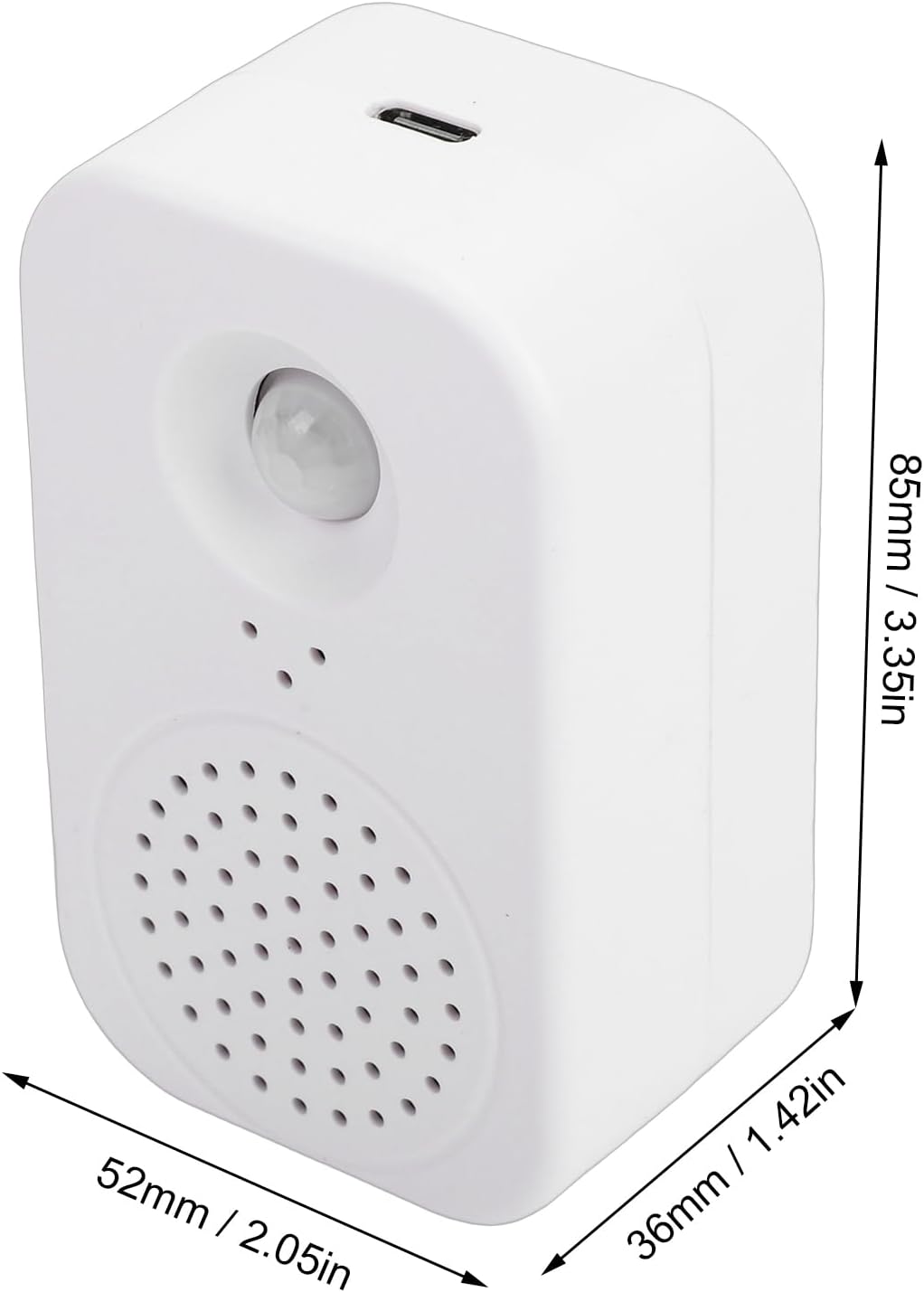
Image: The device mounted on a wall, demonstrating its function as a human body sensing voice announcement device.
Maintenance
1. Battery Charging
When the battery is low, the device will provide a low voltage reminder. Connect the device to a power source using the Type-C charging cable to recharge the internal Li-ion battery.
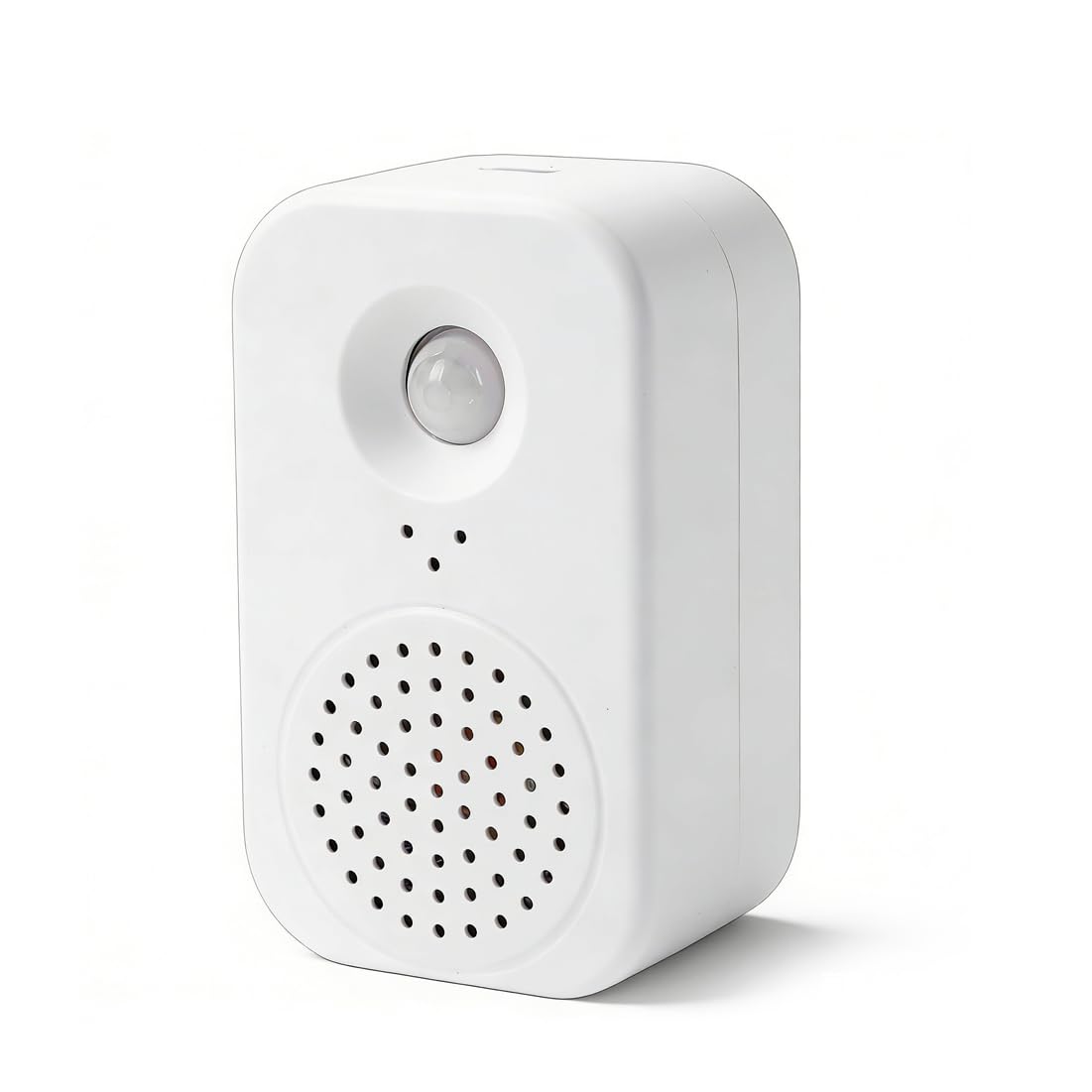
Image: The device indicating a low voltage reminder, prompting the user to charge the battery.
2. Cleaning
Wipe the device with a soft, dry cloth. Do not use abrasive cleaners or solvents, as these may damage the surface or internal components.
3. Storage
Store the device in a cool, dry place away from direct sunlight and extreme temperatures when not in use for extended periods.
Troubleshooting
| Problem | Possible Cause / Solution |
|---|---|
| Device does not power on. |
|
| No sound or incorrect sound plays upon motion detection. |
|
| Motion detection is inconsistent or not working. |
|
| Custom recording is lost. |
|
Warranty and Support
This product is covered by a standard manufacturer's warranty. For specific warranty details, please refer to the documentation provided at the time of purchase or contact your retailer.
For technical support, troubleshooting assistance, or inquiries regarding replacement parts, please contact VBESTLIFE customer service through their official channels or the platform where the product was purchased.